WhipDesk is an open-source, mobile-first remote desktop tool designed for developers who want to access and control their development machine from a phone or browser.


There are many alternatives to TeamViewer for Windows if you are looking for a replacement. The best free Windows alternative is RustDesk, which is also Open Source. If that doesn't suit you, our users have ranked more than 100 alternatives to TeamViewer and loads of them are free and available for Windows so hopefully you can find a suitable replacement. Other interesting free Windows alternatives to TeamViewer are AnyDesk, Parsec, Chrome Remote Desktop and TightVNC.
WhipDesk is an open-source, mobile-first remote desktop tool designed for developers who want to access and control their development machine from a phone or browser.
Remote support for IT teams and MSPs managing Windows devices, with attended or unattended access, remote control, file transfer, chat, multi-monitor support, reboot, device folders, scoped permissions, logs, recordings, audit exports, API access, and cloud or self-hosted deployment.
 United States
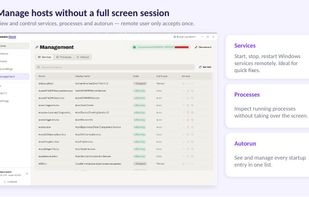
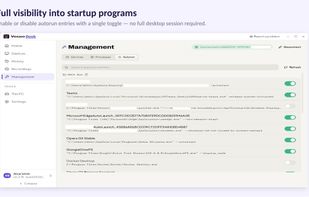
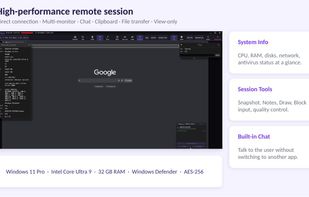


Remotera is a portable remote access utility for Windows. It runs as a standalone EXE and lets users control remote computers, transfer files, use unattended access, print remotely, and provide support without installation.
 Cyprus
 EU


Rednote Mirror is a secure remote support and desktop access solution for businesses, featuring unattended access, session recording, screenshot capture, screen sharing, controlled file transfer, and real-time remote assistance.
 India


Remuter is a free, cross-platform remote desktop application for Windows, Linux, and macOS (both Apple Silicon and Intel). It enables secure, high-quality screen sharing and remote control through a relay server — with no installation required.

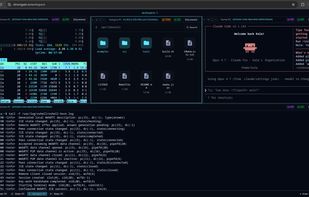
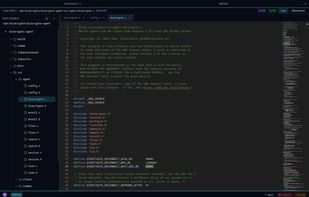
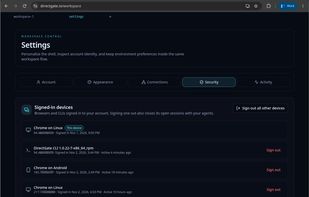
Secure browser-based remote desktop, terminal, file manager, and code editor for Windows, macOS, and Linux. End-to-end encrypted, with P2P connectivity and no VPN required.
 Georgia
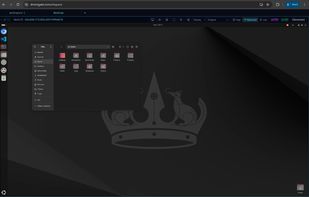

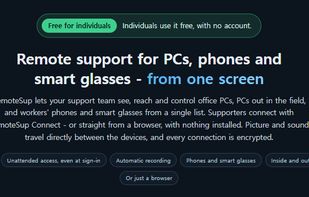
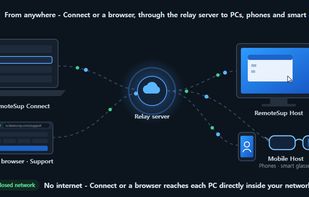
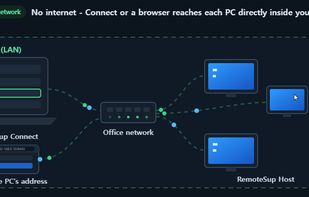
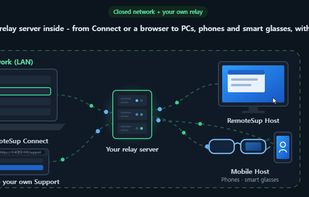
Remote support for Windows PCs, Android phones, and smart glasses, with encrypted control sessions, file and clipboard transfer, folder browsing, chat, voice, drawing, recording, and video-call assistance. No sign-up; device lists remain local.
 South Korea


Low-latency remote desktop for Windows and Linux with GPU encoding, direct peer-to-peer streaming and access even at the login screen.
 PolandEU
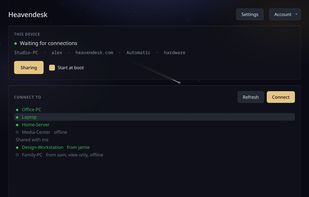
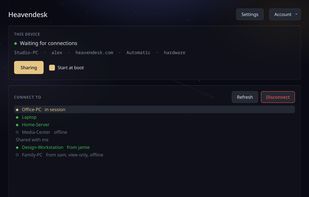
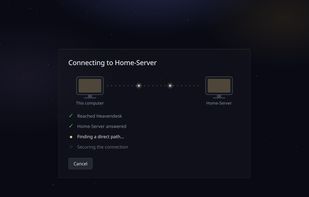
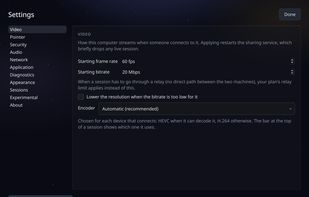



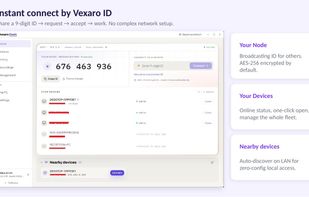
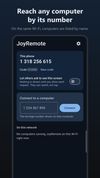
Remote desktop app for Windows, macOS, Ubuntu, Fedora and Android. Connect by entering a ten-digit computer ID or selecting a nearby device, manage several computers with keyboard switching, access Linux login screens, and use encrypted local or internet sessions.
 Israel
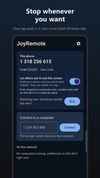
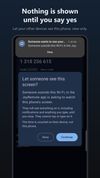


GlintDesk lets you control your Windows PC from any Android phone or tablet. Free to use, with low latency streaming and end-to-end encryption. No complicated setup — just install the Windows client, download the Android app, and connect in seconds. Premium plan available at $3.
 Hong Kong


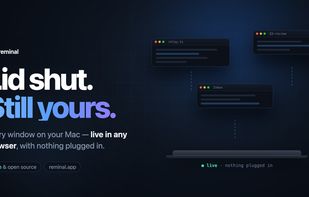
Close the lid and walk away — every window, desktop and terminal on your machines, live in any browser. E2E-encrypted, no open ports, no client, no account.