


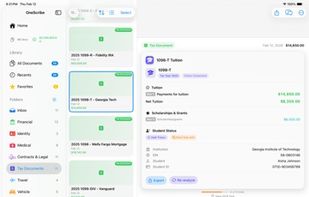
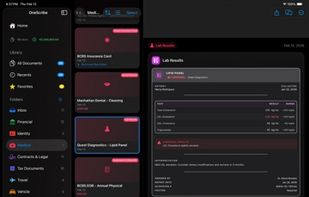
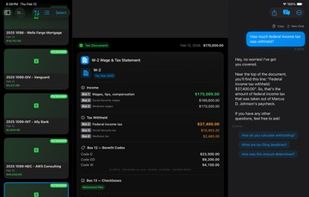
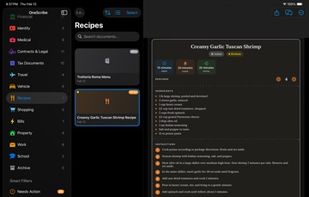
Private document scanner with on-device AI. Turns receipts, contracts, and records into structured data — no cloud, no subscription.
Cost / License
- Freemium
- Proprietary
Application type
Platforms
- iPhone
- iPad
 United States



+9


The top-rated alternative to Snagit is ShareX, which is free and open source. People also recommend Flameshot, Greenshot, OSS Document Scanner and MakeACopy. Screenshot Capture Tools like Snagit are a crowded field, with more than 100 alternatives for Windows, Mac, Linux, the web and iPhone.
Private document scanner with on-device AI. Turns receipts, contracts, and records into structured data — no cloud, no subscription.
United States
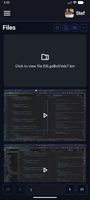
Zipline Android Client Application for a Diced/Zipline v4 ShareX Server to Upload, Download and Manage Files and Short URLs.


EasyCapture Pro is a screenshot utility designed for Windows users who need a quick and simple way to take screenshots and save images locally.
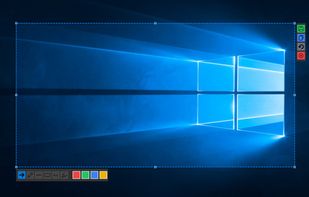
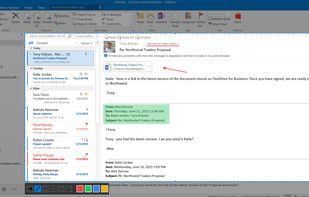
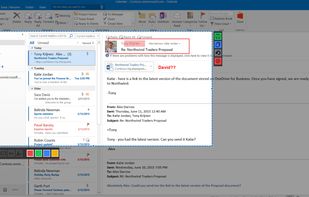


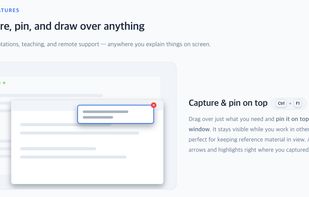
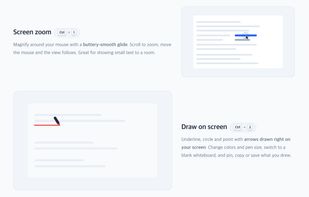
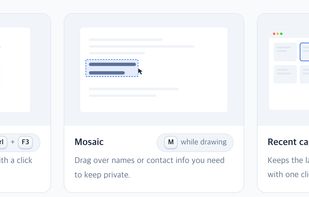
Sshot-Pin is a free screen capture tool for Windows and macOS, built for teaching and presenting.
 South Korea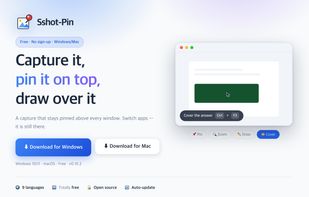


Turn your phone into a powerful document scanner with CamScan — the fast, secure, and easy-to-use app to scan, edit, sign, and share anything, anywhere.
 Uzbekistan



Capture any part of your screen and turn it into a floating card. On-device OCR, scroll capture, dock-to-edge gestures. Runs entirely on your Mac.
 Ukraine


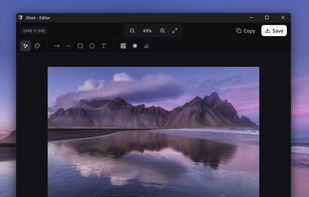
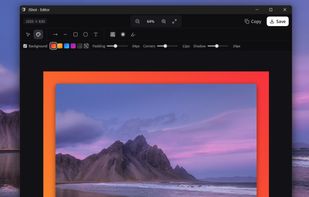
JShot turns your screen captures into finished images in seconds. No clutter, no friction — just the perfect flow.
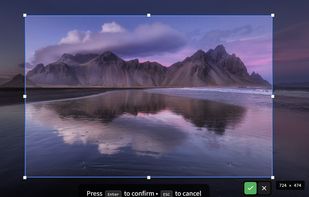
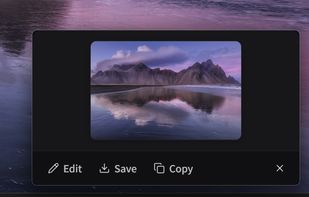


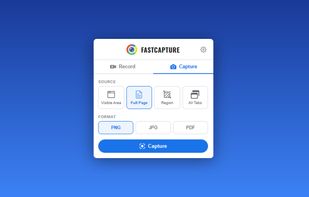
Record your screen, capture screenshots, annotate, and share them instantly. FastCapture is a lightweight, all-in-one Chrome extension for video recording, image capture, and annotation - no upload to external servers. Everything is processed locally in your browser.
United States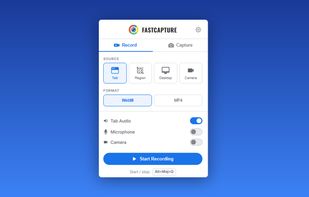
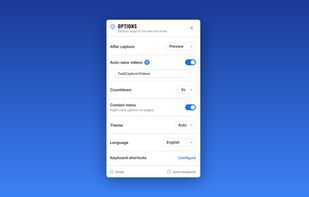
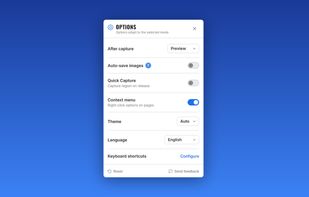


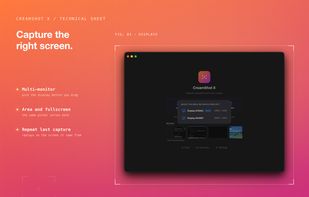
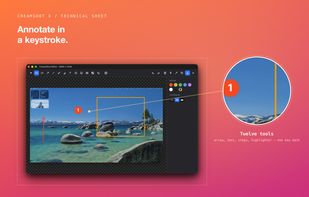
CreamShot X is a native screen-capture and annotation tool for macOS. Snip any area, mark it up, pin a capture on top of other windows, or extract text from an image with built-in OCR. CreamShot X is included in every getapps.cafe subscription.
United States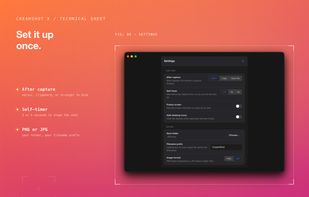



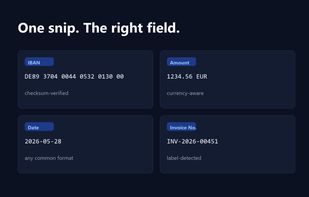
Snip2Field is a Windows utility for anyone who copies data off invoices and PDFs. Press a hotkey, drag a box over an IBAN, amount, date or invoice number, and it runs OCR on just that region and copies the result — no retyping.
 Taiwan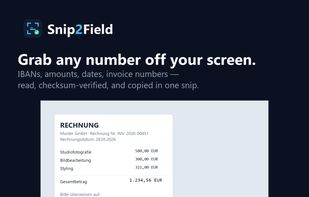


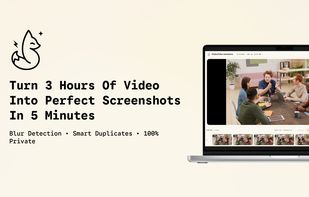
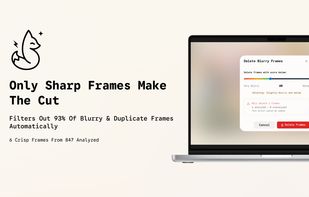
Extract high-quality screenshots from videos automatically. Blur detection filters out blurry shots. Auto-extract frames at intervals to scan hours of footage in minutes. Smart duplicate removal. Unlimited projects. 100% private - local processing. Free to start.



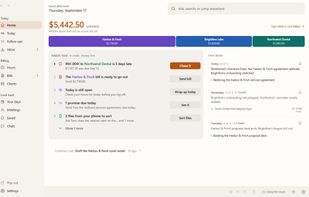
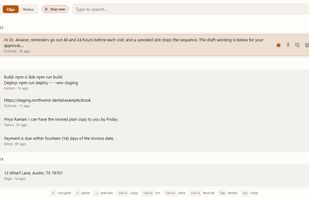
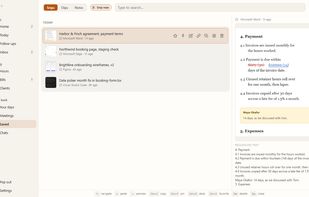
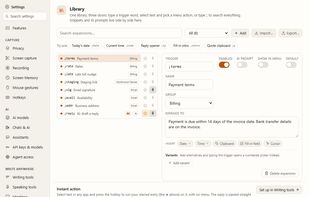
KeptInFlow is a Windows 10 and 11 app that stops you retyping what is already on your screen. It works where your cursor already is, in every app: Outlook, Word, Slack, your browser, your code editor.