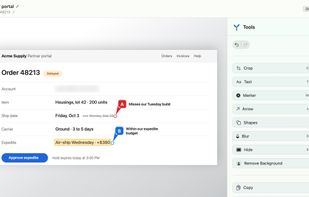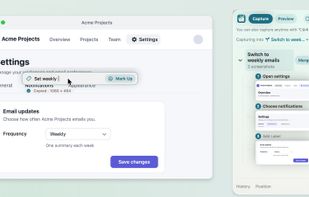


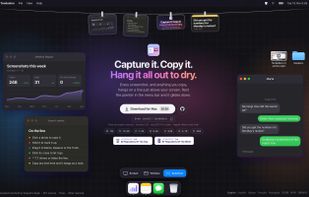
Capture any part of your screen and turn it into a floating card. On-device OCR, scroll capture, dock-to-edge gestures. Runs entirely on your Mac.
 Ukraine


The best Screenshot Capture alternative to Snagit is ShareX, which is both free and Open Source. If that doesn't suit you, our users have ranked more than 100 alternatives to Snagit and loads of them are Screenshot Capture Tools so hopefully you can find a suitable replacement. Other interesting Screenshot Capture Tool alternatives to Snagit are Greenshot, Flameshot, Snipping Tool and PicPick.
Capture any part of your screen and turn it into a floating card. On-device OCR, scroll capture, dock-to-edge gestures. Runs entirely on your Mac.
Ukraine
macOS menu-bar utility that places screenshots, screen recordings, copied images, text and web links on a line revealed from the menu bar. Items can be copied, annotated, searched with on-device text recognition, trimmed, dragged to apps or folders, or discarded.
 Spain
 EU
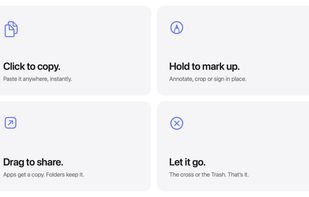


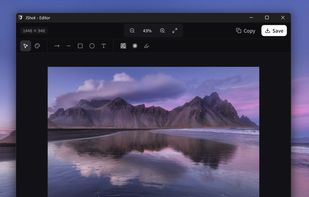
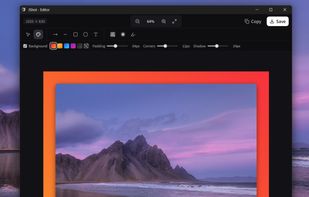
JShot turns your screen captures into finished images in seconds. No clutter, no friction — just the perfect flow.
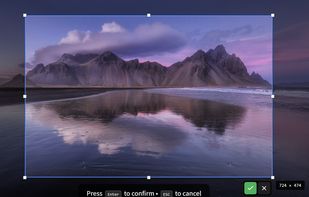
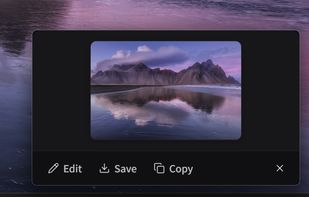


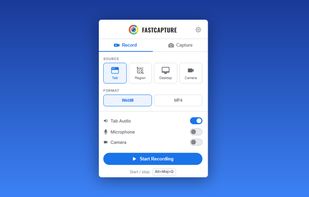
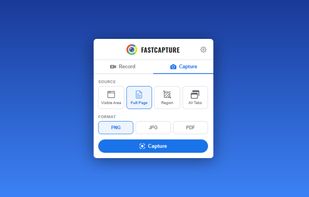
Record your screen, capture screenshots, annotate, and share them instantly. FastCapture is a lightweight, all-in-one Chrome extension for video recording, image capture, and annotation - no upload to external servers. Everything is processed locally in your browser.
 United States
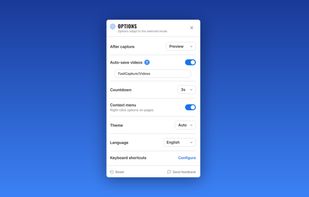
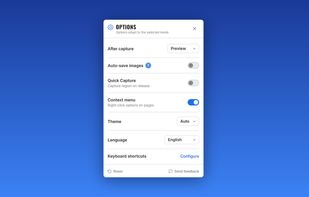

CreamShot X is a native screen-capture and annotation tool for macOS. Snip any area, mark it up, pin a capture on top of other windows, or extract text from an image with built-in OCR. CreamShot X is included in every getapps.cafe subscription.
United States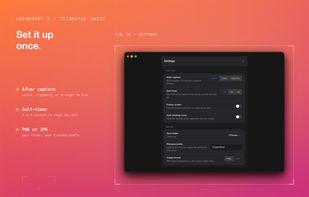
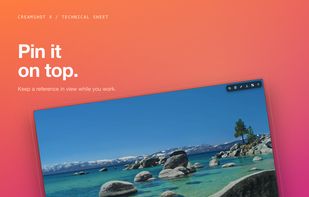
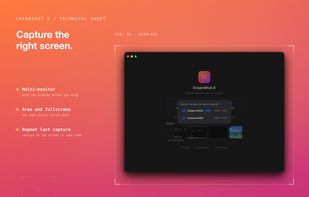
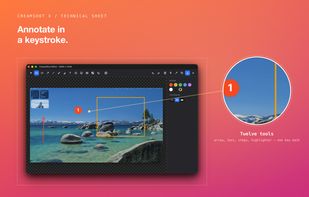


HashShot captures, marks up and records your Mac screen, then polishes the result for you. Everything runs on your Mac with no account and no cloud.
 United Arab Emirates
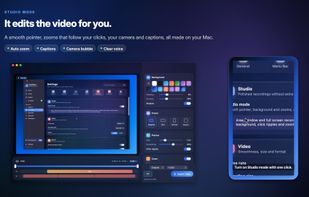
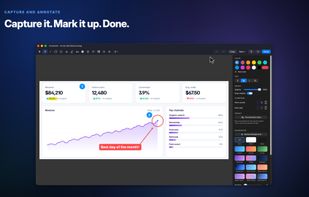
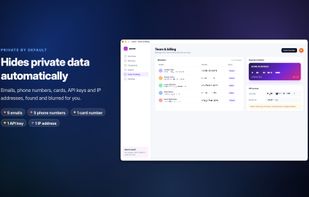


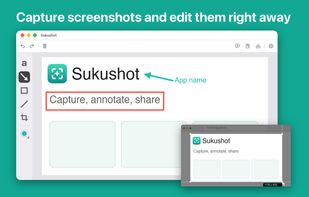
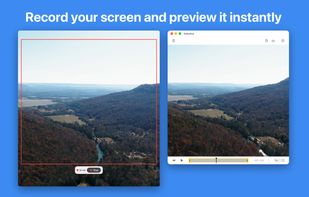
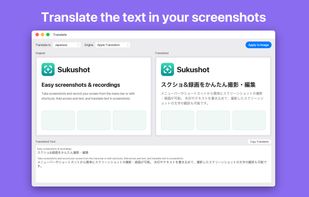
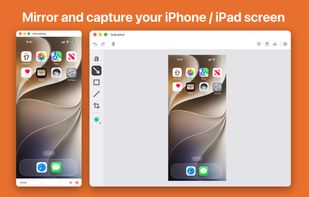
Sukushot is a menu-bar app that makes screenshots and screen recording effortless — just press your own keyboard shortcut. Add arrows, text, shapes and lines to what you capture, then copy or save it right away.


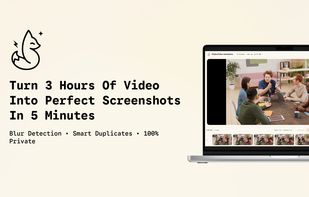
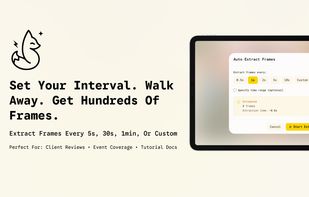
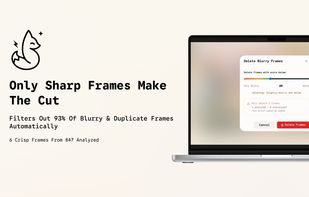
Extract high-quality screenshots from videos automatically. Blur detection filters out blurry shots. Auto-extract frames at intervals to scan hours of footage in minutes. Smart duplicate removal. Unlimited projects. 100% private - local processing. Free to start.



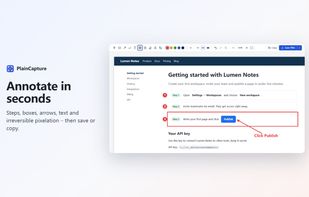
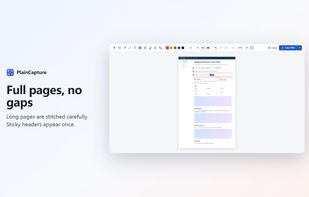
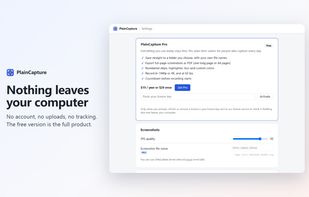
Full-page and area screenshots with annotation, and watermark-free screen recording to MP4 – everything stays on your computer.
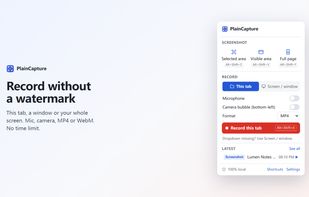


Screenshots is a free, open-source (MIT) screenshot and screen recording app for the Mac. Capture an area, a window, the full screen or a long scrolling page, pull the text out of an image on your Mac, record the screen as MP4 or GIF, then annotate with arrows, text, counters...
 Brazil
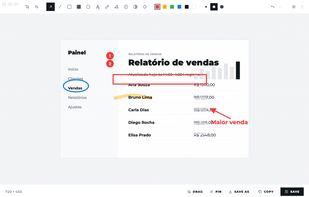
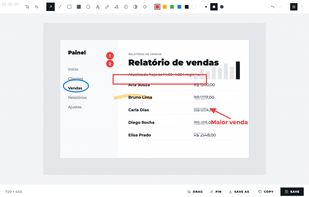


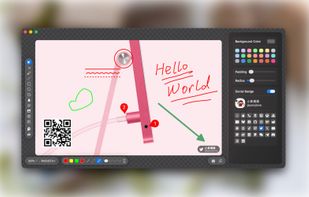
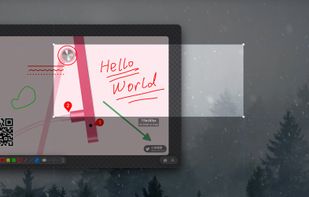
Enables macOS users to capture screenshots, annotate images, draw on a blank canvas, overlay image layers, use blur, mosaic, spotlight, QR code, watermark tools, add social badges, manage high-resolution export, and quickly share visuals via clipboard or file.
 China
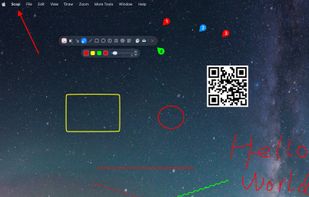
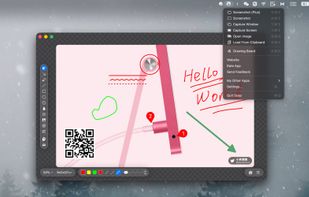


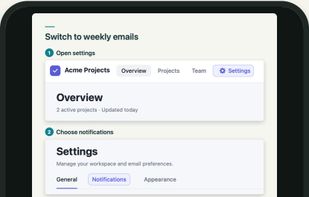
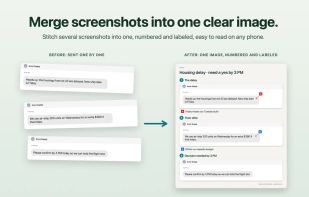
Mac screenshot tool for collecting related captures into labeled groups and exporting them as one numbered image. Add text, arrows, shapes, highlights, crops, blur, redaction, markers, and notes; import existing files while preserving originals, then copy or save the result.
United States