
Open-source screen capture and file sharing tool with recording, editing, and annotation features. Supports 4K, dark mode, theming, offline use, and offers a lightweight, ad-free experience without tracking user data.
 United States



+9
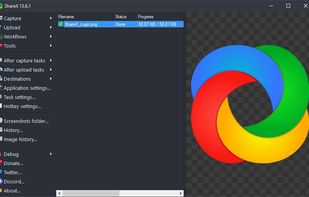




Apps similar to Shotnix include ShareX, which is free and open source. Other options are Greenshot, OpenScreen, Recordly and ScreenArc. You can choose from more than 10 Screen Recorders like Shotnix for Mac, Windows and Linux.
Open-source screen capture and file sharing tool with recording, editing, and annotation features. Supports 4K, dark mode, theming, offline use, and offers a lightweight, ad-free experience without tracking user data.
United States
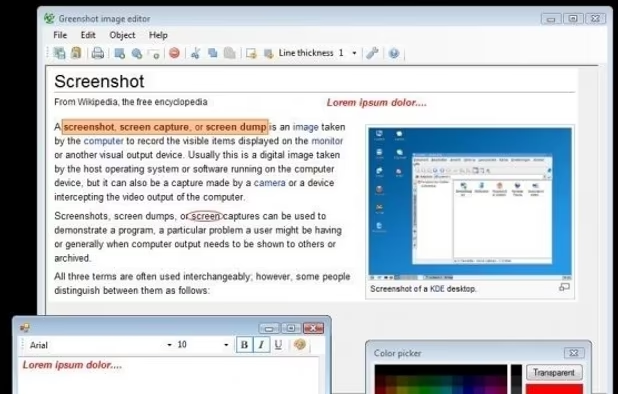
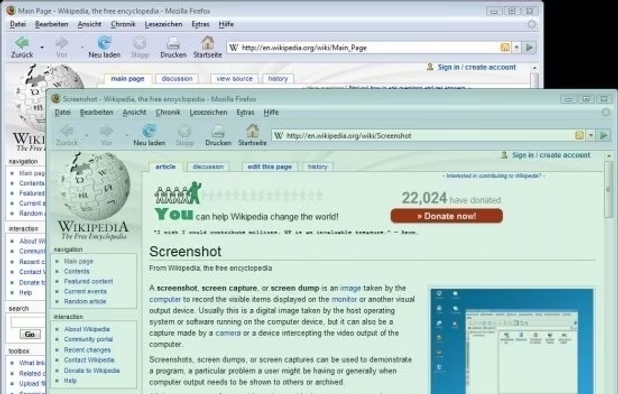
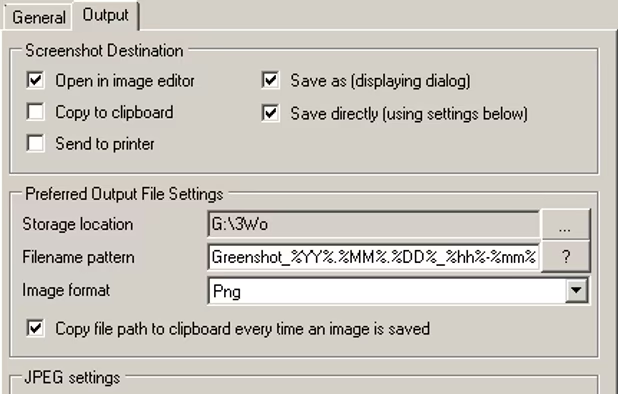
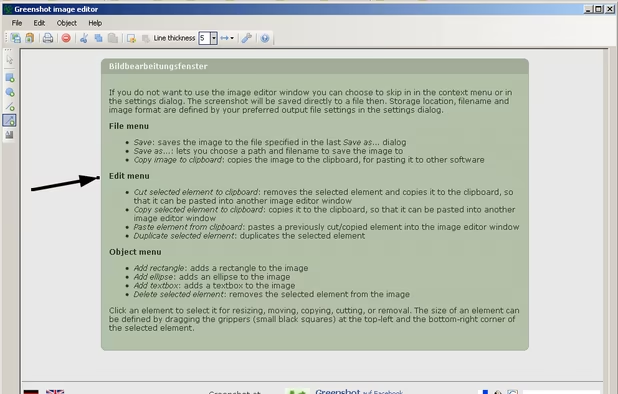
Lightweight screenshot tool offering OCR, exports to Office apps and online storage, integration with external commands, supporting 32 languages and minimal space requirement.
 Germany
 EU

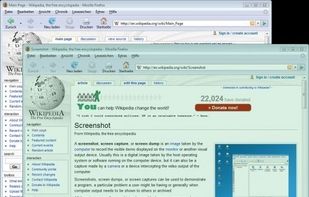
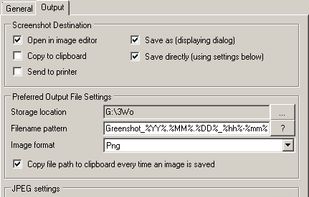
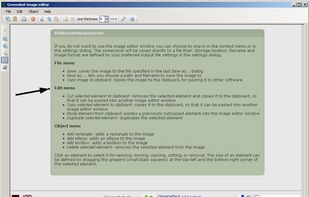


Open-source, no-cost screen recorder with no watermarks, supporting entire screen or app capture, manual zoom, smooth pan, custom backgrounds, cropping, motion blur, and direct use in browser for product demos, tutorials, and commercial purposes.
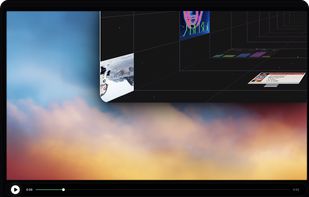
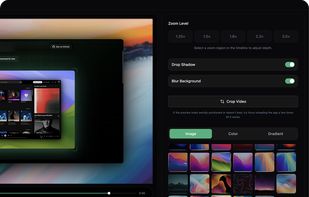
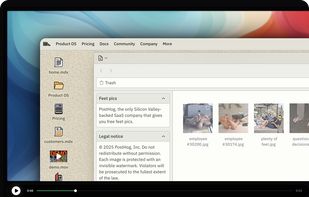


Free open-source screen recorder for macOS and Windows featuring auto-zoom, smooth cursor animations, MP4 and GIF export, timeline trimming, speed changes, annotations, frame styling options, advanced audio capture, and substantial OpenScreen modifications.
 Australia


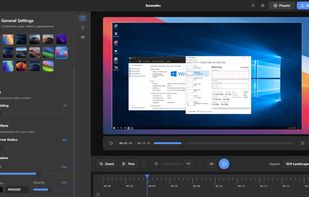
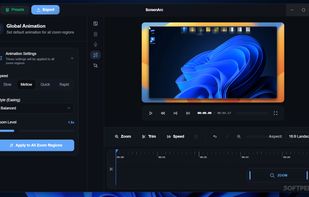
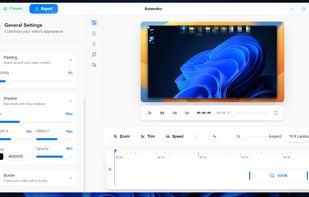
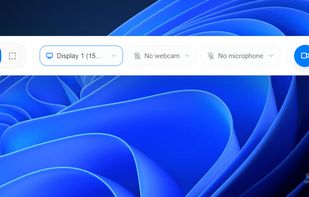
Cross-platform screen recording and editing tool featuring automated cinematic pan-and-zoom on mouse actions, webcam overlay, customizable visuals, timeline editor, multi-monitor support, instant aspect ratio switching, style presets, and 2K output in MP4 or GIF.
 Vietnam

Feature-packed native macOS screenshot tool — annotate, auto-redact PII, record GIFs, OCR + translate, scroll capture, beautify, and more. No Electron, no subscription.
 PortugalEU
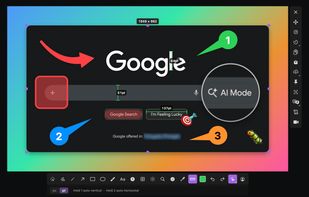

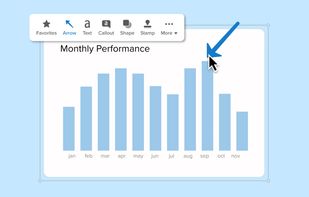
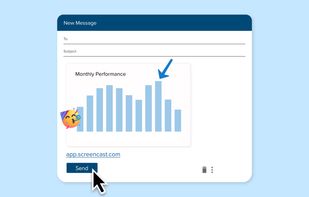
Advanced screen capture and recording tool enabling image or video captures directly from your screen. Includes editing features like callouts, transparency, and effects to enhance visuals. Organize and easily share creations through documents, presentations, or favorite applications.
United States
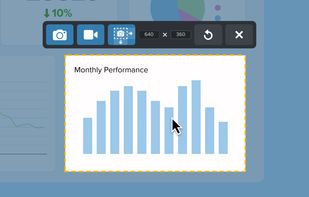


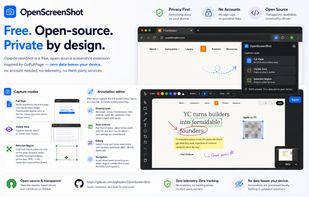
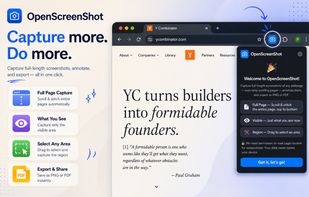
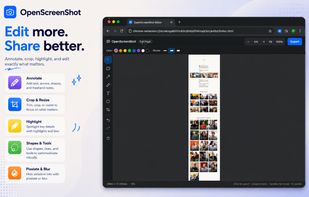
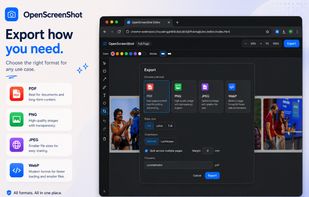
Browser extension for full, region, and visible-area screenshots, local annotation, PDF and format export, customizable, free, open source, fully offline, no account or telemetry, zero ads, no third parties, using only needed permissions, privacy-focused.
 Japan


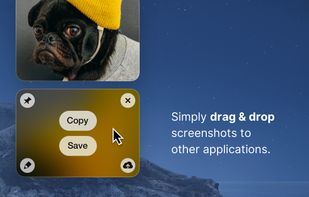
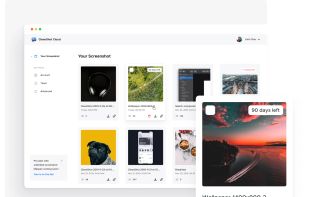
Capture and record screens on Mac with CleanShot X, featuring seamless recording, custom keyboard shortcuts, customizable wallpapers, Quick Access Overlay, and Desktop icon toggle for a tidy user interface.
 SwedenEU
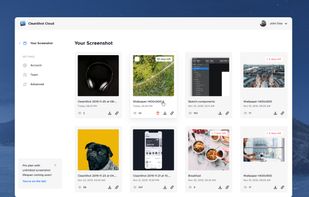
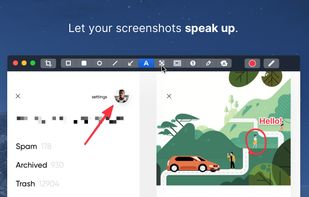


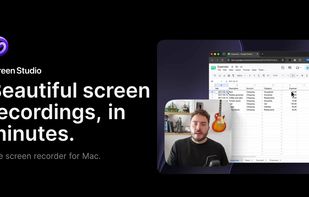
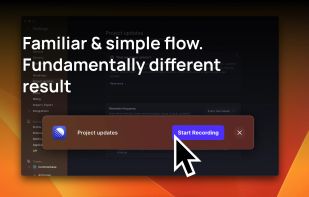
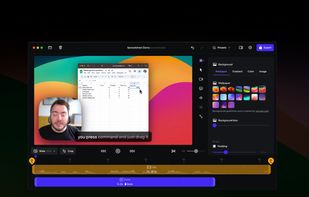
Record macOS screens with smoothed mouse movement, zoomed click highlights, cinematic motion blur, and customizable backgrounds while integrating webcam, microphone, system sound, and easy video editing. Output in HD for instructional and promotional videos.
 PolandEU