


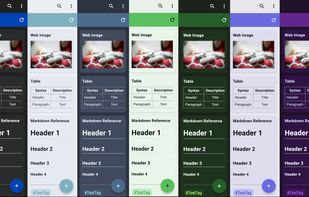
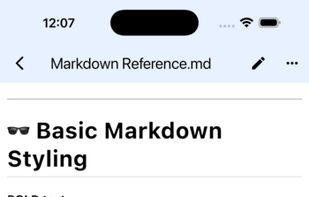
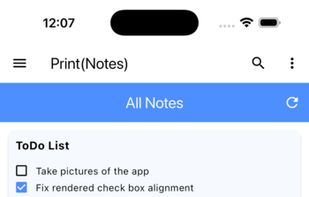
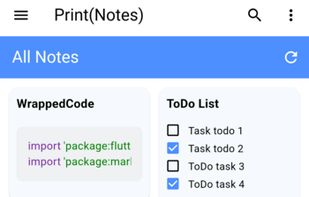
A cross-platform markdown notes app inspired by Google Keep and Obsidian, made with Flutter.
Cost / License
- Free
- Open Source (GPL-3.0)
Platforms
- Linux
- Android
- iPhone
- F-Droid



+1


The top-rated alternative to Obsidian is Logseq, which is free and open source. People also recommend Zettlr, sNotes – Students Notes, Anytype and Joplin. There's no shortage of Note-taking Tools like Obsidian, with more than 100 alternatives for Mac, the web, Windows, Linux and Android.
A cross-platform markdown notes app inspired by Google Keep and Obsidian, made with Flutter.

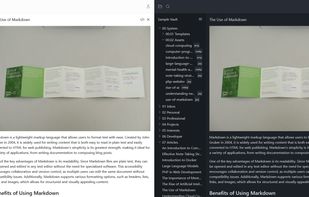
Many Notes is a markdown note-taking app designed for simplicity! Easily create or import your vaults and organize your thoughts right away.


The ultimate note-taking app for students & academics, featuring AI-powered RAG, vector databases, bibliography management, and seamless integration with your academic workflow.
 United States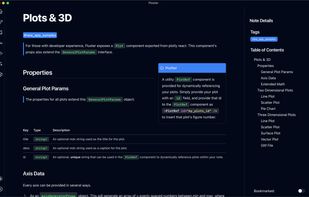
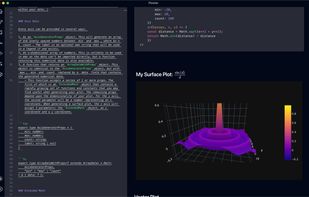









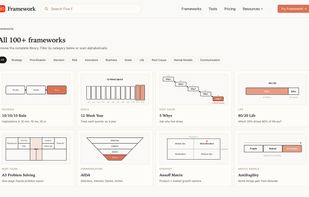
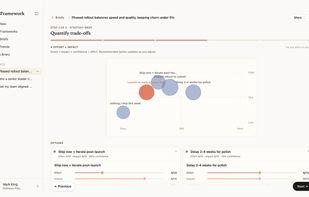
A curated library of 100+ thinking frameworks with an AI co-pilot that fills them in and produces a one-page strategy brief.
 Thailand



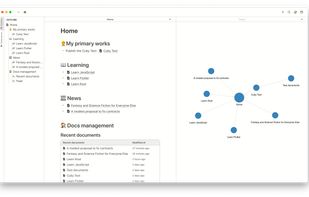
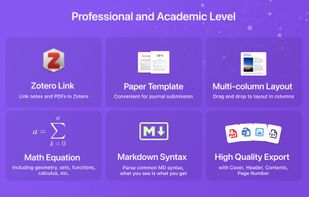
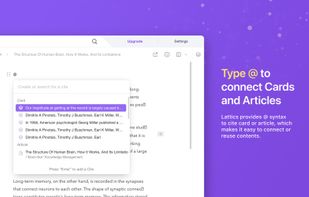
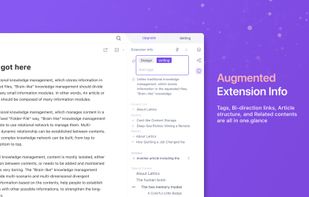
Lattics is an all-in one knowledge management tool. It offers most of the things in Obsidian, Scrivener and Zotero together.
 China
China


Truly integrated iOS app combining handwriting, PDF annotation, and text for seamless note-taking. Auto Sync backs up notes. Customize themes, library, and toolbars for a personalized experience with robust features.
United States




AI connects and organizes notes across your entire library, recommends structure, finds info in text and images, syncs offline across unlimited devices, opens instantly, imports Evernote data, and exports to multiple formats while ensuring user data ownership.
United States
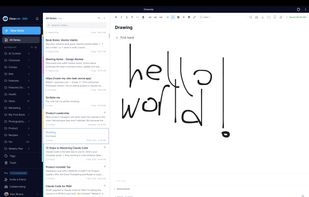


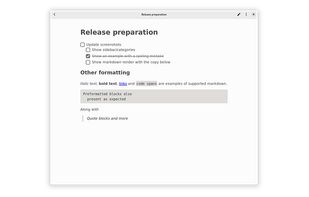
Iotas is a simple but elegant solution for notes especially but not only for GNOME users. Through Nextcloud integration, all notes can be kept in sync and accessed on different devices.




 Japan
Japan




 Spain
Spain EU
EU


