Your notes, always findable. Capture everything. Maintain nothing. Auto-tagging, smart search, zero organization required.





There are many alternatives to Obsidian for Windows if you are looking for a replacement. The best Windows alternative is Joplin, which is both free and Open Source. If that doesn't suit you, our users have ranked more than 100 alternatives to Obsidian and loads of them are available for Windows so hopefully you can find a suitable replacement. Other interesting Windows alternatives to Obsidian are Logseq, Anytype, Notion and Notesnook.
Your notes, always findable. Capture everything. Maintain nothing. Auto-tagging, smart search, zero organization required.

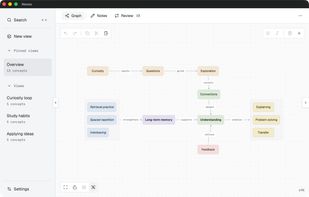
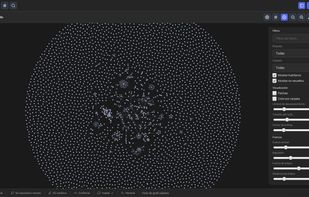
Nesso is an open-source (MIT), local-first app for building a personal knowledge graph. You connect concepts with typed, directed relations such as "causes", "part of" or "example of", and organize them in views: named subsets of the same graph, so...
 Italy
 EU




Filarr is an open-source, local-first workspace for notes, files, canvas, and knowledge graphs with native per-file AES-256-GCM encryption.
 FranceEU






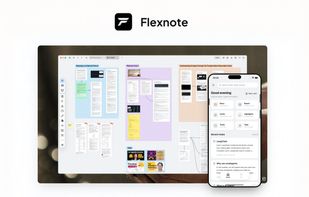
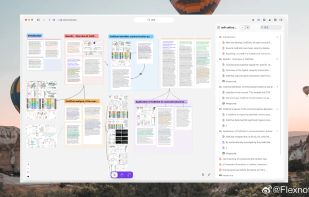
A local-first knowledge workspace for arranging Markdown notes, PDFs, images, audio, and video on an infinite canvas. It includes mind maps, tag-based databases, bidirectional links, PDF and timestamped video annotation, AI knowledge-base tools, plus WebDAV, S3, OneDrive, and Baidu sync.
 China
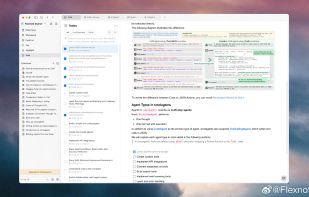
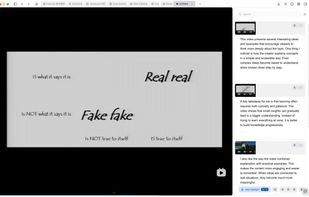


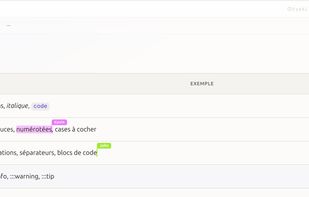
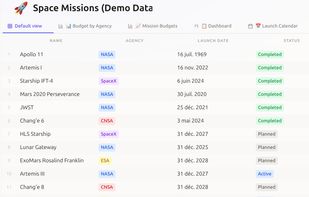
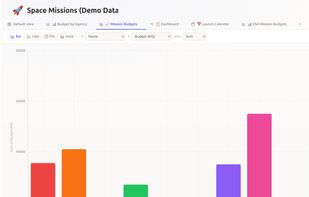
Dokyo is a workspace application for documents, notes, and structured data. It combines a block-based editor, nested pages, databases with several view types, and real-time collaborative editing in one interface.
FranceEU


Deft is a desktop editor for Markdown notes and LaTeX documents. It comes bundled with a LaTeX engine, so you can write articles as easily as notes.
 Türkiye
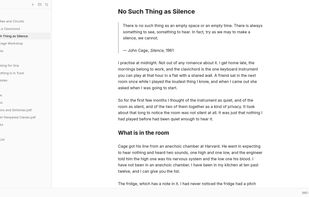
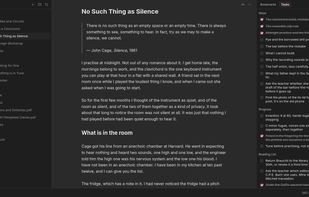
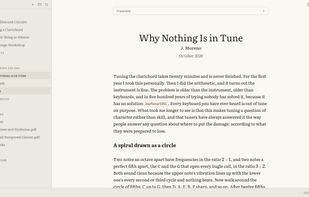
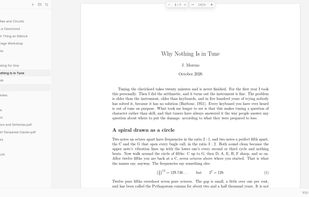


A simple notes app for Windows. Your notes stay in one file on your own computer. No account, no cloud, free and open source.
 NetherlandsEU

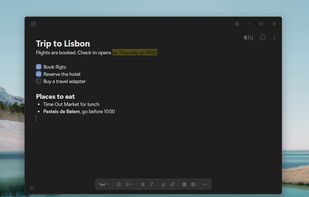



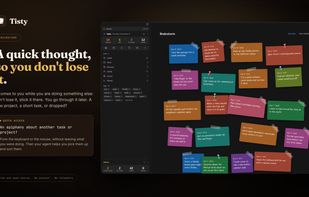
Local memory and context for you and your AI agent: Markdown notes, documents and tasks on your disk, with an MCP server for GitHub Copilot, Claude Code and Cursor.
 Chile
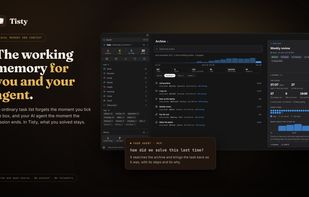
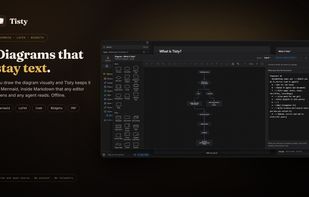


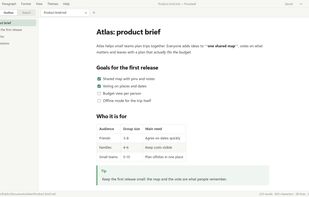
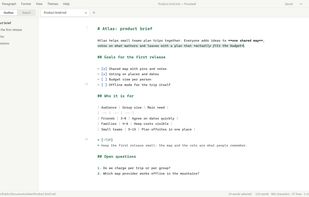
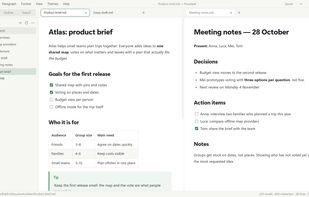
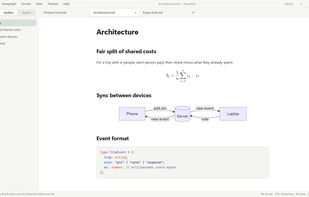
Proseleaf is a Markdown editor for Windows and Mac that formats your text as you type. Headings, lists, tables, formulas and diagrams appear in place, the way they will look in the finished document, and the Markdown syntax is shown only around the cursor.


A notes tool that follows the applications you select. Context-aware, lightweight, and stores encrypted, locally on your device.
 RomaniaEU


Local-first knowledge management with Markdown notes, wiki-links, backlinks, interactive graphs, plugins, themes and SQLite or Markdown vault storage.
 SpainEU
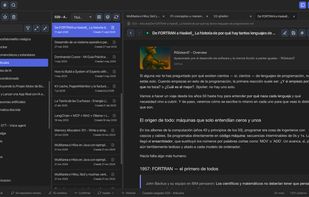
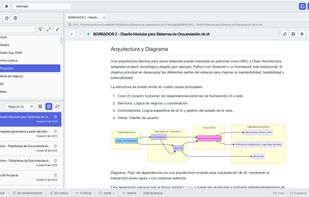
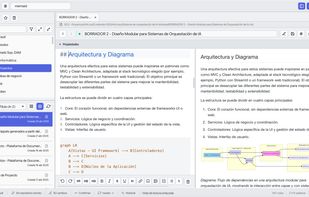


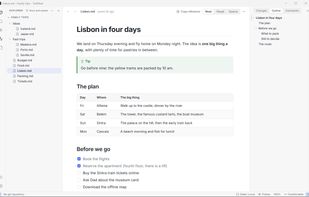
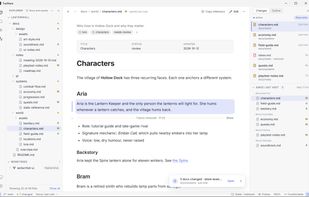
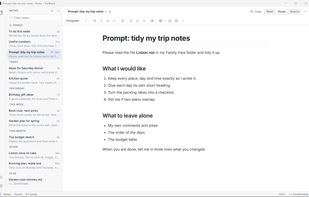
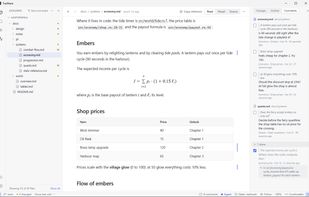
Open any Markdown (.md) file as a clean page, with tables, diagrams and math. Keep notes that save themselves. Working with AI? See what it changed since you last looked, and keep or revert each change. AI speeds the work. Your vision steers it.