Mousepad AlternativesText & Code Editors like Mousepad

Mousepad is described as 'A simple text editor for the Xfce desktop environment. Mousepad aims to be an easy-to-use and fast editor for quickly editing text files, not a development environment or an editor with a huge bunch of plugins' and is a Text Editor in the development category. There are more than 50 alternatives to Mousepad for a variety of platforms, including Windows, Linux, Mac, BSD and Flathub apps. The best Mousepad alternative is Notepad++, which is both free and Open Source. Other great apps like Mousepad are Visual Studio Code, Sublime Text, VSCodium and Vim.

Copy a direct link to this comment to your clipboard
Mousepad alternatives page was last updated

Alternatives list

  1. Notepad++ icon
     4933 likes

    Notepad++ is a free, open-source code editor supporting several languages, offering features like syntax highlighting, plugin support, dark mode, portability, privacy, and efficient resource usage, making it highly customizable and suitable for various programming needs.

    249 Notepad++ alternatives

    Cost / License

    • Free
    • Open Source

    Application types

    Platforms

    • Windows
    • PortableApps.com
     
    |
    1
    Notepad++ vs Mousepad Comments
    AdinanCenci
    Negative
    0

    Notepad++ is a professional tool for programmers and developers, Mousepad is a bare bones text editor.

    • Notepad++ is Free and Open SourceMousepad is also Free and Open Source
    • Notepad++ is Privacy focusedMousepad is not according to our users
  2. Visual Studio Code icon
     1380 likes

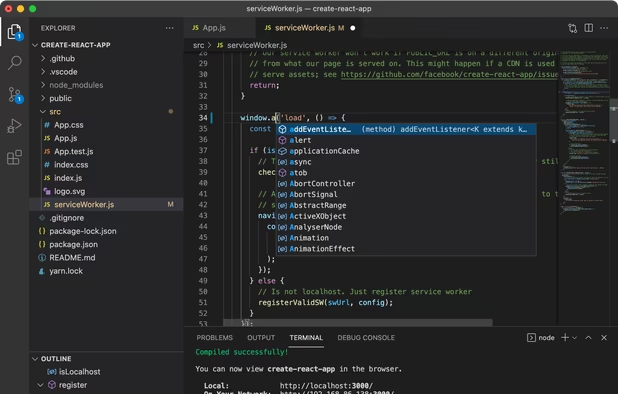
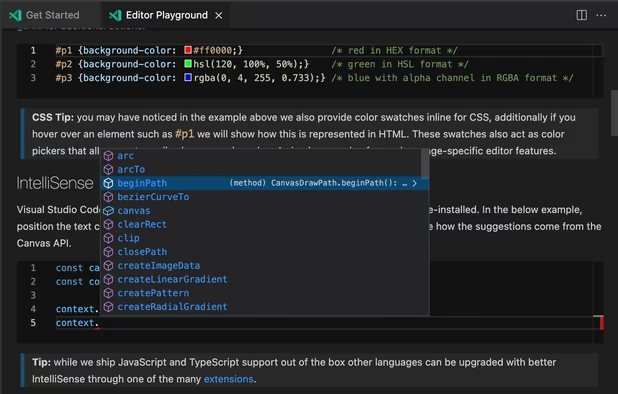
    Free and extensible code editor with built-in Git support, smart IntelliSense, integrated debugger, 30,000+ extensions, works offline, supports markdown and syntax highlighting for numerous languages.

    205 Visual Studio Code alternatives

    Cost / License

    • Free
    • Proprietary (MIT)

    Application types

    Platforms

    • Mac
    • Windows
    • Linux
    • Online
    • Chrome OS
    • Snapcraft
     
    |
    2
    Visual Studio Code vs Mousepad Comments
    AdinanCenci
    Negative
    1

    Visual Studio Code is a professional tool for programmers and developers, Mousepad is a bare bones text editor.

    Guest
    Negative
    0

    It's heavy-weight while Mousepad is as lightweight as it can possibly get

    Review by a new / low-activity user.
    • Visual Studio Code is Free and ProprietaryMousepad is Free and Open Source
    • Visual Studio Code is CustomizableMousepad is not according to our users
  3. Sublime Text icon
     2048 likes

    Powerful editor blending code, markup, and prose editing with enhanced features like multi-tab selection, side-by-side definition viewing, and multiple selection tools for swift code navigation.

    193 Sublime Text alternatives

    Cost / License

    • Freemium
    • Proprietary

    Application types

    Platforms

    • Mac
    • Windows
    • Linux
    • Flathub
    • Flatpak
    • Snapcraft
     
  4. VSCodium icon
     409 likes

    This repository contains a build file to generate FLOSS release binaries of Microsoft's Visual Studio Code - Open Source ("Code - OSS") project, the open source core of the proprietary Visual Studio Code.

    198 VSCodium alternatives

    Cost / License

    • Free
    • Open Source (MIT)

    Application types

    Platforms

    • Mac
    • Windows
    • Linux
    • Flathub
    • Electron
    • Snapcraft
    • Homebrew
    • Chocolatey
     
    |
    1
    VSCodium vs Mousepad Comments
    AdinanCenci
    Negative
    1

    VSCodium is a professional tool for programmers and developers, Mousepad is a bare bones text editor.

    • VSCodium is Free and Open SourceMousepad is also Free and Open Source
    • VSCodium is Customizable and Privacy focusedMousepad is not according to our users
  5. Vim icon
     1348 likes

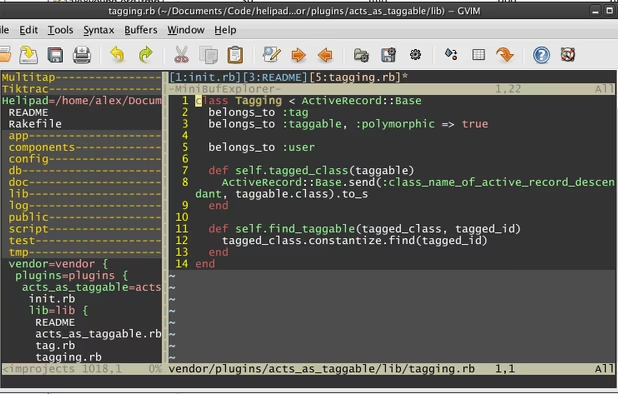
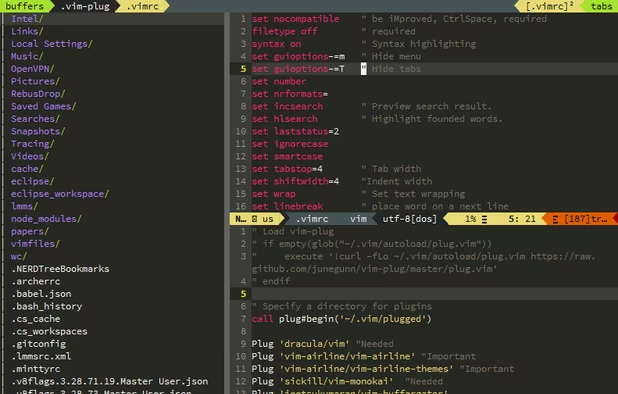
    Vim ("Vi IMproved") is an advanced text editor that allows syntax highlighting, word completion and has a huge amount of contributed content. It also has a GUI version called GVim.

    215 Vim alternatives

    Cost / License

    Application types

    Platforms

    • Mac
    • Windows
    • Linux
    • BSD
    • Haiku
    • AmigaOS
    • OpenSolaris
    • MorphOS
    • Flathub
    • Flatpak
    • Snapcraft
     
    |
    3
    Vim vs Mousepad Comments
    Guest
    Negative
    4

    Mousepad is a GUI text editor; Vim is a command line based editor. Both are great in their own ways but they are used in completely different contexts.

    Review by a new / low-activity user.
    Guest
    Positive
    1

    An absolutely beautiful-yet-minimalist hotkey-based editing setup, legendary extensibility, and outstanding community support & extensions.

    ...In other words: it's freakin' awesome!!

    Review by a new / low-activity user.
    AdinanCenci
    Negative
    0

    Vim is a professional tool for programmers and developers, Mousepad is a bare bones text editor.

    • Vim is Free and Open SourceMousepad is also Free and Open Source
    • Vim is CustomizableMousepad is not according to our users
  6. Zed Editor icon
     115 likes

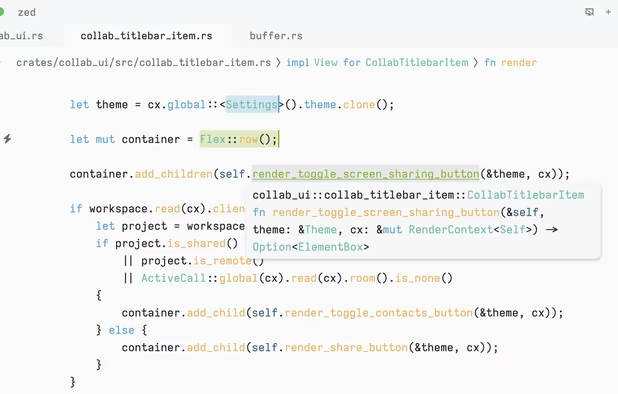
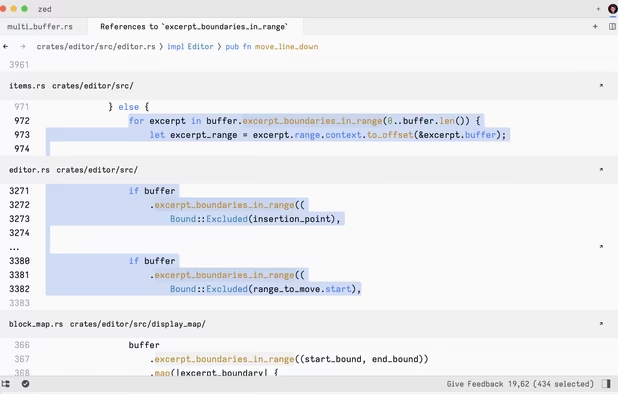
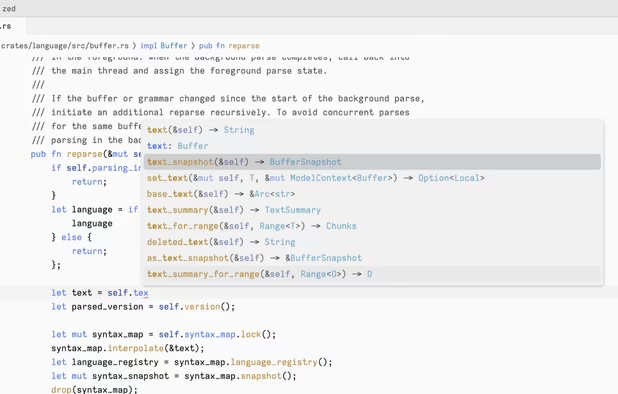
    Blazing fast code editor offering real-time multi-user collaboration, language-aware syntax highlighting, integrated terminal, multi-buffers for tab-free editing, built-in Vim mode, searchable outline, AI coding assistance, advanced keyboard commands, and cross-platform support.

    90 Zed Editor alternatives

    Cost / License

    • Freemium
    • Open Source

    Application types

    Platforms

    • Mac
    • Windows
    • Linux
    • Flathub
    • Flatpak
     
  7. Geany icon
     578 likes

    Geany is a powerful, stable and lightweight programmer's text editor that provides tons of useful features without bogging down your workflow.

    154 Geany alternatives

    Cost / License

    Application types

    Platforms

    • Mac
    • Windows
    • Linux
    • BSD
    • Snapcraft
    • Flathub
    • PortableApps.com
    • Flatpak
    • Haiku
     
    |
    1
    Geany vs Mousepad Comments
    Guest
    Negative
    -1

    Notepad is a text editor; Geany is an IDE. Recommending it to someone looking for a text editor is like, you ask me for a butter knife and I hand you a chainsaw.

    Review by a new / low-activity user.
    • Geany is Free and Open SourceMousepad is also Free and Open Source
    • Geany is Minimalistic, Customizable and Privacy focusedMousepad is not according to our users
  8. gedit icon
     695 likes

    Official text editor of the GNOME desktop environment. Has syntax highlighting and is suitable for programming, with support for several languages. It is extensible with plugins.

    193 gedit alternatives

    Cost / License

    Application types

    Platforms

    • Mac
    • Windows
    • Linux
    • Chrome OS
    • BSD
    • GNOME
    • OpenSolaris
    • Flathub
     
    |
    1
    gedit vs Mousepad Comments
    AdinanCenci
    Positive
    0

    Both are simple text editors, although gedit have more features

    • gedit is Free and Open SourceMousepad is also Free and Open Source
    • gedit is Customizable and Privacy focusedMousepad is not according to our users
  9. GNU nano icon
     290 likes

    GNU nano is a small and friendly text editor. Besides basic text editing, nano offers many extra features like an interactive search and replace, go to line and column number, auto-indentation, feature toggles, internationalization support, and filename tab completion.

    153 GNU nano alternatives

    Cost / License

    Application types

    Platforms

    • Mac
    • Windows
    • Linux
    • BSD
    • Haiku
     
    |
    1
    GNU nano vs Mousepad Comments
    Guest
    Negative
    2

    Notepad is GUI based, Nano is terminal based. I love Nano and use it lots but apples and oranges.

    Review by a new / low-activity user.
    • GNU nano is Free and Open SourceMousepad is also Free and Open Source
  10. Edit icon
     19 likes

    Open-source command-line text editor for Windows with a modern interface inspired by MS-DOS Editor, featuring key bindings, lightweight build under 250KB, multi-file handling with ctrl + P, keyboard-optimized navigation, and direct file editing for developers.

    Cost / License

    • Free
    • Open Source (MIT)

    Application types

    Platforms

    • Windows
    • Linux
     
  11. Notepad3 icon
     64 likes

    Notepad3 is a fast and light-weight text editor with syntax highlighting for programming jobs. Auto-completion, Multi-language, Dark mode more.

    211 Notepad3 alternatives

    Cost / License

    • Free
    • Open Source

    Application types

    Platforms

    • Windows
     
12 of 78 Mousepad alternatives