

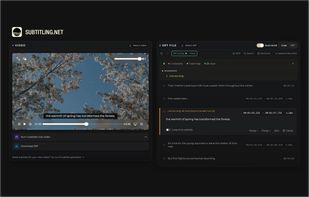
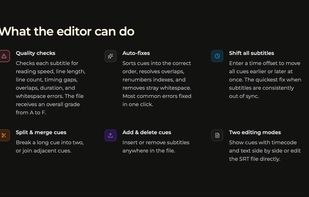
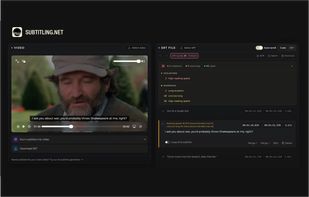
Most SRT editors let you change text and timecodes. This one also tells you whether the result is actually good.
 Netherlands
 EU




One of the most popular alternatives to Aegisub is Subtitle Edit, which is free and open source. Other popular alternatives are SubTypo, Subtitle Workshop, Subtitle Composer and Overcaption. Subtitle Editors like Aegisub are a crowded field, with more than 50 alternatives for Windows, Mac, Linux, the web and iPad.
Most SRT editors let you change text and timecodes. This one also tells you whether the result is actually good.
NetherlandsEU
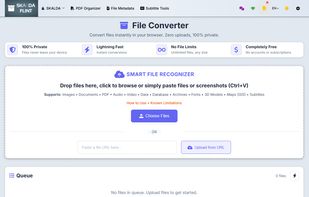
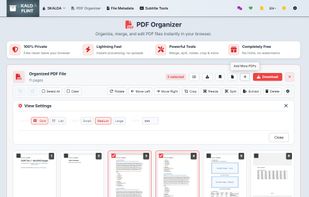
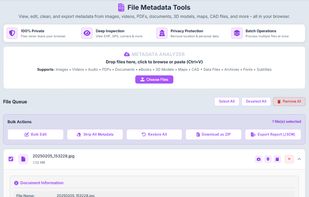
FLINT is a privacy-first, in-browser file toolkit with a multi-format converter (100+ formats), PDF organizer, file metadata cleaner, and subtitle fixer—no uploads, no logins, no tracking, and no file size limits.


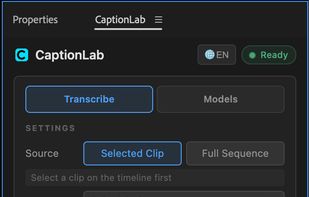
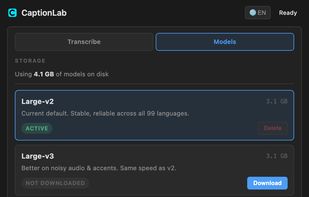
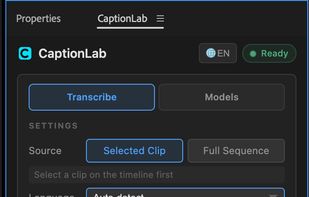
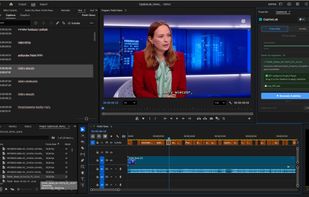
An offline Premiere Pro extension that transcribes clips or full sequences with Whisper models, then adds editable caption tracks with word-level timing. It supports 99 languages, automatic language detection, English translation, and model selection on Mac or Windows.
 Ukraine


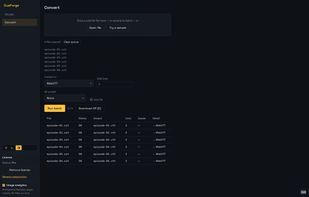
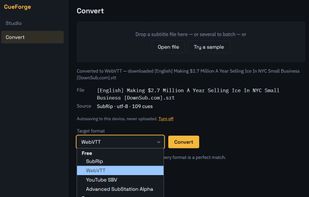
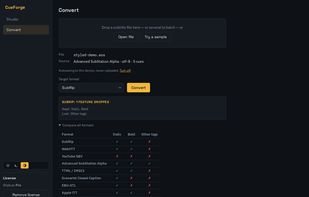
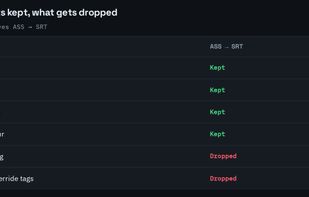
CueForge is a subtitle and caption tool that runs entirely in the browser. Every parse, format conversion, QC check and re-sync happens on your own machine, and files never upload. The only network calls it makes are a Pro licence check and cookieless page-view counting.


Lyric Workshop is a professional-grade desktop application crafted by a software architect with a deep background in music production. It is designed to turn the tedious task of lyrics synchronization into a seamless, rhythmic flow.
 China



Stage5 Translator is an open-source desktop app for macOS and Windows that takes a video from link to translated subtitles in one place. Most subtitle workflows move a file through a downloader, a transcription site, a translation box and a separate editor.
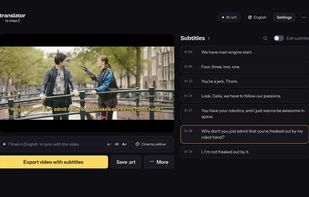
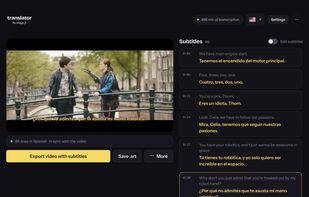
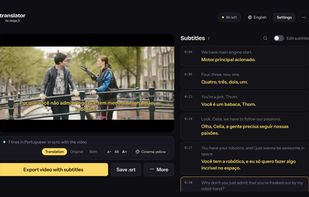
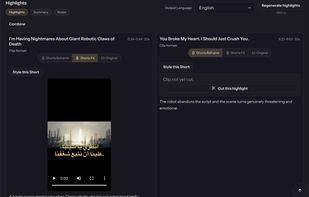


Empowering subtitle creators with next-generation editing tools designed for the modern world of content creation.
 Hong Kong
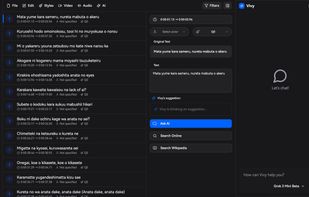


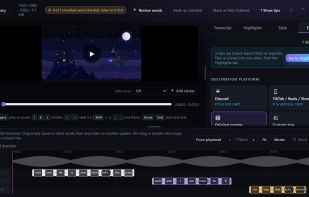
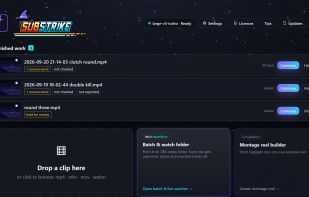
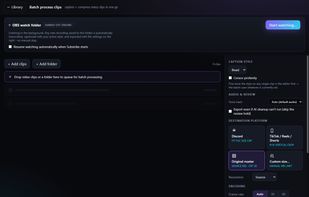
Captions your gaming clips on your PC, each voice in its own colour, ready for Shorts, TikTok and Reels. Great for video podcasts and talking videos too.
 Australia


For any YouTube video, get complete subtitles, concise summaries, interactive chat, AI-generated articles, visual mindmaps, and personal notes.