




Adobe Photoshop serves as a professional raster graphics editor for Windows and macOS, handling advanced image editing, retouching, and digital art. Users praise its extensive feature set for graphics and design, though many complain about high pricing compared to other editors.
GIMP tops the rankings as the leading Photoshop alternative, offering broad image-editing and retouching tools completely free and open-source. Many users switch to GIMP specifically to escape Photoshop's cloud licensing and subscription model. Affinity Photo ranks second with its polished interface and one-time purchase model, repeatedly highlighted as a cost advantage over subscription pricing. Luminar Neo brings AI tools like GenErase and GenExpand plus focus stacking and HDR merging for photographer-centric workflows.
Krita ranks third, focusing on digital painting with advanced brush control and animation support for artists. The alternatives landscape splits between pro photo editors and art-first painting apps, with Photopea standing out as a free, install-free option with PSD support and a familiar interface.
For open source transparency, GIMP and Krita lead with community-driven development and no proprietary licensing restrictions. Linux users have native options in GIMP, Krita, and MyPaint without relying on Windows or macOS-only tools. Windows-only picks include Paint.NET and Corel PaintShop Pro for desktop editing with layers, effects, and selection tools.
Web-based editors like Photopea, Pixlr, and Sumo Paint work in browsers when you can't install software on school or locked-down computers. Users avoiding subscriptions can choose Affinity Photo and Affinity Designer for predictable one-time licensing. For PSD workflows, Photopea, Affinity Photo, and Pixelmator open Photoshop-format documents to maintain collaboration compatibility. iPad workflows benefit from Affinity Photo, Pixelmator, and Pixlr for editing on tablets rather than desktop-only setups.

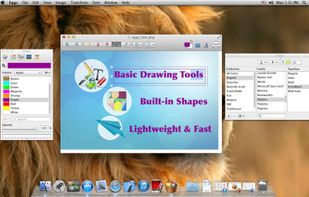
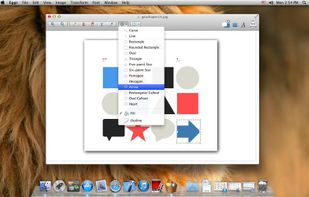
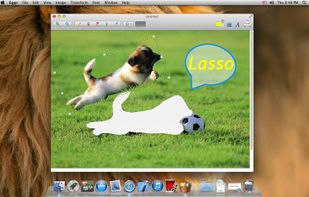
Draw is a graphics painting app to draw, color, or edit pictures. You can use Draw like a digital sketchpad to make simple pictures, creative projects, or to add text and designs to other pictures, such as those taken with your digital camera.


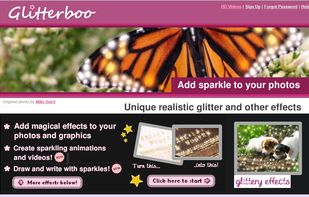
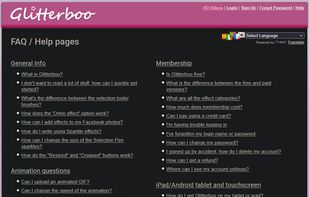
A web-based platform for adding sparkling effects, animations, and HD videos to photos. Uses automated tools to apply glitter, soft lighting, and geometric patterns depending on image quality. Supports GIFs, video creation with soundtracks, and Dropbox/Photobucket integration 68.


Edit images online with resizing, drawing, text addition, and exposure or saturation adjustment—no downloads or sign-up required. Supports color, brightness, format conversion, and quick refinement of banners, illustrations, profile photos, and more.


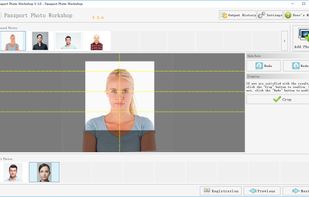
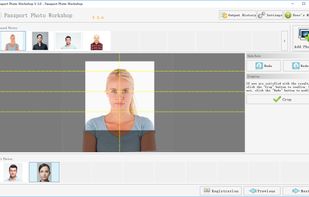
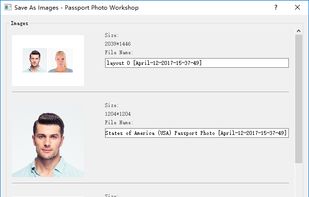
Passport Photo Workshop is an all-in-one biometric passport photo software for home, business and organization users. It provides step-by-step wizard style user interface with informative tips, dozen of passport photo templates and layouts and powerful but easy to use editing...



Bring your memories back to life in just one tap! Old Photo Restore Repair - OIR is the ultimate AI-powered photo restoration app designed to restore old photos, remove scratches, colorize black and white pics, and enhance image quality automatically.
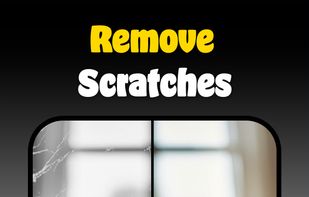
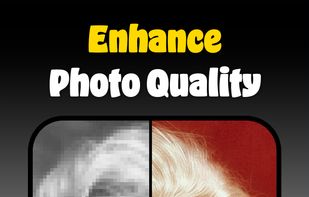
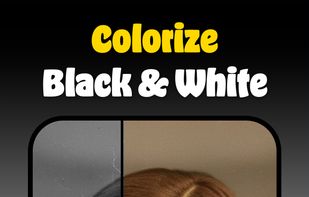

AI image toolkit with three workflows for Photographers, Ecommerce Sellers, and Real Estate Agents with features e.g. upscale to 8x, restore faces, remove backgrounds, denoise, deblur, dehaze, ghost mannequin, reflection shadow, Day to Dusk , virtual staging, window pull, sky replacer.
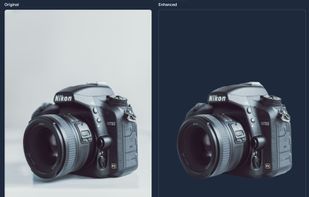
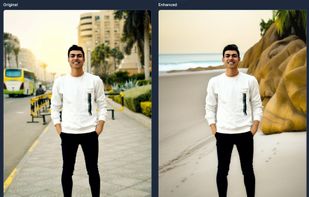
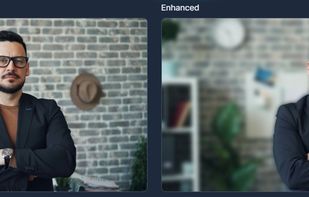
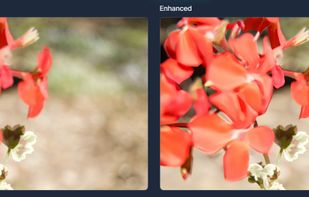


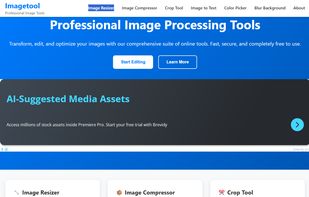
Transform, edit, and optimize your images with our comprehensive suite of online tools. Fast, secure, and completely free to use.


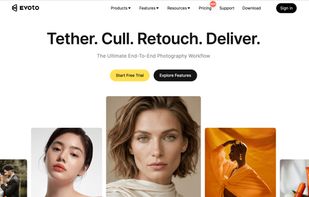
Evoto is an AI-powered photo editing software designed for photographers and creative teams who need faster, more consistent editing workflows. It helps users retouch portraits, enhance images, adjust backgrounds, remove distractions, and process large batches of photos...

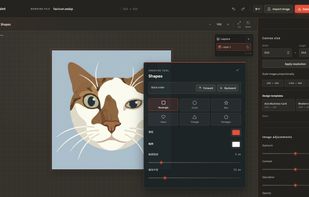
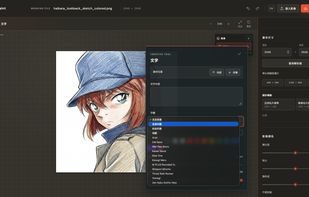
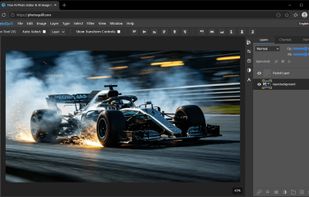
PhotoQuill is a free, browser-native Photoshop alternative built on the latest WebGPU graphics API. It brings desktop-class image editing - layers, masks, blend modes, filters, brushes, healing/clone tools, and full PSD compatibility - to any modern browser, on any device, with...

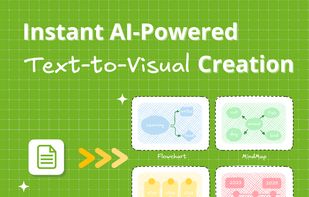
VisualGPT.io is a free AI platform for creating professional visuals in seconds. Transform text, URLs, and tweets into visualizations, charts, or mind maps, or generate high-quality images with popular AI models.


InstantPhoto is a free, browser-based photo editor built for people who just want to edit a photo without any friction.


 Taiwan


 United Kingdom


 Pakistan


 Singapore



 Czechia
 EU
EU
