


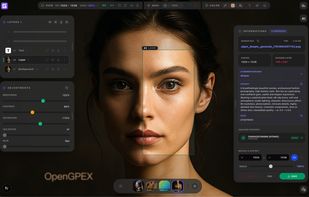
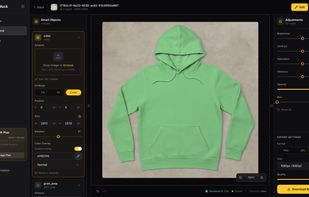
OpenGPEX is a next-generation browser-based image editor built for professionals who care about privacy and performance.


Adobe Photoshop serves as a professional raster graphics editor for Windows and macOS, handling advanced image editing, retouching, and digital art. Users praise its extensive feature set for graphics and design, though many complain about high pricing compared to other editors.
GIMP tops the rankings as the leading Photoshop alternative, offering broad image-editing and retouching tools completely free and open-source. Many users switch to GIMP specifically to escape Photoshop's cloud licensing and subscription model. Affinity Photo ranks second with its polished interface and one-time purchase model, repeatedly highlighted as a cost advantage over subscription pricing. Luminar Neo brings AI tools like GenErase and GenExpand plus focus stacking and HDR merging for photographer-centric workflows.
Krita ranks third, focusing on digital painting with advanced brush control and animation support for artists. The alternatives landscape splits between pro photo editors and art-first painting apps, with Photopea standing out as a free, install-free option with PSD support and a familiar interface.
For open source transparency, GIMP and Krita lead with community-driven development and no proprietary licensing restrictions. Linux users have native options in GIMP, Krita, and MyPaint without relying on Windows or macOS-only tools. Windows-only picks include Paint.NET and Corel PaintShop Pro for desktop editing with layers, effects, and selection tools.
Web-based editors like Photopea, Pixlr, and Sumo Paint work in browsers when you can't install software on school or locked-down computers. Users avoiding subscriptions can choose Affinity Photo and Affinity Designer for predictable one-time licensing. For PSD workflows, Photopea, Affinity Photo, and Pixelmator open Photoshop-format documents to maintain collaboration compatibility. iPad workflows benefit from Affinity Photo, Pixelmator, and Pixlr for editing on tablets rather than desktop-only setups.
OpenGPEX is a next-generation browser-based image editor built for professionals who care about privacy and performance.

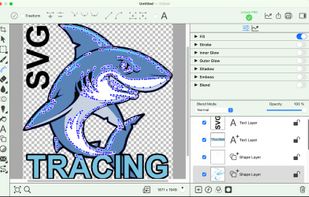
ContoursPhoto is a professional image editing app that goes beyond traditional layer-based workflows, offering creative tools you simply won’t find in other editors.


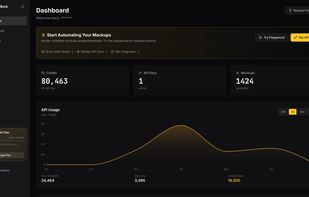
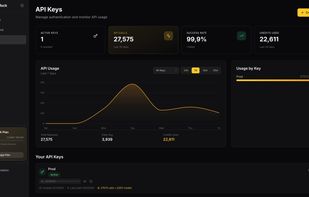
REST API for PSD mockup rendering. Sub-second response times at $0.002 per render. Built for e-commerce and print-on-demand automation.


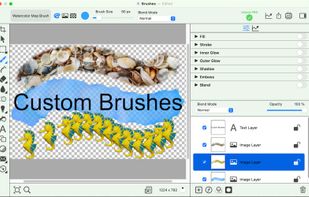
Non-destructive editing with layers, blend modes, advanced tablet-responsive brushes, curated brush sets, multi-document interface, OpenRaster native save, broad image format support including EXIF, modern UI with dark mode, one-time licence, and cross-platform.
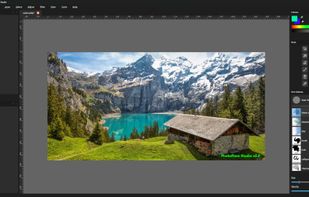





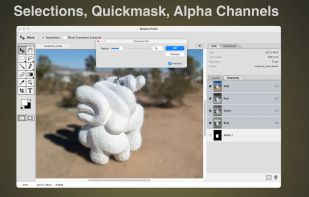
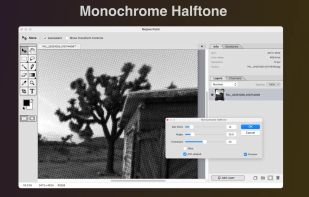
A new macOS image editor with familiar key bindings and a somewhat retro aesthetic. Keeping the dream of the '90s alive!.
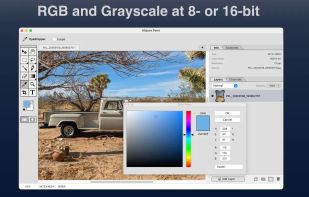
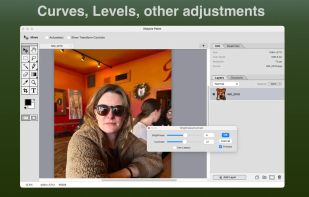


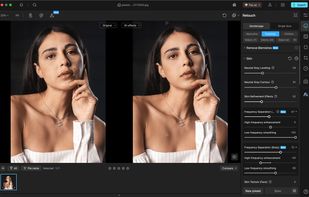
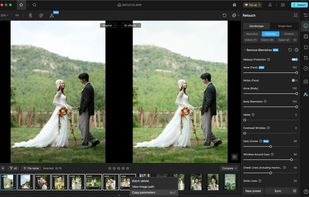
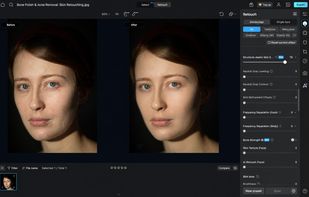
AI-powered batch photo retouching software with portrait enhancement, object and glare removal, RAW processing, wrinkle correction, custom presets, background cleanup, color transfer, makeup features, and restoration tools for diverse photo workflows.



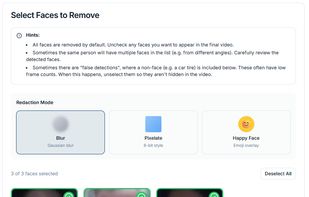
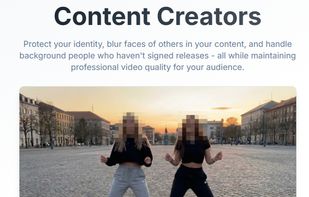
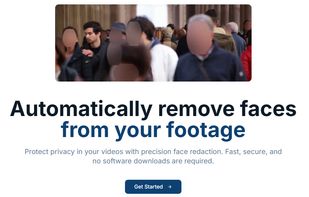
Redact Pro is a secure, cloud-based platform that automatically removes faces from videos. It uses advanced computer vision to detect and track identities accurately, even in complex scenes. The system is designed for personal, legal, investigative, and professional use, with...


Ecomstation.ai helps eCommerce brands turn ordinary product photos into professional, high-converting visuals using AI - no studio, models, or complex editing required.


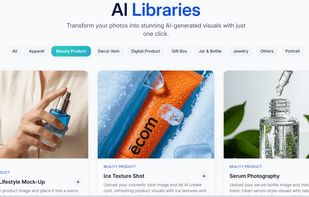


PhotoSir is a powerful and professional photo editor, which is also a user-friendly alternative to Photoshop. With the brand-new product design and latest built-in AI algorithm, each individual user is competent to create their own arts faster and easier.



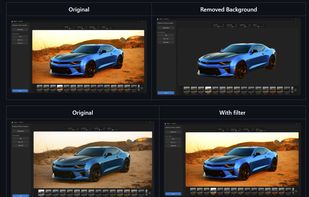
Powerful local photo editor built for quick, professional results. No accounts, no ads, no watermarks, no data collection - just editing, filtering, background removing, cropping & layering.
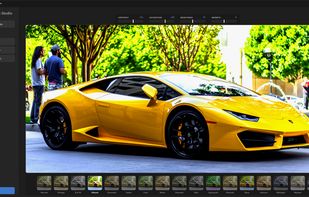
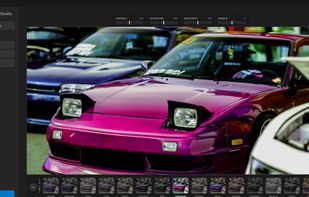
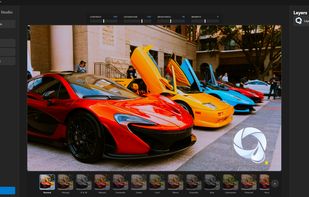


AI-powered creative platform for editing photos, generating images and videos, and producing studio-quality product visuals at scale.




 United States


 United Kingdom


 China
China


