Adobe Acrobat DC Alternatives for Linux

Adobe Acrobat DC is not available for Linux but there are plenty of alternatives that runs on Linux with similar functionality. The best Linux alternative is Master PDF Editor, which is free. If that doesn't suit you, our users have ranked more than 100 alternatives to Adobe Acrobat DC and many of them are available for Linux so hopefully you can find a suitable replacement. Other interesting Linux alternatives to Adobe Acrobat DC are LEKTRA, Sejda, Qoppa PDF Studio and GImageReader.

filter to find the best alternatives

Adobe Acrobat DC alternatives are mainly PDF Editors, but if you're looking for PDF Readers or Document Scanners you can filter on that. Other popular filters include Free, Open Source, Windows + PDF Editor, Windows + Free, Windows, Linux and Android. You can also filter by region, for example EU-based alternatives if you prefer software developed in the European Union. These are just examples - use the filter bar below to find more specific alternatives to Adobe Acrobat DC.
Copy a direct link to this comment to your clipboard
Adobe Acrobat DC alternatives page was last updated

Alternatives list

  1. Master PDF Editor is complete solution for editing PDF and XPS files. You can insert, edit, remove, copy, add images or graphics. Export, import, remove and change page layouts. Also Master PDF Editor provides full functionality for changing PDF information, including author...

    157 Master PDF Editor alternatives

    Cost / License

    • Freemium
    • Proprietary

    Application types

    Platforms

    • Mac
    • Windows
    • Linux
    • Flathub
     
    |
    4
    Master PDF Editor vs Adobe Acrobat DC Comments
    Guest
    Negative
    24

    Free version for windows will include watermark on saved documents.

    Guest
    Positive
    4

    Has all the basic features such as merge, split, delete and it is in active development and it is available for LINUX :)

    Guest
    Positive
    -1

    It has more festures in the payed version and thus suites my usecase and it actually works on linux and does not just say it does and then it doesnt, at least that was the case with pdfsam in the extended version.

    3 of 4 comments
    • Master PDF Editor is Freemium and ProprietaryAdobe Acrobat DC is Paid and Proprietary
    • Master PDF Editor is a PDF Editor Adobe Acrobat DC is a PDF Reader
  2. LEKTRA icon
     19 likes

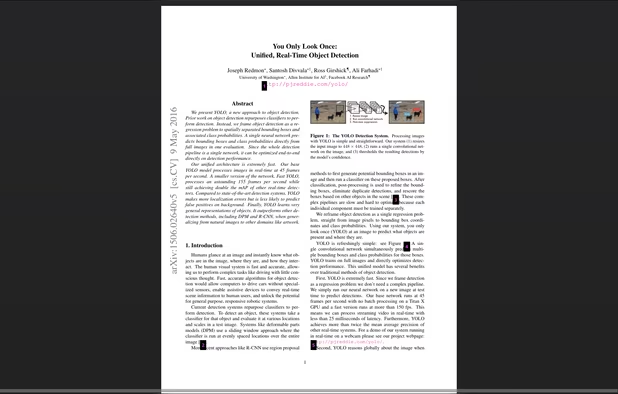
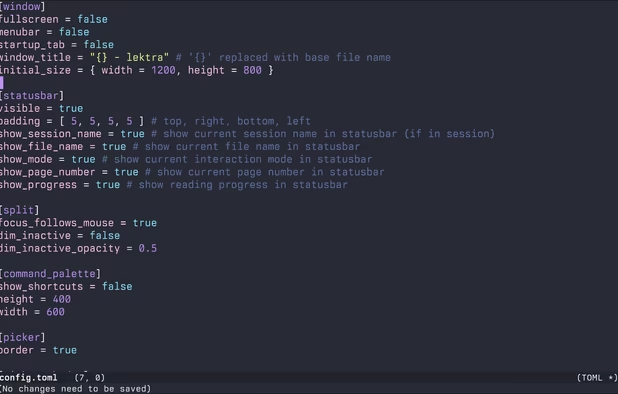
    High-performance viewer for documents and images offering split tabs, customizable single or book layouts, portals for side-by-side sections, instant search, line highlight, annotation tools, link hints, searchable highlights, session management, and TOML config.

    56 LEKTRA alternatives

    Cost / License

    Application types

    Platforms

    • Mac
    • Windows
    • Linux
     
  3. Sejda icon
     39 likes

    Sejda helps with your PDF tasks: edit existing text, split, merge, extract, compress, export to other formats and more.

    163 Sejda alternatives

    Cost / License

    • Freemium
    • Proprietary

    Application type

    Platforms

    • Mac
    • Windows
    • Linux
    • Online
    • Google Chrome
    • Flathub
    • Flatpak
     
    |
    1
    Sejda vs Adobe Acrobat DC Comments
    Interstellar_1
    Positive
    2

    You get a limited amount of file edits per day, and the app is just an electron wrapper of the website, but it works well.

    • Sejda is Freemium and ProprietaryAdobe Acrobat DC is Paid and Proprietary
    • Sejda is a PDF Editor Adobe Acrobat DC is a PDF Reader
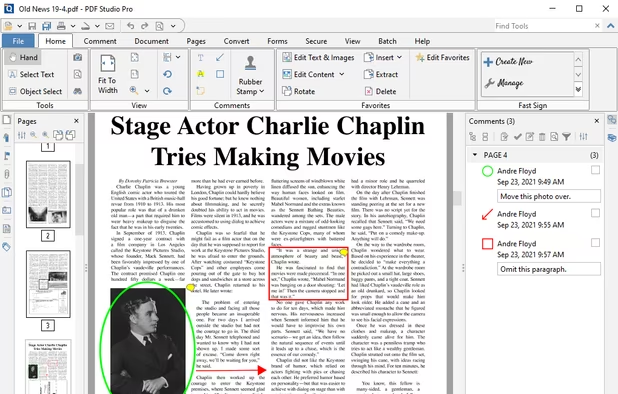
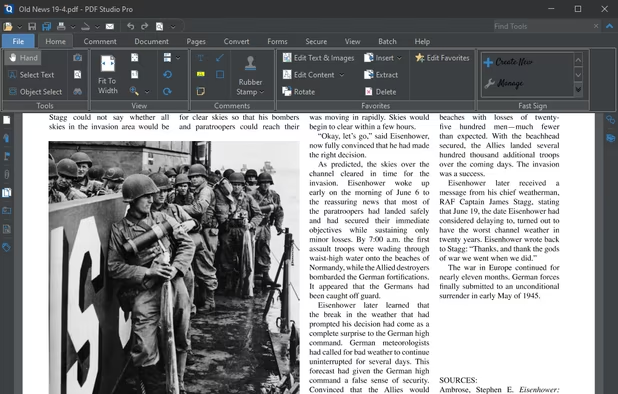
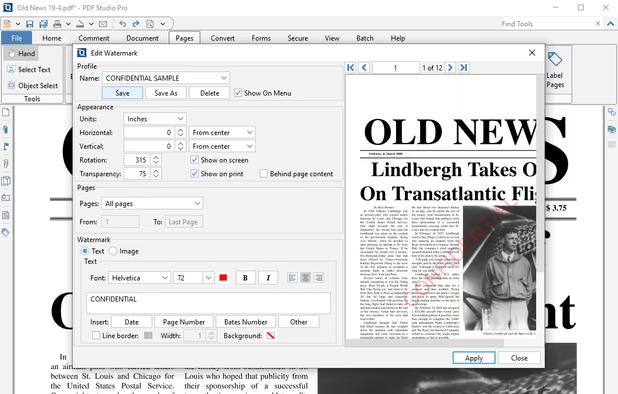
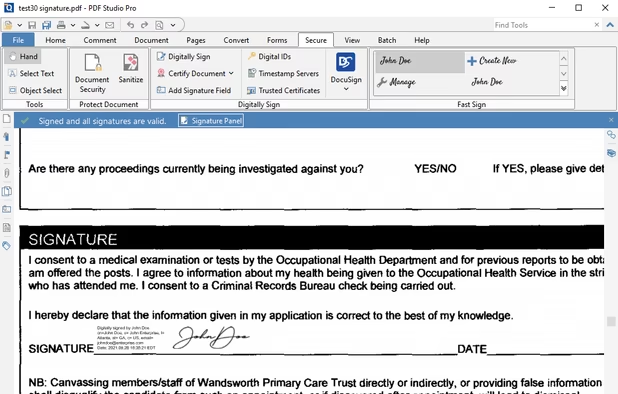
  4. Create, Convert, Review and Edit PDF Documents on Windows, macOS, and Linux.

    Cost / License

    • Paid
    • Proprietary

    Application types

    Platforms

    • Mac
    • Windows
    • Linux
    • Chrome OS
     
    |
    2
    Qoppa PDF Studio vs Adobe Acrobat DC Comments
    bunnyhero
    Positive
    0

    Much easier than Acrobat for advanced features.

    Guest
    Positive
    0

    It does most of the things DC does. It doesn't look good on 4K I'm afraid.

    • Qoppa PDF Studio is Paid and ProprietaryAdobe Acrobat DC is also Paid and Proprietary
    • Qoppa PDF Studio is LightweightAdobe Acrobat DC is not according to our users
  5. GImageReader icon
     75 likes

    gImageReader is a simple Gtk/Qt front-end to the Tesseract OCR Engine.

    108 GImageReader alternatives

    Cost / License

    • Free
    • Open Source

    Application type

    Platforms

    • Windows
    • Linux
     
    |
    1
    GImageReader vs Adobe Acrobat DC Comments
    KimiBCN
    Negative
    1

    It's not an alternative to Acrobat Pro; it lacks many features.

    • GImageReader is Free and Open SourceAdobe Acrobat DC is Paid and Proprietary
    • GImageReader is a Screenshot Capture Adobe Acrobat DC is a PDF Reader
  6. JOPDF icon
     8 likes

    JOPDF is a 100% free PDF editor for Windows, Mac, and Linux. Edit, compress, merge, convert and annotate PDFs with no watermark or signup required.

    54 JOPDF alternatives

    Cost / License

    • Free
    • Proprietary

    Application types

    Platforms

    • Windows
    • Mac
    • Linux
     
    |
    1
    JOPDF vs Adobe Acrobat DC Comments
    Guest
    Positive
    0

    JOPDF is working good with PDF files, better than most free alternatives.

    • JOPDF is Free and ProprietaryAdobe Acrobat DC is Paid and Proprietary
  7. Sioyek icon
     24 likes

    Sioyek is a PDF viewer with minimal interface optimized for reading research papers and technical books.

    49 Sioyek alternatives

    Cost / License

    Application type

    Platforms

    • Mac
    • Windows
    • Linux
     
    |
    1
    Sioyek vs Adobe Acrobat DC Comments
    Guest
    Positive
    0

    I love Sioyek because it has blazingly fast update time when a pdf modified. very suitable for latex with (n)vim/emacs user.

    • Sioyek is Free and Open SourceAdobe Acrobat DC is Paid and Proprietary
    • Sioyek is LightweightAdobe Acrobat DC is not according to our users
  8. Papers icon
     14 likes

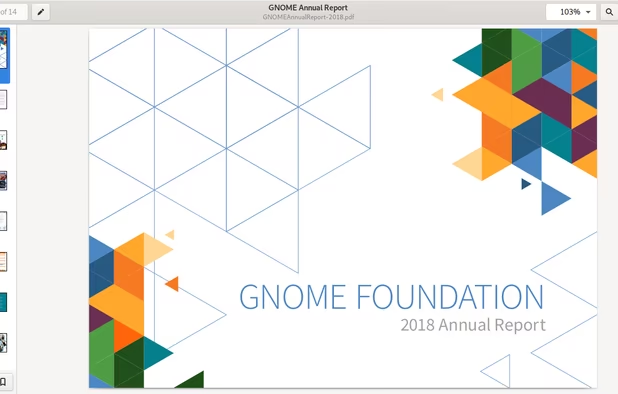
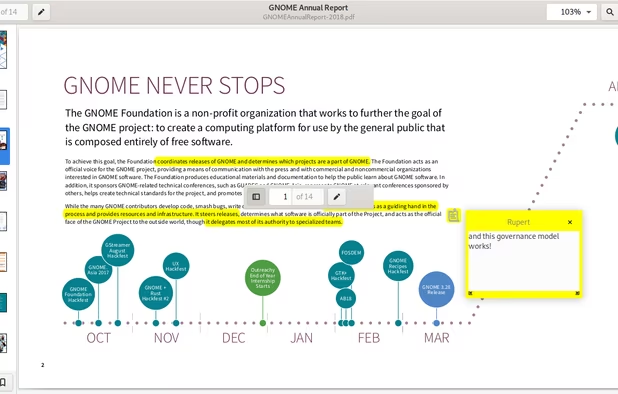
    A document viewer for the GNOME desktop. You can view, search or annotate documents in many different formats.

    Cost / License

    Application types

    Platforms

    • Linux
    • Flathub
    • GNOME
    • Flatpak
    • Linux Mobile
     
    |
    1
    Papers vs Adobe Acrobat DC Comments
    Shaz Shah
    Negative
    0

    It's not a PDF editor, but a really nice looking viewer/reader.

    • Papers is Free and Open SourceAdobe Acrobat DC is Paid and Proprietary
    • Papers is Privacy focused and LightweightAdobe Acrobat DC is not according to our users
  9. OCRmyPDF icon
     18 likes

    OCRmyPDF adds an OCR text layer to scanned PDF files, allowing them to be searched - jbarlow83/OCRmyPDF

    Cost / License

    • Free
    • Open Source

    Platforms

    • Mac
    • Windows
    • Linux
     
  10. PDFtk icon
     19 likes

    PDFtk is a simple tool for doing everyday things with PDF documents. It comes in three flavors: PDFtk Free, PDFtk Pro, and our original command-line tool PDFtk Server.

    52 PDFtk alternatives

    Cost / License

    • Freemium
    • Open Source

    Application type

    Platforms

    • Mac
    • Windows
    • Linux
    • Self-Hosted
     
  11. Comprehensive cross-platform PDF suite enabling accurate conversion from native or scanned files to Word, Excel, PowerPoint, and AutoCAD, with OCR support, document editing, annotation, redaction, interactive forms, table customization, batch creation, secure signing, and multilingual UI.

    89 Able2Extract Professional alternatives

    Cost / License

    • Paid
    • Proprietary

    Application types

    Platforms

    • Mac
    • Windows
    • Linux
     
12 of 48 Adobe Acrobat DC alternatives