Apps with 'Video annotation' feature

All apps in Apps with 'Video annotation' feature category. Use the filters below to narrow down your search. 
Copy a direct link to this comment to your clipboard
  1. Eagle  icon
     99 likes

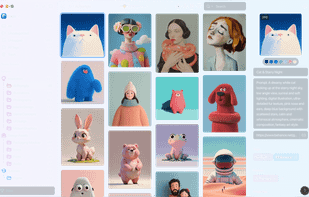
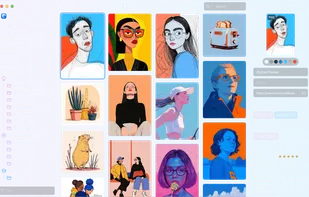
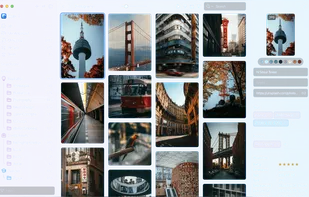
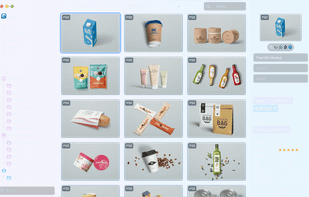
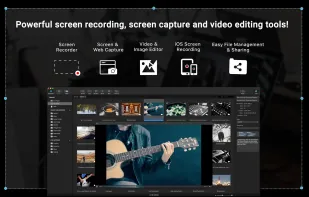
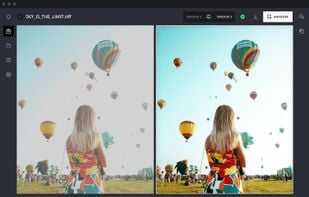
    Cross-platform tool for collecting, searching, and organizing images, videos, audio, and fonts with advanced tags, smart folders, and color filters for creative asset management.

    Cost / License

    • Paid
    • Proprietary

    Platforms

    • Mac
    • Windows
    • Microsoft Edge
    • Google Chrome
    • Safari
    • Mozilla Firefox
    Eagle  screenshot 1
    Eagle  screenshot 1
    Eagle  screenshot 2
    +11
    Eagle  screenshot 3
    68 alternatives
    4.0
    Very Good8 reviews
  2. Flask icon
     4 likes

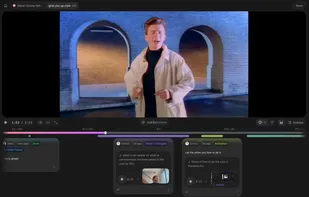
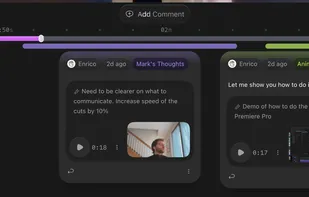
    Provides visual video annotation, time-stamped comments, and screen-recorded feedback in a shared workspace tailored for creative teams.

    Cost / License

    • Freemium
    • Proprietary

    Application type

    Platforms

    • Online
    Flask screenshot 1
    Flask screenshot 1
    Flask screenshot 2
    +1
    Flask screenshot 3
    32 alternatives
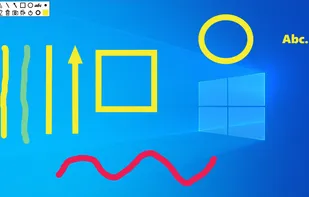
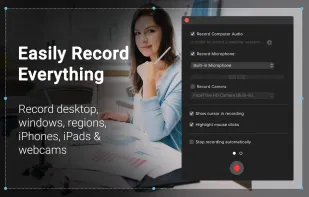
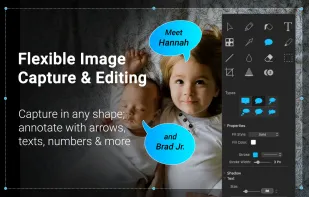
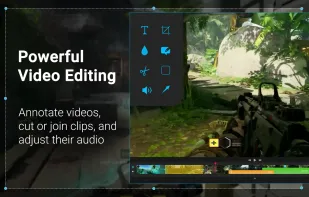
  3. This app allows you live drawing and taking notes over desktop applications. There are also tools for screen recording and making screenshots. It is great tool for creating presentations, tutorials, manuals, animations, video or streaming.

    Cost / License

    • Free
    • Proprietary

    Application type

    Platforms

    • Windows
    Screen Marker and Recorder screenshot 1
    Screen Marker and Recorder screenshot 1
    Screen Marker and Recorder screenshot 2
    +4
    Screen Marker and Recorder screenshot 3
    25 alternatives
  4. Tella.tv icon
     2 likes

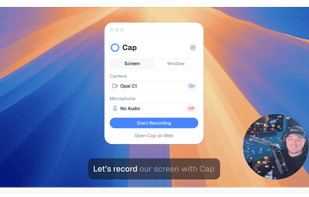
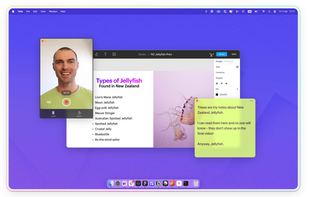
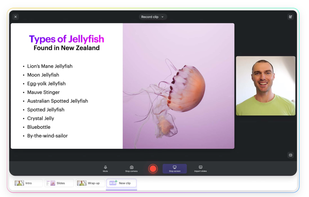
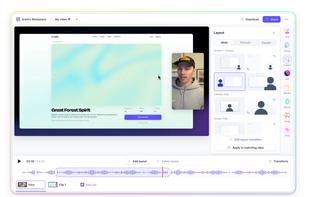
    Browser-based recording tool with screen, camera, customizable backgrounds, overlays, editing, instant sharing, speaker notes, and transitions. No install needed.

    Cost / License

    • Freemium
    • Proprietary

    Platforms

    • Online
    Tella.tv screenshot 1
    Tella.tv screenshot 1
    Tella.tv screenshot 2
    +2
    Tella.tv screenshot 3
    25 alternatives
  5. tl;dv icon
     3 likes

    Have fewer, more focused live meetings. Highlight and share relevant meeting moments on the fly. Keep your team always in the loop.

    Cost / License

    • Freemium
    • Proprietary

    Platforms

    • Mac
    • Windows
    • Online
    • Google Chrome
    • Zoom
    • Google Meet
    tl;dv screenshot 1
    tl;dv screenshot 1
    tl;dv screenshot 2
    +2
    tl;dv screenshot 3
    29 alternatives
  6. ruttl icon
     Like

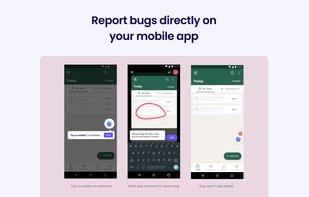
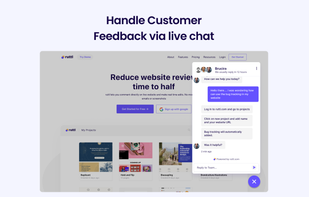
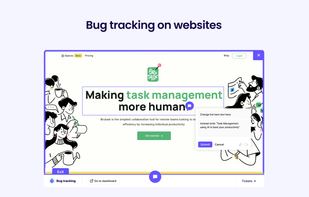
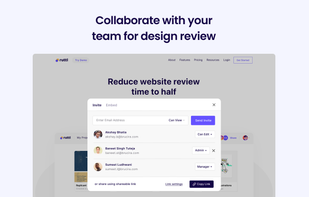
    ruttl is the fastest website feedback tool that allows users to add comments directly on live websites & apps, and make real-time edits so they can give precise change values to the developers. To review fully developed websites, currently, people take screenshots, encircle...

    Cost / License

    • Freemium
    • Proprietary

    Platforms

    • Online
    • Android
    ruttl screenshot 1
    ruttl screenshot 1
    ruttl screenshot 2
    +3
    ruttl screenshot 3
    7 alternatives
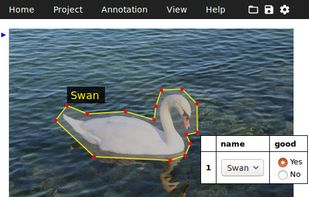
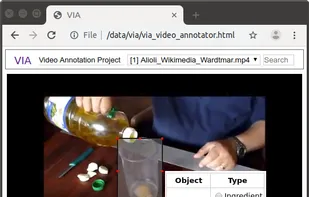
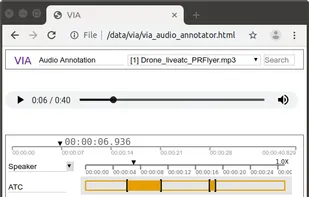
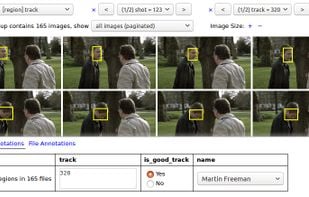
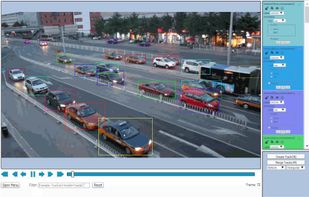
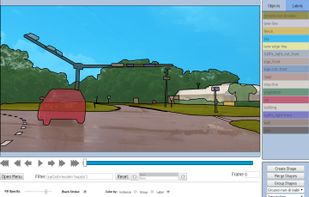
  7. VGG Image Annotator is a simple and standalone manual annotation software for image, audio and video. VIA runs in a web browser and does not require any installation or setup.

    Cost / License

    • Free
    • Open Source

    Platforms

    • Self-Hosted
    VGG Image Annotator (VIA) screenshot 1
    VGG Image Annotator (VIA) screenshot 1
    VGG Image Annotator (VIA) screenshot 2
    +4
    VGG Image Annotator (VIA) screenshot 3
    18 alternatives
  8. HyperLabel icon
     2 likes

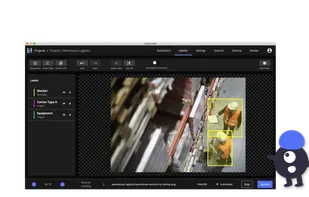
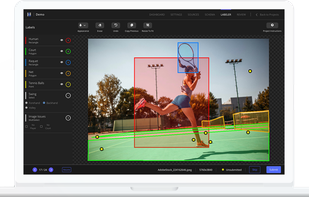
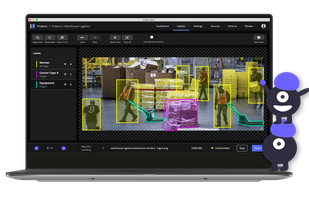
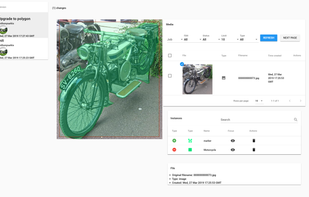
    A desktop application with a UX built for through-put, HyperLabel is a complete toolset for quality labeling process management and training data creation.

    Cost / License

    • Free Personal
    • Proprietary

    Platforms

    • Mac
    • Windows
    HyperLabel screenshot 1
    HyperLabel screenshot 1
    HyperLabel screenshot 2
    25 alternatives
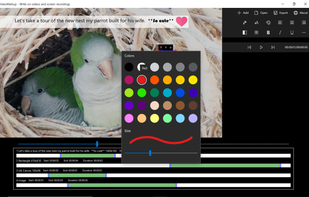
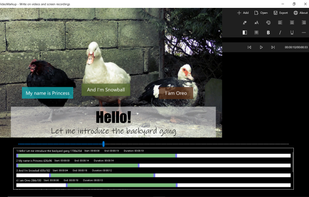
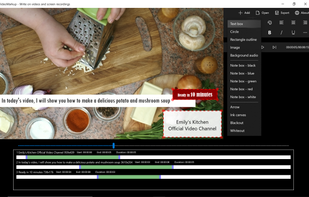
  9. VideoMarkup icon
     1 like

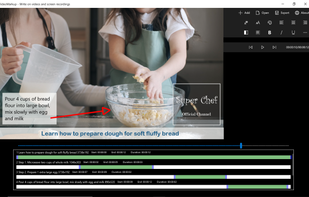
    Annotate videos with captions, arrows, custom images, outlines, blackout shapes, background audio and free form drawings.

    Cost / License

    • Paid
    • Proprietary

    Application type

    Platforms

    • Windows
    VideoMarkup screenshot 1
    VideoMarkup screenshot 1
    VideoMarkup screenshot 2
    +2
    VideoMarkup screenshot 3
    6 alternatives
  10. Labeling AI icon
     1 like

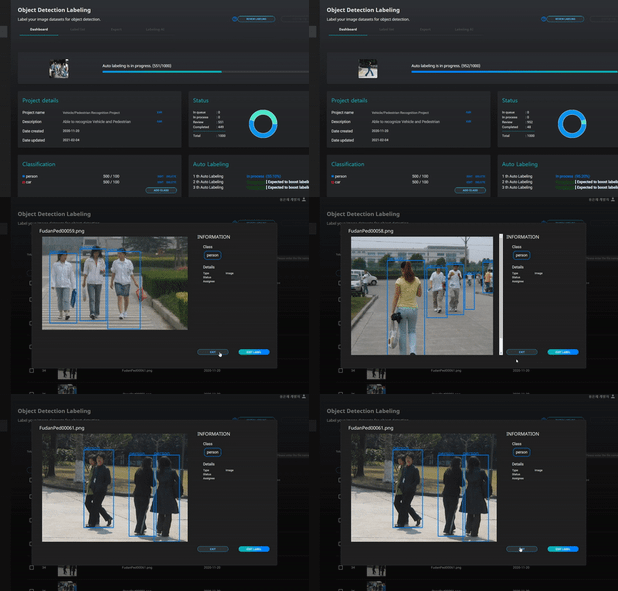
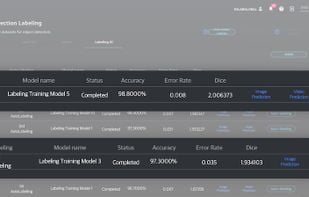
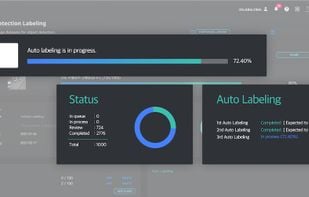
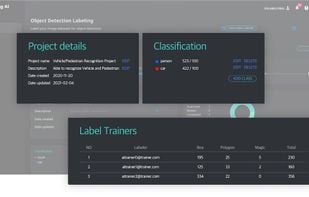
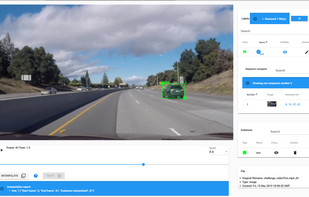
    Labeling AI is a deep learning-based technology that automatically labels large amounts of data based on a small amount of pre-labeled data available.

    Cost / License

    • Paid
    • Proprietary

    Platforms

    • Online
    • Software as a Service (SaaS)
    Labeling AI Demo
    Labeling AI
    Labeling AI
    +2
    Labeling AI
    12 alternatives
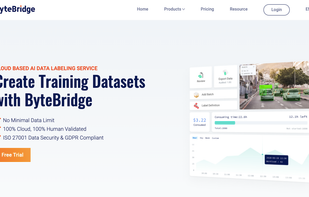
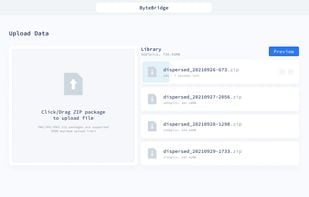
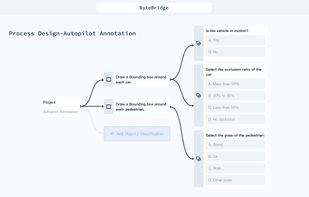
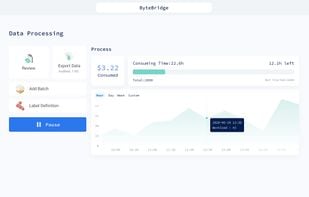
  11. Data labeling outsourced service: get your ML training datasets cheaper and faster!.

    Cost / License

    • Paid
    • Proprietary

    Platforms

    • Software as a Service (SaaS)
    Official Webpage
    Upload Data
    Process Design
    +3
    Data Processing
    9 alternatives
  12. Edgecase.ai offers a full suite of services and software for data annotation, synthetic data and AI services. From dedicated professionals, to medical professionals, agronomists and other sectors.

    Cost / License

    • Paid
    • Proprietary

    Platforms

    • Online
    • Self-Hosted
    • Software as a Service (SaaS)
    27 alternatives
  13. Heartex icon
     1 like

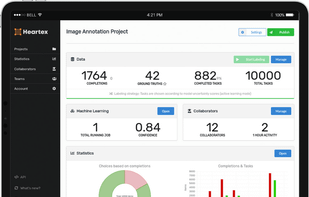
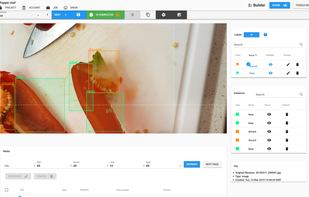
    Data labeling tool for various data types with a customizable interface, annotation team management, and automatic labeling through active learning.

    Cost / License

    • Paid
    • Proprietary

    Platforms

    • Self-Hosted
    • Software as a Service (SaaS)
    Heartex screenshot 1
    11 alternatives
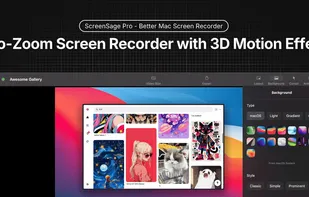
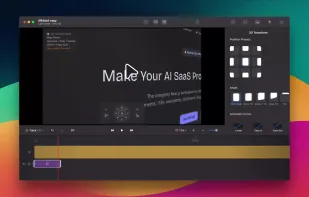
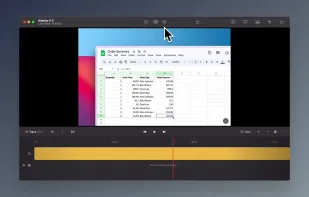
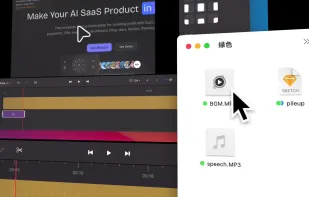
  14. ScreenSage is a macOS screen recording and tutorial creation tool designed for high-quality video capture. It allows users to record their screen with smooth performance, add annotations, and edit directly within the app.

    Cost / License

    • Freemium
    • Proprietary

    Platforms

    • Mac
    ScreenSage Pro screenshot 1
    ScreenSage Pro screenshot 1
    ScreenSage Pro screenshot 2
    +1
    ScreenSage Pro screenshot 3
    24 alternatives
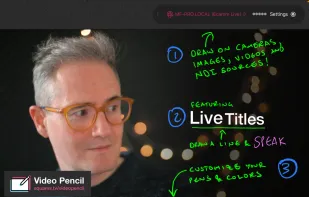
  15. Draw on anything on your iPad.

    Cost / License

    • Freemium
    • Proprietary

    Platforms

    • iPad
    Video Pencil screenshot 1
  16. The SuperAnnotate platform enables you to build, fine-tune, iterate, and manage your AI models faster, with the highest-quality training data.

    Cost / License

    • Paid
    • Proprietary

    Platforms

    • Software as a Service (SaaS)
    SuperAnnotate screenshot 1
    SuperAnnotate screenshot 1
    SuperAnnotate screenshot 2
    7 alternatives