The Quick Look feature from Mac OS X, which allows users to preview file contents quickly by pressing the Space key, is missed. Windows doesn't have this feature. While alternatives like WinQuickLook and Seer exist, the decision was made to create a new version because the...
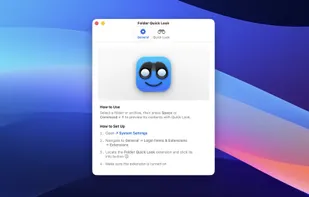
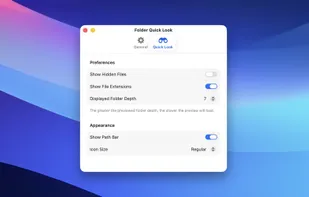
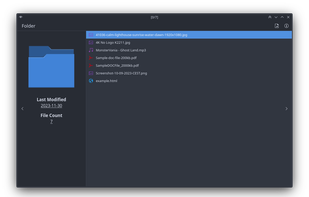
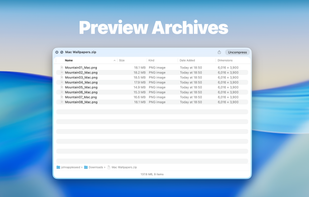
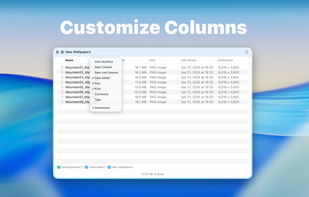
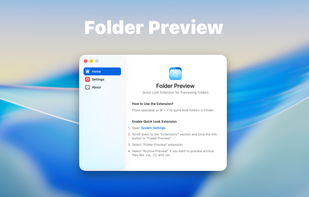
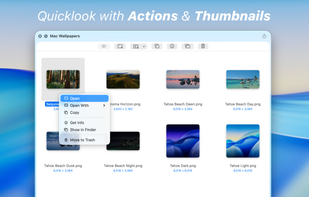
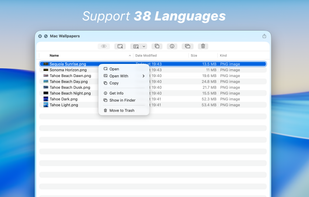
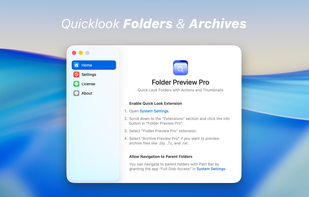
Folder Quick Look is a macOS extension that enhances the system’s Quick Look feature by allowing users to instantly preview the contents of folders and compressed archives without opening them. Once installed, you can simply select a folder or supported archive format (such as...
Grizzly is an open-source macOS application designed for browsing and extracting ZIP archives with speed and ease. It provides a clean, Finder-style interface with native system integrations to simplify ZIP file management.
Fast file manager for macOS with Windows-like workflow, cut and paste features, tabbed interface, deep tree navigation, multi-panel browsing, and advanced search.
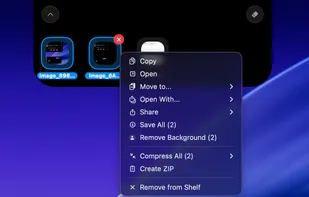
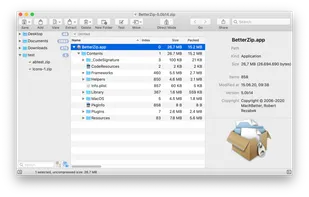
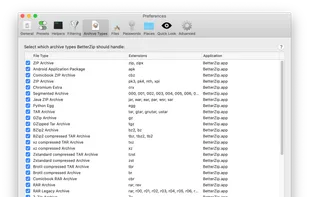
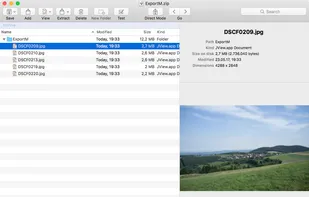
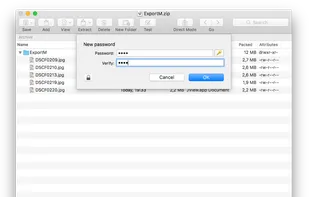
Supports over 30 archive formats, enables archive editing and AES-256 encryption, includes password manager, macOS Finder integration, and file preview.
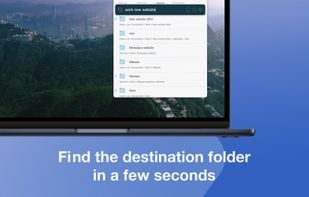
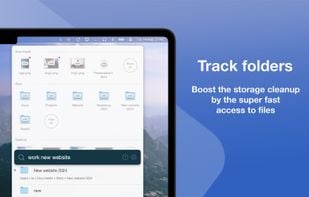
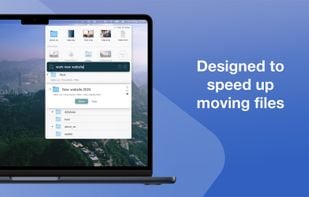
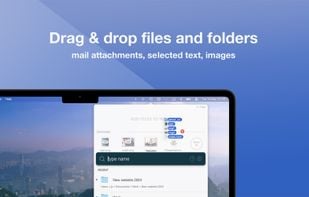
Introducing Fover, a fresh approach to file management on your macOS device. With Fover, moving files and folders becomes a breeze, taking just three simple steps: drag and drop files into the app, specify the destination folder, and click the move button.
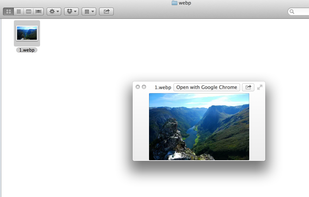
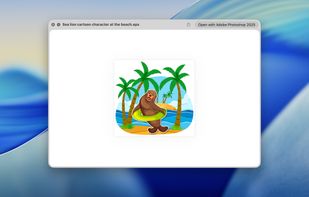
By default, macOS doesn't provide previews and thumbnails for WebP, a modern image format providing superior, lossless and lossy compression for images on the web. WebPQuickLook fills this gap by allowing you to see previews and thumbnails of .webp images on your Mac.
QLStephen is an Apple OSX Quick Look plugin that lets you view plain text files without a file extension. It is useful for reading files like README, INSTALL, CHANGELOG, Makefile, Rakefile and CapFile (files that the default Quick Look plugins don't handle).
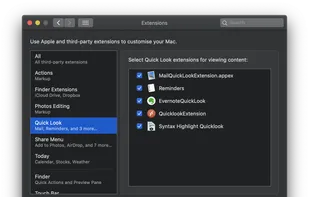
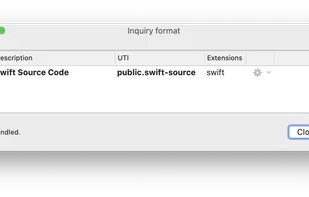
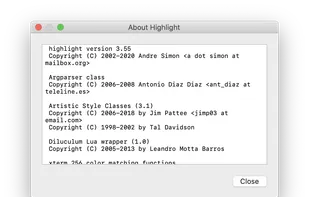
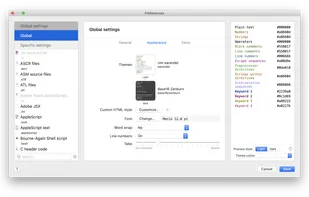
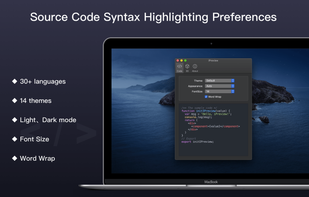
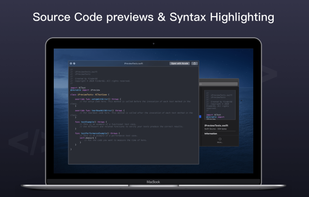
This application offers a quicklook extension for MacOS 10.15 Catalina or later for previewing source files. Inside it uses Highlight to render source code with syntax highlighting. The application is distributed with a version of the highlight.
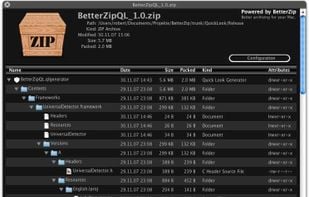
Wouldn't it be great if Mac OS X's Quick Look would let you inspect the contents of compressed archives? With the help of the BetterZip Quick Look Generator, it can.
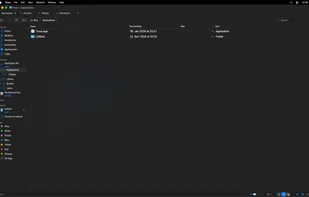
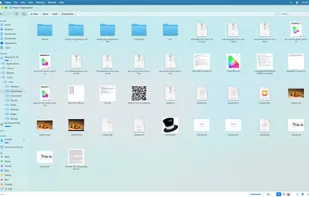
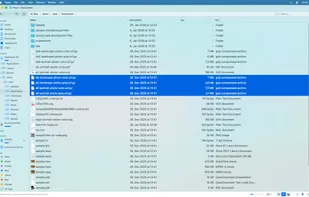
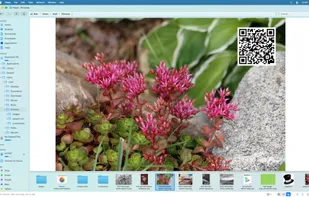
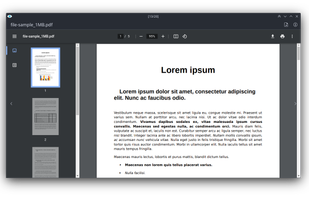
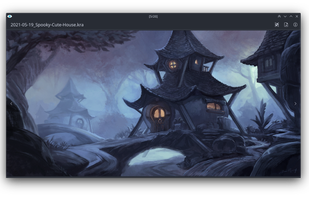
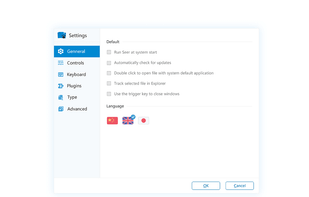
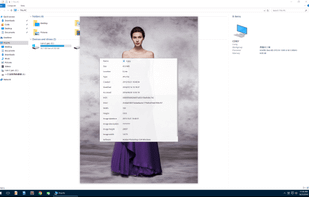
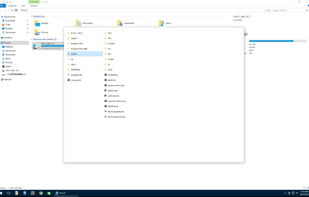
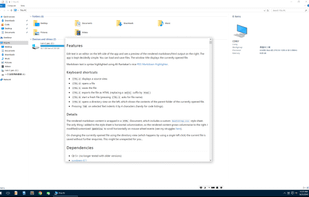
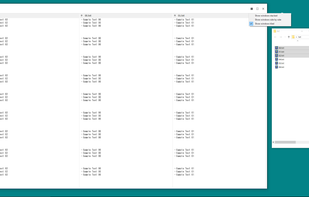
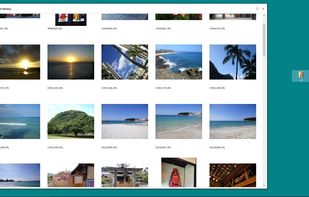
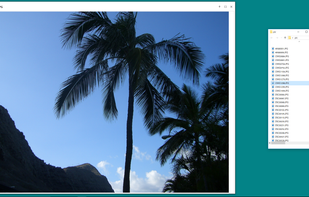
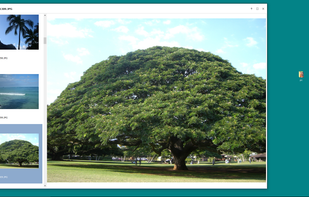
Quick Eye is a quick look application for Windows. Just press the space bar to quickly preview files. This software is also recommended for people who are used to macOS.
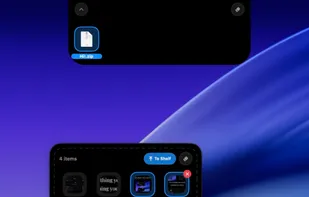
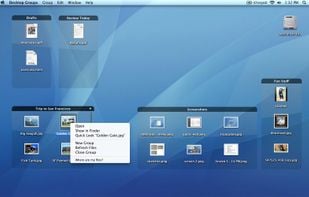
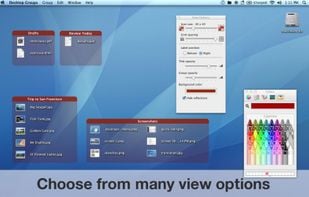
The app lets you create groups of related files on your desktop. You can freely move groups of files around on your desktop and add or remove files via drag & drop.
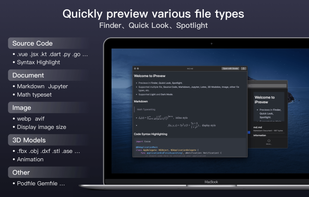
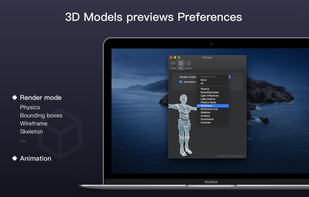
iPreview provides quicklook preview for source code, Markdown, Jupyter, Webp, Avif, 3D Model and any more file types in macOS Finder, Quicklook, Spotlight.
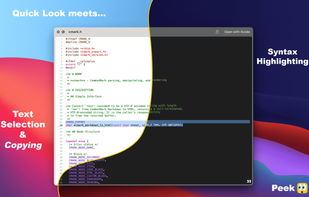
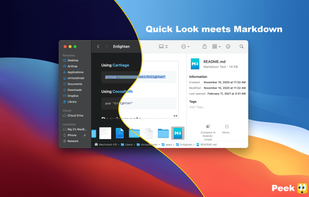
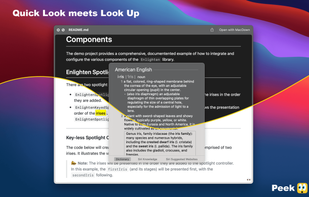
Accelerate your workflow with the Quick Look conveniences that only Peek can deliver: text selection & copying, scroll restoration, syntax highlighting, & more.
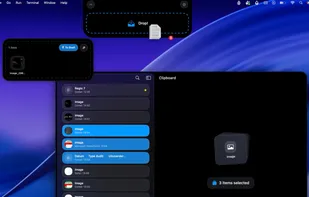
BucketDrop is a tiny, open-source menu bar app for uploading files to your own S3-compatible storage. No dashboards. No syncing folders. No vendor lock-in. Just drop a file and get a shareable URL instantly.


 China
China





 United States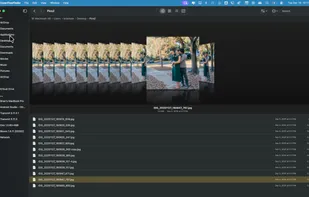


 Germany
 EU
EU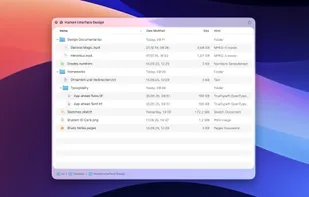















 United Kingdom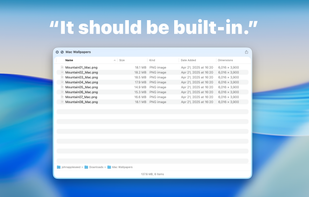






















 India
India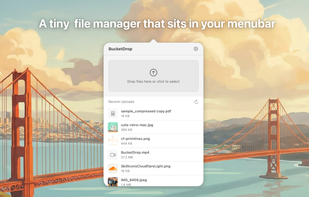

 France

 Australia