

Free and open-source tool for screen capture and recording; enables file uploads, annotation, dark mode, 4K support, and customizable themes.
 United States
+29


4.5
Excellent62 reviews


Free and open-source tool for screen capture and recording; enables file uploads, annotation, dark mode, 4K support, and customizable themes.

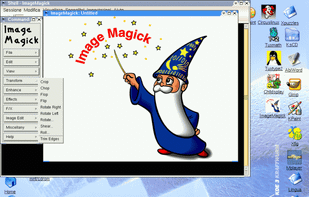
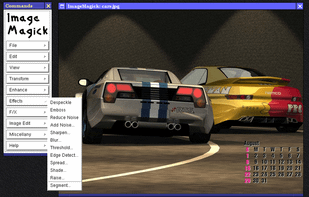
ImageMagick is a software suite to create, edit, and compose bitmap images. It can read, convert and write images in a variety of formats (about 100) including GIF, JPEG, JPEG-2000, PNG, PDF, PhotoCD, TIFF, and DPX.
 File Converterand

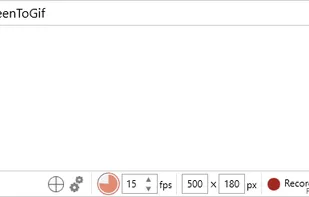
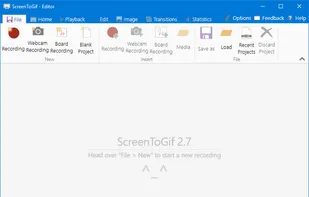
This tool allows you to record a selected area of your screen and save as a animated gif.


 ShareXand

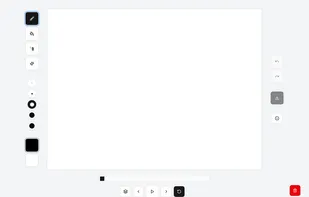
Remember the good old 2D games and their beautiful sprites? With Piskel you can create your own in a few clicks.
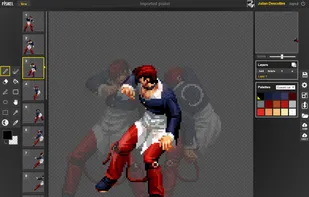
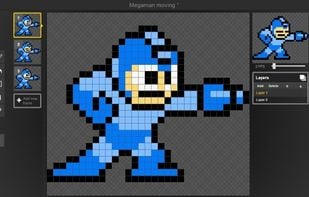
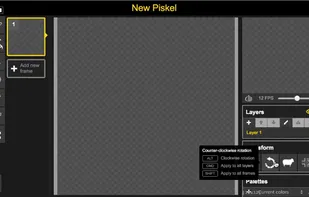

 PixiEditor
Convert videos into high-quality animated GIFs on macOS with advanced encoding, cross-frame palettes, temporal dithering, and extensive color support.
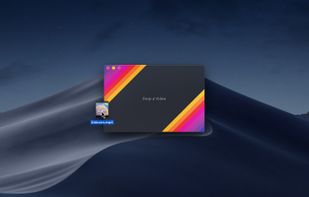
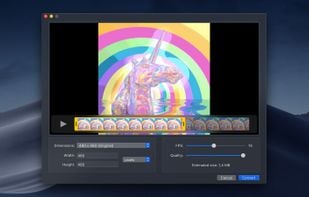
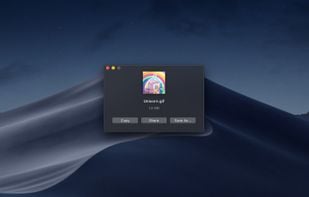
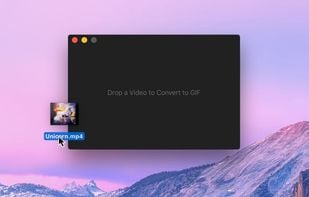

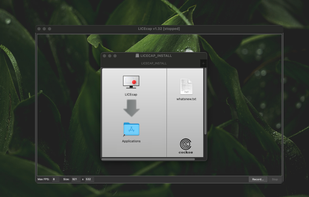
LICEcap can capture an area of your desktop and save it directly to .GIF (for viewing in web browsers, etc) or .LCF (see below). LICEcap is an intuitive but flexible application (for Windows and now OSX), that is designed to be lightweight and function with high performance.
 ShareXand

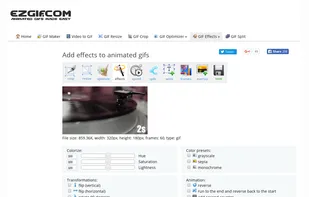
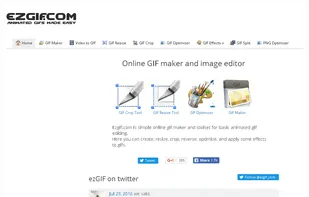
Ezgif.com is simple online gif maker and toolset for basic animated gif editing. Here you can create, resize, crop, reverse, optimize, and apply some effects to gifs.


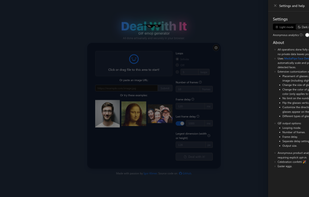
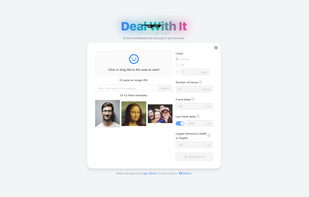
Create privacy-focused, client-side GIF emojis with customizable glasses, styles, and frames. Uses MediaPipe for precision scaling and placement.


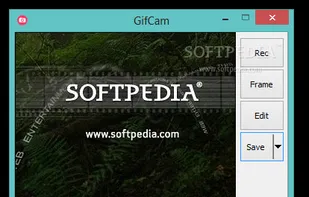
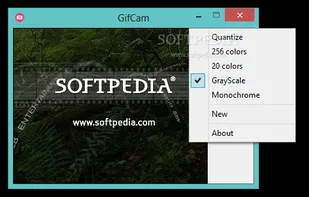

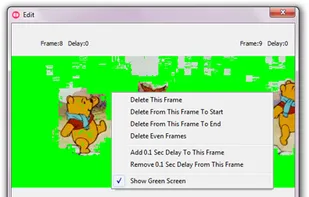
GifCam is a handy and reliable application designed to record the screen and to convert the recordings into GIF format.
 ShareXand
Converts video files into high-quality animated GIF and WebP images with adjustable resolution, frame rate, filters, palette, dithering, and user-friendly previews.
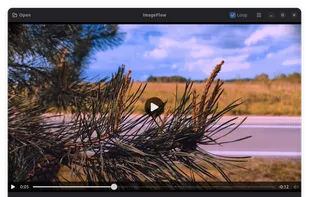
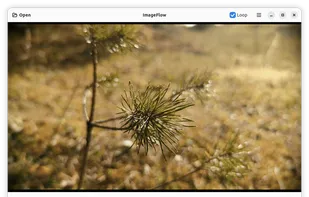

Draw frame-by-frame animations and create GIFs directly in your browser. Simple, fun, and powerful animation tool with onion skinning, timeline controls, and instant GIF export.


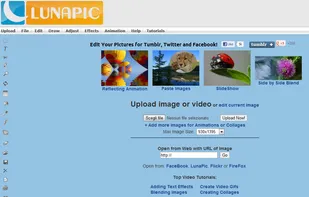
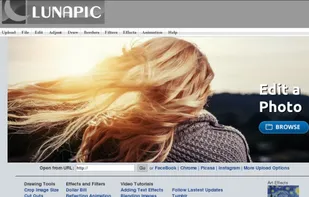
LunaPic is an online photo editor that allows you to edit, crop, rotate and resize images, add effects to your photos, create slideshows, animation and collagesand convert video to gifs.

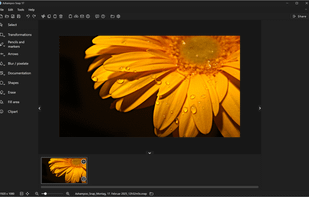
Capture, edit, and share screenshots or videos effortlessly with a robust feature set including OCR, multi-display support, and advanced editing tools.
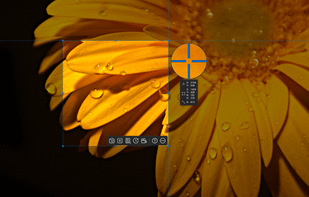
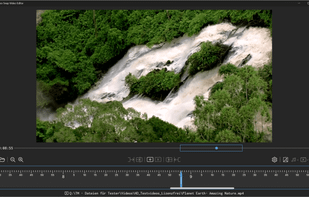
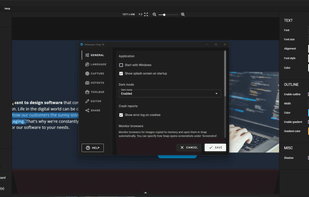

Gifsicle manipulates GIF image files. Depending on command line options, it can merge several GIFs into a GIF animation; explode an animation into its component frames; change individual frames in an animation; turn interlacing on and off; add transparency; add delays...


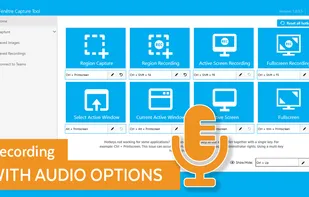
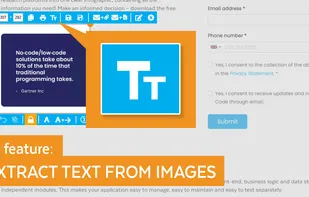
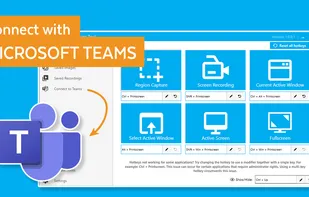
The Fenêtre Capture Tool for making professional screenshots and screen recordings. With advanced functions and abilities that other free capture tools don't offer.
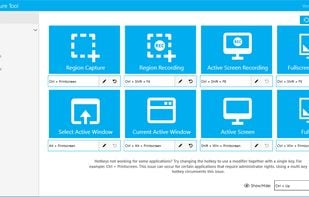

GIF encoder based on libimagequant (pngquant). Squeezes maximum possible quality from the awful GIF format.

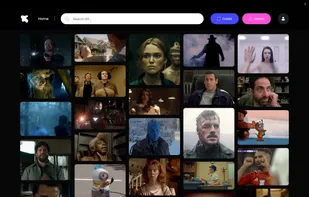
Gifzz is a powerful and user-friendly Chrome extension that allows you to create dynamic GIFs from videos on any website. Whether you're capturing a funny clip from YouTube, a stunning scene on Netflix, or a memorable moment from Instagram, GIF Maker – Gifzz makes it...

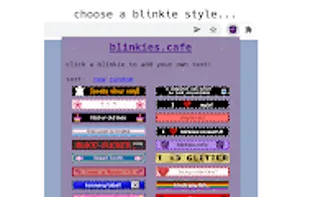
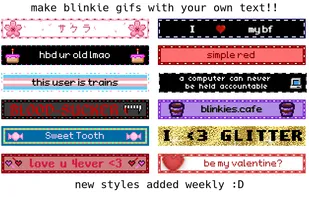
Blinkies.cafe is a nostalgic blinkie generator that allows users to create retro animated GIFs reminiscent of early-2000s web aesthetics. These "blinkies" are tiny, 150x20-pixel animated badges often used as decorative elements on personal websites, forums, and social...

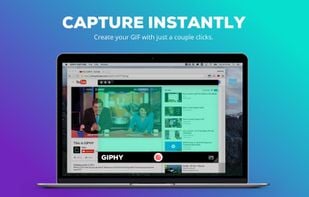
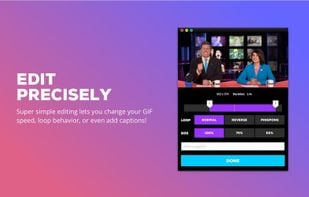
GIPHY Capture is the best way to create GIFs on your Mac. The free app is simple, powerful, and easy enough for pretty much anyone.




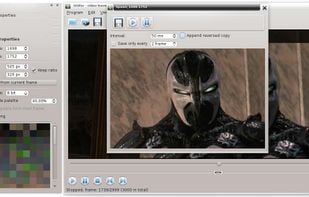
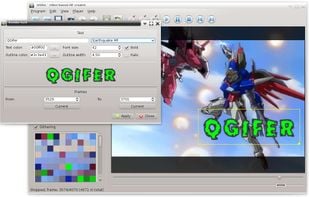
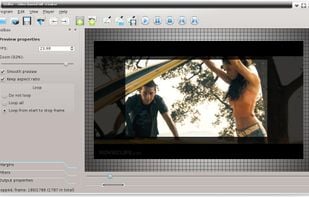
QGifer is a tool for extracting part of a video to an animated GIF file.
Features
GIF extraction from a video file Color palette editor Variable color palette support Dithering Text rendering Graphics insertion Object interpolation Cropping .


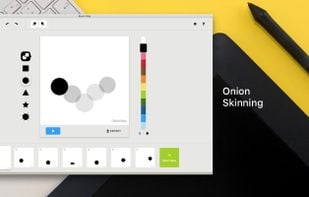
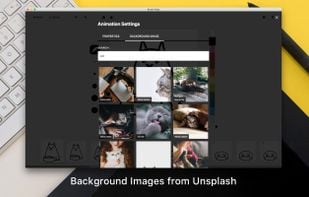
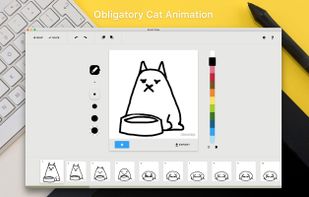
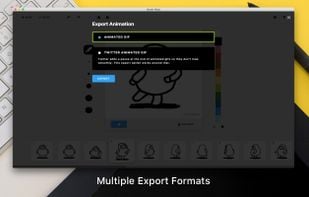
Brush Ninja is an online, browser based, animation tool. It’s an easy way to create simple animations, for free, without the need to learn complex software (or spend a fortune).


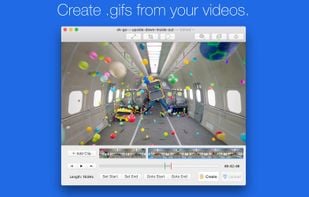
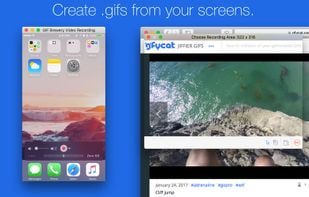
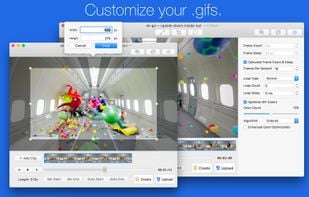
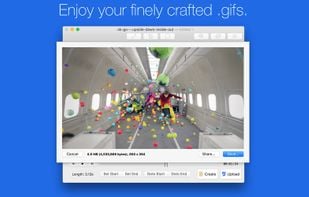
GIF Brewery by Gfycat gives everyone the power to create stunning GIFs from video files. It’s simple, powerful, intuitive to use--and now it’s free.


Upload GIF, JPG, PNG Images up to 100MB and share it privately on Facebook, Twitter, WhatsApp, Reddit, Tumblr, Forums or anywhere you want.

Want to know how to make a gif? Create animated gifs online with our free online gif animator in just 3 easy steps. Upload, Choose Options, Create.



Motion Stills is a pilot from Google that brings your Live Photos back to life with advanced stabilization and rendering. Turn your photos into GIFs that loop forever, or edit them together into epic movies.





 Norway


 Latvia
 EU
EU


 Russia


 Germany


 Poland


 United Kingdom


