Window Managers for Windows

All apps in Window Managers for Windows category. Use the filters below to narrow down your search. 

Popular filters:

Copy a direct link to this comment to your clipboard
  1. DisplayFusion icon
     171 likes

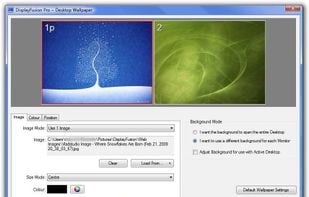
    Provides multi-monitor taskbars, customizable window management, advanced wallpaper options, and free basic features for efficient screen control.

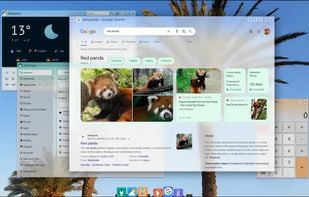
    Wallpaper Settings
    48 alternatives
    4.3
    Very Good6 reviews
  2. TidyTabs icon
     43 likes

    Add tabbed navigation to all desktop applications, allowing seamless multi-tasking and improved workspace management for enhanced productivity.

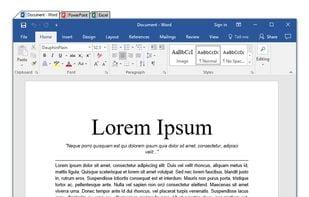
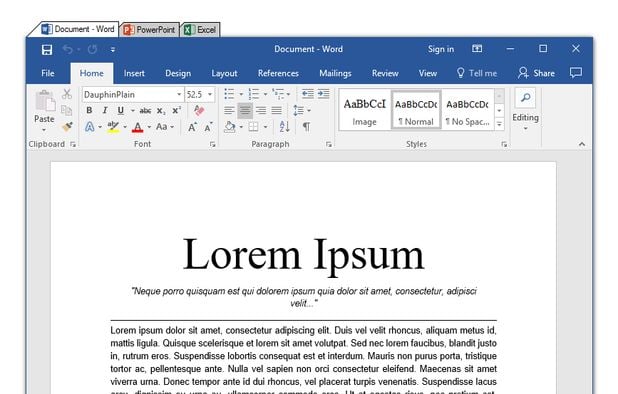
    Tabbify everything
    15 alternatives
    3.3
    Fair7 reviews
  3. AltSnap icon
     14 likes

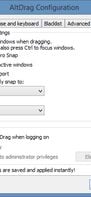
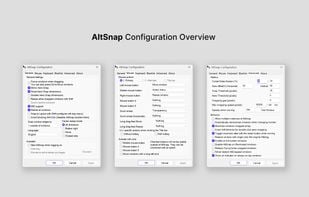
    A fork of the unmaintained AltDrag, this allows you to move and resize windows by holding the Alt key and clicking anywhere within the window instead of relying on very precise clicking of the window edges.
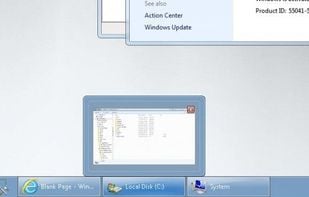
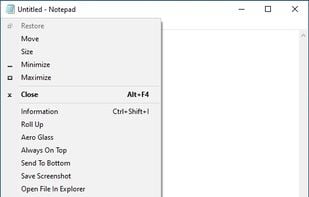
    AltSnap screenshot 1
    6 alternatives
  4. Sizer icon
     39 likes

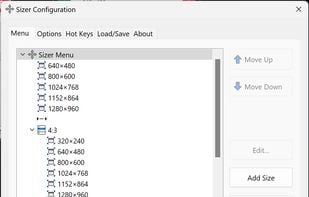
    Sizer is a freeware utility that allows you to resize any window to an exact, predefined size. This is extremely useful when designing web pages, as it allows you to see how the page will look when viewed at a smaller size.

    Configuration window - Menu
    24 alternatives
  5. NirCmd icon
     33 likes

    NirCmd is a small utility that allows you to do many useful tasks from command-line, without displaying any user interface: change your display settings, turn off your monitor, open the door of your CD-ROM drive, and more...

    • FreeProprietary
    • Windows
    8 alternatives
  6. Window Maker icon
     10 likes

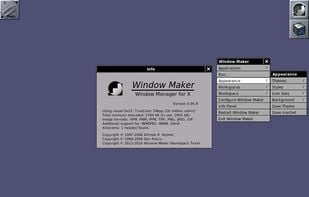
    Window Maker has a reputation for being fast, efficient and highly stable. Window Maker has been characterized as reproducing "the elegant look and feel of the NeXTstep GUI" and is noted as "easy to configure and easy to use.

    Window Maker, from www.windowmaker.org
    43 alternatives
  7. TaskSpace icon
     15 likes

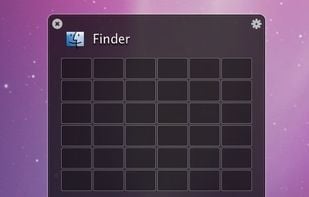
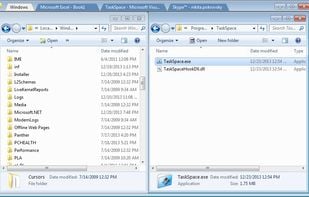
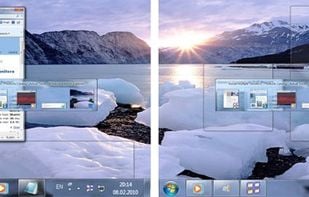
    TaskSpace is a simple Windows application intended to group ANY applications in a single window(task space) to provide fast and easy access to multiple applications simultaneously(no Alt+Tab switching and/or searching for a program in the taskbar is required).

    TaskSpace screenshot 1
    20 alternatives
  8. altdrag icon
     38 likes

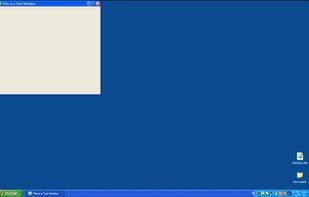
    AltDrag allows you to move and resize windows much easier. When you have it running you can simply hold down the Alt key and then use your mouse to drag any window, and it doesn't matter where in the window you click.

    altdrag screenshot 1
    altdrag screenshot 2
    86 alternatives
  9. OnTopReplica icon
     36 likes

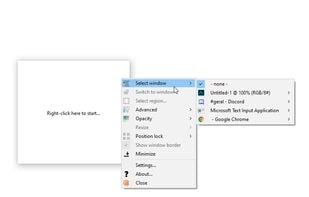
    A lightweight application that provides a real-time thumbnail replica of any window of your choice. OnTopReplica will stay always on top, allowing you to keep track of the original window while working and without having to keep the keyboard focus on it.

    OnTopReplica screenshot 1
    13 alternatives
  10. Actual Multiple Monitors is a software utility which offers the comprehensive solution to improve the functionality of Windows user interface for comfortable and effective work with multi-monitor configurations.

    Actual Multiple Monitors screenshot 1
    15 alternatives