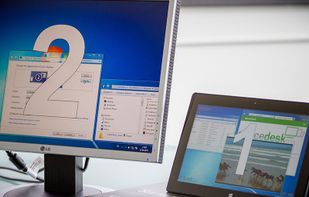

Extend or mirror your Windows desktop using local network-connected devices like Android, iOS, and others as additional monitors.
Cost / License
- Freemium
- Proprietary
Application typeApplication types
Since
- Since 2015
Germany
EU
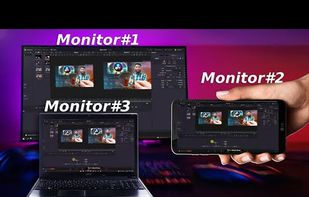

Extend or mirror your Windows desktop using local network-connected devices like Android, iOS, and others as additional monitors.


Free, open-source menu bar app for macOS that offers HiDPI scaling, DDC brightness controls, display presets, virtual displays, and drag-to-arrange monitor canvas.


Certain workflows require sharing the entire screen (usually due to switching through multiple applications), but if the presenter has a much larger display than the audience it can be hard to see what is happening.

Turn your Mac, Windows, and Linux computers into one seamless workspace with shared keyboard, mouse, clipboard, file transfer, and virtual displays.


Turn an Android tablet or phone into a real second monitor for a Windows 11 PC, over Wi-Fi or USB, with pen pressure and optional HDR.


Wing Display turns the Android tablet you already own into a real extended display for your Mac. Drag windows across, keep notes, a chat or a reference document beside your work, and arrange the tablet in System Settings like any other monitor.


MirrorHall creates virtual second monitors over the network using UDP video streaming among Linux desktop or mobile devices. It is optimized for low latency, and is based on gstreamer and GNOME's mutter screen sharing APIs.