Keyviz is a free and open-source tool to visualize your keystrokes and mouse actions in real-time.


Keyviz is a free and open-source tool to visualize your keystrokes and mouse actions in real-time.


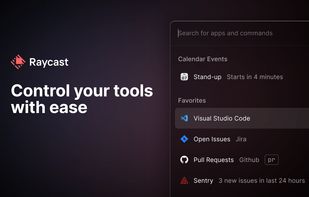
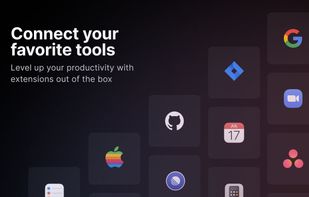
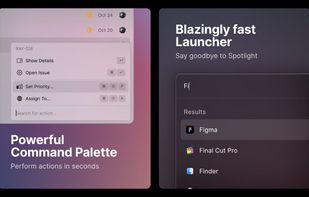
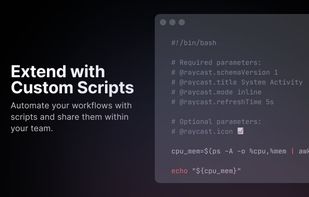
Access tools with shortcuts, automate tasks with AI, and streamline productivity with Raycast's powerful Mac app. Enhance efficiency with snippets, quicklinks, and integrated commands.


X-Mouse Button Control is a Windows application to remap your mouse buttons and expand the capabilities of your mouse!


YAKD (Yet Another Key Displayer) is a lightweight, open-source Windows tool for displaying keyboard and mouse button presses on-screen, typically for use with screen recording and screen-casting. RTSS Rivatuner Statistics Server is supported.


Magical is a browser extension compatible with Google Chrome and Edge, designed to automate repetitive tasks using artificial intelligence and GPT-4. It allows users to create AI-generated messages, emails, and responses, store frequently used messages as templates, and expand...


KeyPress OSD is a full-featured screencasting tool for displaying key-presses on Windows. Beyond on-screen keypress display, it features text-expansion, mouse-highlighting and a multi-clipboard manager.


KeyScreen makes your keystrokes visible on screen-perfect for tutorials, presentations, and screen recordings.


Macro Toolworks - Windows automation software. Automate programs with scheduled tasks (task scheduler included). Record macros in macro recorder. Use keyboard macros to send keyboard keys (keystrokes) and for text replacement (auto text). Use mouse macros to auto click.


MidiKey2Key - the ultimative MIDI to PC-Action Tool! Universal and free. There is nothing easier and better! Use Your MIDI-Controller as an universal tool to make Keystrokes on Your PC, start actions or control OBS or even games.

Customizable widget displays keystrokes and highlights your cursor with adjustable styles, themes, and placement, while realistic mechanical keyboard sounds enhance recordings on Windows and macOS.


Ogymogy is best PC parental controls & monitoring software for smartphones. Ogymogy supports spying on Android Phone , iOS, Windows as well as surveillance on Mac operating system. This PC & Phone tracker app contained tracking, monitoring and remote control features for...


REFOG Personal Monitor monitors keystrokes, cut-and-paste operations, opened programs and Web sites visited by your home mates. Instant alerts by email when certain keywords are typed ensures involved, instant reaction.


Key InFormer, is a portable tool that shows information of the most recent keystrokes and mouse clicks sent to Windows Os!


A Windows software to automate working with applications or web pages by sending keys, clicking mouse, or using automation API's.

Mousotron is a mouse and keyboard activity monitor and keeps statistics of your mileage. It's like an odometer or tripometer for your mouse cursor.


A simple, beautiful hotkey manager. Launch applications, execute scripts, run automator workflows and open files or folders. All of this at the press of a key combination. Apptivate 2.0 introduces hotkey sequences, which are simply a sequence of key combinations.


A Little utility that implements a global key logger which displays all shortcuts & keystrokes as you type on screen and with a semi-transparent overlay. This makes it very easy to show any shortcuts you use if you for example record a software demo.
Free, simple program that allows you to make your computer automatically perform a task for you. Record a task (or macro), then run or play it back and watch your computer automate the task.

KeyCounter provides a way of keeping track of when you've been active on your PC during the day. It does pretty much what it says - counts the number of key strokes you make every minute and records that information, along with whether the mouse has moved.

Keep track of how many times you press any key. It falls into the “useless but kind of cool” stats category. It was originally written upon request from a friend but I fleshed it out for the NANY 2008 promotion.

Keystrokes on screen, keyboard, mouse, draw on screen. Designed specifically for creating screencasts and tutorials. CSS Based keystroke on screen. Lots of predefined keystroke CSS themes. It's easy to create a theme yourself.