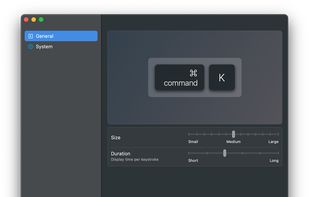
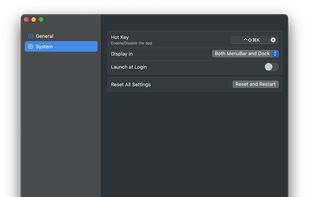
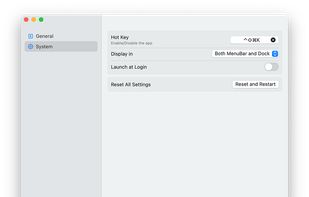
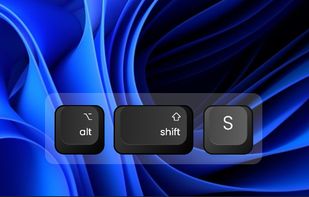
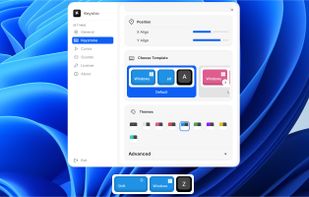
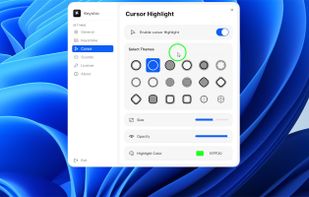
Keyviz is a free and open-source tool to visualize your keystrokes and mouse actions in real-time.
Cost / License
- Freemium
- Open Source (GPL-3.0)
Application typeApplication types
Platforms
- Mac
- Windows
 India
India




+4
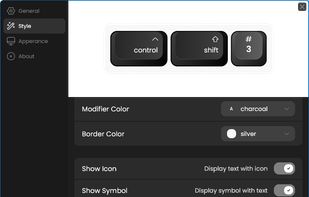


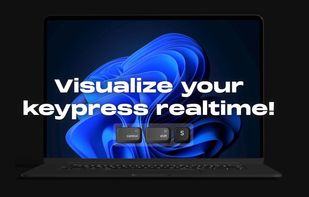
Keyviz is a free and open-source tool to visualize your keystrokes and mouse actions in real-time.
India
KeyCastr lets you easily display your keystrokes while recording screencasts.
 United States


KeyScreen makes your keystrokes visible on screen-perfect for tutorials, presentations, and screen recordings.
 Ireland
 EU
EU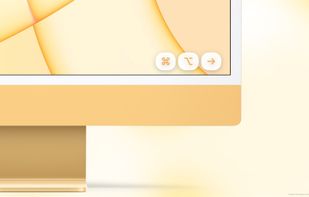
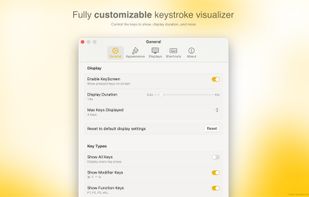
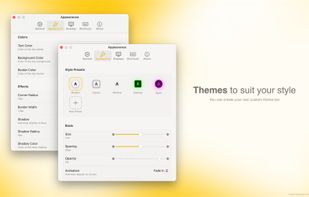
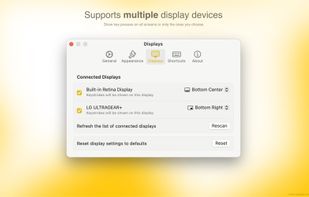


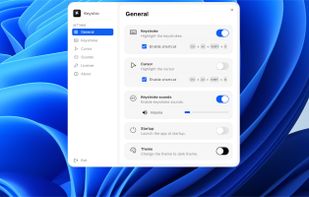
Floating widget shows each key pressed in real time and highlights the cursor with fully adjustable design. Choose from 10+ styles, unlimited color themes, and over 10 sound options. Works across multiple screens for screen recording on Windows and macOS.

A floating glass HUD names every keyboard shortcut you fire — so you don't have to squint at the menu-bar flash to confirm.
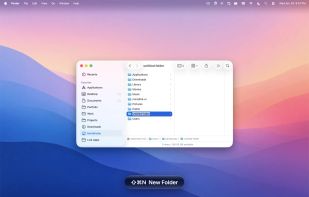
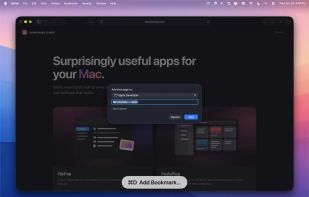
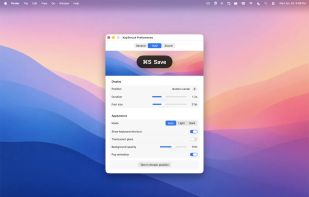
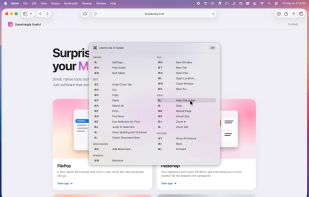


KeyDrawer draws keypresses on the screen of your Mac with a style that matches your Mac's look and feel. It will make your tutorial videos, video streams and presentations look elegant and professional.
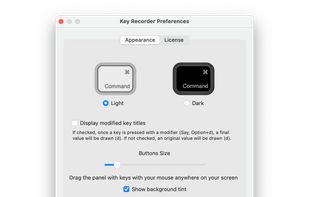
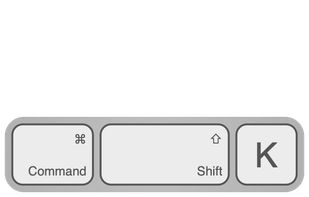
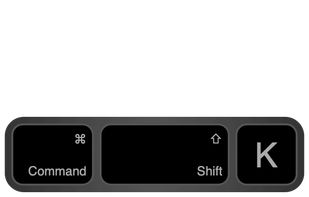


“Keystroke Pro” visualizes single and combined keypresses in an unique and elegant way. It’s the perfect companion for capturing tutorials, ?recording screencasts and performing presentations.
 GermanyEU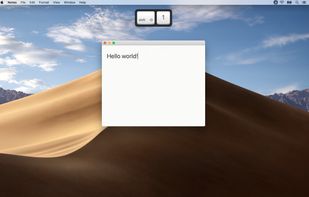
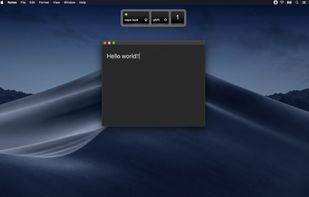
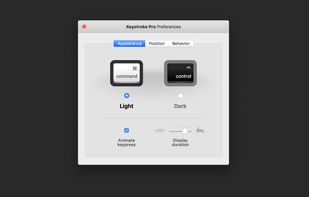
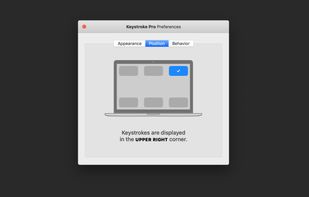


Display your keystrokes clearly during screen recordings, presentations, and video calls. Fully customizable and built for macOS full-screen and dark mode.