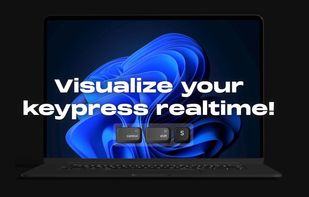
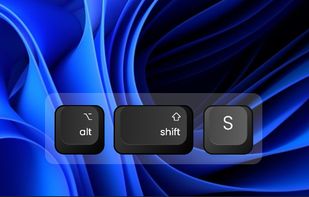
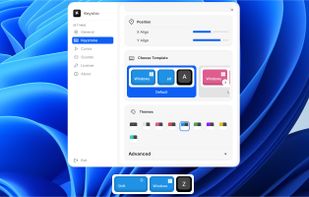
Keyviz is a free and open-source tool to visualize your keystrokes and mouse actions in real-time.
Cost / License
- Freemium
- Open Source (GPL-3.0)
Application typeApplication types
Platforms
- Mac
- Windows
 India
India




+4


Apps similar to ScreenCast Caps include Keyviz, which is open source with a free version. Other options are Key'n'Stroke , KeyCastr, KeyFX and ZoomShot. You can choose from more than 10 Keystroke Visualizers like ScreenCast Caps for Windows and Mac.
Keyviz is a free and open-source tool to visualize your keystrokes and mouse actions in real-time.
India
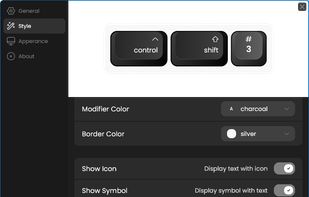
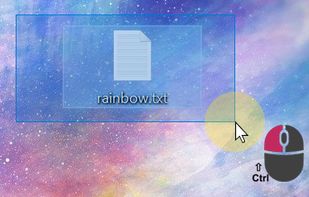
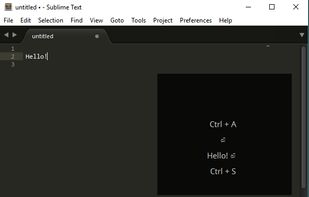
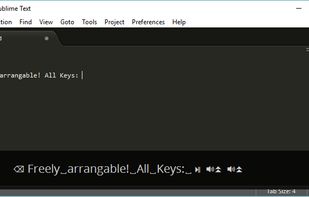
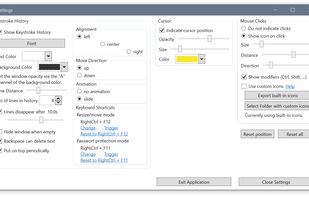
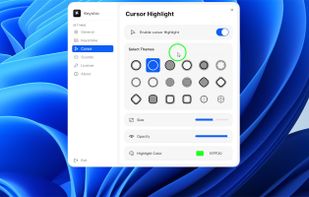
Displays keystrokes, mouse clicks, cursor position, shortcuts, and special keys in a fully customizable overlay. Offers click-through mode, opacity, resizable window, history of pressed keys, high-dpi and multi-dpi screen support, and notification area icon.


KeyCastr lets you easily display your keystrokes while recording screencasts.
 United States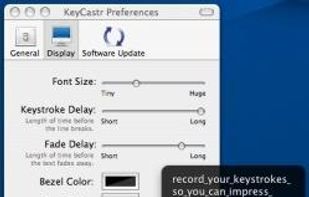


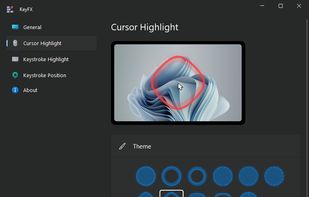
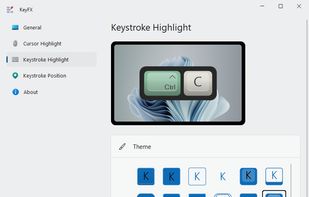
KeyFX is a screencast and presentation utility that allows you to highlight the mouse cursor and visualize your keystrokes.
 Romania
 EU
EU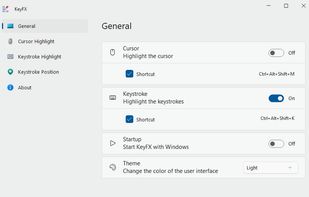
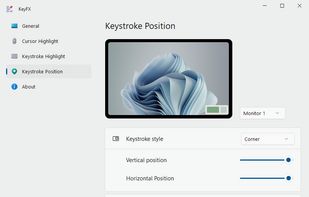


A live screen effect layer for macOS that adds real-time zoom, cursor spotlight/highlight, and freehand drawing directly on your screen.

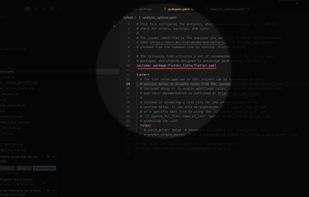


 Australia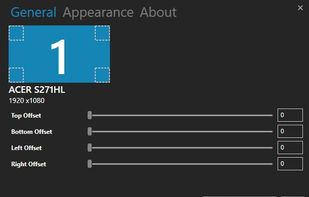
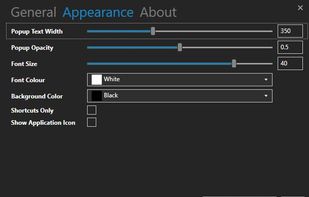
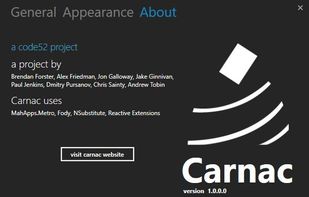


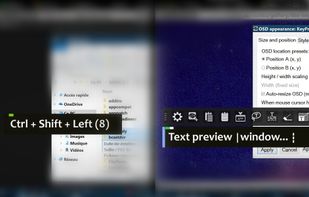
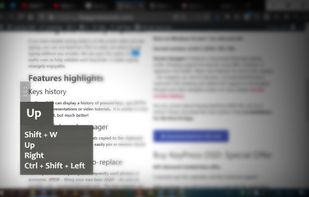
KeyPress OSD is a full-featured screencasting tool for displaying key-presses on Windows. Beyond on-screen keypress display, it features text-expansion, mouse-highlighting and a multi-clipboard manager.



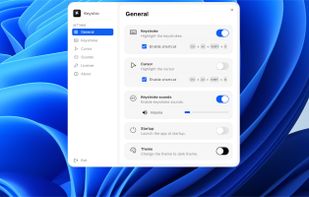
Floating widget shows each key pressed in real time and highlights the cursor with fully adjustable design. Choose from 10+ styles, unlimited color themes, and over 10 sound options. Works across multiple screens for screen recording on Windows and macOS.


A utility to show keyboard keys visually on the Windows screen. - KaustubhPatange/Kling
India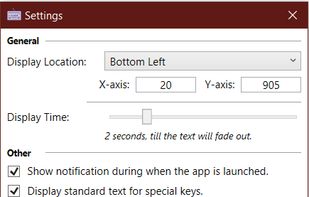



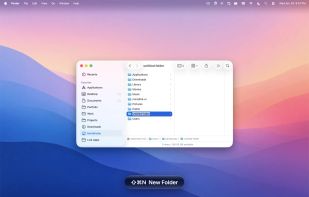
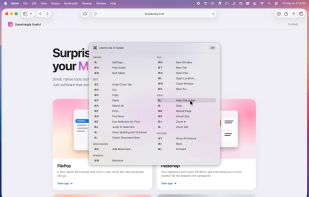
A floating glass HUD names every keyboard shortcut you fire — so you don't have to squint at the menu-bar flash to confirm.

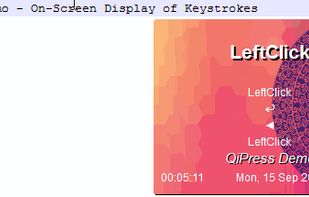
QiPress is a portable Windows program that displays key presses on the screen. The keyboard input display takes minimal space, and highly customizable.