


 Brazil
Best alternatives are  LibreCADand
3 alternativesLibreCADand
 LibreCADand
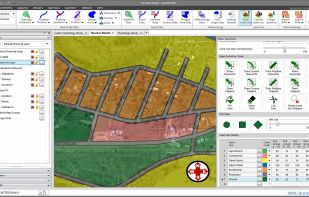
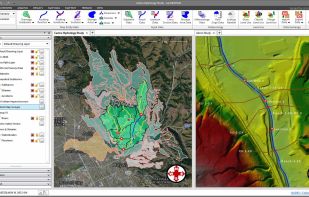
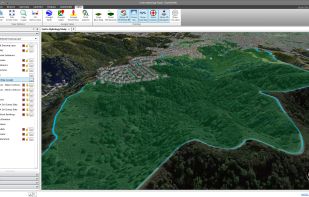
GeoHECHMS greatly speeds up the creation, analysis, and review of stormwater models. It automates subbasin delineation, curve number (CN) computation using land use and soils maps, and lag time (time of concentration) computation.
 United States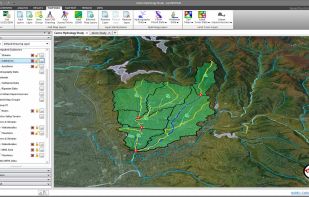

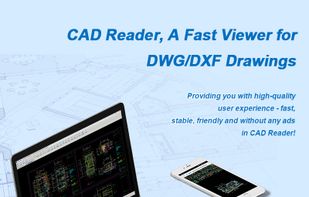
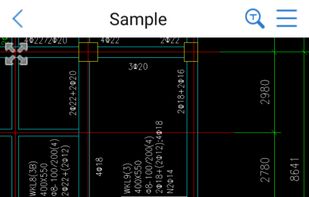
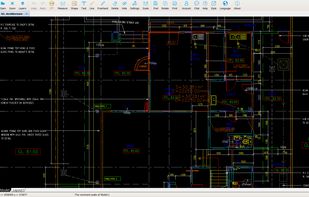
As a simple, lightweight, and powerful tool for viewing and measuring CAD drawing, CAD Reader supports .dwg/.dxf files and is available to add annotations on the drawing and do some quick measurement.
 China
China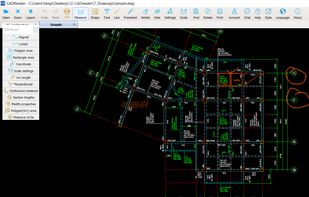

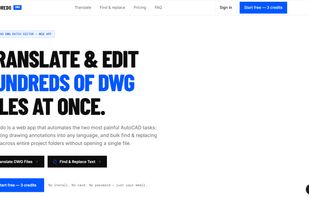
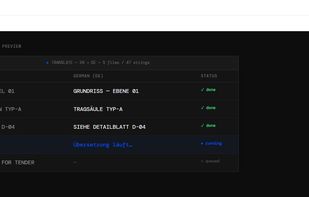
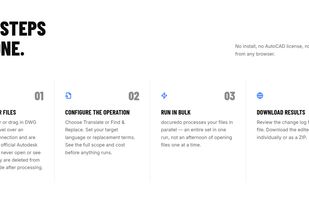
Docuredo translates CAD drawings, blueprints, and other technical documents into different languages while keeping the original layout, dimensions, and formatting intact.


Opens AutoCAD DWG drawings directly inside QGIS. R14 to 2018 and newer, no conversion step, no separate converter to install, and it works on closed networks with no internet. Each CAD layer becomes one QGIS layer, entity colour, line type and line width are carried over, hatch...

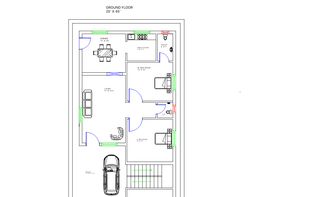



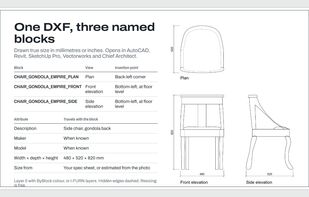
CAD Blocks turns a furniture product photo into a true-size 2D CAD block (plan, front and side elevations) as a DXF for AutoCAD, Revit, SketchUp and Vectorworks.
 United Kingdom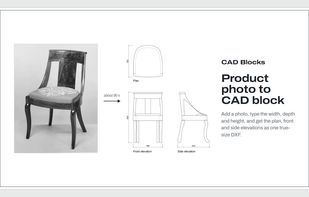

 SketchUp
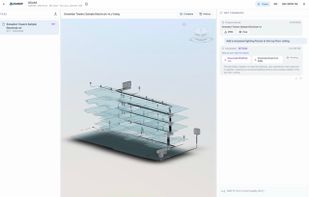
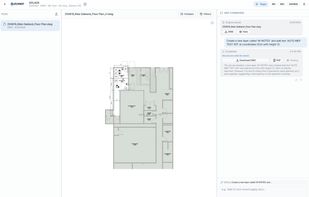
AutoMEP is the AI drafter for MEP engineers and designers. Upload an AutoCAD DWG or Revit RVT file, describe the change in plain English (for example, "route supply ductwork to Room 104"), and an AI agent reads the full drawing, plans the work, applies it, and runs a...
United States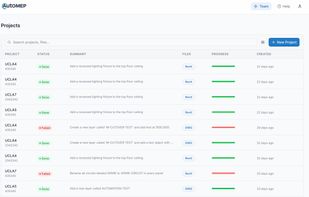


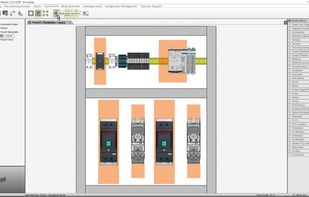
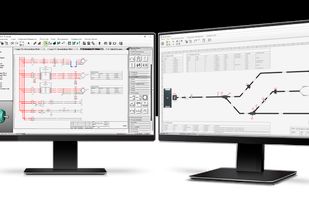
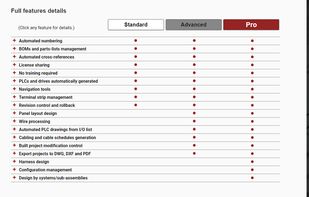
Designed for electrical schematics, it offers free standard licensure with advanced options, user-friendly tools, and is accessible via subscriptions.



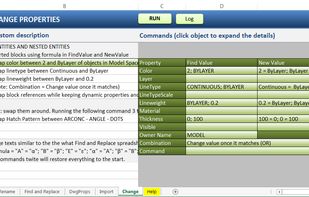
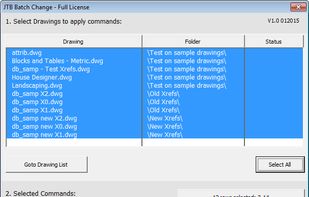
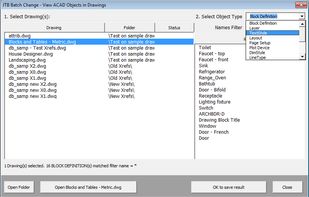
This app gives you many powerful options to change multiple drawings in batch mode. Rename objects, find and replace text, import and update blocks, change drawing properties, and more.
 Sweden
 EU
EU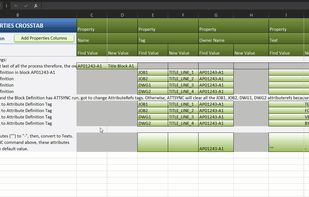
 Docuredo
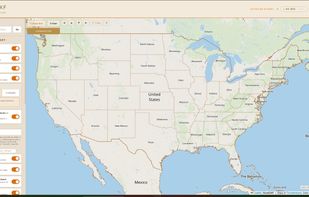
Draw a box, hit generate, and get a professional-grade DXF file for AutoCAD. Made for make ready drafters and utility permit engineers tired of hand-tracing roads.




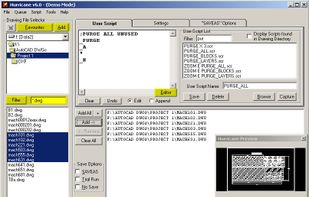
Hurricane is a Windows batch script generator for AutoCAD, used by CAD professionals since 2003. Pick your drawings (drag and drop, folder scan or a file list), choose what to do, and Hurricane opens, processes, saves and closes every drawing in turn, unattended.


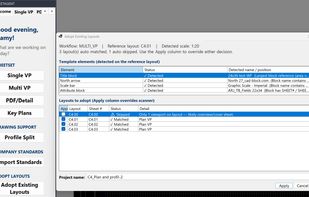
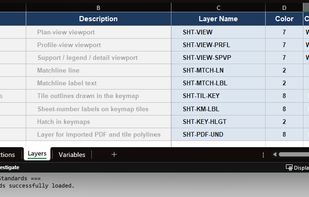
SheetAgent for Civil 3D builds complete sheet sets using your firm's layer standard, then keeps them correct when the design moves.
United States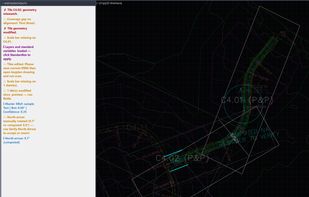

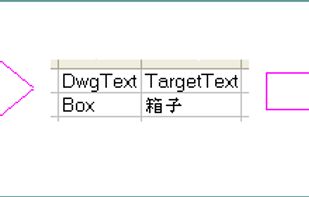
DwgTextTranslator is a CAD translation tool for extracting, translating, and reinserting text from AutoCAD drawings. It exports text from individual DWG files or batches of drawings to Microsoft Excel, where translations can be entered manually or processed with CAT tools such...
 FinlandEU
 Docuredo


