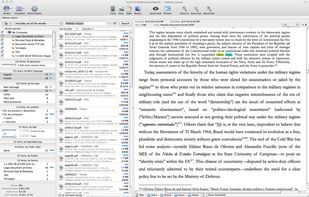
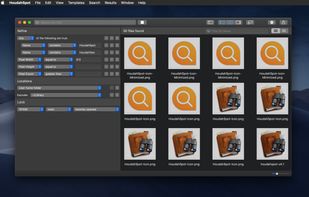
Search a comprehensive, centralized cache of all text found in your documents and other text-based files, including database and package files.
Cost / License
- Paid
- Proprietary
Platforms
- Mac
 Switzerland




+1
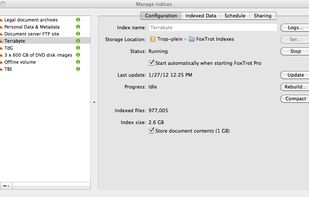


Search a comprehensive, centralized cache of all text found in your documents and other text-based files, including database and package files.
Switzerland
 Indonesia

 Czkawka
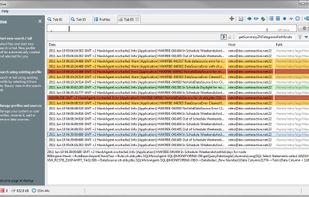
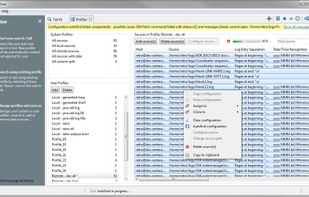
Retrospective is a lean solution for IT people to manage enterprise log data on either Windows, Mac or Linux.
Switzerland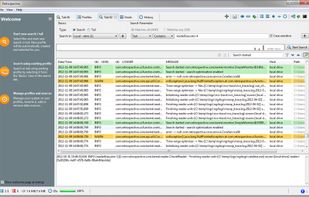


Use the power of Google to search across your company’s content in G Suite. From Gmail and Drive to Docs, Sheets, Slides, Calendar, and more, Google Cloud Search answers your questions and delivers relevant suggestions to help you throughout the day.
 United States



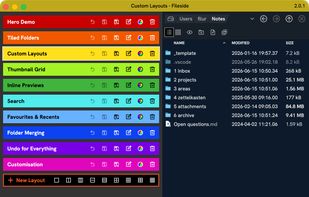
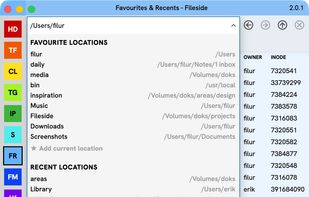
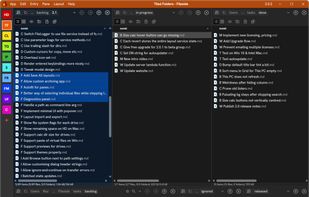
Fileside is a modern file manager for Mac and Windows with a twist. Create workspaces for your projects — build layouts of your folders. Everything you need will never be more than a click away, and staying organised becomes a breeze.
 Germany
 EU
EU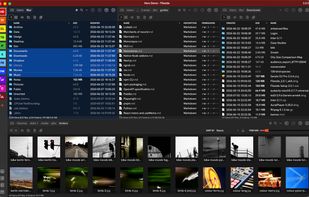
 Double Commander
Beagle is a search tool that ransacks your personal information space to find whatever youre looking for.
United States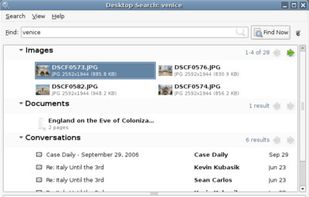

 United States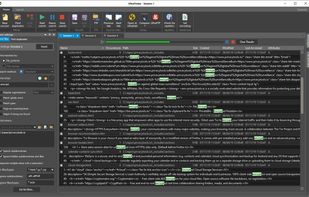


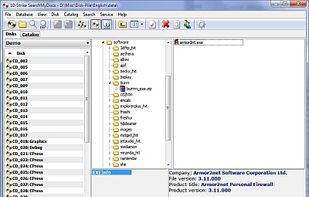
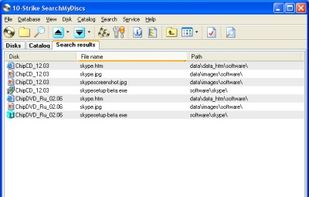
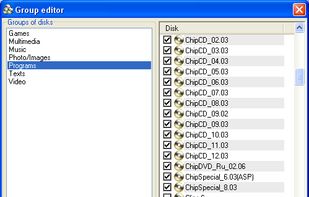
SearchMyDiscs is a CD/DVD cataloging software, which allows you to create and maintain your own disk database.
 GCstar
 LuxembourgEU


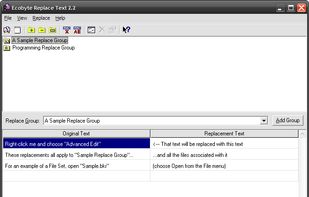
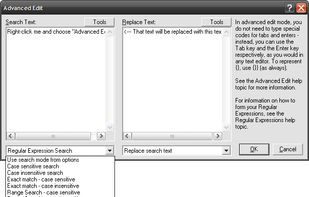
Replace Text, formerly called BK ReplaceEm, is the free string-replacing utility for Windows.


SSuite Desktop Search is a useful and extremely fast windows desktop search engine that can find files, folders, and file content.
 South Africa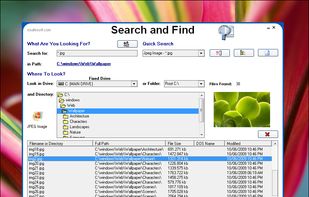


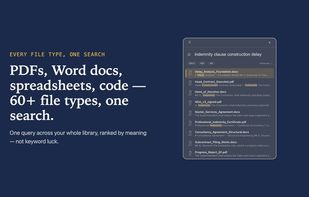
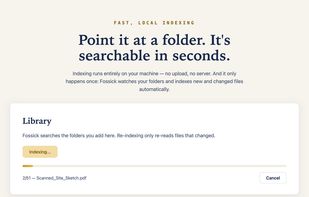
Fossick finds your documents by what they mean, not their filename. It runs 100% offline on Windows and Mac, so your files are never uploaded. One payment of US$14.99.
 Australia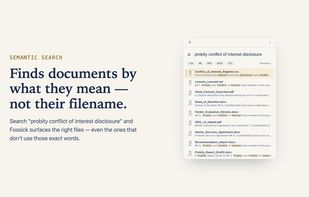

 GermanyEU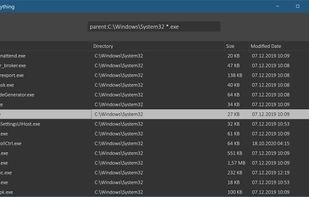

One of the best file manager for Android. All the files on your SD-card he categorizes that facilitates access to the desired content, without having to search for it on the folder manually. You can browse music files, videos, photos, documents, applications, as well as easy to...



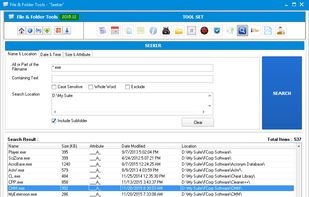
FileSearchEX is the no nonsense file search utility for Windows 7 and higher. It offers the simplified search interface like Windows XP yet in an updated and modern fashion. Unlike other search tools, FileSearchEX works well with limited account permissions.
United States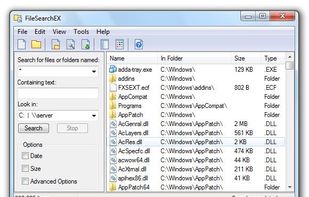

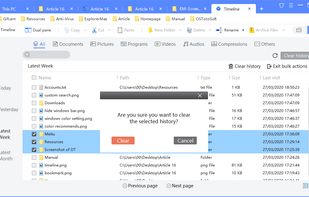
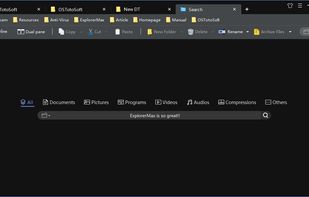
If you are frustrated by the limitations and inconveniences of built-in Windows explorer (File Explorer), ExplorerMax is your better choice. It is an enhanced Windows explorer with far more power functionalities.
 Hong Kong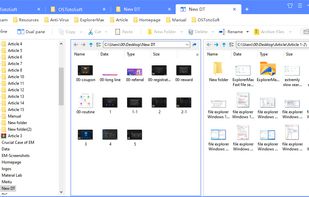

 Double Commander
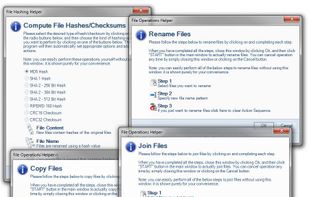
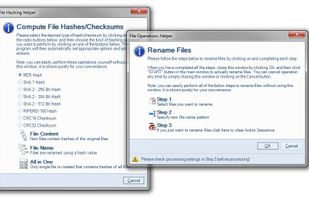
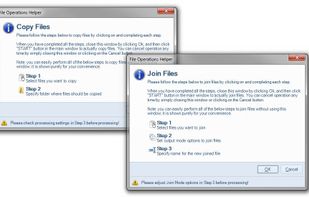
Rename, move, copy, delete, and otherwise manage multiple files. Rename multiple files according to the rules and pattern you specify using powerful editor with syntax highlighting. Copy, move files to folders specified using absolute/relative paths.
United States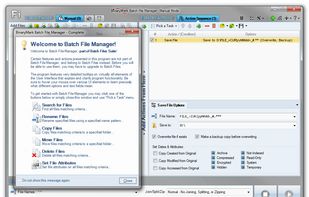
 Double Commanderand


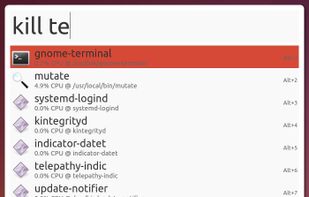

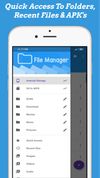
File Explorer Pro is a free, secure tool that helps you find file faster, manage files easily, powerful file manager with a clean, and intuitive interface. You can easily find how many files & apps you have on your device at a glance instantly.

 Double Commander
Effective File Search (EFS) is a powerful but easy to use search tool. Search any files on your computer or local network with this effective software. EFS is a real replacement for the Windows Search utility. You can save a lot of time with this excellent file search tool.
 Russia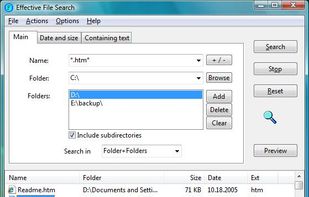

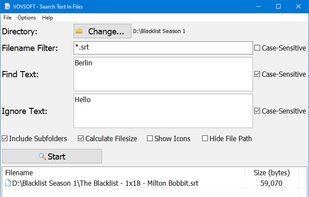
Search Text In Files is an easy-to-use file search application for your computer. Search through plain-text files and PDF files using simple queries and this tool will quickly list the requested files.
 Türkiye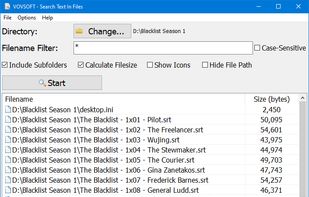



A Linux version of Everything Search Engine. Support fast NTFS indexing. Show instant results as you type.
"Instant Document Search" is a powerful search solution (like Internet search engines) for your local documents.
Russia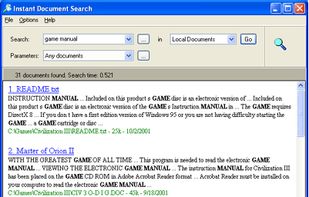

Wise JetSearch can help you search files or folders on all your local drives in just a few seconds. Input your keywords, select the drive and then start to search. After searching, Wise JetSearch will show you the searching results such as file/folder name, path, size and last...
 China
China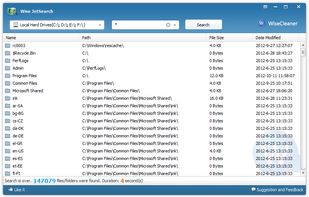

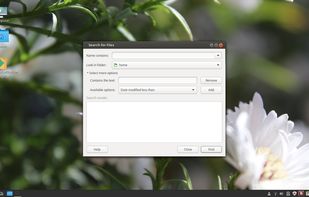
gnome-search-tool is a utility for finding files on your system. To perform a basic search, you can type a filename or a partial filename, with or without wildcards. To refine your search, you can apply additional search options.