Cost / License
- Free
- Open Source (MIT)
Application type
Platforms
- Mac
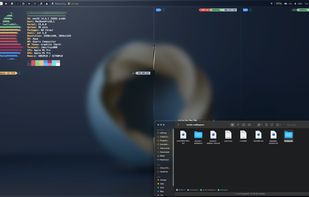

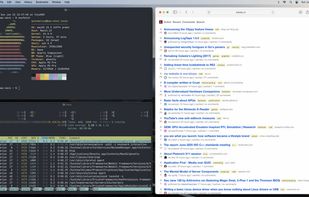

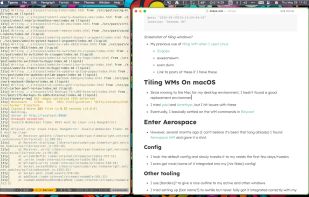


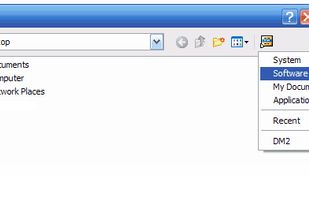
DM2 provides several Windows enhancements that may help in every-day work. One of the nicest and most popular features of DM2 is minimizing windows to floating icons® (unique feature!) freeing both task bar and tray bar space.



Sway is an incredible window manager, and certainly one of the most well established wayland window managers. However, it is restricted to only include the functionality that existed in i3. This fork ditches the simple wlr_renderer, and replaces it with our fx_renderer, capable...


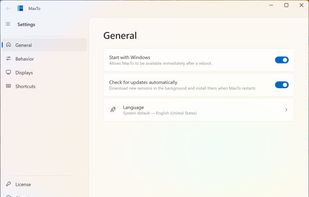
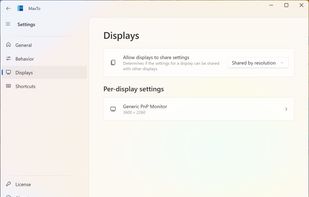
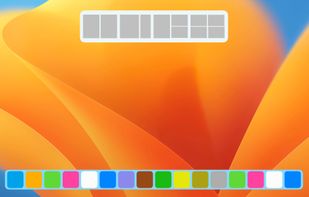
Keyboard-first window manager for Windows. Build your own grid on every monitor, then snap any window into place with one hotkey.
 Norway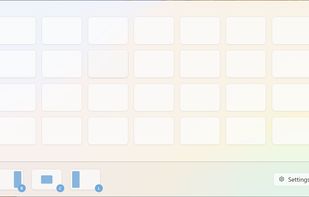

 Microsoft PowerToys
spectrwm is a small dynamic tiling window manager for X11. It tries to stay out of the way so that valuable screen real estate can be used for much more important stuff. It has sane defaults and does not require one to learn a language to do any configuration.
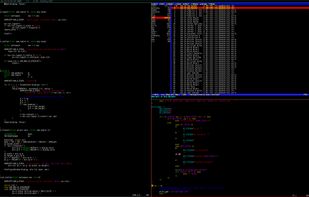
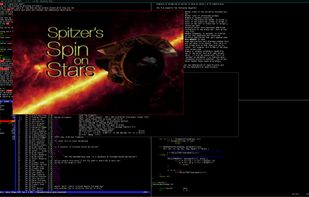
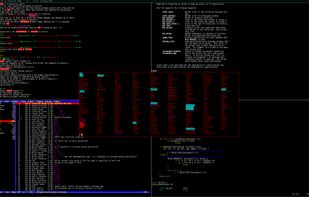
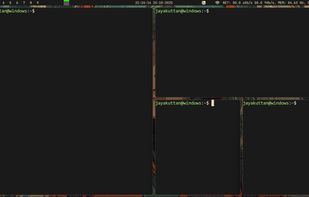

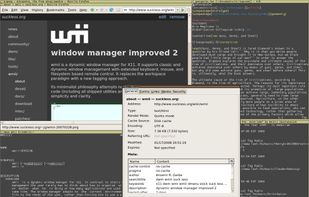
wmii is a small, dynamic window manager for X11. It is scriptable, has a 9p filesystem interface and supports classic and tiling (acme-like) window management. It aims to maintain a small and clean (read hackable and beautiful) codebase.

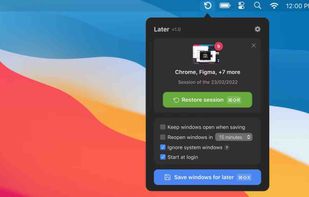
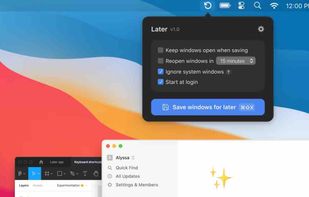
 StayHereand

Like the "Always on Top" feature that some programs have? TurboTop lets you set any window to be "Always on Top!"
 United States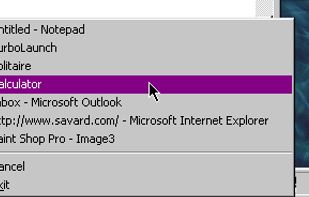


KDE 3.5 fork. A computer desktop environment for Unix-like operating systems with a primary goal of retaining the function and form of traditional desktop computers.
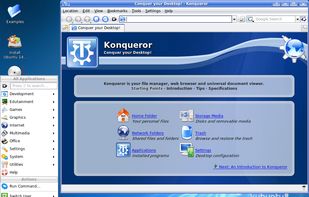
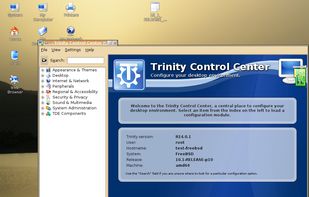
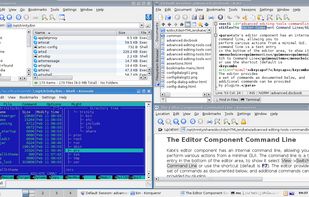
 KDE Plasmaand
 GNOME
GNOME
With MultiMonitorTool, you can disable/enable monitors, set the primary monitor, save and load the configuration of all monitors, and move windows from one monitor to another.
 Israel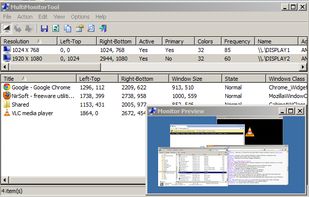


ForceToolkit is a small but powerful Windows freeware utility that provides a few functions forcibly modify the state of other program controls. This tool allows users to enable grey out buttons and checkboxes, hide windows and let them run in the background, make windows always...
 China
China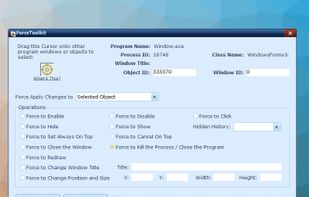



 Microsoft PowerToys






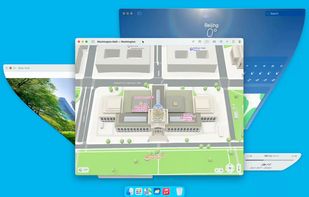
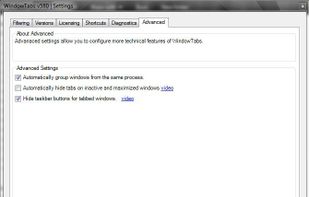
Adds browser-style tab functionality for desktop application windows, allowing grouping, dragging, and organizing multiple open programs for easier management.



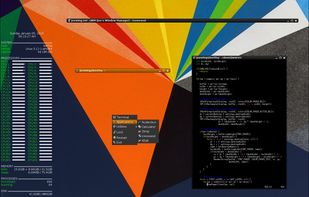
JWM is a light-weight window manager for the X11 Window System. JWM is written in C and uses only Xlib at a minimum. Because of its small footprint, JWM makes a good window manager for older computers and less powerful systems, such as the .

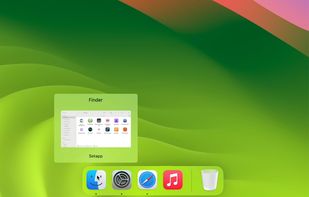
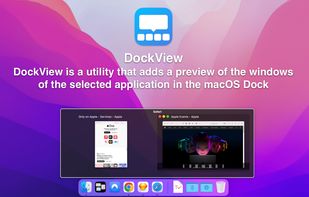
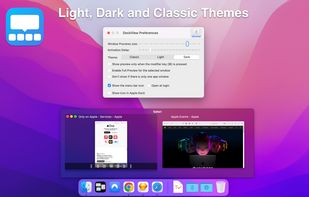
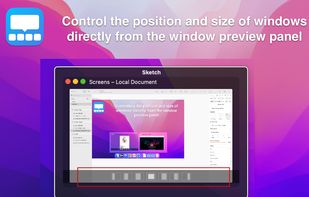
DockView is a macOS utility that shows live previews (thumbnails) of an application’s open windows when you hover over its icon in the Dock. You can quickly switch, minimize, or close windows directly from that preview panel — all without altering the system Dock itself.
 Ukraine


Stack Window Manager With Manual Grid Tiling Layout Extended Desktop Area Left Hand Keyboard + Right Hand Mouse.
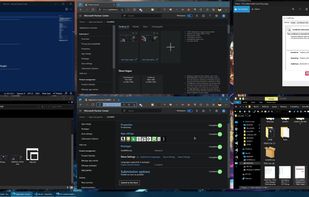
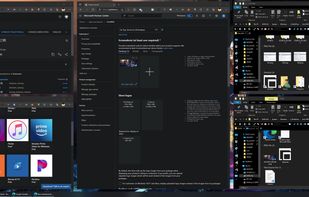
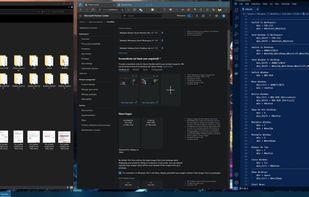
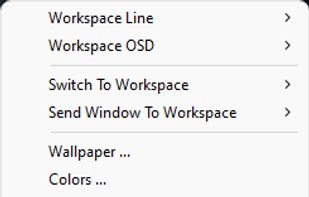 Microsoft PowerToys
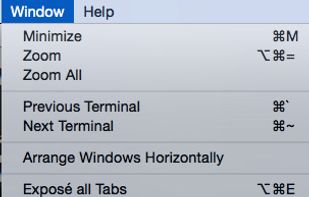
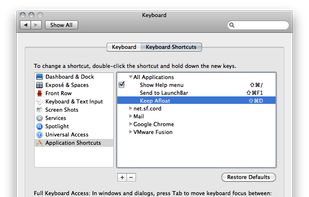


workspacer is a tiling window manager for Windows 10, similar in style and function to common unix tiling window managers (dwm, i3, xmonad).
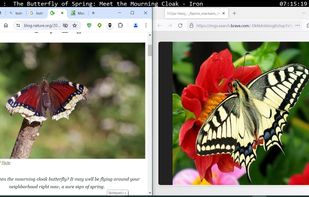

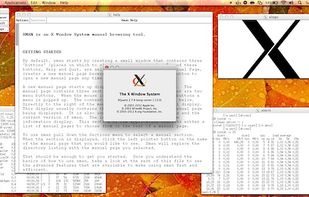
This provides a windowing system for some applications that normally run on Linux, as well as for forwarding GUI from the server to your client computer.

VEEER is a lightweight window manager for your mac OSX - designed for designers & developers and built for a maximum workflow speed.