Cost / License
- Free
- Open Source
Application type
Platforms
- Linux
- Snapcraft
 Germany
 EU
EU

 GermanyEU
 GermanyEU

 Rclone
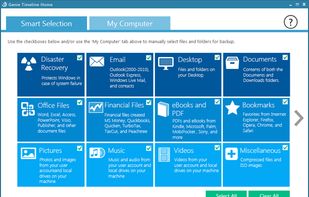
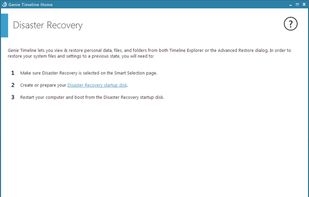
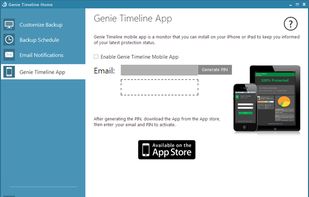
Provides continuous, automatic backup for music, videos, photos, documents and more, restoring files from any timeline point and supporting local, external, or network drives.
 United Kingdom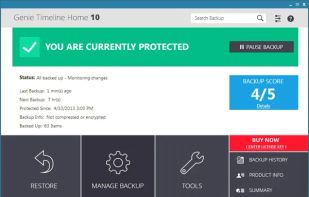


A robust multimedia suite with over 200 features for Windows, including media handling, editing, converting, and system optimization in a user-friendly interface.
GermanyEU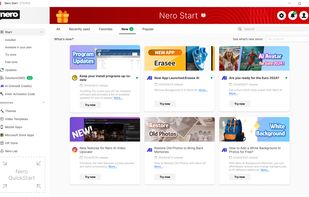
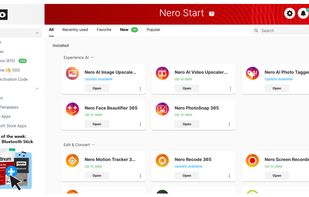
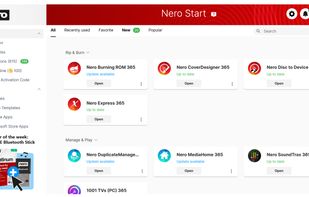
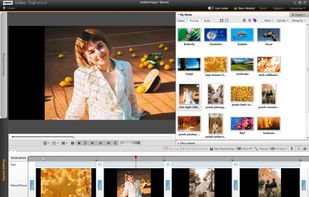

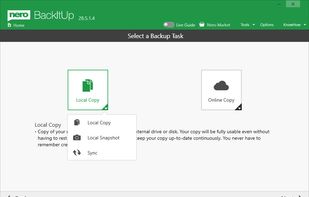
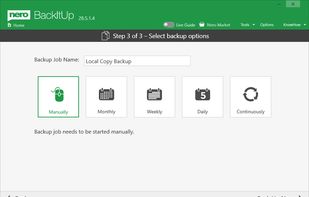
Creates your backup quickly and easily to an external hard drive, optical media or the cloud.
GermanyEU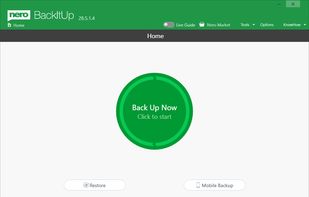


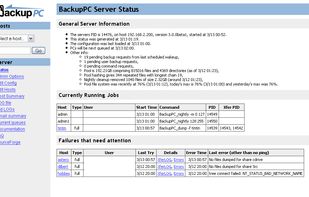
BackupPC is a high-performance, enterprise-grade system for backing up Linux, WinXX and MacOSX PCs and laptops to a server's disk. BackupPC is highly configurable and easy to install and maintain.


File Specific Automatic BackUps
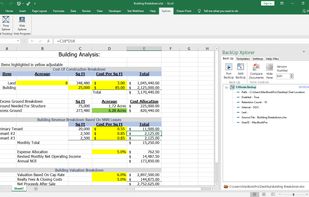
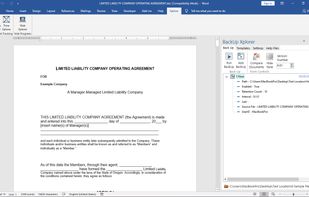
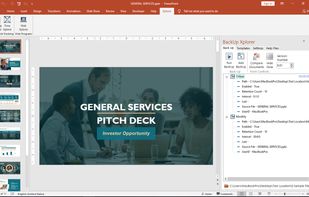
BackUp Xplorer creates an environment where the user controls the frequency, location, and number of backups for each individual file.
Works With: Excel | Word | PowerPoint | Publisher | Project.
 United States


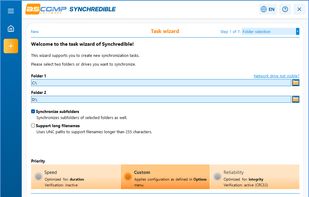
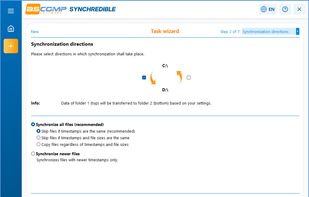
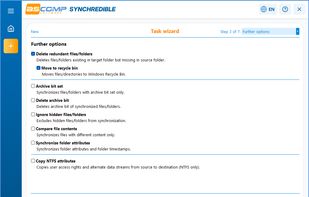
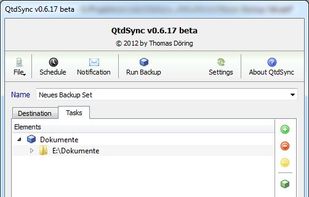
Synchronizes and backs up folders or drives with automated scheduling, supports LAN and USB synchronization, offers one-way or two-way sync, and logs detected file changes.
GermanyEU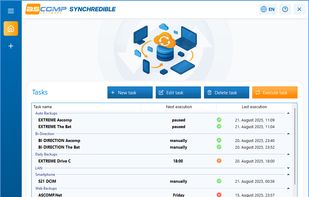


Windows Backup and Restore (formerly Windows Backup and Restore Center) is a component of Microsoft Windows introduced in Windows Vista and included in later versions that allow users to create backups and restore from backups created earlier.
United States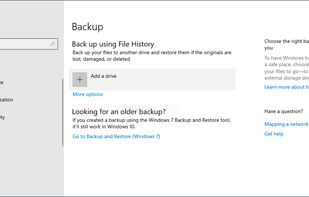


SmartBackup is an easy to use macOS utility to sync folders, volumes, or to create a bootable clone of your startup disk. It supports different configurations for multiple destinations, excludes, can archive deleted or changed files, and features built-in automation.
United Kingdom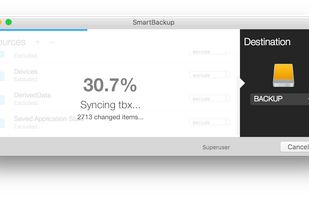


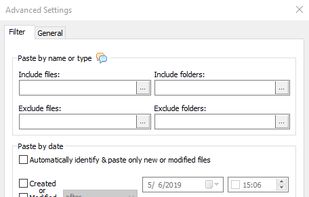
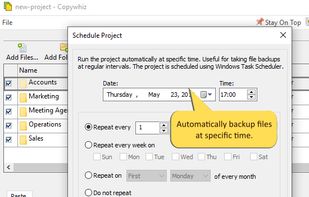
Crazy & Smart File Copy Program for Windows that lets you have more control when copying files in Windows. Also automate complex tasks & save hours.
 India
India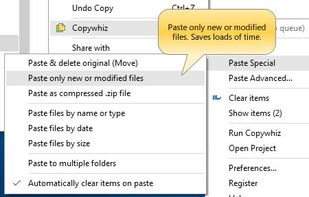
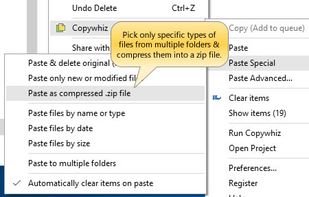

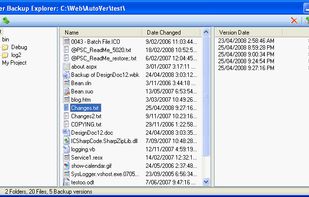
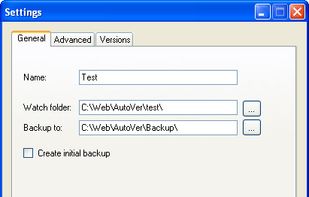
AutoVer is a configurable automatic or real time backup and personal versioning system. It can be used as a simple real time backup or as a more complex, but transparent version control system (like a realtime incremental backup).
United Kingdom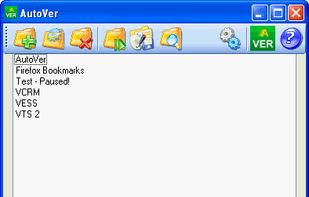

 Norway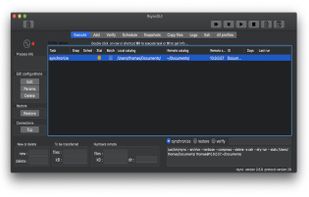
 Syncthingand
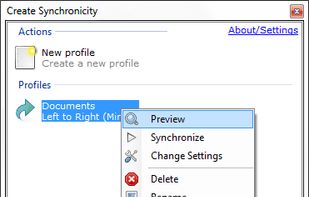
Create Synchronicity is a nice, lightweight backup program with a very user-friendly - yet powerful - interface, that synchronizes files and folders extremely quickly (it can even recognize paths such as "MyUSB"\MyFolder, and locate the USB drive called...
 FranceEU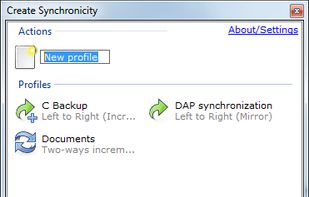



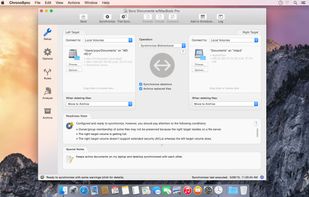
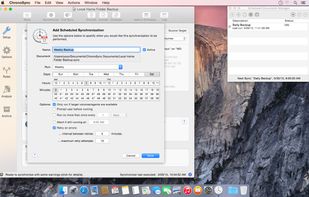
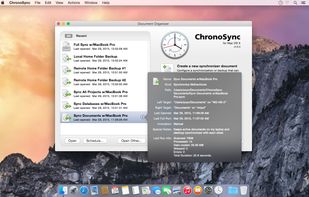
ChronoSync can synchronize, backup, and create bootable backups to almost anything you can connect to your Mac: select cloud services, other Macs, NAS drives, external drives, PC's or anything you can mount as a volume.
United States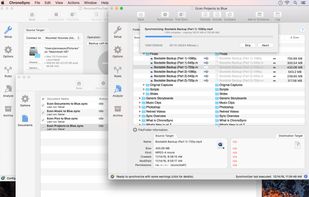

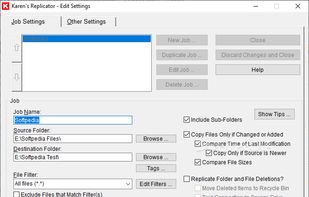
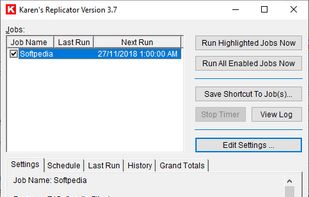
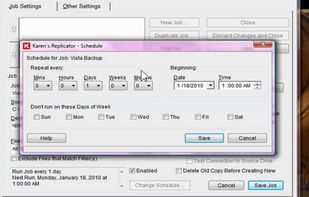
Karen's Replicator copies selected files from one drive/folder to another. Source and Destination folders can reside anywhere on your network.
United States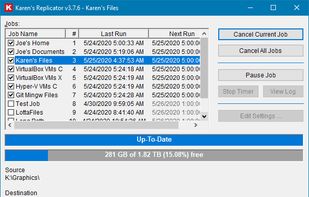

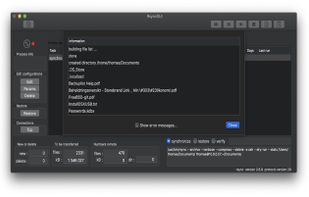
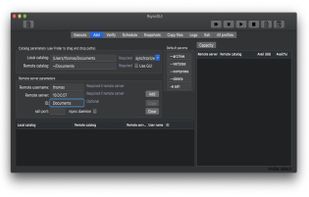
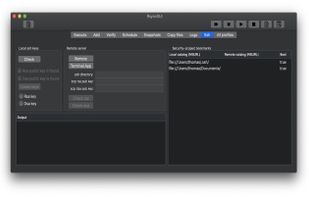
A graphical interface for the Rsync engine that will synchronise files between two computers either locally or over the internet. The beauty of Rsync is that it only transfers the exact part of a file that has changed (differential synchronisation), saving bandwidth and time.
 Dropboxand
FBackup is a free backup software for both personal and commercial use. It protects your important data by backing it up automatically to any USB/Firewire device, local or network location. The backed up data can be either compressed (using standard zip compression) or an exact...
 RomaniaEU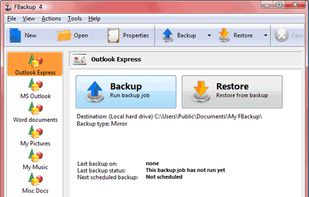
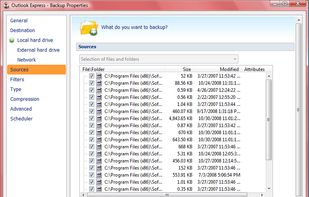
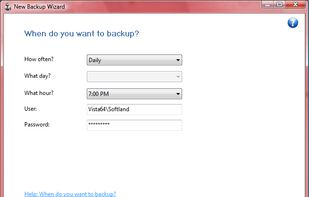

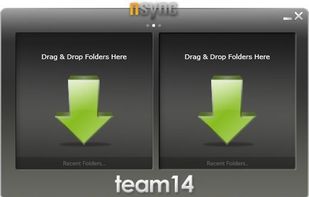
nsync is a free, open source software that performs synchronization of your data between desktop PCs, laptops, USB drives and more.


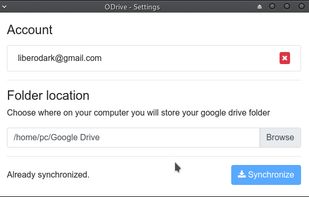

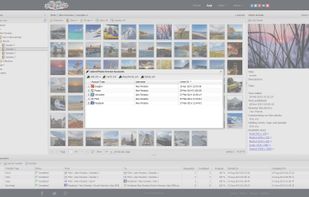
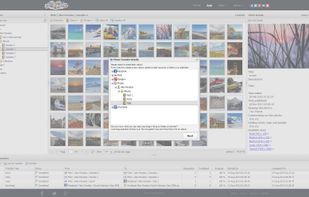
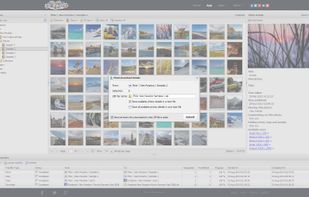
55Photos is a web app that works with Google Photos, Google Drive, Dropbox, VK, Flickr. Using 55Photos you can explore, view, edit, manage, organize, transfer, download, upload, backup online photos and images.



 Syncthingand
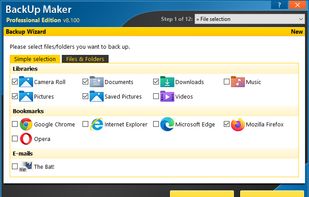
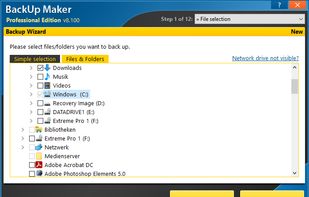
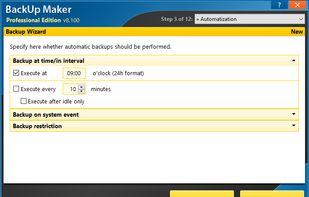
BackUp Maker automates data backups for files and folders with ease. Create scheduled or event-based backups, use filters, and manage multiple backup generations for secure, reliable data protection.
GermanyEU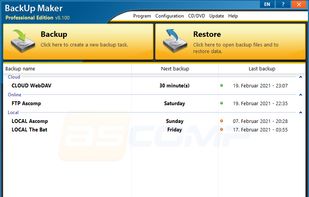

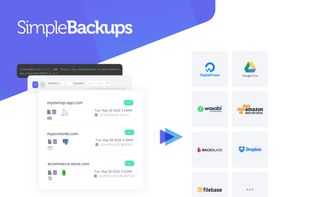
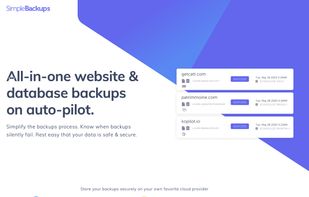
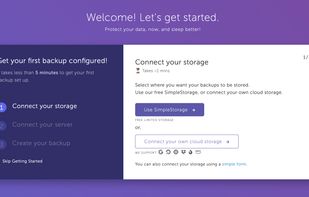
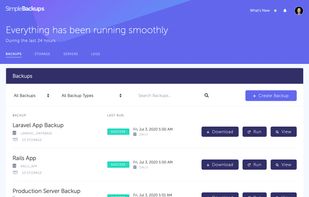
SimpleBackups is an all-in-one website & database backup automation service built for the cloud. Super simple setup, store on any cloud provider and restore in just a few clicks.