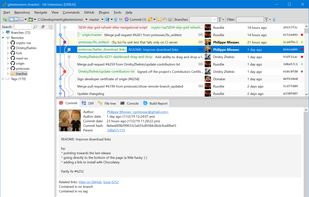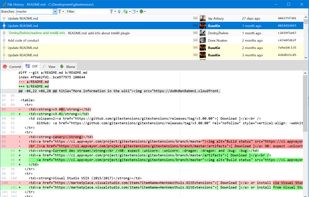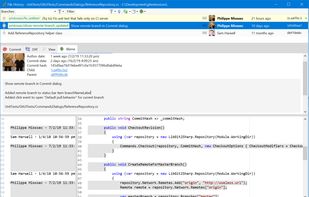

GitHub Desktop is a native Git client for Mac OS X and Windows with a graphical user interface.
Cost / License
- Free
- Open Source (MIT)
Application typeApplication types
Since
- Since 2012
GitHub
- GitHub stars: 22.1k
 United States
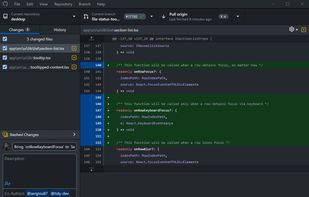




Apps similar to Source App include GitHub Desktop, which is free and open source. Other options are Tributary, Gittyup, GitKraken and Sourcetree. Git Clients like Source App are a crowded field, with more than 50 alternatives for Mac, Windows, Linux, Android and self-hosting.
GitHub Desktop is a native Git client for Mac OS X and Windows with a graphical user interface.
United States
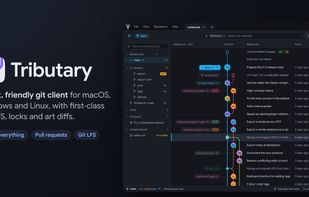
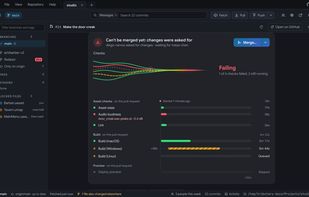
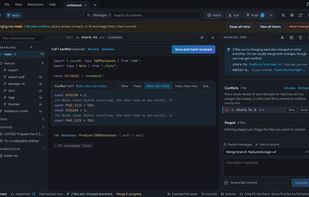
Cross-platform Git client with a colored commit graph, reversible Git actions and local snapshots, Git LFS locks, visual diffs for images, models, audio and video, plus GitHub and GitLab pull-request reviews. Simple mode offers updating, changes and submission.
 United Kingdom


 Germany
 EU
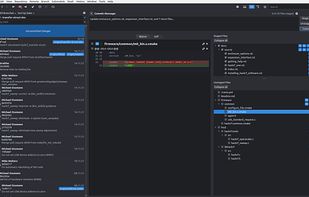
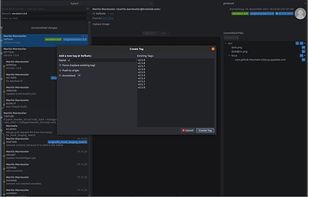


Millions of developers and teams around the world choose GitKraken Client to make Git more visual and accessible with an intuitive UI, the flexibility to switch between a GUI or a terminal, and a seamless experience across operating systems.
United States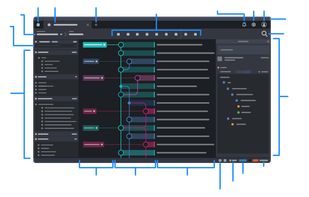
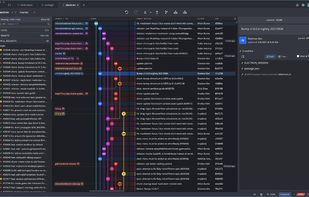


A powerful Mac and Windows client for Mercurial and Git distributed version control systems.
 Australia
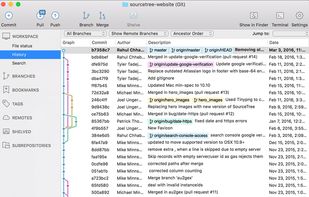
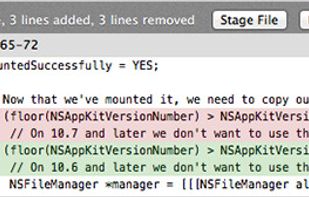
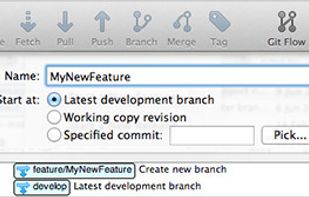
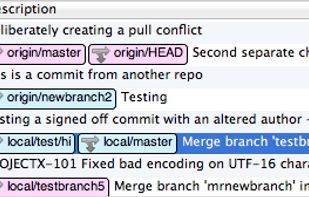


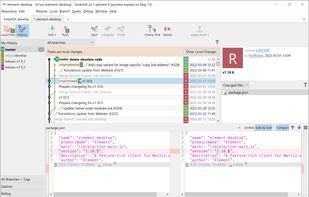
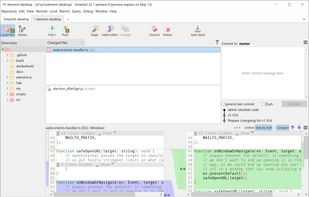
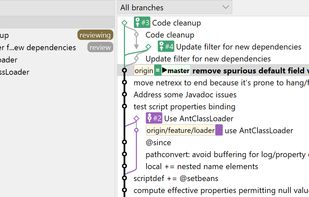
SmartGit is a front-end for the distributed version control system Git and runs on Windows, macOS and Linux. SmartGit is intended for developers who prefer a graphical user interface over a command line client, to be even more productive with Git.
GermanyEU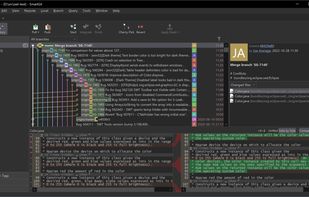


 CzechiaEU
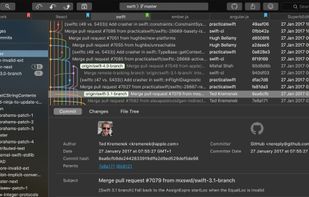
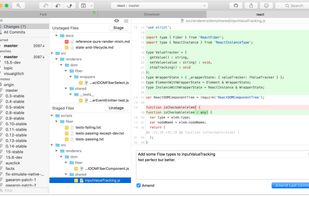
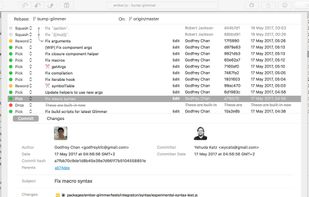


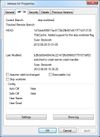
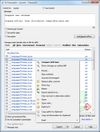
TortoiseGit is a Windows Shell Interface to Git and based on TortoiseSVN. It's open source and can fully be build with freely available software.
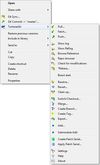


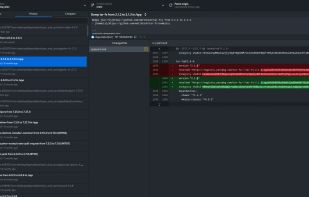
This is an up-to-date fork of GitHub Desktop, with many quality of life improvements and advanced features for power users.
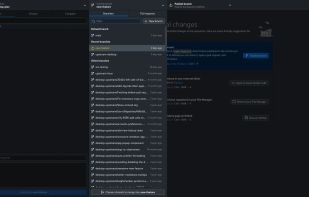


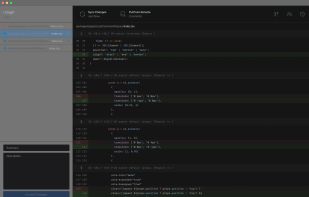
Modern graphical Git client featuring advanced tooling, support for GitHub, GitLab, Codeberg, detailed project popout views, dynamic workflow automation, and extensive theme customization for enhanced adaptability and user-driven workflow management.
Australia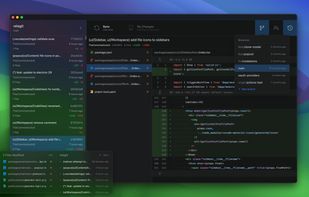


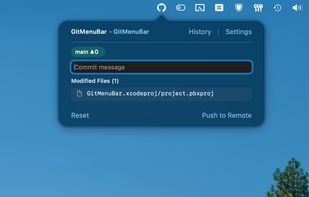
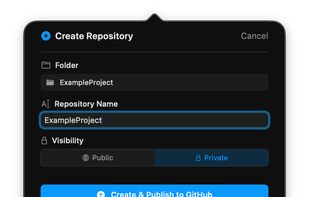
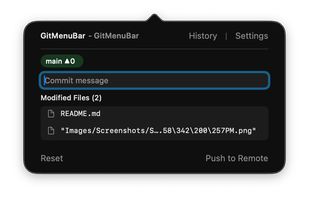
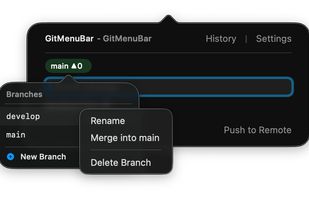
Native macOS menu bar tool streamlining Git management without terminal commands, offering instant repository sync, flexible pulling and rebasing, smart branching, history recovery features, wipe and restart actions, and protective prompts for safe workflows.


Git Extensions is a standalone UI tool for managing git repositories. It also integrates with Windows Explorer and Microsoft Visual Studio (2015/2017/2019).
 NetherlandsEU