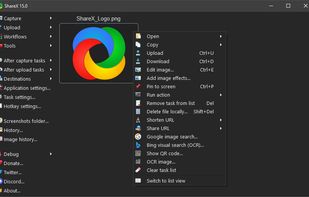
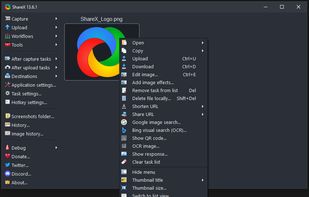
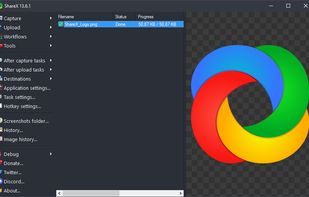
Open-source screen capture and file sharing tool with recording, editing, and annotation features. Supports 4K, dark mode, theming, offline use, and offers a lightweight, ad-free experience without tracking user data.


ShareX vs Sleekshot Comments
The screenshot tool is simple to use and very convenient. It allows you to quickly capture screenshots, add annotations, and share them. I particularly liked the feature for selecting a specific area it significantly speeds up the workflow. Furthermore, the application runs smoothly without any errors or lag. It is an excellent choice for anyone who frequently works with screenshots or creates instructional materials.
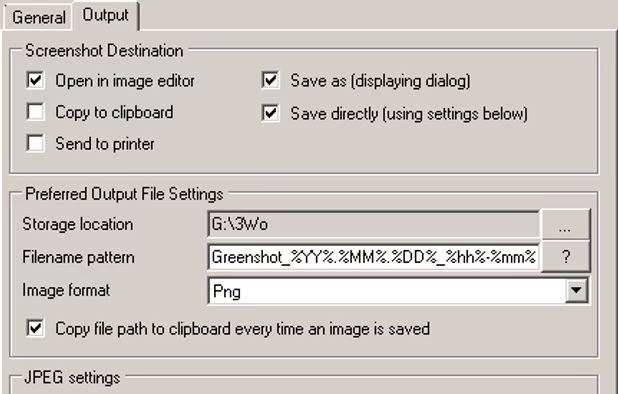
I will separately note flexible saving options: you can immediately to the buffer, you can to a folder, and you can get a link - convenient when you need to quickly share with colleagues. The quality of the pictures is excellent, nothing is soapy, the text is read perfectly. The program is light, does not load the system, starts instantly.

- ShareX is Free and Open Source
- ShareX is Customizable


ShareX is hands-down the best screenshot tool I've ever used. It's lightning fast, super customizable, and packed with powerful features like instant uploads, OCR, and editing all completely free. If you take a lot of screenshots, this is a must-have. Highly recommended!