Get to know Game Bar on Windows Open Game Bar to take control of all your favorite gaming activities while playing on your Windows 10/11 device.
Cost / License
- Free Personal
- Proprietary
Application typeApplication types
Since
- Since 2019


Apps similar to ScreenGo include OBS Studio, which is free and open source. Other options are GPU Screen Recorder, Bandicam, VokoscreenNG and Camtasia. Screen Recorders like ScreenGo are a crowded field, with more than 25 alternatives for Windows, Mac, the web, Linux and Android.
Get to know Game Bar on Windows Open Game Bar to take control of all your favorite gaming activities while playing on your Windows 10/11 device.

Wink is a Tutorial and Presentation creation software, primarily aimed at creating tutorials on how to use software (like a tutor for MS-Word/Excel etc). Using Wink you can capture screenshots, add explanations boxes, buttons, titles etc and generate a highly effective tutorial...
 India


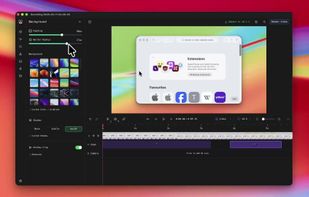
Native macOS screen recording and editing with auto-zoom following every action, built-in editor for quick trims, super-fast Metal-accelerated 4K export, no subscription, customizable backgrounds, movable camera overlay, shadow effects, and AI-driven features.
 Canada
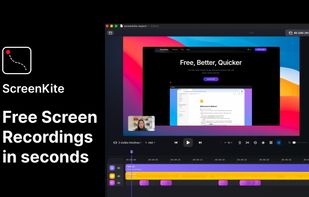


Open-source screen recorder with instant share links, self-hostable on your own Cloudflare account.
 Uzbekistan
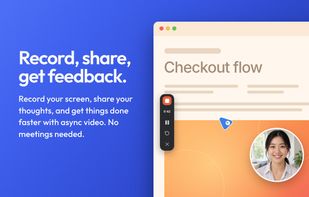
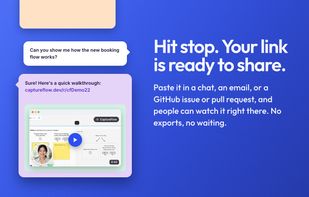
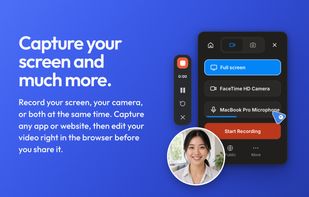
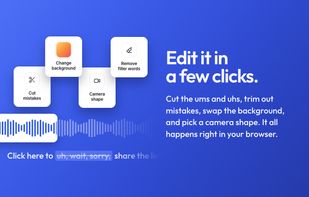


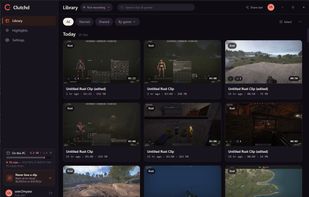
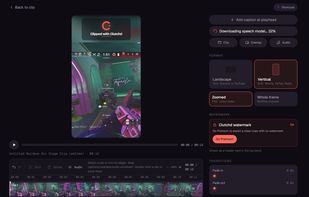
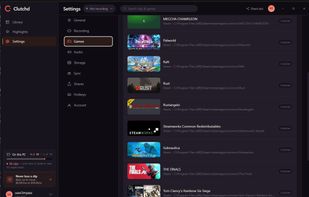
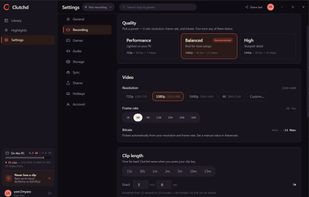
A video game clipping software made with performance in mind. Never lose any FPS, even if you leave it open in the background. No social media platform forced upon you. Quick share your clips with a link to your friends.
 United States

Screenshot and screen recorder app for macOS. One app instead of four. Capture multiple windows, annotate, zoom, add transitions, and drop your recording onto a 3D MacBook with a simulated lens. Everything stays local.
 Australia
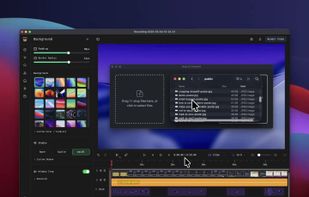
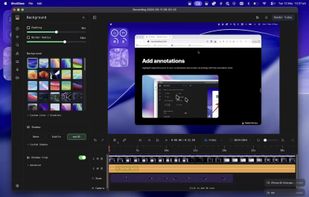
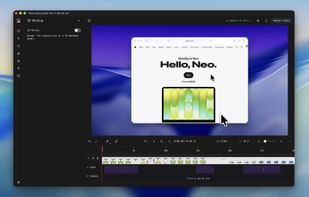


Capture full and partial screenshots, record screen or webcam videos with extensive editing tools, including annotations, video conversion to gif/mp4, and sharing options. Create step-by-step guides enhanced by AI, save in multiple formats, and utilize cloud storage integration.
United States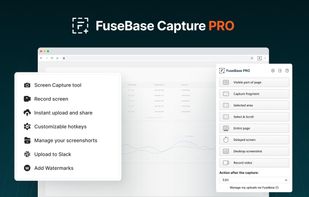
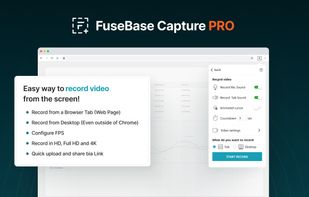
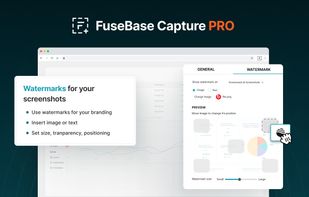
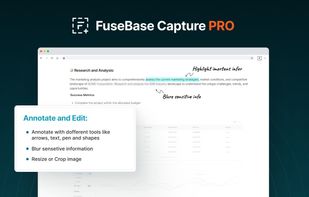


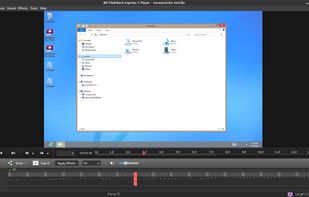
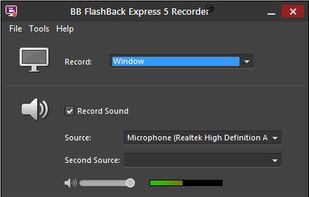
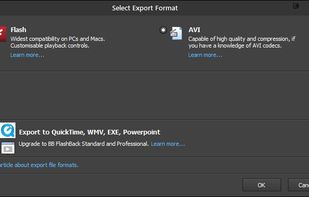
Free software records screen, webcam, and audio; supports picture-in-picture overlays, lossless format storage for frame referencing, export to Flash or AVI, and fast sharing options including direct YouTube upload. Suitable for tutorials, demos, or sharing online.
 United Kingdom
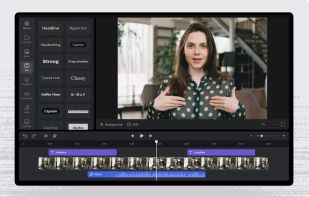


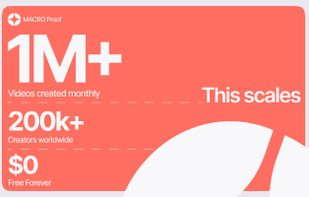
Boom is an AI screen recorder and video editor for async updates, demos and walkthroughs you share by link. It removes filler words and bad takes automatically, adds captions and dubs into 50+ languages.
 Portugal
 EU


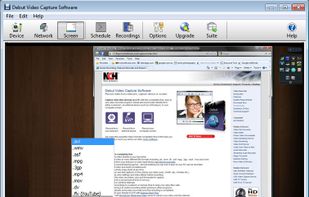
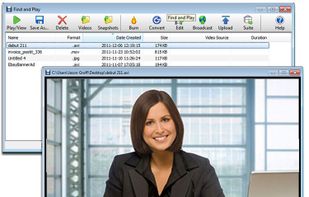
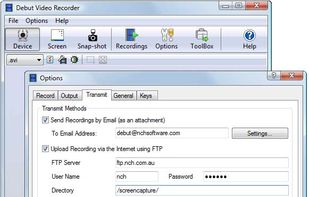
Debut is a screen capture and video recording software that records videos from your screen, webcam or other video devices.
Australia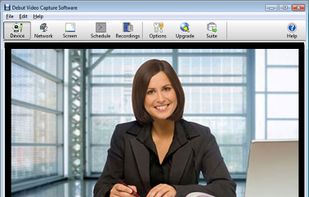


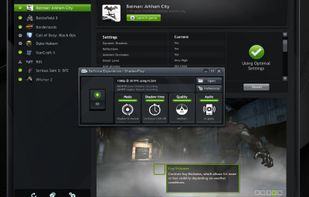
ShadowPlay is a graphics-accelerated overlay to record and share high-quality gameplay videos, screenshots, and livestreams.
United States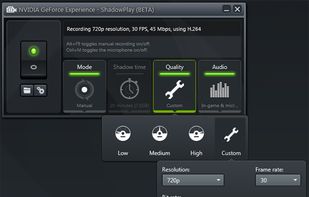


Free version Records up to 15 minutes, premium is $20/year or $48/year depending on features (as of January 2020).
United States