


Screenbits
11 likes
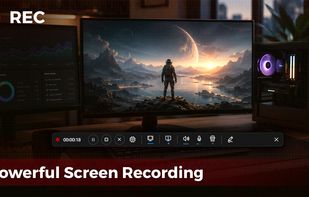
Fast, flexible, and easy-to-use screen recorder for gameplay, tutorials, product demos, and more. Record your screen, system audio, microphone, and camera in high-quality HD or 4K with smooth performance.

Cost / License
- Freemium (Pay once)
- Proprietary
Application typeApplication types
Platforms
- Windows
- Steam


Features
Highlights All activities
Screenbits News & Activities
Recent News
No news, maybe you know any news worth sharing?
Share a News Tip
Recent activities
 DcXor added Screenbits as alternative to Placide Recorder
 Devanshu-Sinha added Screenbits as alternative to Quibbly
 FaulMit added Screenbits as alternative to Captail
 Mustafa Özel added Screenbits as alternative to VidShrink
- mchehraz updated Screenbits
- mchehraz updated Screenbits
 fakecam added Screenbits as alternative to FakeCam - Virtual Webcam
 Paul added Screenbits as alternative to ReplayMac
 Paul added Screenbits as alternative to ScreenKite
 Paul added Screenbits as alternative to ShotGlass


Developed by
UnknownLicensing
Proprietary and Freemium product.Pricing
One time purchase (perpetual license) ranging between $7 and $15 + free version with limited functionality.Alternatives
131 alternatives listedBadge
Get an embeddable badge for ScreenbitsSupported Languages


Comments and Reviews
Video output in .avi
Since an update in long time ago, output file type is mp4, file size is optimized and the output is 24 bits, H.264 as MP4 file.
some limitations are that on multiple screens i can only ever get it to record from 1 screen and not any others, so I'm stuck with recording on 1 monitor.
but its free and works and the interface is nice and simple and isnt hidden away in the taskbar