Preview Alternatives

Preview is described as 'Native macOS tool for viewing, annotating, and editing images and PDFs, offers cropping, resizing, markup tools, page rearrangement, and export to multiple formats' and is a very popular PDF Reader in the photos & graphics category. There are more than 100 alternatives to Preview for a variety of platforms, including Windows, Mac, Linux, Android and iPhone apps. The best Preview alternative is SumatraPDF, which is both free and Open Source. Other great apps like Preview are Okular, IrfanView, XnView MP and ImageGlass.

Copy a direct link to this comment to your clipboard
Preview alternatives page was last updated

Alternatives list

  1. Gwenview icon
     97 likes

    Offers quick browsing and display of various image formats, basic editing tools like crop, rotate, lossless JPEG manipulation, folder browsing as thumbnails or slideshows, supports XCF, drag-and-drop, metadata viewing, KDE integration, and plugin extensions.

    100 Gwenview alternatives

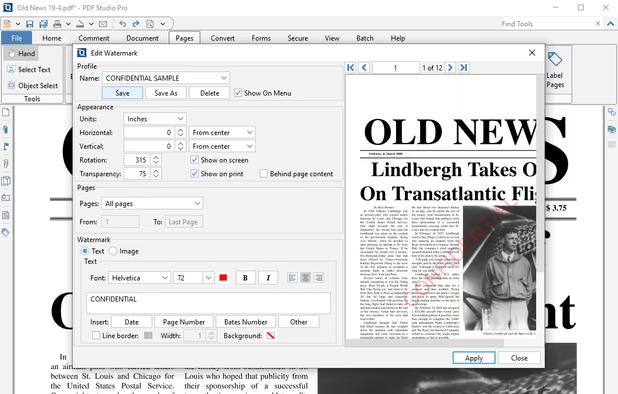
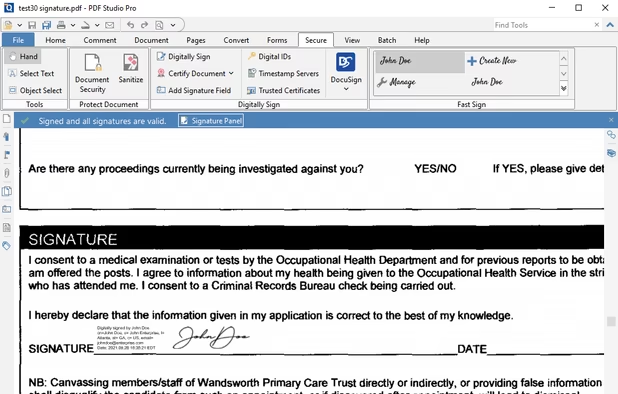
    Cost / License

    Application types

    Platforms

    • Linux
    • KDE Plasma
    • Snapcraft
    • Flathub
     
  2. PicView icon
     51 likes

    PicView is a fast, free and fully customizable picture viewer for macOS and Windows 10/11. It supports virtually all image file types, including (animated) WEBP, (animated) GIF, SVG, AVIF, HEIC, PSD and many others.

    69 PicView alternatives

    Cost / License

    • Free
    • Open Source

    Application types

    Platforms

    • Windows
    • Mac
     
  3. JPEGView icon
     150 likes

    Lightweight Simple Image Viewer with Slide show feature, Resize and Lossless-cut, Color correction, Rename, Multi-language and more...

    Cost / License

    • Free
    • Open Source

    Application types

    Platforms

    • Windows
    • PortableApps.com
     
  4. LEKTRA icon
     19 likes

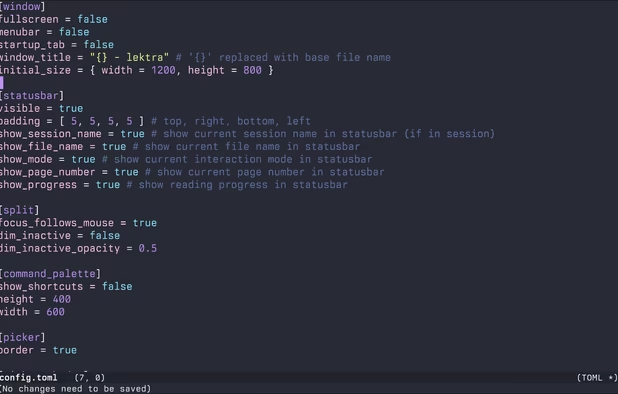
    High-performance viewer for documents and images offering split tabs, customizable single or book layouts, portals for side-by-side sections, instant search, line highlight, annotation tools, link hints, searchable highlights, session management, and TOML config.

    Cost / License

    Application types

    Platforms

    • Mac
    • Windows
    • Linux
     
  5. qimgv icon
     42 likes

    Qt5 image viewer with optional video support. Ability to quickly copy / move images to different folders. Can open some extra formats (JPEG-XL, AVIF, APNG, HEIF/HEIC, RAW) via third-party image plugins.

    Cost / License

    Application types

    Platforms

    • Windows
    • Linux
     
  6. Skim icon
     97 likes

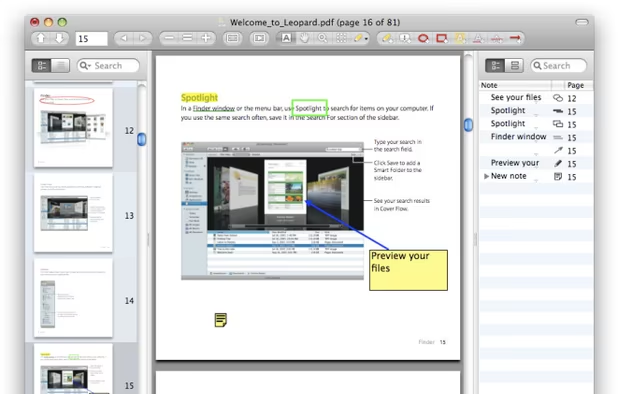
    PDF viewer for macOS supports scientific papers, annotations, highlights, bookmarks, split view, exporting notes, AppleScript, multiple annotation types, bibliography integration, full-screen, search, and compatibility with various macOS versions.

    Cost / License

    • Free
    • Open Source

    Application type

    Platforms

    • Mac
     
    |
    2
    Skim vs Preview Comments
    euf
    Positive
    0

    Skim is the best PDF viewer for macOS ever. It is especially great for working with scientific papers, since it has several exclusive tools for making notes and syncs with LaTeX editors

    Guest
    Positive
    0

    Much better PDF-Presentation implementation as original Preview. Drawback : Does not handle as much file-formats, but only PDF

    • Skim is Free and Open SourcePreview is Free and Proprietary
  7. gThumb icon
     108 likes

    gThumb is an image viewer and browser for the GNOME Desktop. It also includes an importer tool for transferring photos from cameras.

    127 gThumb alternatives

    Cost / License

    Application types

    Platforms

    • Linux
    • Flathub
    • GNOME
     
  8. PDF Expert icon
     39 likes

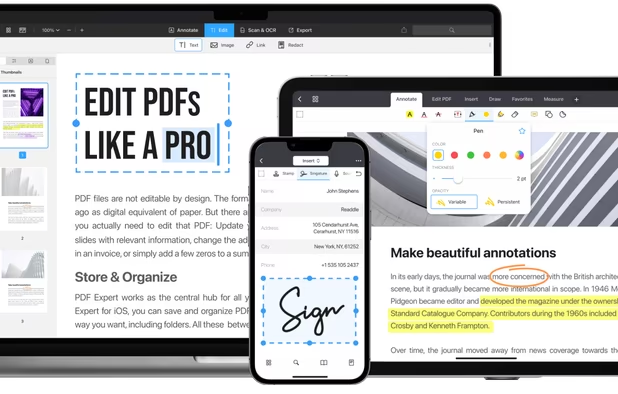
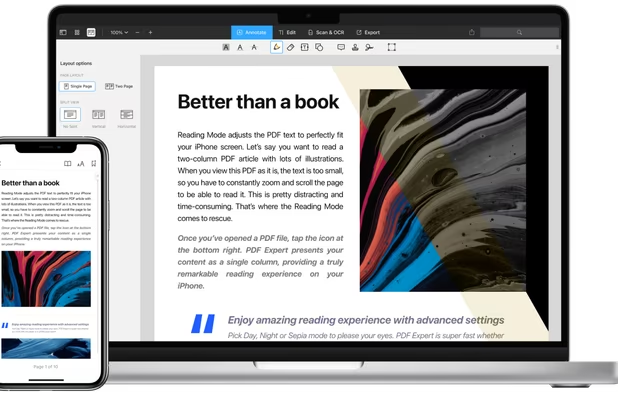
    Read, annotate, and highlight PDFs, fill interactive forms with saved input, underline or strike through text, manage bookmarks, sync files from cloud services, and share documents. Compatible with Preview and Adobe Acrobat annotations, supporting extensive iOS features.

    157 PDF Expert alternatives

    Cost / License

    • Paid
    • Proprietary

    Application types

    Platforms

    • Mac
    • iPhone
    • iPad
     
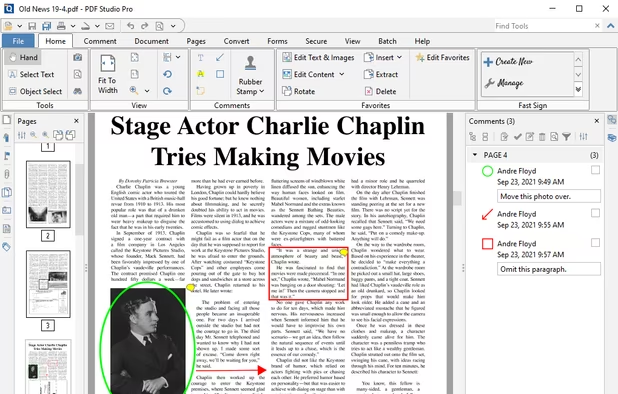
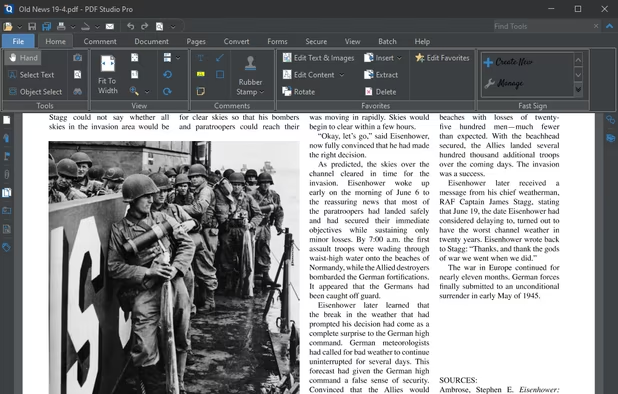
  9. Create, Convert, Review and Edit PDF Documents on Windows, macOS, and Linux.

    Cost / License

    • Paid
    • Proprietary

    Application types

    Platforms

    • Mac
    • Windows
    • Linux
    • Chrome OS
     
  10. ItsPaint icon
     8 likes

    MS Paint for the Mac. Native, free and open source: blank canvas at any size, drop one image onto another, crop, and mark up screenshots.

    Cost / License

    • Free
    • Open Source (MIT)

    Application type

    Platforms

    • Mac
    • Homebrew
     
You are at page 2 of Preview alternatives