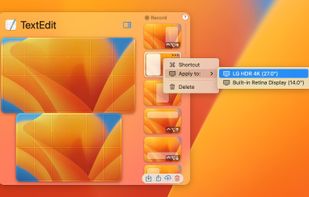
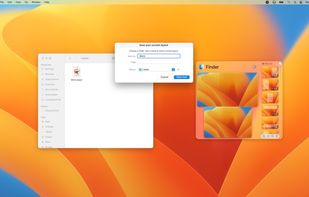
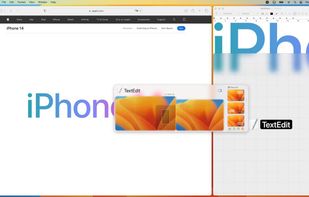
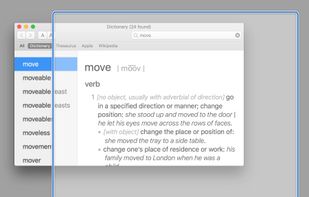
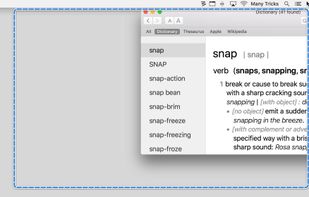
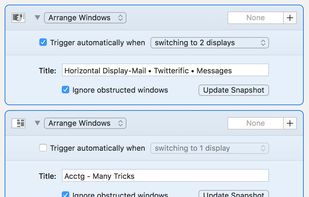
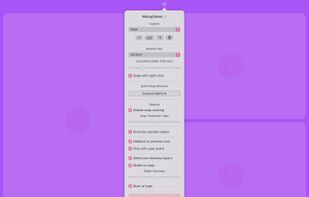
Moom makes window management as easy as clicking a mouse button—or using a keyboard shortcut, if you're one of those types of people.
 Austria
 EU



+7




Apps similar to Microsoft PowerToys include AutoHotkey, which is free and open source. Other options are Flow Launcher, Raycast, Unlocker and Launchy. There's no shortage of Application Launchers like Microsoft PowerToys, with more than 100 alternatives for Windows, Mac, Linux, iPhone and iPad.
Moom makes window management as easy as clicking a mouse button—or using a keyboard shortcut, if you're one of those types of people.
AustriaEU
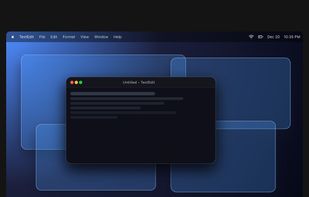
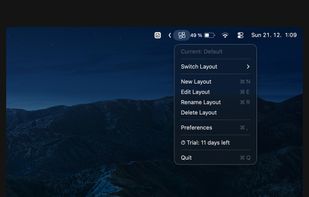
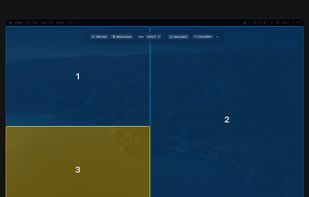
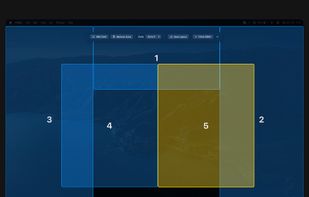
Customize layouts and sections for organizing windows into defined zones on macOS, easily snap and rearrange application windows, support multitasking needs, reduce desktop clutter, and enhance work efficiency for users managing multiple windows.
 Türkiye


Walker is a highly extendable application launcher that doesn't hold back on features and usability. Fast. Unclutters your brain. Improves your workflow.


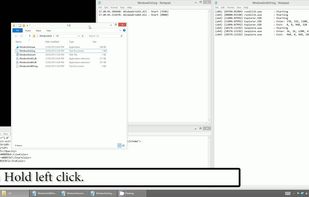
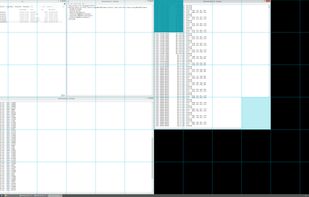
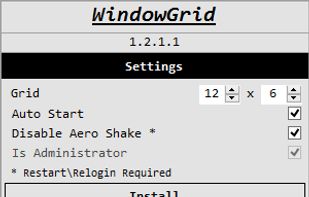
WindowGrid is a modern window management program that allows the user to quickly and easily layout their windows on a dynamic grid.


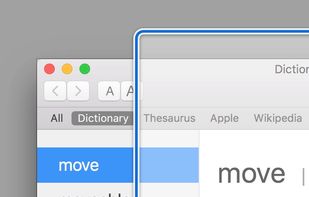
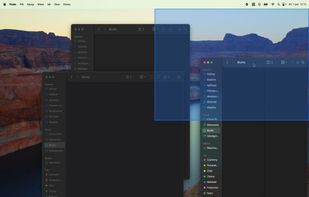
A native macOS window manager inspired by PowerToys FancyZones. Create custom layouts and snap windows via drag-and-drop or keyboard shortcuts.


X-Setup Pro is a so-called "hacker" or "tweaker" program. It allows you to change 1,900 settings that are normally hidden deeply in some configuration-files like the registry fast and easily.
 United Kingdom


 Australia


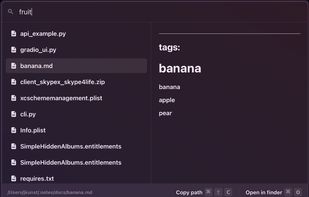
Lightweight, privacy-focused tool provides instant, semantic file search on personal devices. Indexes local folders and connected Gmail, lets users filter sources using @, has real-time filename matching, and ensures no external data transfer.
 EstoniaEU


TweakNow PowerPack is a fully-integrated suite of utilities that let you fine-tune every aspect of your computers operating system and Web browser. The Registry Cleaner module provides you with a safe and simple way to clean Windows Registry.
 Indonesia


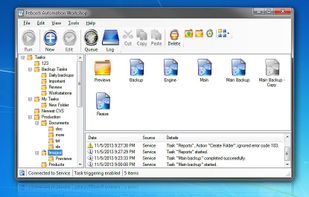
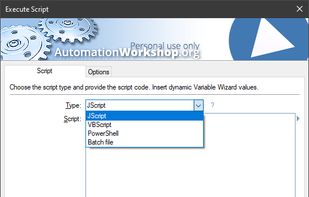
Automation Workshop is software for automation of complex and recurring processes that would otherwise take a lot of intensive and repetitive user work time. Create automated tasks easier than ever before. Automation Workshop requires no scripting, programming or coding skills.
 LatviaEU




Split screen and organize windows on Mac with keyboard shortcuts, drag-and-drop zones, and professional layouts. Better than native Split View. Multi-monitor support.
 PolandEU



 GermanyEU