Microsoft To Do Alternatives

Microsoft To Do is described as 'Task manager with sync, reminders, recurring tasks, list sharing, color-coded organization, suggestions, subtasks, daily planning, notes, and GTD support' and is a popular todo list manager in the office & productivity category. There are more than 100 alternatives to Microsoft To Do for a variety of platforms, including iPhone, Android, Web-based, iPad and Mac apps. The best Microsoft To Do alternative is Super Productivity, which is both free and Open Source. Other great apps like Microsoft To Do are Notion, SPHW Pin, Todoist and TickTick.

filter to find the best alternatives

Microsoft To Do alternatives are mainly Todo List Managers, but if you're looking for Task Management Tools or Note-taking Tools you can filter on that. Other popular filters include Linux, Android + Open Source, EU, Open Source, Windows + Open Source and Free. You can also filter by region, for example EU-based alternatives if you prefer software developed in the European Union. These are just examples - use the filter bar below to find more specific alternatives to Microsoft To Do.
Copy a direct link to this comment to your clipboard
Microsoft To Do alternatives page was last updated

Alternatives list

  1. Plexdo icon
     Like

    A minimalist, ad-free task manager for Windows featuring a desktop widget, real-time cloud synchronization, and shared lists.

    Cost / License

    • Free
    • Proprietary

    Platforms

    • Windows
     
  2. Task GUN icon
     Like

    Organize, Plan, and Achieve with Task GUN - Simple yet powerful to-do manager for productivity

    Cost / License

    • Free
    • Proprietary

    Application type

    Platforms

    • Google Chrome
     
  3. Tinyfocus icon
     Like

    A dead simple productivity dashboard. Top 3 daily tasks, milestones, and quick notes. No BS, just focus.

    Cost / License

    • Free
    • Proprietary

    Platforms

    • Online
    • Software as a Service (SaaS)
     
  4. TicWak icon
     Like

    Never forget anything again — use TicWak! From the Developer of TicWak: “I frequently missed important things due to a busy schedule, and the native alarm clock just couldn’t meet my needs. That’s why this tool was created. I hope it helps everyone take control of their day, brin.

    Cost / License

    • Freemium
    • Proprietary

    Platforms

    • iPhone
    • iPad
     
  5. AgendaCraft is a capacity-aware planner that auto-schedules tasks around your real calendar while keeping you in control.

    Cost / License

    • Freemium
    • Proprietary

    Application type

    Platforms

    • Online
     
  6. WorkIt icon
     Like

    WorkIt is a todo list combined with “things” connected to your tasks. It helps you track progress through visual workflows and stickers.

    Cost / License

    • Freemium
    • Proprietary

    Application type

    Platforms

    • iPhone
    • iPad
     
  7. NoteDock is an AI-powered note app that lets you capture text, voice, screenshots, links, or PDFs like sending a message to yourself.

    Cost / License

    • Freemium
    • Proprietary

    Application type

    Platforms

    • iPhone
     
  8. SHrimp icon
     Like

    SHrimp is an AI-powered task manager that turns voice, text, photos, and emails into organized nested task lists using your choice of AI provider.

    Cost / License

    • Free
    • Proprietary

    Platforms

    • iPhone
     
  9. QuestLog icon
     Like

    Gamified task tracker with focus timer, habit tracking and execution analytics.

    Cost / License

    • Freemium
    • Proprietary

    Platforms

    • Android
     
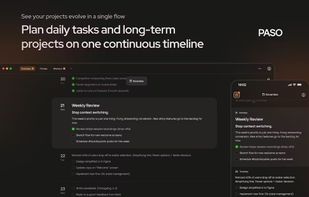
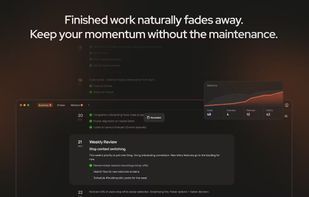
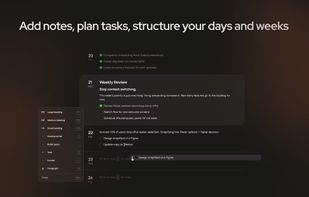
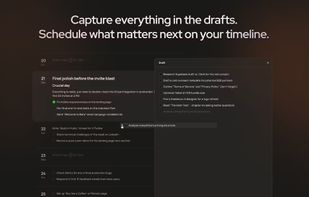
  10. Minimal personal task manager with flexible deadlines (date, week, month, quarter), rich notes, groups, and reminders via email and messengers.

    Cost / License

    • Free
    • Proprietary

    Application type

    Platforms

    • Online
     
  11. QuickList is a fast, general purpose todo list. It runs on Desktop or Mobile, and on Desktop it's enhanced to show multiple columns of todo items side by side. Instead of scheduling events in a calendar there's a simple way to prioritise tasks into Now, Next or Later.

    Cost / License

    • Freemium
    • Proprietary

    Application type

    Platforms

    • Online
     
You are at page 27 of Microsoft To Do alternatives