Micro AlternativesOnly apps categorised as Code Editors

The best Code Editor alternative to Micro is Notepad++, which is both free and Open Source. If that doesn't suit you, our users have ranked more than 25 alternatives to Micro and many of them are Code Editors so hopefully you can find a suitable replacement. Other interesting Code Editor alternatives to Micro are Visual Studio Code, VSCodium, Vim and Zed Editor.

Copy a direct link to this comment to your clipboard
Micro alternatives page was last updated

Alternatives list

  1. Notepad++ icon
     4931 likes

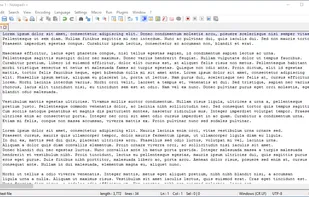
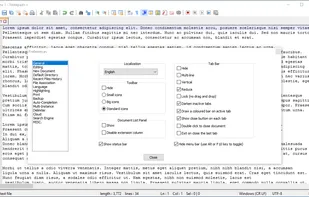
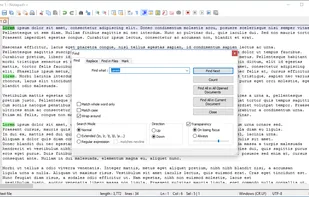
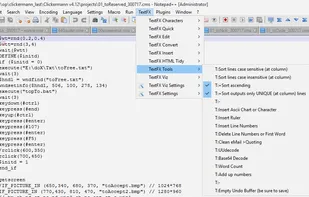
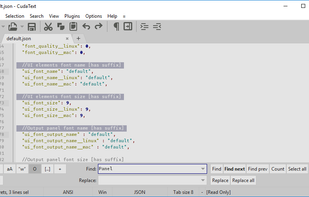
    Notepad++ is a free, open-source code editor supporting several languages, offering features like syntax highlighting, plugin support, dark mode, portability, privacy, and efficient resource usage, making it highly customizable and suitable for various programming needs.

    248 Notepad++ alternatives

    Cost / License

    • Free
    • Open Source

    Application types

    Platforms

    • Windows
    • PortableApps.com
     
    |
    1
    Comments about Notepad++ as an Alternative to Micro
    Guest
    Negative
    0

    OOB support for languages is too poor.

    Review by a new / low-activity user.
    Notepad++ icon
    Notepad++ icon
    • Notepad++ is Free and Open SourceMicro is also Free and Open Source
  2. Visual Studio Code icon
     1379 likes

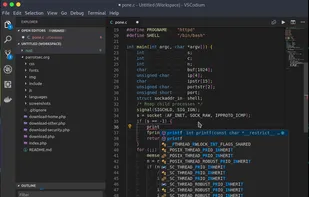
    Free and extensible code editor with built-in Git support, smart IntelliSense, integrated debugger, 30,000+ extensions, works offline, supports markdown and syntax highlighting for numerous languages.

    203 Visual Studio Code alternatives

    Cost / License

    • Free
    • Proprietary (MIT)

    Application types

    Platforms

    • Mac
    • Windows
    • Linux
    • Online
    • Chrome OS
    • Snapcraft
     
    |
    2
    Comments about Visual Studio Code as an Alternative to Micro
    Guest
    Negative
    3

    no console support - and too heavy

    Review by a new / low-activity user.
    likov
    Positive
    0

    it's a powerful, well supported, free editor with a lot of plugins. while it doesn't work in the console mode as Micro, more functions are available.

    Visual Studio Code icon
    Visual Studio Code icon
    • Visual Studio Code is Free and ProprietaryMicro is Free and Open Source
  3. VSCodium icon
     407 likes

    This repository contains a build file to generate FLOSS release binaries of Microsoft's Visual Studio Code - Open Source ("Code - OSS") project, the open source core of the proprietary Visual Studio Code.

    197 VSCodium alternatives

    Cost / License

    • Free
    • Open Source (MIT)

    Application types

    Platforms

    • Mac
    • Windows
    • Linux
    • Flathub
    • Electron
    • Snapcraft
    • Homebrew
    • Chocolatey
     
    |
    1
    Comments about VSCodium as an Alternative to Micro
    likov
    Positive
    0

    it's a powerful, well supported, free editor with a lot of plugins. while it doesn't work in the console mode as Micro, more functions are available.

    VSCodium icon
    VSCodium icon
    • VSCodium is Free and Open SourceMicro is also Free and Open Source
  4. Vim icon
     1347 likes

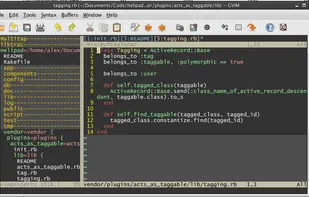
    Vim ("Vi IMproved") is an advanced text editor that allows syntax highlighting, word completion and has a huge amount of contributed content. It also has a GUI version called GVim.

    214 Vim alternatives

    Cost / License

    Application types

    Platforms

    • Mac
    • Windows
    • Linux
    • BSD
    • Haiku
    • AmigaOS
    • OpenSolaris
    • MorphOS
    • Flathub
    • Flatpak
    • Snapcraft
     
    |
    2
    Comments about Vim as an Alternative to Micro
    Tired Rabbit
    1

    Vim is NOT intuitive if you come from GUI apps and if you are not willing to reconfigure it a lot. Micro for the other hand is less advanced and not well-known enough (but still has plugins and advanced options, and also well-documented in internal help menus), but has sane defaults and one-file executable without external dependencies.

    It's just about picking your favorite which works for you better, really

    Centaro
    Negative
    0

    You have to learn vim bindings.

    Vim icon
    Vim icon
    • Vim is Free and Open SourceMicro is also Free and Open Source
  5. Zed Editor icon
     109 likes

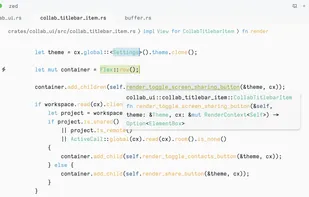
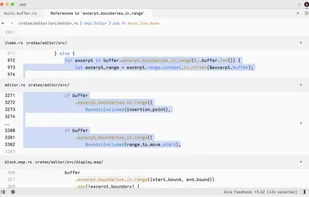
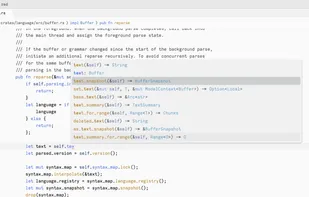
    Blazing fast code editor offering real-time multi-user collaboration, language-aware syntax highlighting, integrated terminal, multi-buffers for tab-free editing, built-in Vim mode, searchable outline, AI coding assistance, advanced keyboard commands, and cross-platform support.

    89 Zed Editor alternatives

    Cost / License

    • Freemium
    • Open Source

    Application types

    Platforms

    • Mac
    • Windows
    • Linux
    • Flathub
    • Flatpak
     
  6. Neovim icon
     188 likes

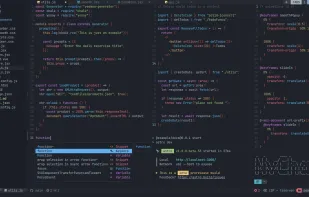
    Refactored version of Vim, simplifying maintenance, improving developer contributions, and enabling new user interfaces. Features extensible plugin architecture, lightweight resource usage, syntax highlighting, no registration, ad-free, and distraction-free mode.

    105 Neovim alternatives

    Cost / License

    • Free
    • Open Source

    Application types

    Platforms

    • Mac
    • Windows
    • Linux
    • Chocolatey
    • Flathub
    • Snapcraft
     
  7. gedit icon
     695 likes

    Official text editor of the GNOME desktop environment. Has syntax highlighting and is suitable for programming, with support for several languages. It is extensible with plugins.

    192 gedit alternatives

    Cost / License

    Application types

    Platforms

    • Mac
    • Windows
    • Linux
    • Chrome OS
    • BSD
    • GNOME
    • OpenSolaris
    • Flathub
     
  8. GNU Emacs icon
     387 likes

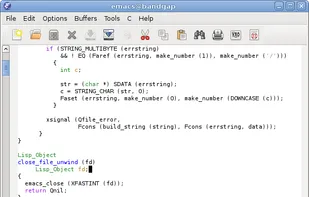
    GNU Emacs is an extensible, customizable text editor—and more. At its core is an interpreter for Emacs Lisp, a dialect of the Lisp programming language with extensions to support text editing. The features of GNU Emacs include:

    181 GNU Emacs alternatives

    Cost / License

    Application types

    Platforms

    • Mac
    • Windows
    • Linux
    • Android
    • BSD
    • Snapcraft
    • F-Droid
    • Haiku
    • Debian
    • MacPorts
    • Homebrew
     
  9. GNU nano icon
     290 likes

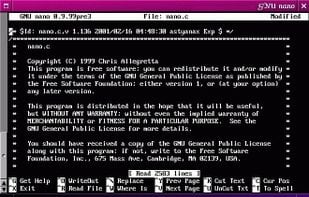
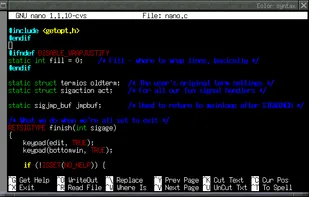
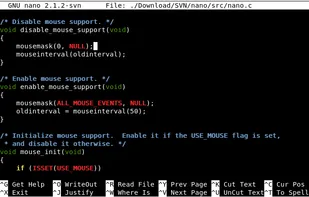
    GNU nano is a small and friendly text editor. Besides basic text editing, nano offers many extra features like an interactive search and replace, go to line and column number, auto-indentation, feature toggles, internationalization support, and filename tab completion.

    153 GNU nano alternatives

    Cost / License

    Application types

    Platforms

    • Mac
    • Windows
    • Linux
    • BSD
    • Haiku
     
    |
    2
    Comments about GNU nano as an Alternative to Micro
    Centaro
    Negative
    0

    It is missing CUA basics such as Ctl+x for cutting.

    likov
    Positive
    0

    it'a a free and friendly console editor with a full-screen editor, less obscure if compared to vim

    GNU nano icon
    GNU nano icon
    • GNU nano is Free and Open SourceMicro is also Free and Open Source
  10. Edit icon
     19 likes

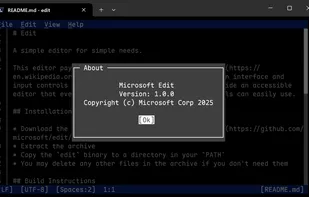
    Open-source command-line text editor for Windows with a modern interface inspired by MS-DOS Editor, featuring key bindings, lightweight build under 250KB, multi-file handling with ctrl + P, keyboard-optimized navigation, and direct file editing for developers.

    Cost / License

    • Free
    • Open Source (MIT)

    Application types

    Platforms

    • Windows
    • Linux
     
12 of 29 Micro alternatives