

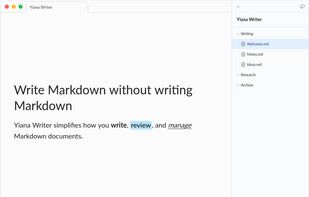
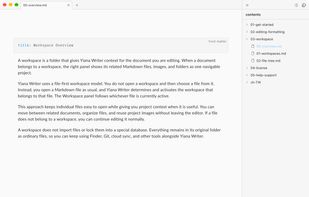
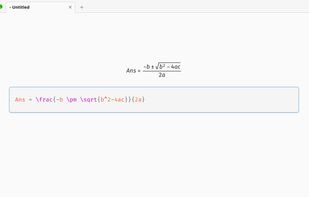
Yiana Writer is a Markdown editor that simplifies how you write, review, and manage Markdown documents.
 Singapore



+1


Apps similar to Marked include Typora. It's paid, but ghostwriter and Clearly Markdown are free. Other options are MarkText, Downright, Ferrite and marka.md. Text Editors like Marked are a crowded field, with more than 50 alternatives for Mac, Windows, Linux, the web and iPhone.
Yiana Writer is a Markdown editor that simplifies how you write, review, and manage Markdown documents.
Singapore
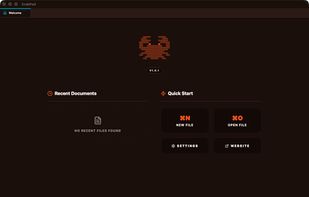
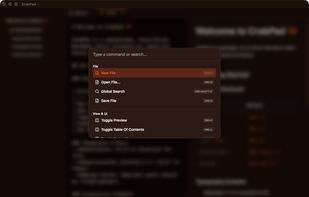
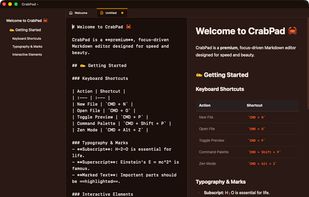
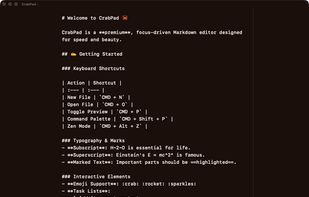
CrabPad is a fast, free Markdown editor built with Rust. Local-first, keyboard-driven, with Zen Mode, Command Palette, live preview, and support for KaTeX math, Mermaid diagrams, and GFM. Available for macOS, Windows, and Linux.
 Poland
 EU


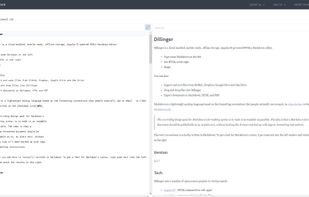
Dillinger is a cloud-enabled, mobile-ready, offline-storage, AngularJS powered HTML5 Markdown editor.
 United States

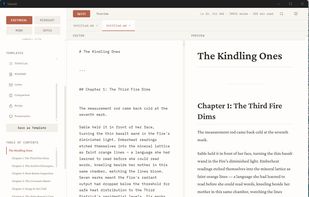
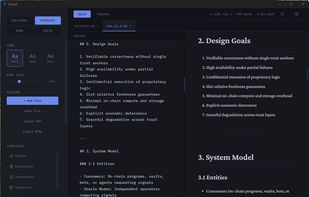
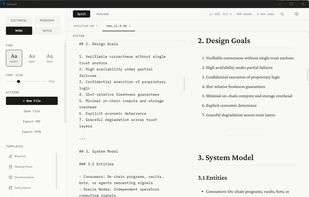
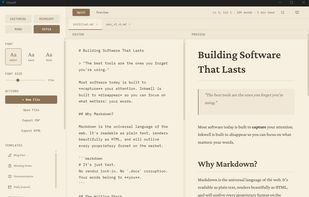
Markdown editor that gets out of your way. Split-pane editing with live preview, 4 themes (Editorial, Midnight, Mono, Sepia), focus mode, tabbed editing, auto-save, version history, image paste support, and 10 built-in templates.


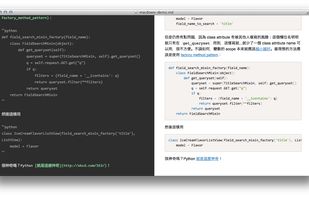
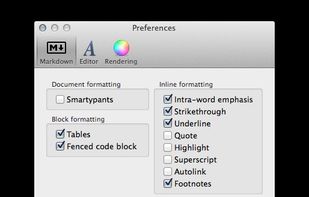
MacDown is an open source Markdown editor for macOS, released under the MIT License. It is heavily influenced by Chen Luo’s Mou.
 Taiwan
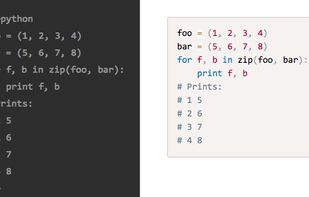


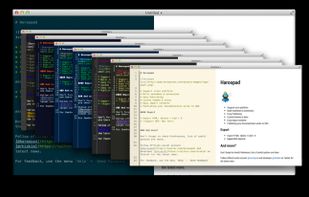
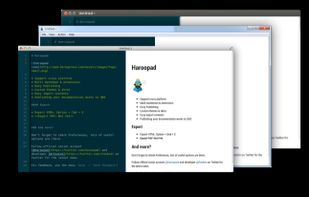
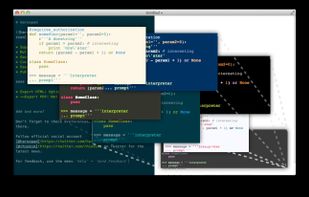
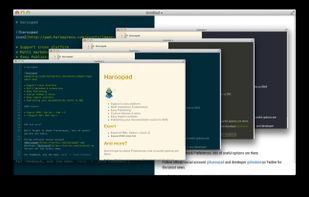
Haroopad is a markdown enabled document processor for creating web-friendly documents. You can author various formats of documents such as blog article, slide, presentation, report, and e-mail as if experts did.
 South Korea


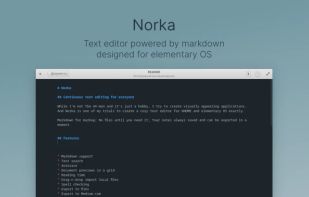
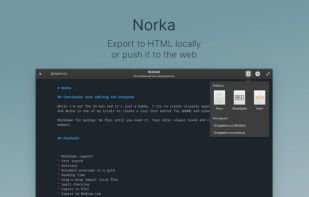
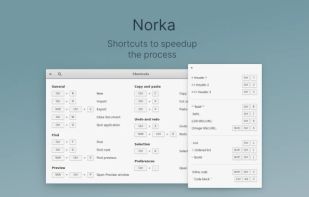
Imagine a hassle-free text-writing experience. Don't worry about saving files, complex markup, or accidentally deleted notes.
 EstoniaEU


Caret is a Markdown editor for Mac, Windows and Linux. It stands out with its clean interface, productivity features and obsessive attention to detail.
 SloveniaEU

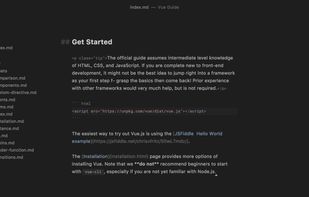
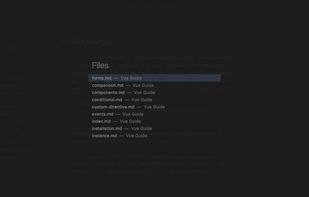
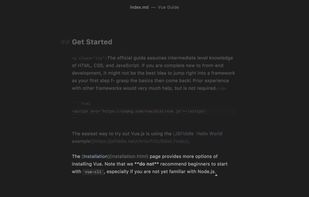


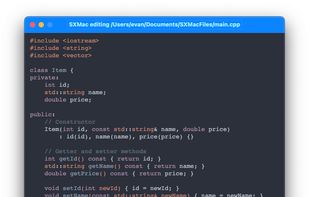
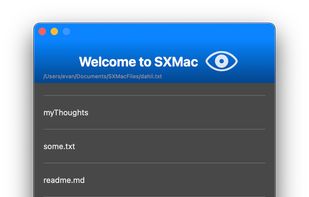
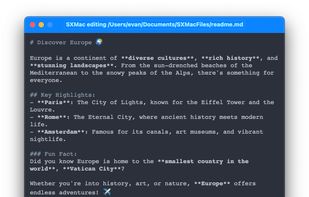
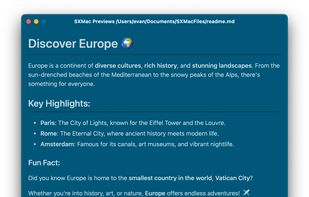
SXMac is a light, notes like app that can be used as a rich text editor, markdown editor and preview, code editor with more than 100 supported languages. If you need specific files or anything else in one place.

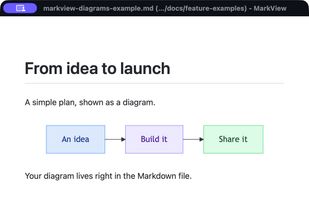
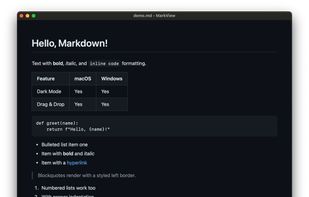
Free desktop app for reading Markdown files with native support for macOS, Windows, and Linux. Offers double-click opening, tables, syntax-highlighted code, diagrams, light and dark themes, adjustable zoom, and assures local privacy with no accounts or uploads.
United States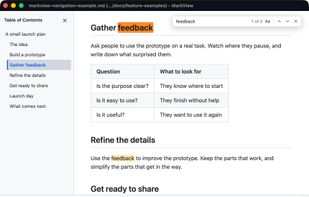

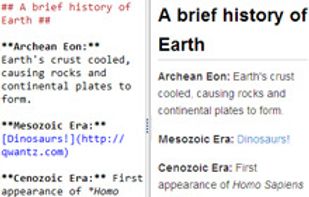
MarkdownPad is a full-featured Markdown editor for Windows. Features: LivePreview : Instantly see how your documents look in HTML as you create them. Easy formatting with keyboard shortcuts. Markdown formatting can be applied (and removed) with handy keyboard shortcuts and toolb.
United States