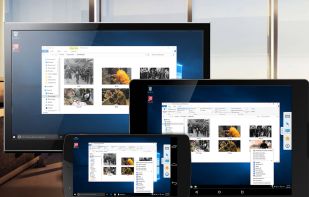
Provides secure, cross-platform remote access and file sharing with no registration needed. Offers end-to-end encryption, self-hosting, multi-monitor support, screen sharing, and portable use, all with a lightweight, ad-free interface.
 Singapore



+2


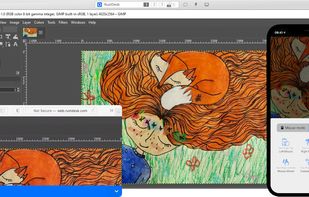
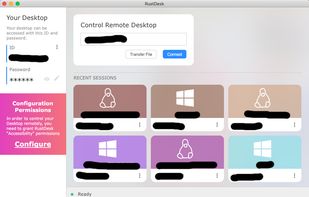
Apps similar to FSRdp include RustDesk, which is open source with a free version. Other options are TeamViewer, Jitsi Meet, AnyDesk and Proton Meet. You're spoiled for choice with Remote Desktop Tools like FSRdp: we list more than 50 alternatives for Windows, Mac, Android, iPhone and Linux.
Provides secure, cross-platform remote access and file sharing with no registration needed. Offers end-to-end encryption, self-hosting, multi-monitor support, screen sharing, and portable use, all with a lightweight, ad-free interface.
Singapore
Remotely access and control any PC or server in seconds with secure encrypted connections, fast setup, file transfers, VoIP voice, webcam integration, multi-platform compatibility, and application selection, making support and collaboration seamless and efficient.
 Germany
 EU


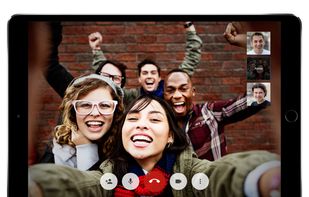
Open-source video conferencing platform with encryption by default, up to 75 participants, live group chat, HD audio, screen and document sharing, Etherpad editing, mobile and browser support, custom deployment options, privacy-first features, and community-driven development.
 United States



Efficient app for secure remote access and file transfers across desktop and mobile devices. It's small, fast, and ideal for both enterprise and personal use, compatible with systems like macOS, Windows, and Linux, and offers features like session recording and custom branding.
GermanyEU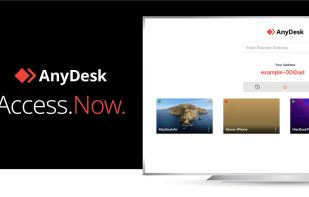


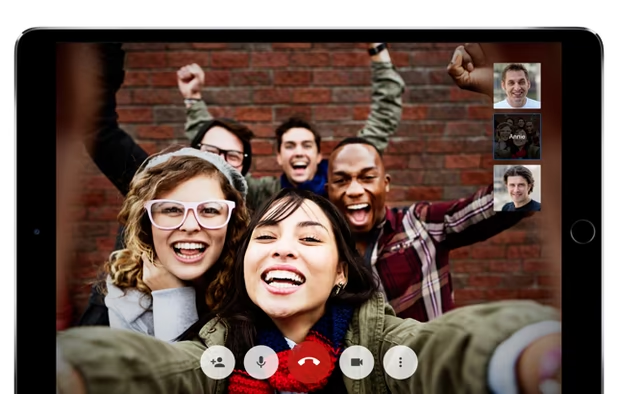
Provides secure end-to-end encrypted video calls with privacy features such as background blur, noise reduction, and meeting locks, supports up to 50 free participants, guest links, ad-free use, seamless calendar integration, and multi-device access.
 Switzerland


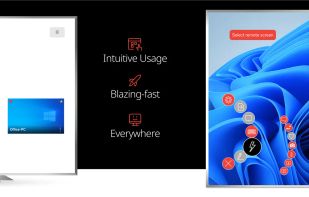
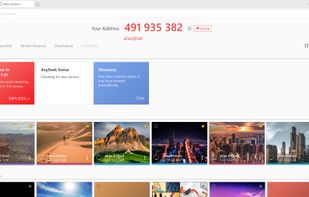
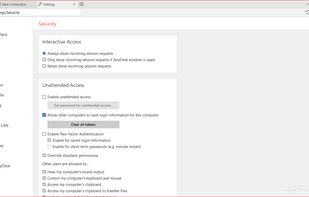
Securely access remote computers in low latency, 60 FPS, and HD. Play local multiplayer games, collaborate on work with multiple monitors, or use advanced tools and permissions for teams. Enjoy end-to-end encryption, two-factor authentication, and portable access, ad-free.
United States


Open source remote desktop client for Linux and BSD supporting RDP, VNC, SPICE, and more, aimed at sysadmins and travelers needing remote access with features like scrollable high-res desktops and organized connection management.
 ItalyEU



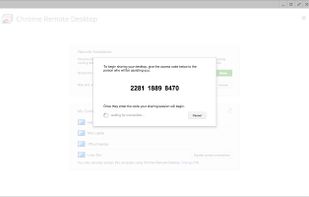
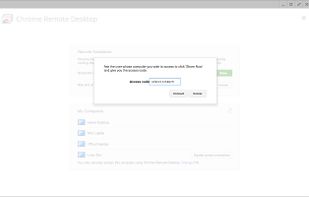
Chrome Remote Desktop allows users to remotely access another computer through Chrome browser or a Chromebook. Computers can be made available on an short-term basis for scenarios such as ad hoc remote support, or on a more long-term basis for remote access to your applications...
United States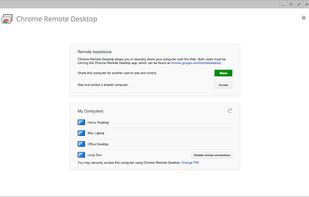
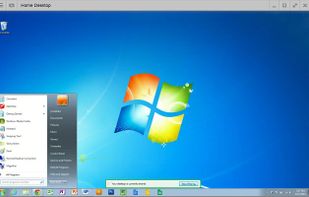


TightVNC is a free remote desktop application. With TightVNC, you can see the desktop of a remote machine and control it with your local mouse and keyboard, just like you would do it sitting in the front of that computer.
 Russia



Bananas offers a cross-platform, peer-to-peer screen-sharing service without needing an account or server infrastructure. It uses WebRTC for secure connections, lets users collaborate with multiple cursors, and features a unique connection URL. Privacy is ensured as no data is stored.




Secure, free remote desktop access for Windows lets users control computers via LAN or internet, share screens, sync clipboards, transfer files, support IT helpdesks, provide remote demonstrations, and assist users without pre-installation using add-ons.
 BelgiumEU


Access remote computers easily with enterprise-class speed and features supporting any content including audio and video.
 LuxembourgEU