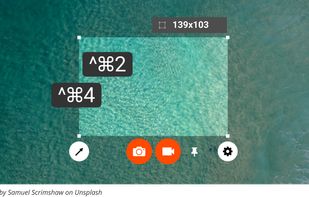
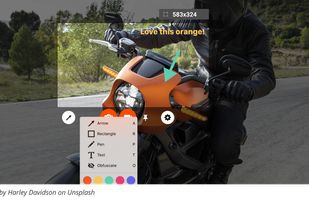
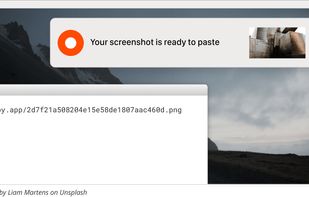
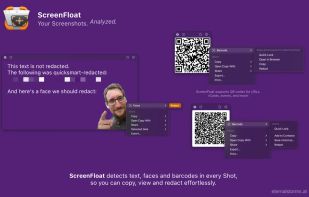
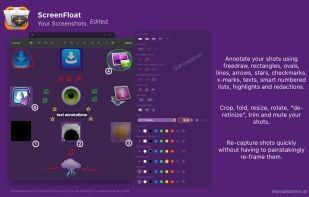
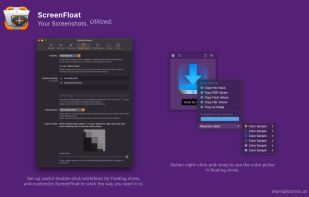
Maximize productivity on Mac with intuitive screen captures, Picture in Picture, and versatile annotation capabilities.
Cost / License
- Paid
- Proprietary
Application typeApplication types
Platforms
- Mac
 Austria
 EU
EU
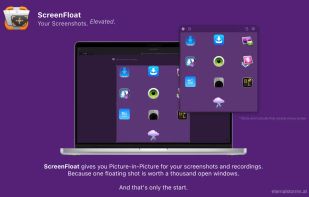



+7


Apps similar to Flameshot include ShareX, which is free and open source. Other options are Greenshot, Ksnip, PicPick and Snipping Tool. You're spoiled for choice with Screenshot Capture Tools like Flameshot: we list more than 100 alternatives for Windows, Mac, Linux, the web and Android.
Maximize productivity on Mac with intuitive screen captures, Picture in Picture, and versatile annotation capabilities.
AustriaEU
SnapTray is a tray-native screenshot and screen recording app for macOS and Windows. It is built for fast desktop workflows: capture a region, explain it instantly, keep references on screen, and turn the same moment into a shareable image or video.
 Taiwan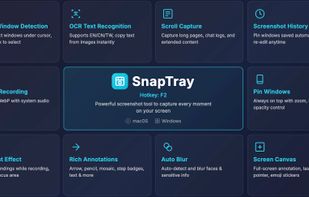
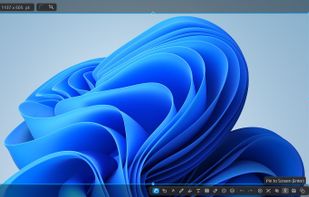


Pensela is an screen annotation tool that can also take screenshots available cross-platform.
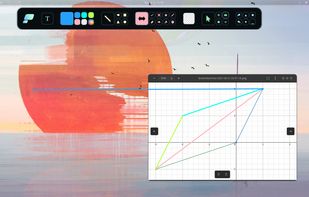
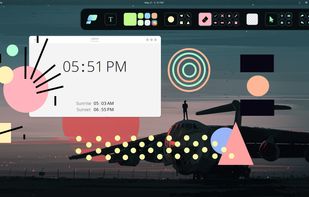


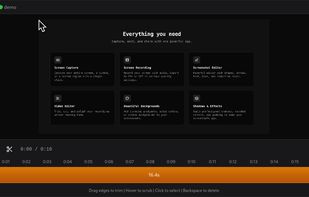
Capture your screen, windows, or regions on macOS, record with audio, edit screenshots and videos using built-in tools like shapes, blur, and redaction, export in various formats with multiple quality presets, enjoy ad-free usage, offline access, and no registration.
 GermanyEU


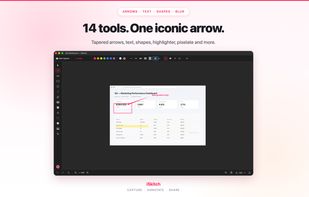
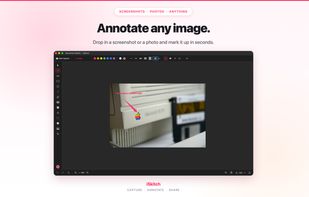
Native macOS tool for fast region, window or full screen capture, 14 annotation tools including arrows, text and highlight, image overlay, export to multiple formats, full undo/redo, privacy-first operation—no tracking or data collection, native share integration.
 SpainEU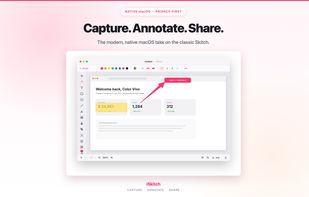


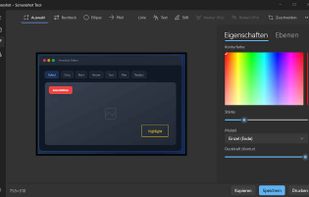
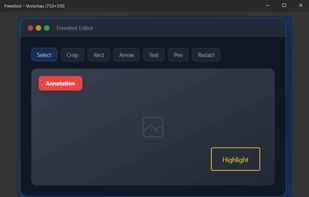
Freeshot is a free, lightweight and modern screenshot tool for Windows. Capture any region, window or full screen in under 100 ms, edit instantly with shapes, text & highlighter, organize everything in a clean library and print intelligently – 100 % free, no ads, no registration.
 Switzerland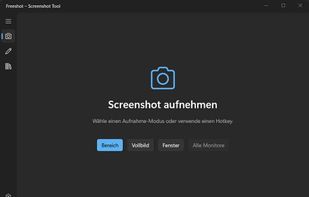




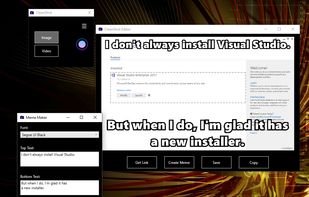


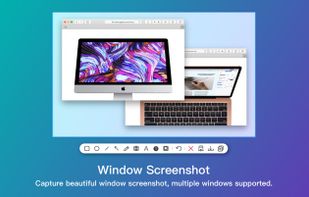
Screenshot app for macOS includes scrolling capture for full-page screenshots, multi-window selection, annotation tools, color picker, shadow effects, object measurement, pixel accuracy, and pinning images—ideal for code, chats, articles, and design references.
 China
China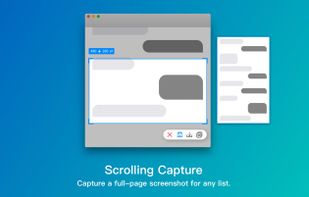
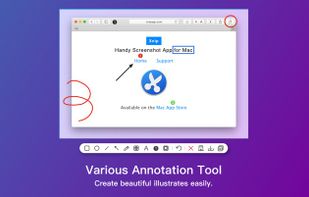
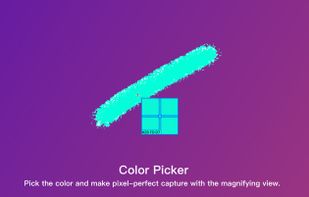


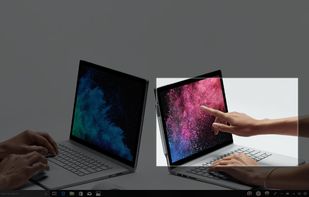
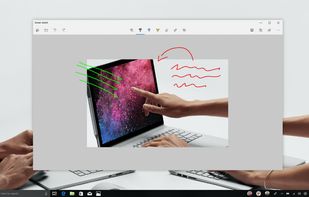
Quickly annotate screenshots, photos and other images with your pen, touch, or mouse and save, paste or share with other apps.


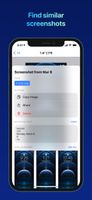
FlyScreen is a powerful screenshot manager for iOS. Search your screenshots, copy text and links, organize by tags, and more.




Zappy is a macOS screen capture tool made for internal use by Zapier and released free for all. It's built for speed and provides the perfect set of features for remote teams to work with screenshots and GIF recordings quickly and effectively.
 United States