South Korea


Apps similar to Flameshot include ShareX, which is free and open source. Other options are Greenshot, Snipping Tool, Ksnip and macshot. You're spoiled for choice with Screenshot Capture Tools like Flameshot: we list more than 100 alternatives for Windows, Mac, Linux, the web and Android.
South Korea
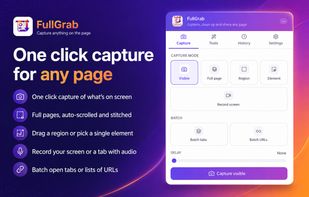
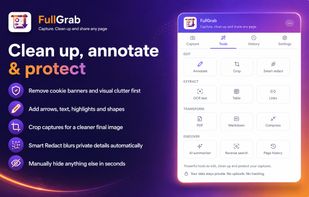
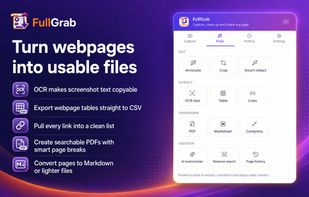
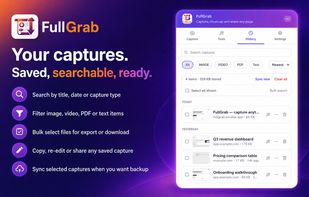
Capture visible areas, full pages, regions, elements and screen recordings, then remove clutter, annotate or redact details. Extract OCR text, tables, links or Markdown; create searchable PDFs, share results or send them to AI while keeping captures local by default.
 United States


JShot turns your screen captures into finished images in seconds. No clutter, no friction — just the perfect flow.
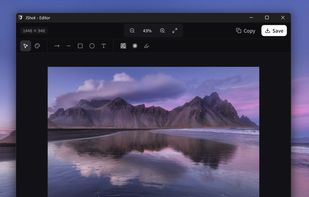
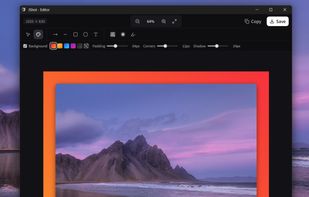
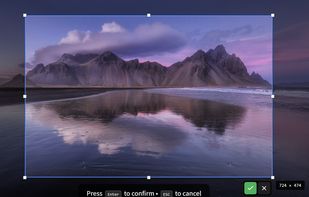
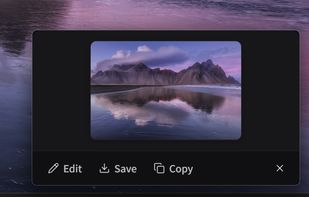


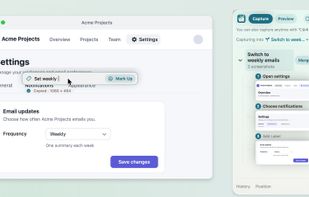
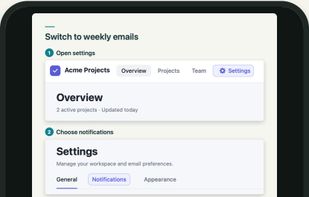
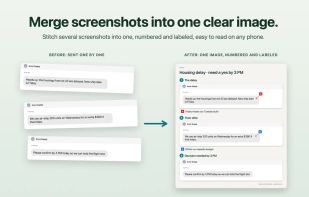
Mac screenshot tool for collecting related captures into labeled groups and exporting them as one numbered image. Add text, arrows, shapes, highlights, crops, blur, redaction, markers, and notes; import existing files while preserving originals, then copy or save the result.
United States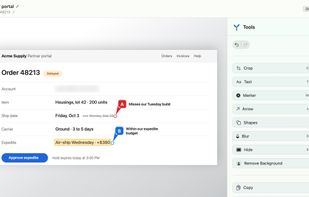


Socorin is a free, open-source desktop app for taking screenshots, annotating images and recording your screen. It runs in the menu bar or system tray and supports configurable keyboard shortcuts.
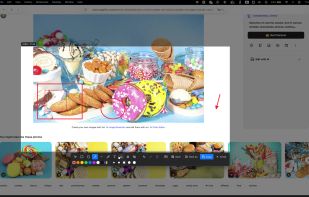

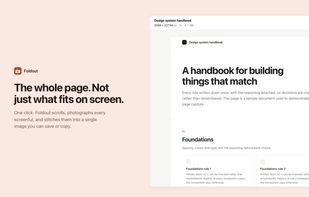
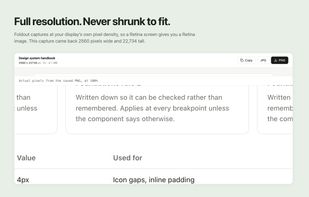
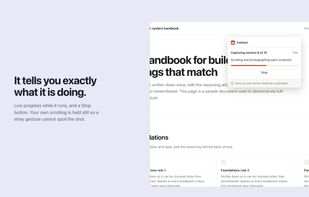
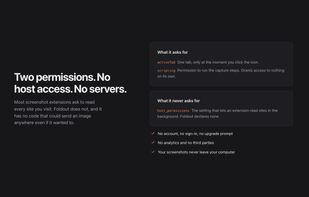
Foldout captures an entire web page as a single image, including everything below the fold. Click the button and it scrolls the page, captures each section, and stitches them together in the browser.
 Canada

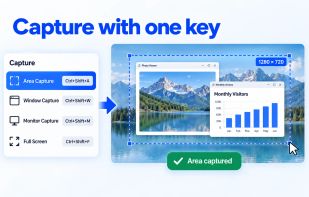
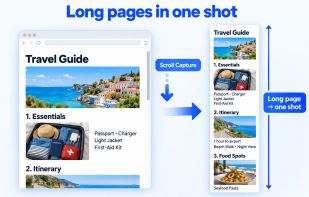
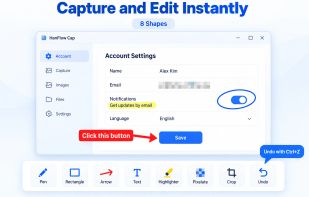
HanFlow Cap captures a region, window, monitor or the full screen with one shortcut, including scrolling capture for long web pages. Mark up captures right away with pen, arrows, text, mosaic and crop. Record your screen with system audio and microphone, plus webcam overlay...
South Korea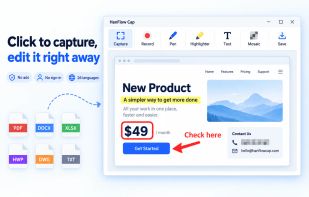


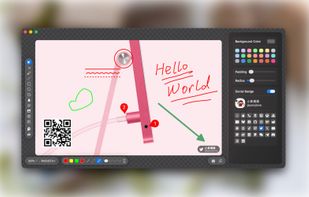
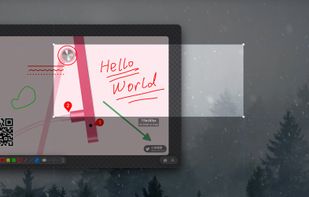
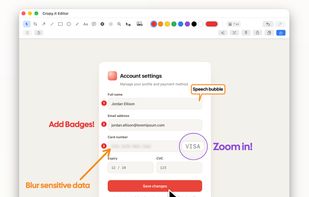
Enables macOS users to capture screenshots, annotate images, draw on a blank canvas, overlay image layers, use blur, mosaic, spotlight, QR code, watermark tools, add social badges, manage high-resolution export, and quickly share visuals via clipboard or file.
 China
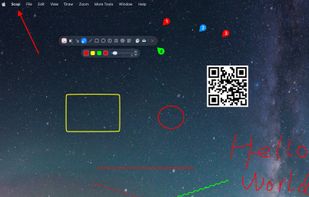
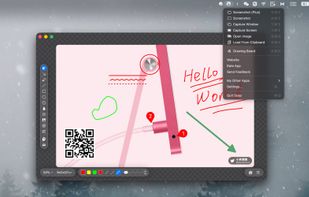


Captures regions, windows, full screens and scrolling pages, then provides arrows, shapes, text, numbered badges, blur, pixelation and pixel-precise cropping. OCR copies image text, while pinned snippets and searchable local clipboard history retain text and images.
 Germany
 EU
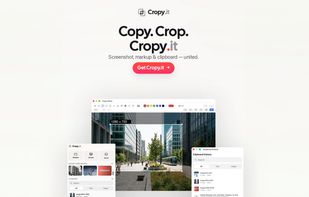
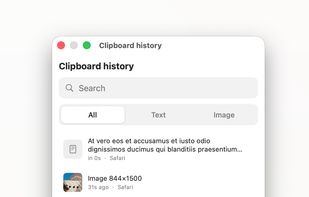
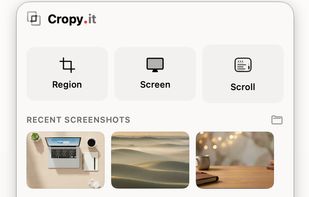

ShareX-style screenshots for macOS: ⌘C a region to the clipboard, after-capture tasks, last-region memory, scrolling capture.
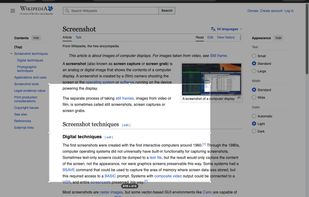
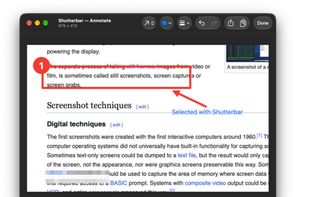


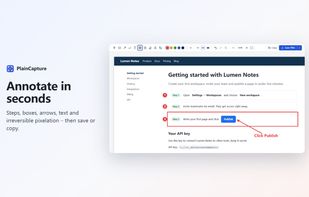
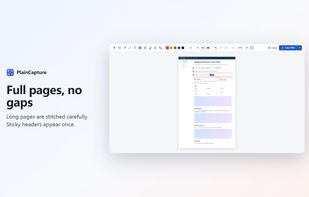
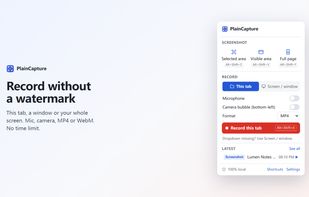
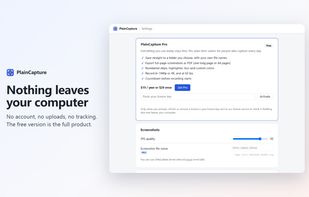
Full-page and area screenshots with annotation, and watermark-free screen recording to MP4 – everything stays on your computer.