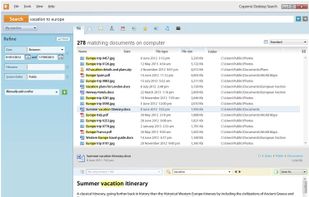
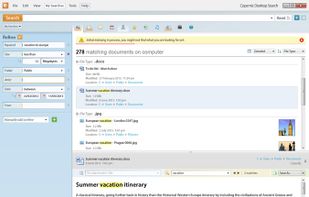
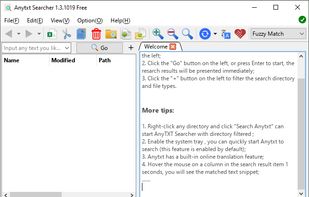
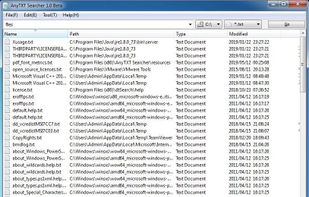
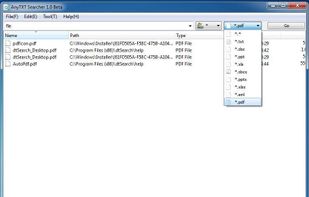
AnyTXT Searcher is a powerful local data full-text search engine, just like a local disk Google search engine. It is your ideal desktop search tool.
Cost / License
- Free
- Proprietary
Application type
Platforms
- Windows
- Linux
- Mac



+2


The top-rated alternative to Everything is Listary, which has a free version. People also recommend FSearch, DocFetcher, Recoll and Agent Ransack. You're spoiled for choice with File Search Utilities like Everything: we list more than 100 alternatives for Windows, Mac, Linux and Android.
AnyTXT Searcher is a powerful local data full-text search engine, just like a local disk Google search engine. It is your ideal desktop search tool.

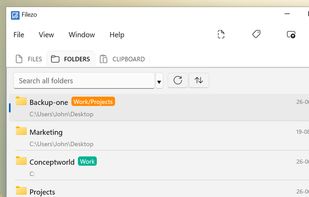
Windows utility for instant access to files, folders, and programs. Indexes and organizes recents, enables tagging, previews, hotkey launching, direct file operations, and integrates project-based file management while reducing reliance on Windows Explorer.
 India
India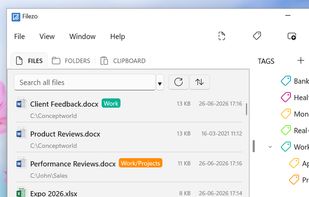


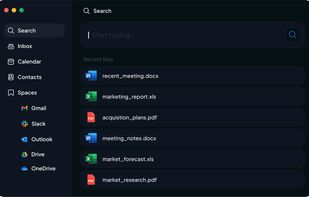
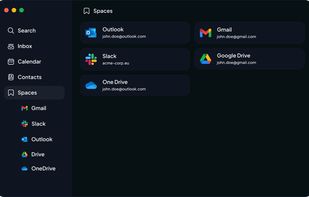
AI-powered assistant centralizing all data by searching files, folders, and cloud apps, creating custom automations, interacting with emails, calendars, and web, offering document summarization, organization, and content generation tools.
 Germany
 EU
EU



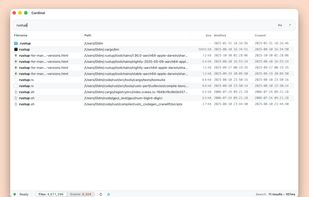
Quick macOS file searching with substring, prefix, suffix, exact, and path-mixed patterns, case-sensitive or regex search modes, instant language switching, keyboard shortcuts, Quick Look previews, Finder integration, clipboard copy, and open-source code.
 China
China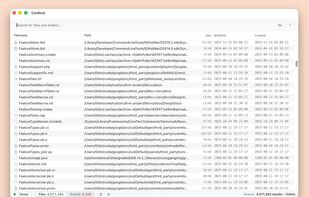


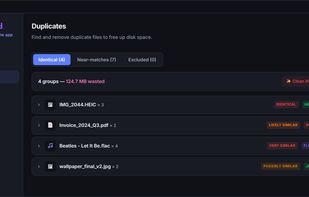
Semantic desktop search finds files, emails, and photos by meaning, running AI models locally on Windows. Supports 70+ file types, OCR image search, 50+ languages, instant document previews, AI chat, duplicate detection, and encrypted, private indexing.
GermanyEU




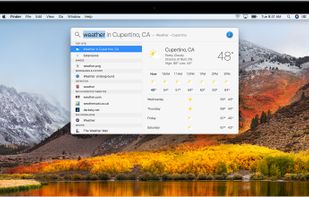
Spotlight is the system-wide desktop search feature built into Apple's OS X operating system since version 10.4 (Tiger). Backed by an index of all items and files on the system, it's designed to allow the user to quickly locate a wide variety of items on the computer...
 United States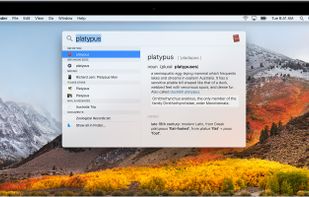
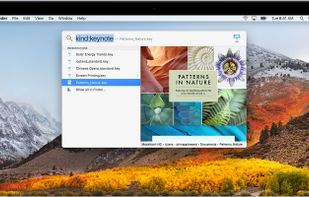



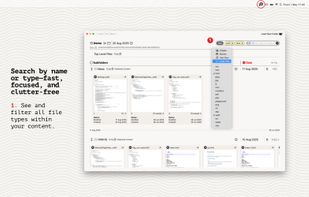
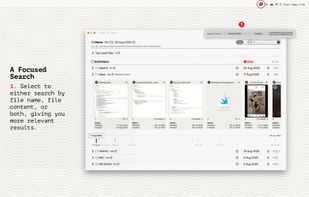
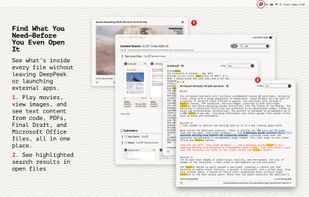
Seek, peek, and preview to find your work instantly — even if it's buried in folders, or you've lost track of it over the months.
 United Kingdom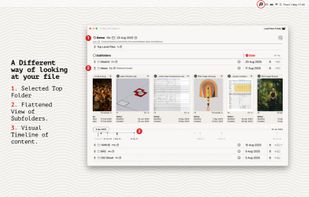


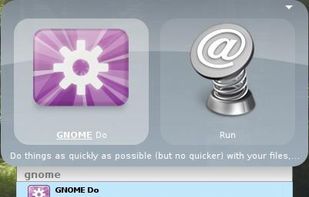
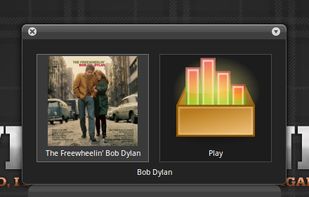
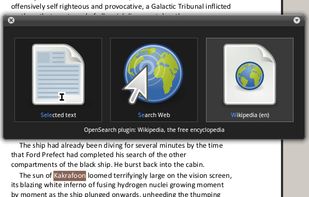
GNOME Do allows you to quickly search for many items present on your desktop or the web, and perform useful actions on those items.


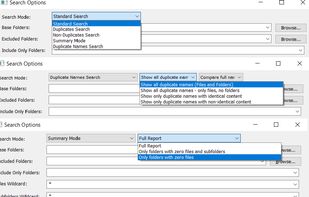
SearchMyFiles is a non-indexing portable alternative to the standard "Search For Files And Folders" module of Windows. It allows you to easily search files in your system by wildcard, by last modified/created/last accessed time, by file attributes, by file content...
 Israel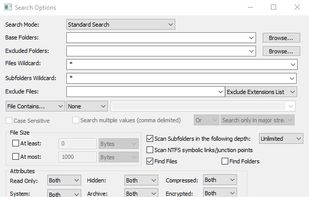


WizFile is a rapid file search utility. Search for files on your hard drive by name and get the results almost instantly.
 FranceEU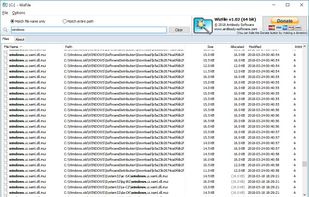


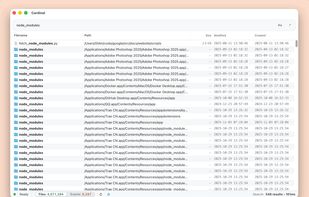
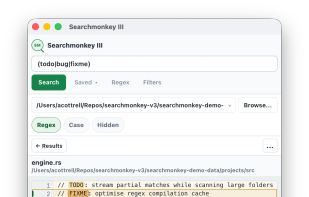
Cross-platform desktop search application offering rapid full-text and regular expression search, recursive folder filtering, result highlighting, large file support, and a lightweight native UI built with Tauri and powered by ripgrep, ideal for complex codebases.
United Kingdom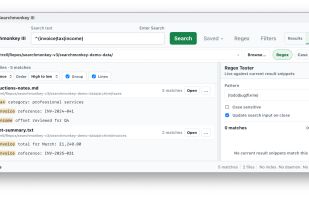


Indexes and quickly searches over 170 file types and emails, including attachments and multimedia files, on desktops, external and network drives, as well as cloud environments, offering sub-second results and a 75,000 file index size limit in the free version.
 Canada