Apps to keep your data private

Privacy is a far more serious concern than most people realize. Personal data could be used to steal your identity, and your money. It could also allow malicious people to track you or your loved ones and find opportune moments to do harm. Or on a simple level, it could be used to publicize information you just don't want to be public.

In an age where giving up your private info grants you access to some very helpful services and apps, it can seem impossible to protect that data. It is possible though. We've compiled a list of key services and apps that help you do just that.

David
David List by David , last updated 
Copy a direct link to this comment to your clipboard
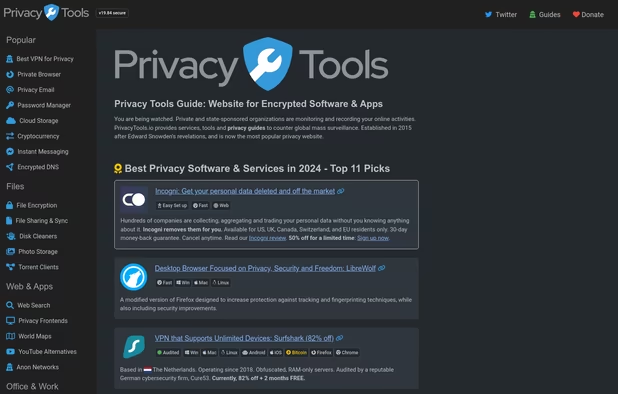
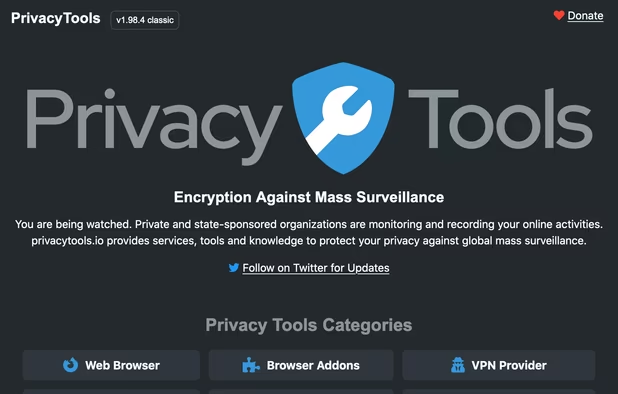
  1. Probably the most practical first stop to make when looking to ensure your data is private, privacytools.io offers a massive list of recommendations for privacy-focused software and services. It's a well-rounded source that really is indispensable for finding suitable apps.
    Cost / License

    • Free
    • Proprietary

    Application type

    Platforms

    • Online
    Front page captured 2024-03-25T10:05:20.587Z
    PrivacyTools.io screenshot 1
    PrivacyTools.io screenshot 2
  2. If you're using cloud storage, consider Cryptomator to automatically encrypt your files. It offers a transparent workflow that's dead simple, plus it's free, open-source and cross platform for desktop and mobile.

    Cost / License

    • Freemium
    • Open Source

    Platforms

    • Mac
    • Windows
    • Linux
    • Android
    • iPhone
    • Android Tablet
    • iPad
    • Flathub
    • F-Droid
    • Homebrew
    • Chocolatey
    Cryptomator screenshot 1
    Cryptomator screenshot 1
    Cryptomator screenshot 2
  3. OpenWrt icon
     Like

    All your data typically goes through a router. OpenWrt is a Linux distribution that can be used on a wide variety of routers to provide a configurable, privacy-focused alternative to a router's default system.

    Cost / License

    • Free
    • Open Source

    Platforms

    • Linux
    OpenWrt screenshot 1
    OpenWrt screenshot 1
    OpenWrt screenshot 2
    +6
    OpenWrt screenshot 3
  4. Tor icon
     Like

    A list of privacy apps wouldn't be complete without mentioning Tor. It provides a way to remain anonymous while browsing, which can really help people in countries operating under a dictatorship. Tor itself doesn't necessarily entail perfect anonymity, it's best used with other privacy-focused software, and importantly, privacy-focused services, like those in this list.

    Cost / License

    • Free
    • Open Source

    Platforms

    • Mac
    • Windows
    • Linux
    • BSD
    Tor screenshot 1
    Tor screenshot 1
  5. Mullvad icon
     Like

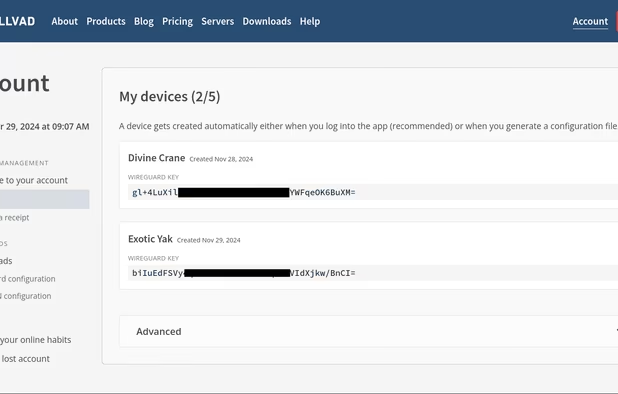
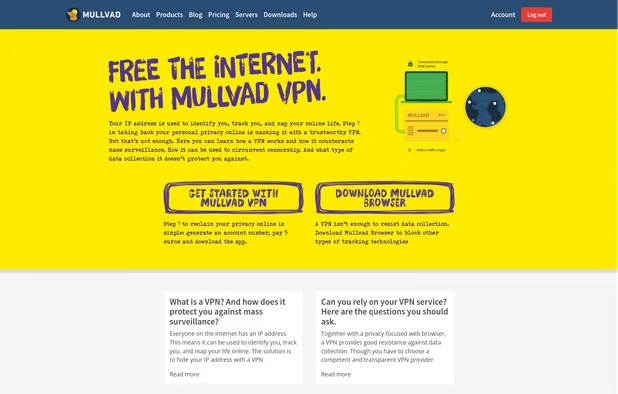
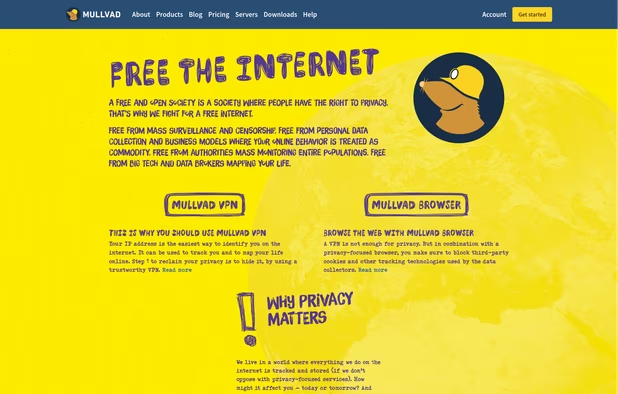
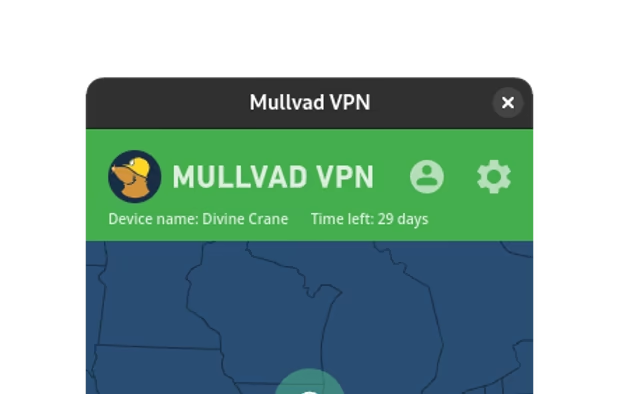
    Swedish based Mullvad is one of the few VPNs that rates well across multiple sources. It's a provider that clearly takes security and privacy seriously, enough to let you pay via cash by mail.

    Cost / License

    • Paid
    • Open Source

    Application types

    Platforms

    • Mac
    • Windows
    • Linux
    • Online
    • Android
    • iPhone
    • Chrome OS
    • Android Tablet
    • iPad
    • F-Droid
    • WireGuard
    • Tor
    • OpenWrt
    • Tomato
    • pfSense
    • DD-WRT
    Mullvad screenshot 1
    Mullvad screenshot 1
    Mullvad screenshot 2
    +10
    Mullvad screenshot 3
  6. AirVPN icon
     Like

    Based in Italy, AirVPN is one of a handful of VPNs that performed well in leak testing, results available at https://vpntesting.info/ . This is a worthy VPN that makes it known they care about your privacy, one of the best options for Windows users.

    Cost / License

    • Paid
    • Open Source

    Application type

    Platforms

    • Mac
    • Windows
    • Linux
    • Android
    • iPhone
    • Android TV
    • Fire TV
    • Chrome OS
    • DD-WRT
    • Tomato
    • pfSense
    AirVPN screenshot 1
    AirVPN screenshot 1
    AirVPN screenshot 2
    +6
    AirVPN screenshot 3
  7. Qubes OS icon
     Like

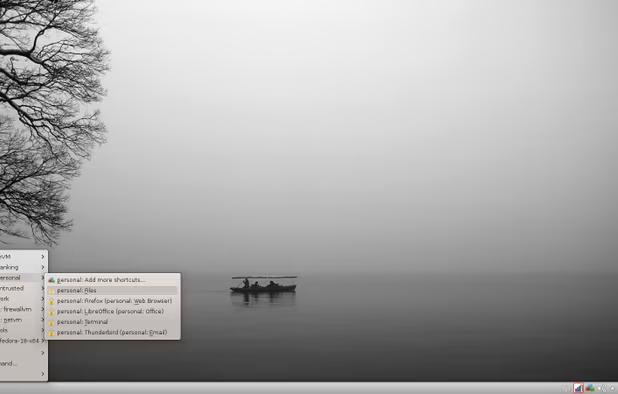
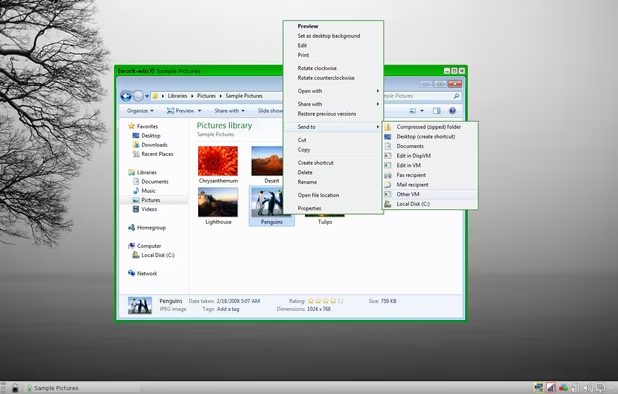
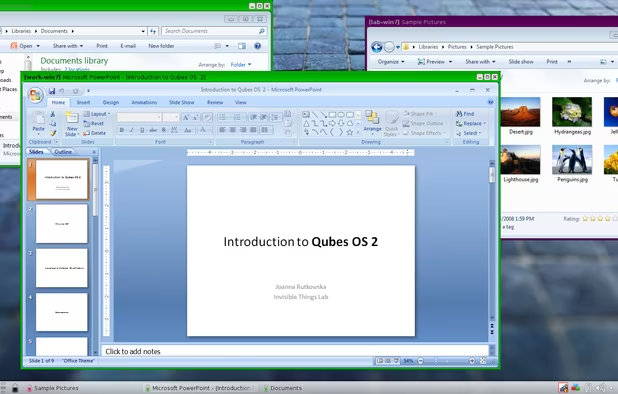
    Regarding privacy, Windows 10 just isn't built to be trustworthy. Linux offers a great alternative and Qubes OS lets you use choose between various Linux distributions for freedom that doesn't compromise security.

    Cost / License

    • Free
    • Open Source

    Platforms

    • Linux
    • Fedora
    • Xen
    Qubes OS screenshot 1
    Qubes OS screenshot 1
    Qubes OS screenshot 2
    +9
    Qubes OS screenshot 3
  8. Tails icon
     Like

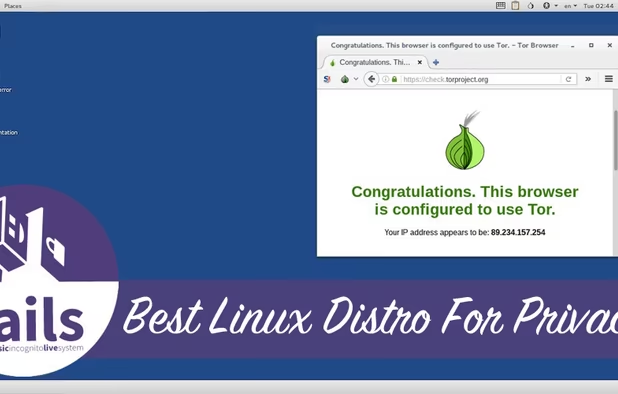
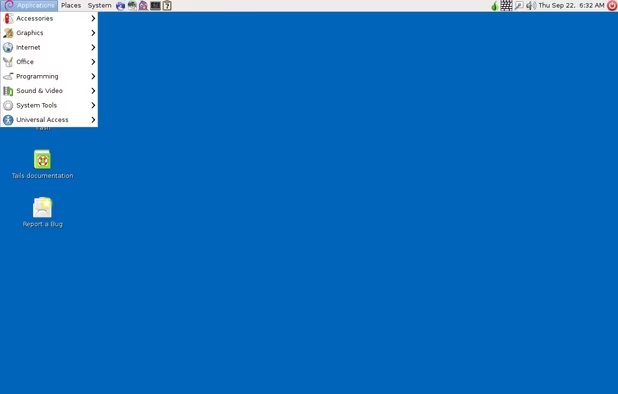
    Tails provides an excellent way to operate securely on practically any computer. It's designed for live use so it can be installed on a CD or USB drive, letting you run an entire OS from that device without any detection from the PC's original system. It even works great on older PCs.

    Cost / License

    • Free
    • Open Source

    Platforms

    • Linux
    • Tor Browser
    • GNOME
    • Tor
    • Thunderbird
    Tails screenshot 1
    Tails screenshot 1
  9. LineageOS icon
     Like

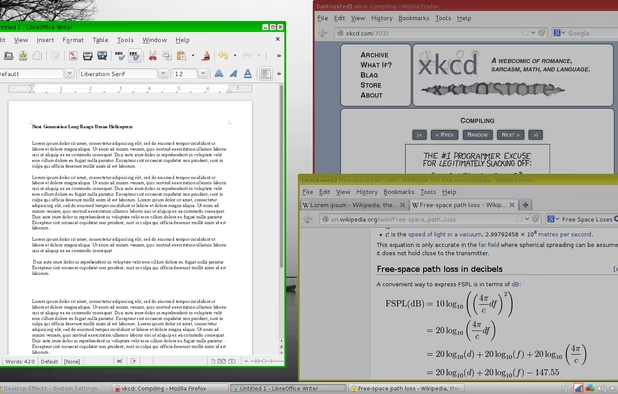
    If you have an Android device, chances are likely your private data is not secure. Lineage OS offers an alternative to the stock Android system that isn't bundled with privacy offending apps. It's a fork of the immensely popular but now discontinued CyanogenMod, which works with quite a variety of devices.
    Cost / License

    • Free
    • Open Source

    Application types

    Platforms

    • Android
    • Android Tablet
    Homescreen
    Notification Shade
    Settings
  10. While not quite as widely supported device-wise as LineageOS, CopperheadOS is specifically built as a security and privacy hardened version of Android. If you've got a phone that supports it, it's a great option to ensure privacy.

    Cost / License

    • Paid
    • Proprietary

    Application type

    Platforms

    • Android
    CopperheadOS screenshot 1
    CopperheadOS screenshot 1
  11. VeraCrypt icon
     Like

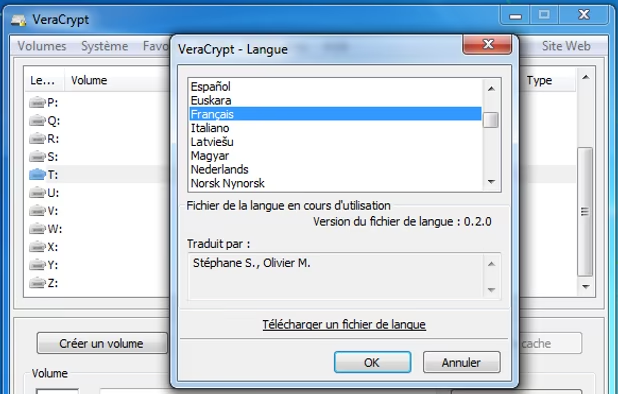
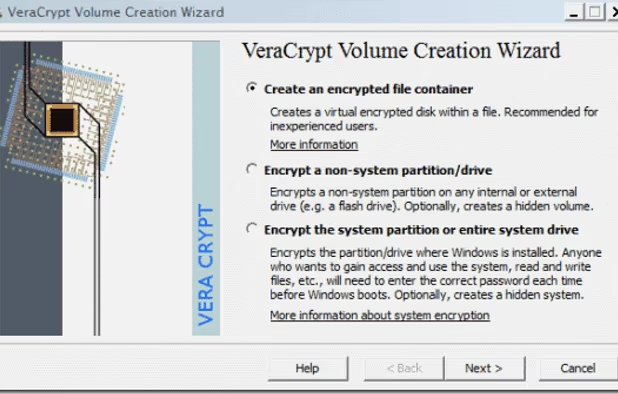
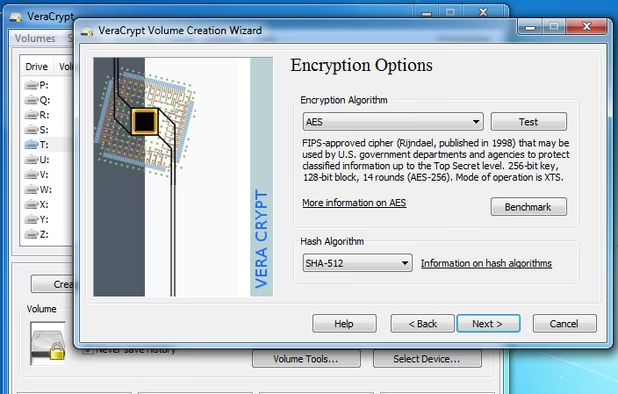
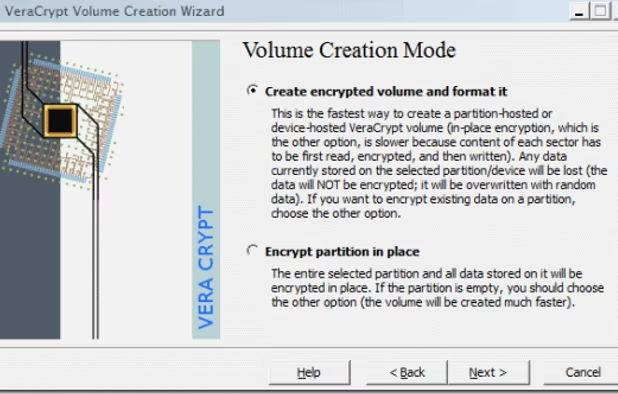
    Keep your local file-system private with free, on-the-fly encryption using VeraCrypt. It's available across multiple desktop platforms, including a portable version for Windows.

    Cost / License

    • Free
    • Open Source

    Application type

    Platforms

    • Mac
    • Windows
    • Linux
    • BSD
    • PortableApps.com
    • Homebrew
    • Chocolatey
    Langage
    VeraCrypt screenshot 1
    Encrypted volume wizard. Step 1.
    +8
    Encrypted volume wizard. Step 3.
  12. Windows 10 is a privacy disaster waiting to happen. If you absolutely must use use it, at least consider a tool to help undo the privacy mess underlying it. Destroy Windows Spying is one such tool, it's open source and dead simple.

    Cost / License

    • Free
    • Open Source

    Platforms

    • Windows
    Destroy Windows Spying screenshot 1
    Destroy Windows Spying screenshot 1
    Destroy Windows Spying screenshot 2
    +2
    Destroy Windows Spying screenshot 3
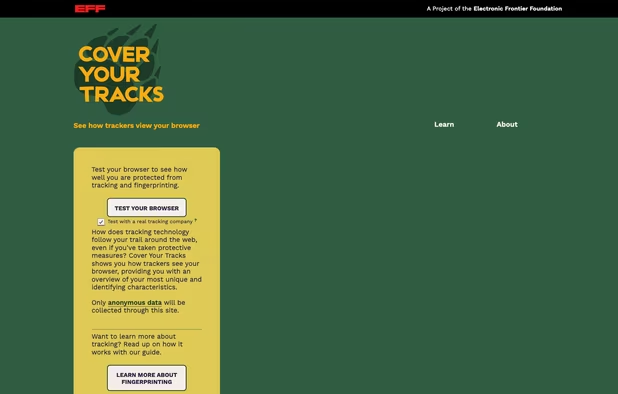
  13. Panopticlick is a super fast way to check if your browser is able to protect your privacy. Just visit the site and hit the "Test Me" button. It links you right to Privacy Badger as a viable solution to get protected.

    Cost / License

    • Free
    • Open Source

    Application type

    Platforms

    • Online
    Cover Your Tracks screenshot 1
  14. If you're only concerned about privacy and just want to block tracking scripts, Privacy Badger comes highly recommended. It's an open source browser extension that helps detect and block trackers.

    Cost / License

    • Free
    • Open Source

    Application types

    Platforms

    • Microsoft Edge
    • Google Chrome
    • Opera
    • Mozilla Firefox
    Overview of Privacy Badger extension
  15. Often mistaken as just an ad blocker, uBlock Origin is actually a general purpose script blocker that happens to excel at blocking ads. It's an extension for Firefox and Chrome that potentially can block all scripts, including tracking scripts, to help maintain privacy when browsing.

    Cost / License

    • Free
    • Open Source

    Application types

    Platforms

    • Microsoft Edge
    • Vivaldi
    • Google Chrome
    • Pale Moon
    • Thunderbird
    • Opera
    • Node.JS
    • Chromium
    • Mozilla Firefox
    uBlock Origin screenshot 1
    uBlock Origin screenshot 1
  16. Brave icon
     Like

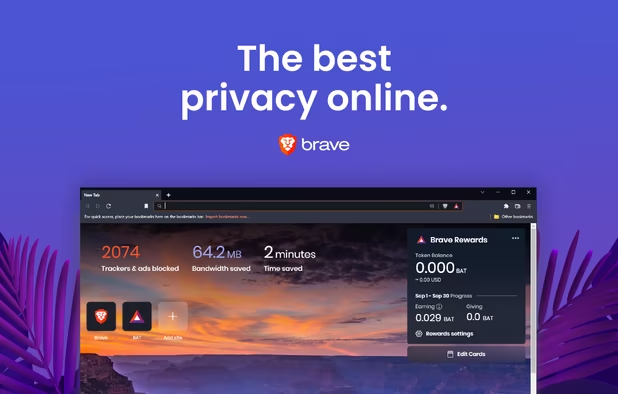
    Replace your browser entirely with Brave. It's an out-of-the-box solution for those who want a privacy-focused browser that's still as capable as their current one. It's Chromium based but by default, it blocks ad and tracker scripts and is available on most platforms, desktop and mobile.

    Cost / License

    • Free
    • Open Source

    Application types

    Platforms

    • Mac
    • Windows
    • Linux
    • Android
    • iPhone
    • Android Tablet
    • iPad
    • Snapcraft
    • Flathub
    • Homebrew
    • Chocolatey
    Brave screenshot 1
    Brave screenshot 1
    Brave screenshot 2
    +4
    Brave screenshot 3
  17. If you're already settled with Firefox as a browser, no problem. It's a solid browser and is easily hardened for privacy and security with the right extensions. We've got a great list of those here:

    Cost / License

    • Free
    • Open Source

    Platforms

    • Mac
    • Windows
    • Linux
    • Android
    • iPhone
    • Android Tablet
    • BSD
    • iPad
    • AppImageHub
    • Snapcraft
    • Flathub
    • Samsung Galaxy Store
    • PortableApps.com
    • Haiku
    • Flatpak
    • Homebrew
    • Chocolatey
    • Gecko
    Firefox Desktop (Light Theme)
    Firefox Desktop (Dark Theme)
    Firefox iOS (Light Theme)
    +7
    Firefox iOS (Dark Theme)
  18. Another great browser of choice for those concerned about privacy, Tor browser is available for all the major desktop platforms.

    Cost / License

    • Free
    • Open Source

    Platforms

    • Mac
    • Windows
    • Linux
    • Android
    • OpenBSD
    • Tor
    Tor Browser screenshot 1
    Tor Browser 10.0.3 is now based on the new version of Firefox for Android.
    Tor browser for android alpha
  19. Spectre icon
     Like

    Given the countless data breaches at high profile web services over the past few years, it's important to use different passwords across services so hackers who find a password for one won't necessarily get the passwords for others. Master Password offers a great solution for that, it's privacy focused, cross-platform for mobile and desktop, free and open-source.

    Cost / License

    • Free
    • Open Source

    Application type

    Platforms

    • Mac
    • Linux
    • Online
    • Android
    • iPhone
    Screenshot from Spectre WebApp
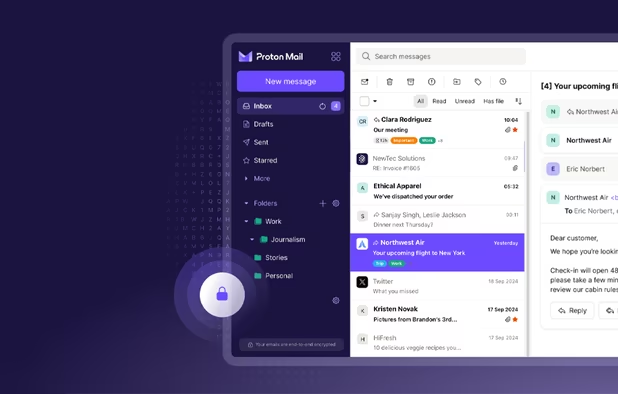
  20. A widely recognized, privacy focused email provider, the Swiss-based ProtonMail is also in the process of launching a VPN as well. It's another helpful indication that they're good at privacy and worthy of their established name.

    Cost / License

    • Freemium
    • Open Source

    Platforms

    • Mac
    • Windows
    • Linux
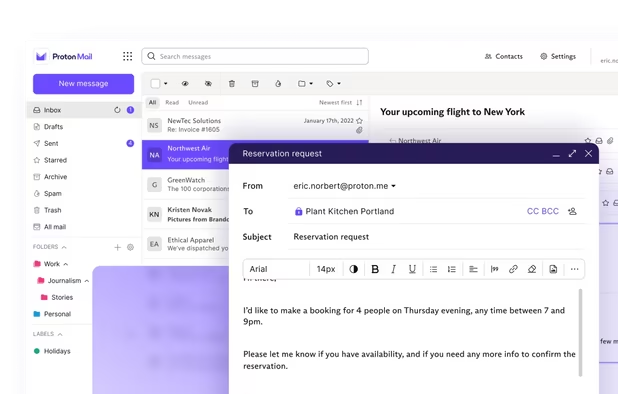
    • Online
    • Android
    • iPhone
    • iPad
    • Tor
    Proton Mail screenshot 1
    Proton Mail screenshot 1
    Proton Mail screenshot 2
    +9
    Proton Mail screenshot 3
  21. Seafile icon
     Like

    Seafile offers a secure and privacy-focused cloud-storage solution that's open-source, so you can host it yourself for the utmost privacy.

    Cost / License

    • Freemium
    • Open Source

    Platforms

    • Mac
    • Windows
    • Linux
    • Online
    • Android
    • iPhone
    • Android Tablet
    • iPad
    • Self-Hosted
    • Software as a Service (SaaS)
    Seafile screenshot 1
    Seafile screenshot 1
    Seafile screenshot 2
    +4
    Seafile screenshot 3
  22. With a history as decorated as Firefox, Thunderbird is highly recognized as a solid, cross-platform, desktop e-mail client with privacy built in.

    Cost / License

    • Free
    • Open Source

    Application types

    Platforms

    • Mac
    • Windows
    • Linux
    • Android
    • BSD
    • AppImageHub
    • Snapcraft
    • Flathub
    • PortableApps.com
    • F-Droid
    • Haiku
    • Homebrew
    • Chocolatey
    Thunderbird screenshot 1
    Thunderbird screenshot 1
    Thunderbird screenshot 2
    +8
    Thunderbird screenshot 3
  23. Searx icon
     Like

    Being open source provides an easy way to check on an app's security and privacy. Searx is a search engine with an open source code base that provides that layer of security. It keeps no logs, has no ads and no tracking scripts.

    Cost / License

    • Free
    • Open Source

    Platforms

    • Linux
    • Online
    • Self-Hosted
    Searx screenshot 1
    Searx screenshot 1
    Searx screenshot 2
    +2
    Searx screenshot 3
  24. Signal icon
     Like

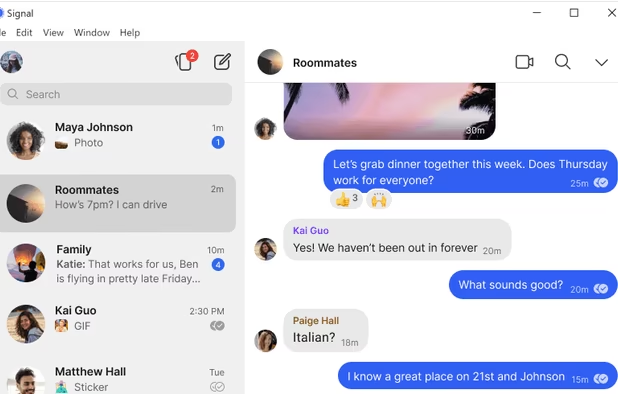
    Signal is a highly decorated messaging app with privacy baked in. It serves no ads or tracking scripts, is open source and available across multiple platforms.

    Cost / License

    • Free
    • Open Source

    Platforms

    • Mac
    • Windows
    • Linux
    • Android
    • iPhone
    • iPad
    • Flathub
    • Ubuntu
    • Debian
    Signal screenshot 1
    Signal screenshot 1
    Signal screenshot 2
    +4
    Signal screenshot 3
  25. Ghostbin icon
     Like

    Share pasted text and code in a totally safe and private way through Ghostbin. It's available online or as a self-hosted solution that's open source.

    Cost / License

    • Free
    • Open Source

    Platforms

    • Online
    • jQuery
    • Bootstrap
    Ghostbin screenshot 1
  26. Turtl icon
     Like

    Turtl is a note app similar to Evernote, but built with privacy in mind. It's open source, easy to review how it works. And it can be self-hosted for the ultimate in privacy.

    Cost / License

    • Freemium
    • Open Source

    Platforms

    • Mac
    • Windows
    • Linux
    • Android
    • Android Tablet
    • Self-Hosted
    • Google Chrome
    • Firefox
    Turtl screenshot 1
    Turtl screenshot 1
    Turtl screenshot 2
    +1
    Turtl screenshot 3
  27. DeepSound icon
     Like

    Need to send a secret message to someone? Encrypt your message into an audio file with DeepSound. Ensure the recipient has the key you encrypt it with and they'll be able to decrypt it to get the message.

    Cost / License

    • Free
    • Proprietary

    Platforms

    • Windows
    DeepSound screenshot 1
    DeepSound screenshot 1
    Hide data into carrier audio file. Screenshot 1
    +6
    Hide data into carrier audio file. Screenshot 2
  28. Syncthing icon
     Like

    Syncthing offers a great alternative to insecure and non-private file syncing services and apps. It's an open source solution that's available across multiple platforms.
    Cost / License

    • Free
    • Open Source

    Platforms

    • Mac
    • Windows
    • Linux
    • BSD
    • Self-Hosted
    • Cloudron
    • Termux
    • Terminal
    Syncthing screenshot 1

Comments

coralinecastell
0

Your list and John's (https://alternativeto.net/list/2427/software-for-privacy) are the best on this site. You rock. Man, I miss JohnFastman.
BTW, man, I'd remove Brave. It packages its own ads in. Plus, it's Chromium-based.

K0media
4

I've seen a lot of flaming on Telegram, but honestly, I've never seen a problem in using it, tbh. Also for encrypted communication, I'd mention Tox.

And as a password manager, I'd mention Bitwarden.

John Fastman
6

Bitcoin provides a way to maintain anonymity with your spending to avoid all the tracking.

Not really. Not unless you bought your bitcoin anonymously to begin with. Every bitcoin transaction is recorded in the blockchain. If you buy bitcoin to begin with using, e.g. a credit card, then all your future transactions can be traced back to you. Bitcoin is not inherently anonymous. In that respect Monero is more anonymous.
1 reply
David

Really appreciate your clarification here, though my apologies for the late reply! In this case, I've gone ahead and removed Bitcoin since anonymity takes serious work to achieve with it. While it's possible, it's not there by default as you've noted. I'll check up on the other options like Monero. Thanks again.

Gu