Henry Fishers setup

The face of Techlore, Henry Fisher, is someone who strives for digital rights for all. I've been following him lately and I've noticed that he is very transparent with us about which software he uses. This list features his 'possible' setup for both work and private use. (I hope he sees this and likes it!)

European_AlternativeTo
European_AlternativeToList by European_AlternativeTo, last updated 
Copy a direct link to this comment to your clipboard
  1. His private phone

    My guess is that he uses an iPhone with the least amount of memory (if 64gb was an option, he would choose it). He has used a Pixel with GrapheneOs but I guess he doesn't use it anymore.

  2. Safari icon
     Like

    Only option due to Lockdown Mode. Otherwise he would use Brave. In general, he is not very satisfied with the options and quality of mobile browsers.

    Cost / License

    • Free
    • Proprietary

    Platforms

    • Mac
    • iPhone
    • iPad
    Safari on Mac, iOS, and iPadOS
    Safari on Mac
    Safari Light Theme on Mac
    +4
    Safari Dark Theme on Mac
  3. The most privacy-focused option in Safari although Henry doesn't like the search results.

    Cost / License

    • Free
    • Proprietary

    Platforms

    • Online
    • Android
    • iPhone
    • Android Tablet
    • iPad
    • Microsoft Edge
    • Vivaldi
    • Google Chrome
    • Safari
    • F-Droid
    • Yandex Browser
    • Tor
    • Opera
    • Mozilla Firefox
    DuckDuckGo Homepage
    DuckDuckGo screenshot 1
    DuckDuckGo screenshot 2
    +16
    DuckDuckGo screenshot 3
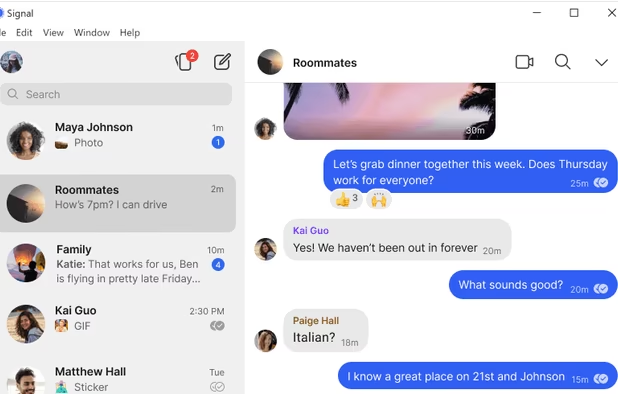
  4. Signal icon
     Like

    This is the messenger he uses by far the most because it is very user-friendly.

    Cost / License

    • Free
    • Open Source

    Platforms

    • Mac
    • Windows
    • Linux
    • Android
    • iPhone
    • iPad
    • Flathub
    • Ubuntu
    • Debian
    • Snapcraft
    Signal screenshot 1
    Signal screenshot 1
    Signal screenshot 2
    +4
    Signal screenshot 3
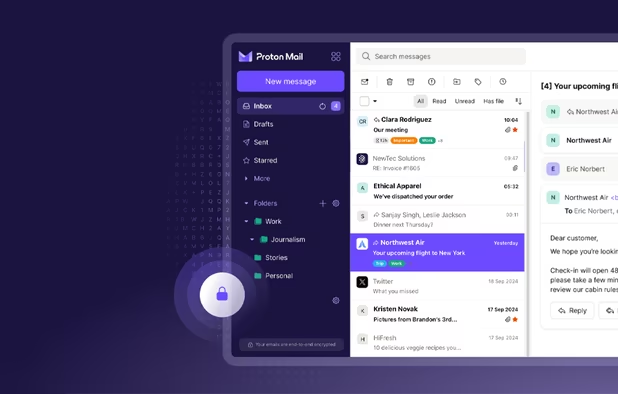
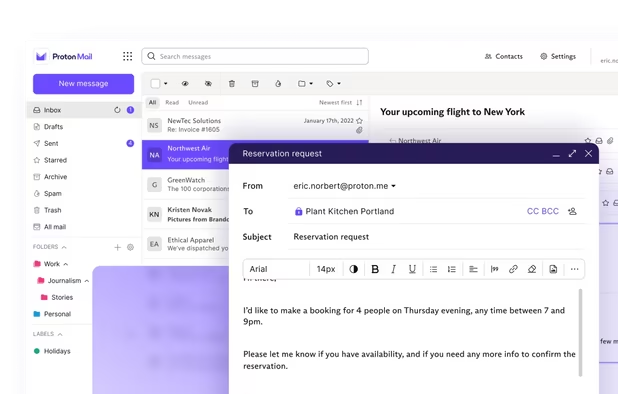
  5. He's been using Proton services for a very long time so I think he is loyal to them.

    Cost / License

    • Freemium
    • Open Source

    Platforms

    • Mac
    • Windows
    • Linux
    • Online
    • Android
    • iPhone
    • iPad
    • Tor
    • Flathub
    • Snapcraft
    Proton Mail screenshot 1
    Proton Mail screenshot 1
    Proton Mail screenshot 2
    +9
    Proton Mail screenshot 3
  6. This or just Apple Gallery, I don't know.

    Cost / License

    • Freemium
    • Open Source

    Platforms

    • Mac
    • Windows
    • Linux
    • Online
    • Android
    • iPhone
    • Android Tablet
    • iPad
    • Self-Hosted
    • Flathub
    • F-Droid
    • Flatpak
    Ente Photos screenshot 1
    Ente Photos screenshot 1
    Ente Photos screenshot 2
    +4
    Ente Photos screenshot 3
  7. Ente Auth icon
     Like

    Because it is a cross platform TOTP and it has simply been around longer than Proton Auth.

    Cost / License

    • Free
    • Open Source

    Application type

    Platforms

    • Mac
    • Windows
    • Linux
    • Online
    • Android
    • iPhone
    • Android Tablet
    • iPad
    • Flathub
    • F-Droid
    • Flatpak
    Ente Auth screenshot 1
    Ente Auth screenshot 1
    Ente Auth screenshot 2
    +5
    Ente Auth screenshot 3
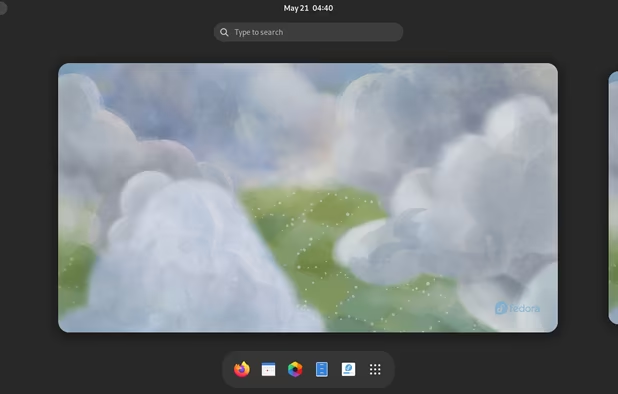
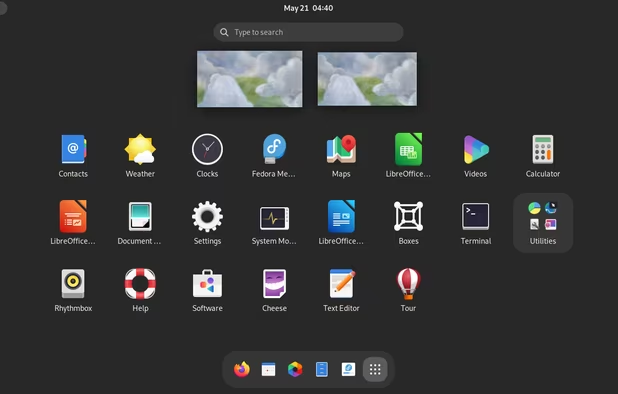
  8. Private desktop

    I don't know if he even has this setup but if he could chose, it would probably look like this.

  9. He once said that his browsers are: 70% Mullvad, 29% Brave, 1% Tor. There is a possibility that he know fully switched to Brave.

    Cost / License

    • Free
    • Open Source

    Application types

    Platforms

    • Mac
    • Windows
    • Linux
    • Flathub
    • Flatpak
    • Mozilla Firefox
    Mullvad Browser screenshot 1
    Mullvad Browser screenshot 1
    Mullvad Browser screenshot 2
    +1
    Mullvad Browser screenshot 3
  10. Brave icon
     Like

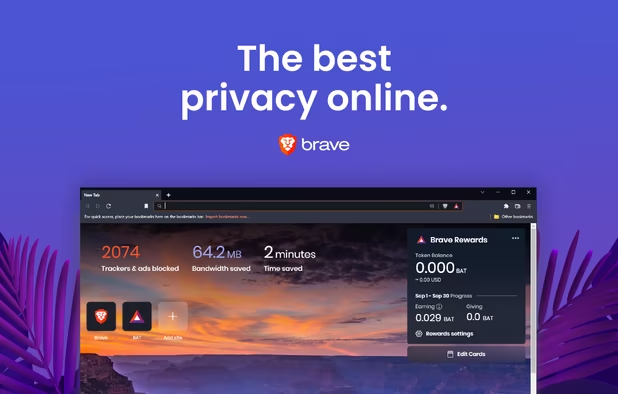
    His favorite browser in general.

    Cost / License

    • Free
    • Open Source

    Application types

    Platforms

    • Mac
    • Windows
    • Linux
    • Android
    • iPhone
    • Android Tablet
    • iPad
    • Snapcraft
    • Flathub
    • Homebrew
    • Chocolatey
    • Samsung Galaxy Store
    Brave screenshot 1
    Brave screenshot 1
    Brave screenshot 2
    +4
    Brave screenshot 3
  11. Brave extension 1: he currently doesn't use a system-wide VPN.

    Cost / License

    • Freemium
    • Open Source

    Application types

    Platforms

    • Mac
    • Windows
    • Linux
    • Android
    • iPhone
    • Chrome OS
    • Android Tablet
    • iPad
    • Google Chrome
    • Apple TV
    • Flathub
    • F-Droid
    • Android TV
    • Flatpak
    • Fire TV
    • Mozilla Firefox
    Proton VPN screenshot 1
    Proton VPN on Fedora
    Proton VPN screenshot 2
    +6
    Proton VPN screenshot 3
  12. Brave extension 2: he might be putting a lot of eggs in Protons basket.

    Cost / License

    • Freemium
    • Open Source

    Platforms

    • Mac
    • Windows
    • Linux
    • Online
    • Android
    • iPhone
    • Android Tablet
    • iPad
    • Google Chrome
    • Flathub
    • Safari
    • F-Droid
    • Mozilla Firefox
    • Snapcraft
    Proton Pass screenshot 1
    Proton Pass screenshot 1
    Proton Pass screenshot 2
    +3
    Proton Pass screenshot 3
  13. NextDNS icon
     Like

    Thanks to the customization and the free tier.

    Cost / License

    • Freemium
    • Open Source

    Application types

    Platforms

    • Mac
    • Windows
    • Linux
    • Online
    • Android
    • iPhone
    • Chrome OS
    • BSD
    • iPad
    • UC Browser
    • Vivaldi
    • Google Chrome
    • UniFi Network
    • Safari
    • Yandex Browser
    • Software as a Service (SaaS)
    • OpenWrt
    • Opera
    • Alpine Linux
    • pfSense
    • Mozilla Firefox
    • DD-WRT
    NextDNS screenshot 1
    NextDNS screenshot 1
    NextDNS screenshot 2
    +11
    NextDNS screenshot 3
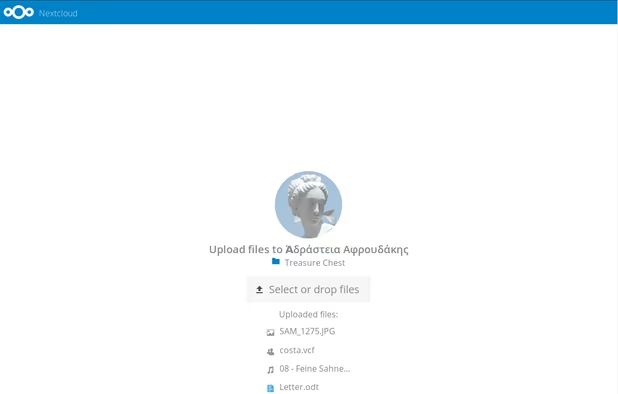
  14. Nextcloud icon
     Like

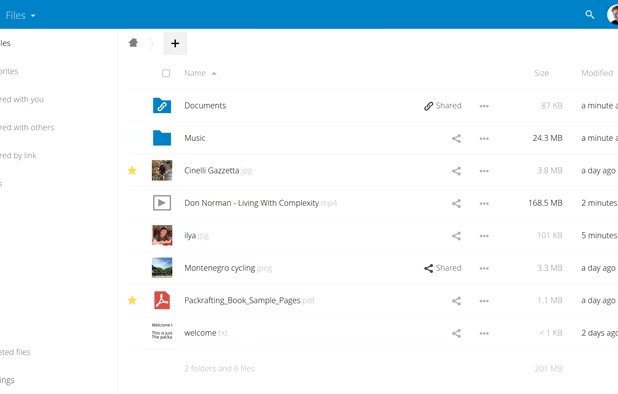
    He would say: 'Own your f* s**t.

    Cost / License

    • Free
    • Open Source

    Platforms

    • Mac
    • Windows
    • Linux
    • Online
    • Android
    • iPhone
    • Android Tablet
    • iPad
    • Self-Hosted
    • Snapcraft
    • F-Droid
    • Raspberry Pi
    • Cloudron
    • Docker Hub
    • HUAWEI AppGallery
    • Flathub
    Simple and powerful file sync & share
    Simple upload even for people who don’t have Nextcloud
    Great Android & iOS apps to sync your files.
    +3
    Very easy theming
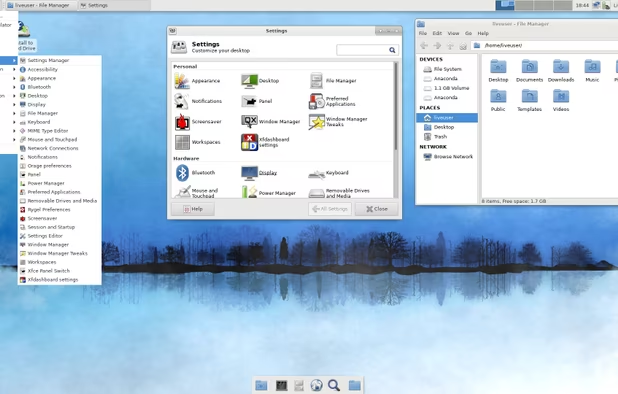
  15. Work desktop

    There are the some services that he uses for private and for work but I don't repeat them in this list.

  16. I've seen him using this browser in a live for easy split-view.

    Cost / License

    • Free
    • Open Source

    Application type

    Platforms

    • Mac
    • Windows
    • Linux
    • Arch Linux
    • Flathub
    • Flatpak
    Zen Browser screenshot 1
    Zen Browser screenshot 1
    Zen Browser screenshot 2
    +8
    Zen Browser screenshot 3
  17. Fastmail icon
     Like

    At work things need to go fast and that's what the name says.

    Cost / License

    • Paid
    • Proprietary

    Platforms

    • Mac
    • Windows
    • Linux
    • Online
    • Android
    • iPhone
    • Android Tablet
    • iPad
    • Flathub
    • Flatpak
    Fastmail screenshot 1
    Inbox
    Alias
    +6
    Calendar
  18. He prefers this to Libreoffice for the design and layout.

    Cost / License

    • Free
    • Open Source

    Platforms

    • Mac
    • Windows
    • Linux
    • Online
    • Android
    • iPhone
    • Android Tablet
    • HUAWEI AppGallery
    • iPad
    • Self-Hosted
    • AppImageHub
    • Snapcraft
    • Flathub
    • Samsung Galaxy Store
    • Software as a Service (SaaS)
    • Flatpak
    • Cloudron
    ONLYOFFICE screenshot 1
    ONLYOFFICE screenshot 1
    ONLYOFFICE screenshot 2
    +7
    ONLYOFFICE screenshot 3

It would be awesome if he reacts to this list in a live. Thank you Techlore for inspiring me!

No comments so far, maybe you want to be first?
Gu