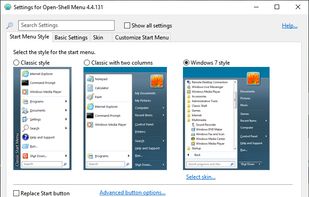
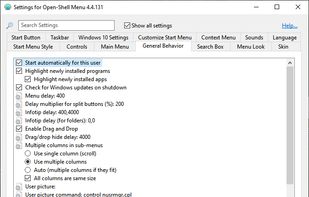
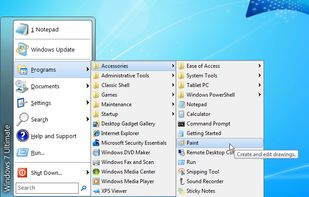
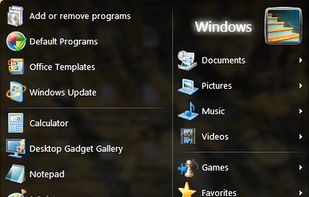
Open Shell is a fork of the Classic Shell project for Windows that getting back the classic start menu to modern versions of Microsoft Windows.
Cost / License
- Free
- Open Source
Application type
Platforms
- Windows



+2


Priorities
Open Shell is a fork of the Classic Shell project for Windows that getting back the classic start menu to modern versions of Microsoft Windows.

The Quick Look feature from Mac OS X, which allows users to preview file contents quickly by pressing the Space key, is missed. Windows doesn't have this feature. While alternatives like WinQuickLook and Seer exist, the decision was made to create a new version because the...
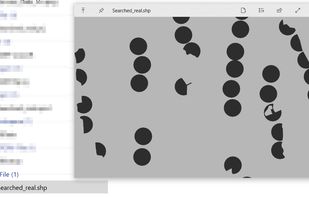
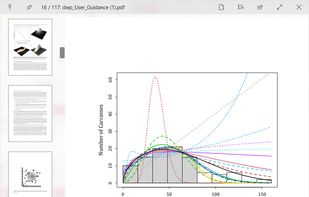



make easy study sessions

Manages and organizes music libraries, playlists, and folders, supports podcasts and web radio, advanced tagging, CD ripping, device sync, and multiple audio formats.
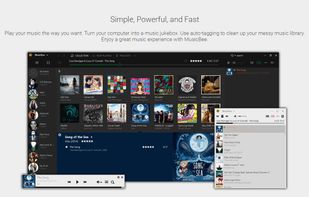
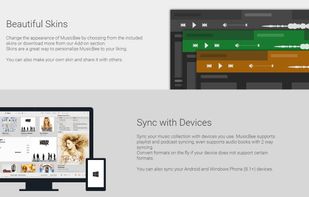
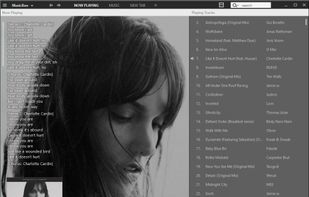
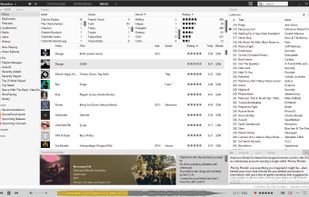
use this to listen to music, comes with skins

Free Alarm Clock, free version of Hot Alarm Clock, is a portable and full-featured and user-friendly computer alarm clock and program-launcher for Windows in 23 languages.


I use this for my alarms

Windows console emulator with tabs, which presents multiple consoles and simple GUI applications as one customizable GUI window with various features.
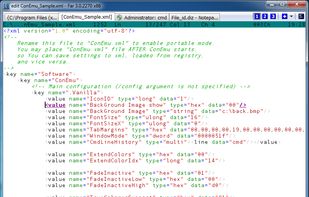
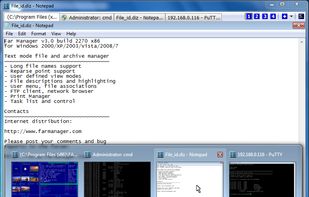
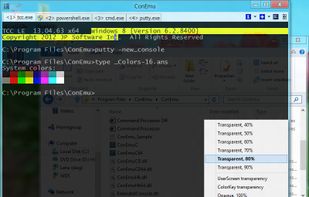
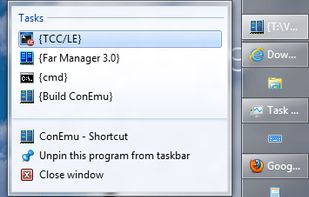
my second terminal, default admin rights

Versatile media player supporting multiple video formats, wide codec range, subtitles, hardware acceleration, OpenGL output, and intuitive CLI controls.



i use this for videos on the terminal

Media Player Classic - Black Edition (MPC-BE) is a fork of MPC and MPC-HC. It moved away from MPC's aim to mimic the look and feel of Windows Media Player with updated player controls and provides additional features on top of MPC-HC such as a video preview tooltip when...
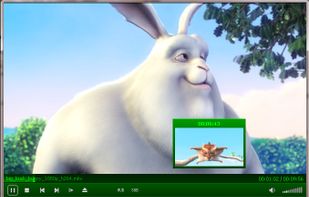


my default video player

Software that makes the color of your computer's display adapt to the time of day, warm at night and like sunlight during the day.
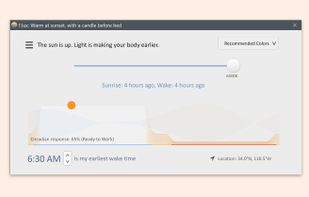
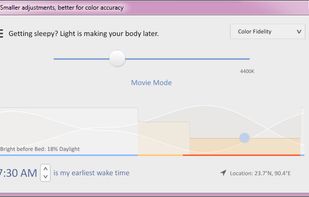
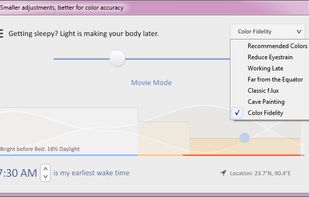
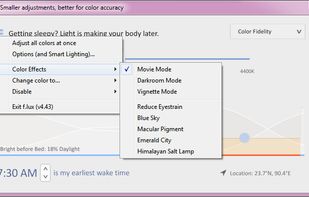
changes color of screen according to the time of the day. very comfortable to the eyes, works even windows xp

Rapid access to files, folders, clipboard history in Windows with tagging, previews, integration with file open-save window, annotation, project-based organization and quick file operations.
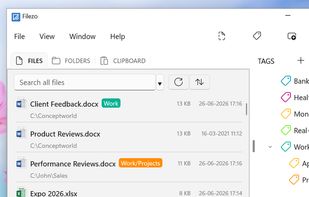
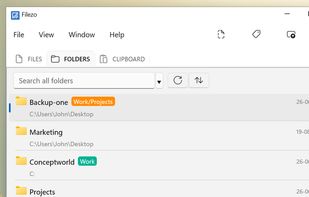
watch all your recent files, tabs, etc. sits comfortably in the border of your screen, also saves allyour copypasta


switch between all your open programs

Fluent Search is a fast and easy-to-use search application that lets you search for running applications, browser tabs, bookmarks, files, and more. Unlike Windows Start Menu, Fluent Search focuses on continuing existing work, it let you jump easily between running application...
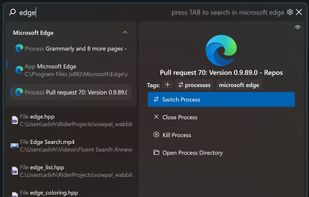
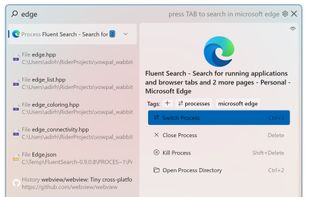



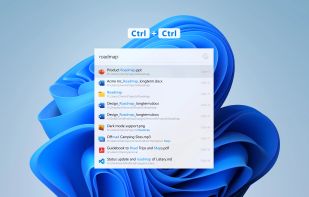
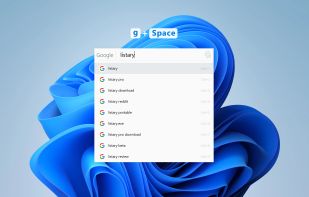
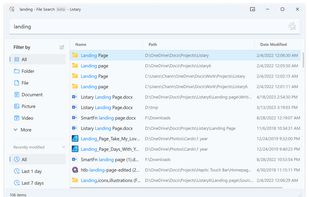
Listary is a revolutionary search utility for Windows that makes finding your files and launching applications blazing fast, for casual and power users alike!.

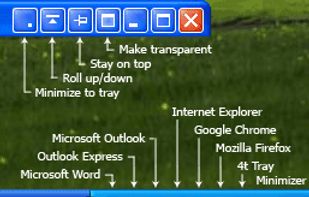
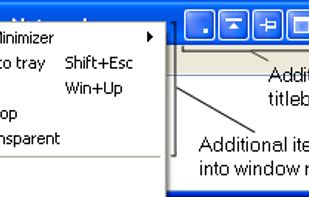
4t Tray Minimizer is a lightweight but powerful window manager, which helps you to free up space on the desktop and the taskbar via the following actions:


QTranslate is a free translator for Windows. With this small utility, you simply select the text you want to translate and then press hot key (Ctrl+Q to show translation in the popup window or Double Ctrl click to show the translation in the main window).


local translator with all world languages. choose bewteen google translate, etc

KeyCombiner helps you learn exactly the keyboard shortcuts you need. Create your own shortcut collections by importing from a large public database of shortcuts (VSCode, Vim, IntelliJ, Gmail, Notion, Excel, etc.
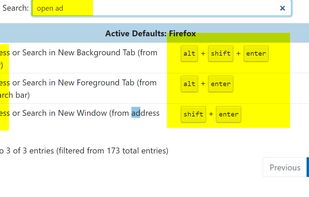
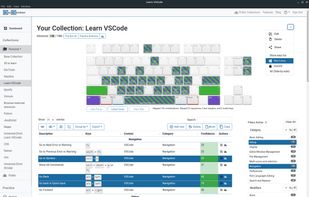
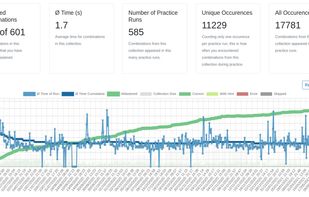
to learn hotkey in each program i own

A personal booru-style media tagger that can import files and tags from your hard drive and popular websites. Content can be shared with other users via user-run servers.


best media imageboard locally, personall use with tagging

Zeal is a free and open-source offline documentation browser for developers. You download docsets for the languages, frameworks, and libraries you use, and Zeal lets you search across all of them at once and jump straight to the symbol, class, or function you need.


API documentation for prograaming languages syntax by packages, works offline

Windows Terminal is a new, modern, feature-rich, productive terminal application for command-line users. It includes many of the features most frequently requested by the Windows command-line community including support for tabs, rich text, globalization, configurability...


i use this to watch anime

Local-first, privacy-focused notebook supporting Markdown and Org mode, offline use, encrypted backup, extensible with plugins, and more.
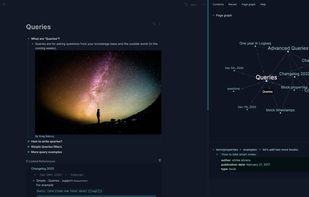
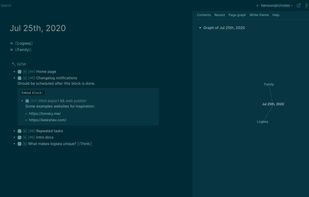
Local notebook, plugins

Sophisticated text editor for code with sleek interface, multi-select tabs, side-by-side definitions, and swift variable renaming using multiple selections.
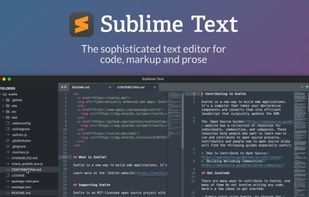
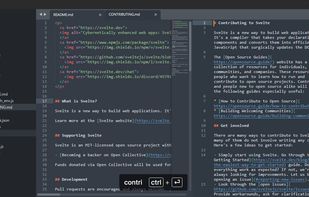
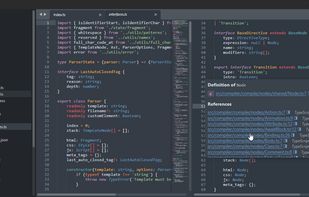
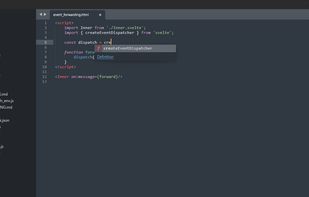
text editor, it works

A free, open-source viewer for Windows, supports PDFs, eBooks, Comics, with a simple, fast, and portable design prioritized for ease of use.
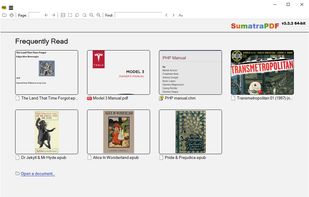
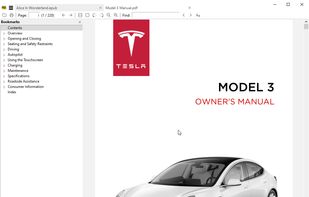
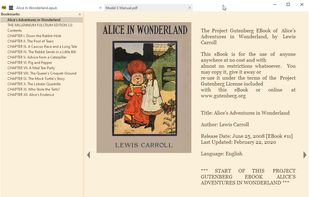
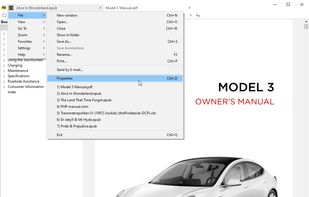
i use this for pdfs, option 1

Q-Dir makes your files and folder easy to manage. Fast and easy access, with an amazing Quadro-View (4 panes) technique. You dont have to renounce the usual, Drag and Drop, all Views, and other functions of your system. No!
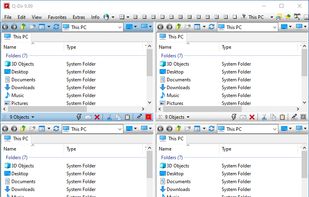


best file manager ever

Fast and powerful image viewer, editor, and converter for beginners and pros. Supports various formats, batch processing, and many extensions.



Fast and compact image viewer
No comments so far, maybe you want to be first?