


The must haves for anyone using Linux!


Launchpad is a collaboration and Bazaar code hosting platform for (primarily open-source) software projects.


Automates physical to VMware VM conversion, supports migrating other virtual formats and disk images, enables backup cloning, and manages multiple tasks centrally.


Openbox is a highly configurable, next generation window manager with extensive standards support.


Runs Windows Application by Right Click, or Double Click runs really well does all the work for you.







Essential to protect your privacy. Can support routing all traffic through tor, or select applications.


You should route all your traffic through a VPN at least! Lacks GUI for Linux though. I'll make a bash script to do that one day.


You should route all your traffic through a VPN at least! $3.33 a month, but gives you so many locations, its fast and has a GUI!


Keeps you anonymous, and is great for web browsing. Streaming might be a bit slow so use VPN's and Firefox for that.


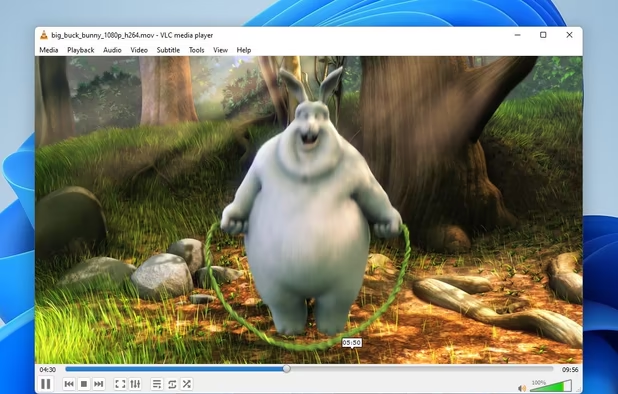
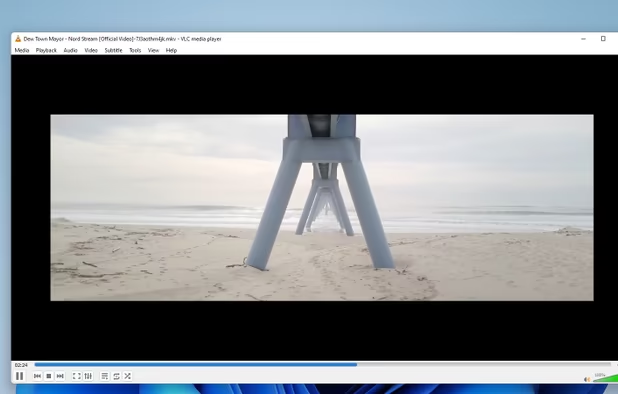
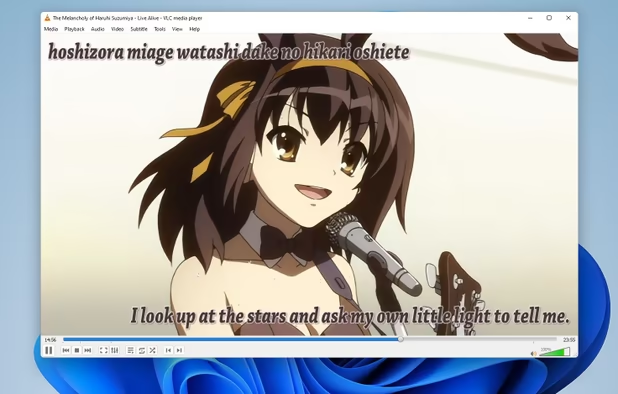
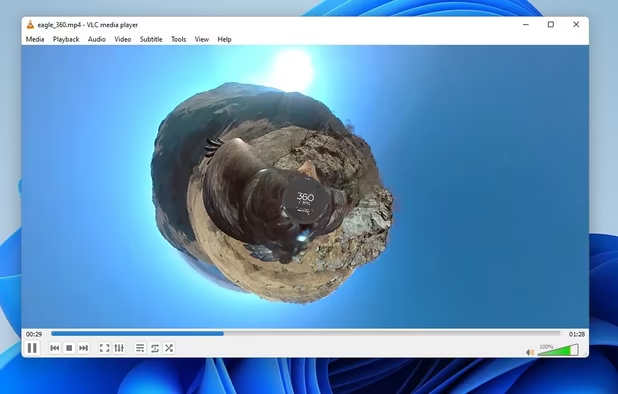
Really good for playing Videos because supports so many formats! Also use it for playing music and it lets you adjust the bass and treble with advanced contol!

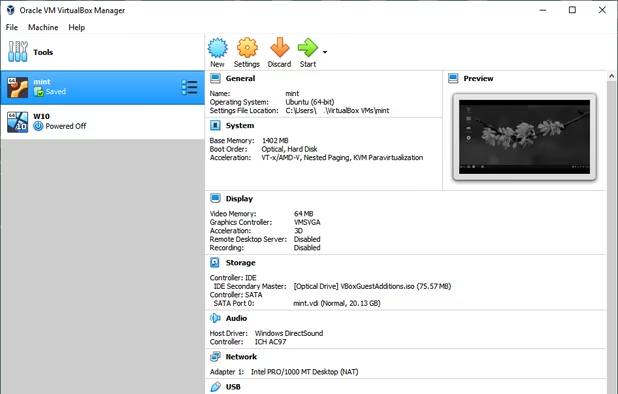
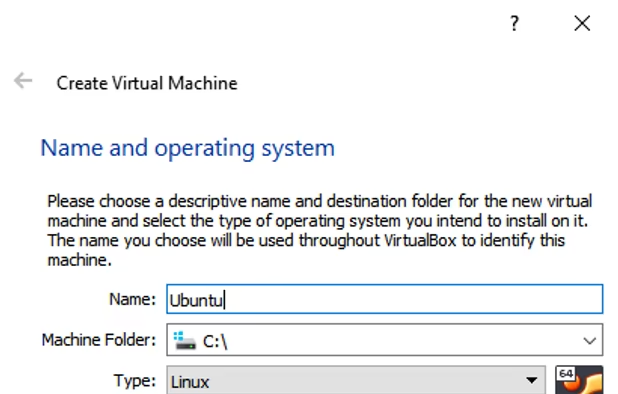
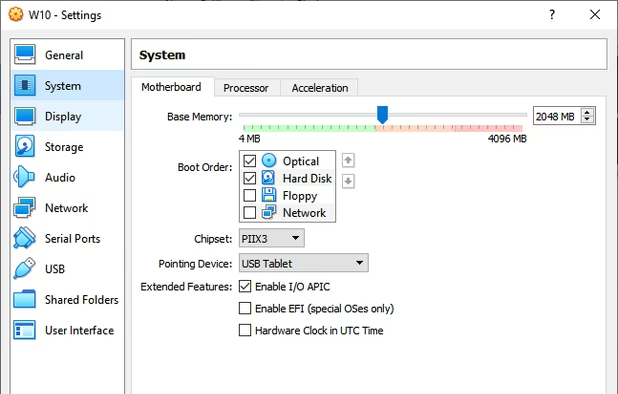
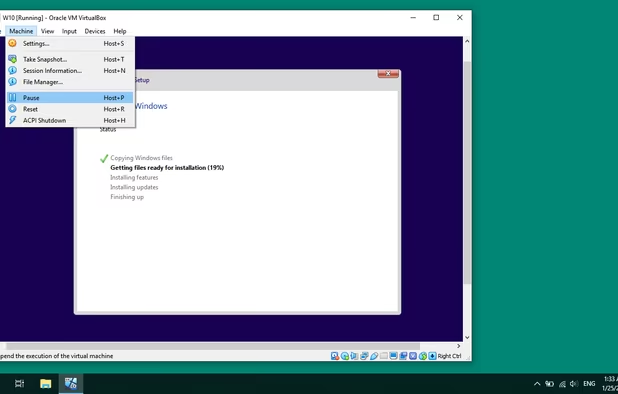
The must have if you like Virtualizing, and you should get into it. Also if your Windows Apps don't work in Wine or Play on Linux you can use a Minimalized Windows like Windows Vista as a last resort.


Finnaly! A GUI to find packages, and its not a single store, It lets you add repositories if you can't get what you are looking for!


Really useful if you are trying to get something work that's an RPM made for RedHat based distros on Debian based distros! Its a way to convert packages between the two. Its a Command Line Interface, but its easy to use because you only need like two commands.

If it doesn't run on Wine, you can manually configure it to run. Also has some Windows Apps preconfigured for you.


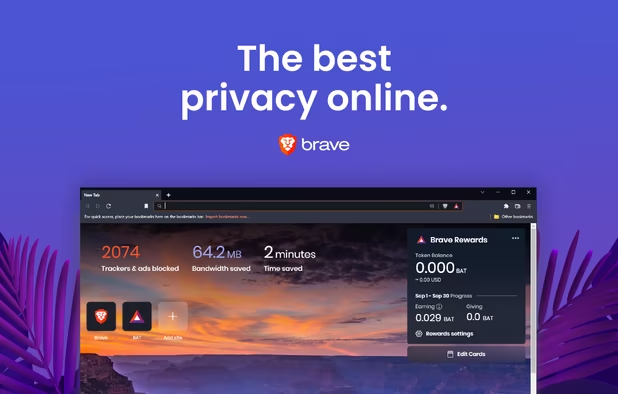
Its based off of Chromium just degooglified. It protects your privacy, and I like it because you can get Chrome Apps to work in it.


Ubuntu Software Center has Hundreds of Applications to Choose From. It is my favorite store to get free software!


Linux and Linux distros don't have much applications out of the box they expect you to download them manually and search for repositories yourself and edit config files to make things work. Its 2018 and also why should you waste time manually configuring things and looking for the software you need to make Linux usable for you? That's why I have created this list.


