Summary:
- Veracrypt creates encrypted 'containers' for your files to hide them from anyone who has physical access to your computer.
- Works on: Windows, Mac, Linux
- Free and open source
- Replaces: Nothing, really. Unique and amazing.
- Also consider: Nothing comes close. SOME of what VeraCrypt does can be done using Cryptomator in a very limited way. In reality, they complement each other though.
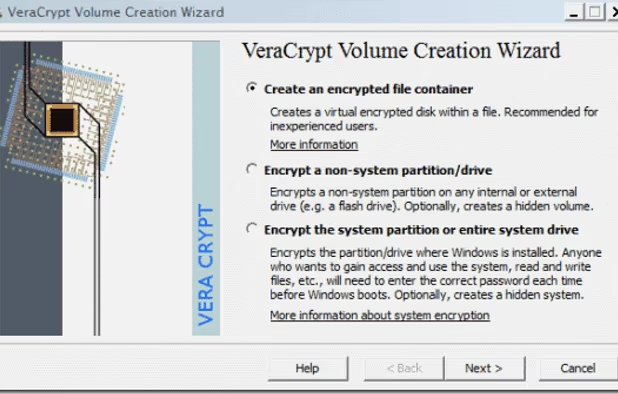
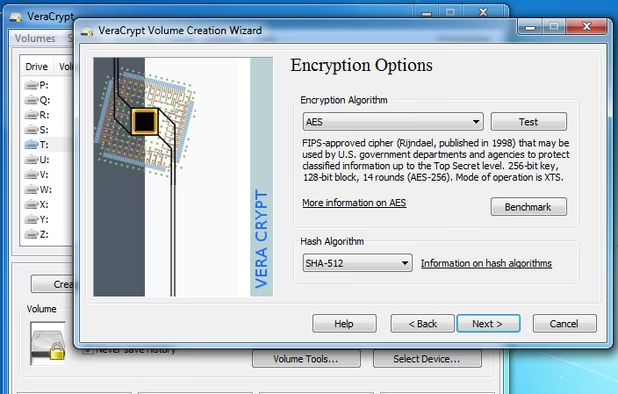
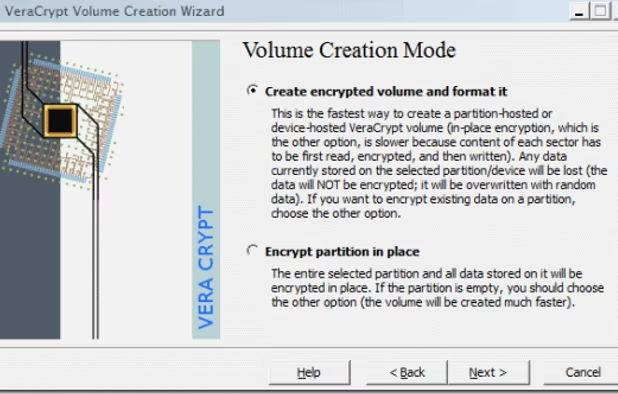
Veracrypt can create encrypted containers for files or even encrypt whole hard drives or USB sticks. This is so no one except you can open and view the contents. It is built on the old TrueCrypt project, which was very popular. Somehow people are still recommending TrueCrypt (even though it's outdated), even though Veracrypt is newer, has had a number of security audits and improvements and has had more functionality added. It is an excellent, free and open source project run by academics in France.
Enter a password and your mounted (opened) contained or drive behaves just like any other hard disk on your system (e.g. copy/paste files with no noticable lag.) You can choose from various different (or even multiple) encryption protocols. You can even create hidden containers so that you can deny your secrets exist, even to authorities. One password opens up a drive with boring files, a different password opens your secrets. No one can prove the one with secrets even exists. Very clever. (This is called "Plausible deniability" under US law; read about it on Veracrypt's webpage.)
Veracrypt is for protecting data from prying eyes (e.g. so that no one can read it of your computer is lost, stolen or confiscated) or if your kids go snooping on your computer. Know, however, that encrypted containers are not good for syncing data; for that you want something like Cryptomator (or a service like Tresorit, Spideroak or Sync.com). These and Veracrypt complement each other, so you can (and probably should) use both. Veracrypt works on Windows, Mac and Linux (and probably BSD, I should imagine.)