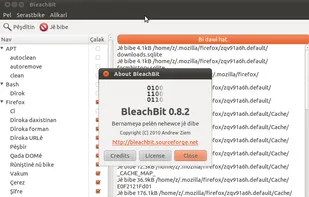
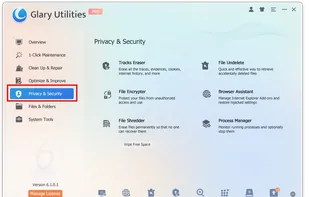
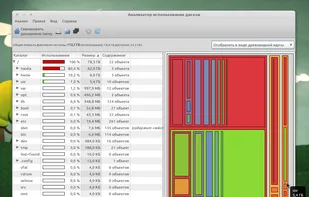
Erase unnecessary files like cache and cookies, maintain privacy, and optimize disk space on Linux and Windows. Supports various applications and uses.
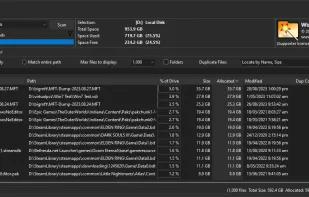
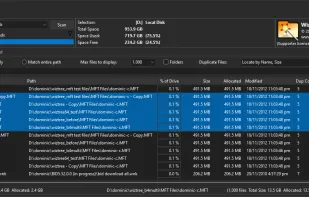
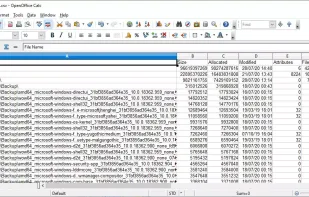
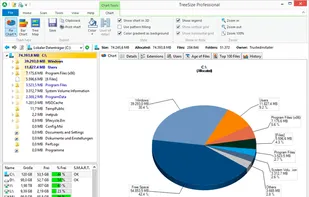
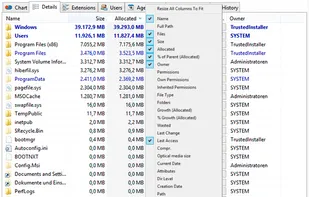
Ultra-fast disk space analyzer for Windows, showing largest files and folders according to space usage by utilizing the NTFS file system's Master File Table for unmatched speed.
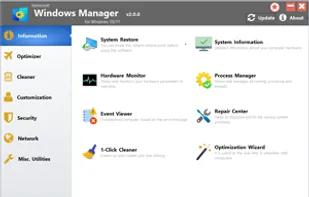
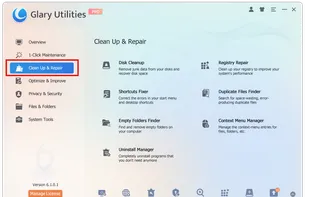
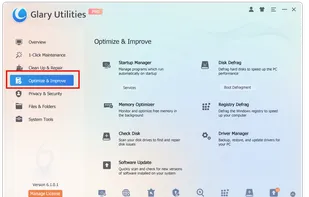
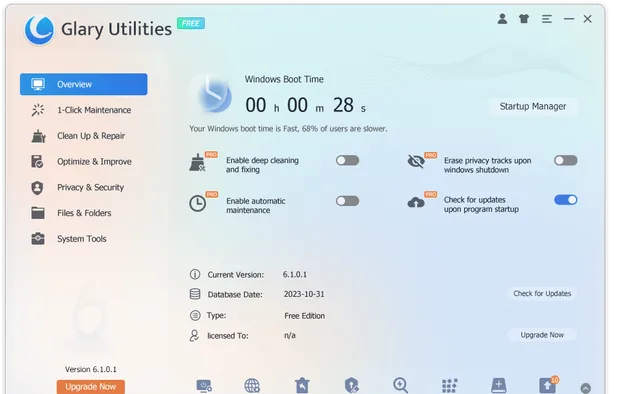
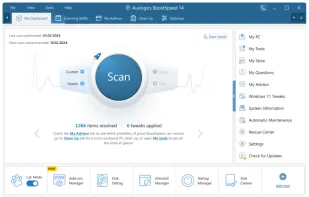
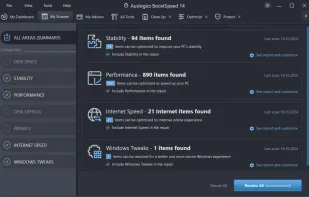
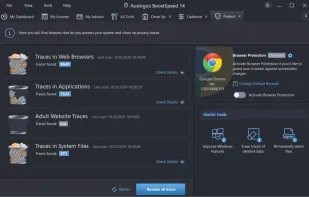
Optimize your Windows PC with powerful tools to fix, speed up, and maintain systems, offering one-click registry cleaning, privacy protection, and disk cleanup.
SquirrelDisk shows you exactly what's taking up all that space and helps you clear it out. Using SquirrelDisk is a matter of clicking one button to easily find all the huge files on your computer.
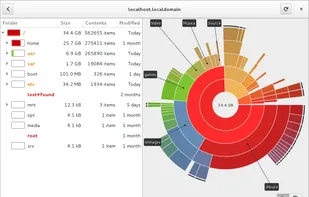
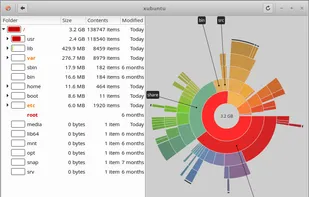
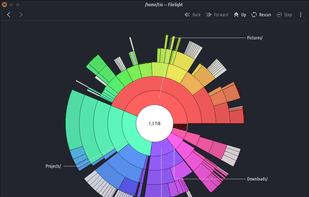
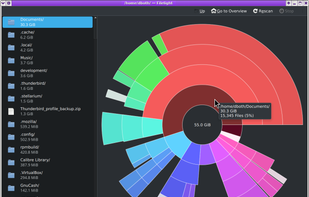
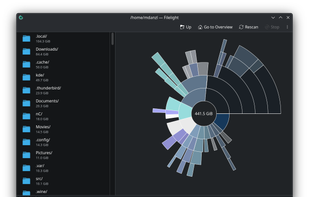
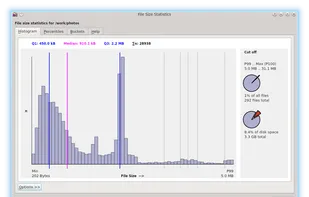
Displays disk usage visually with interactive segmented rings, scans local and remote disks, allows direct file management, and integrates with KDE file managers.
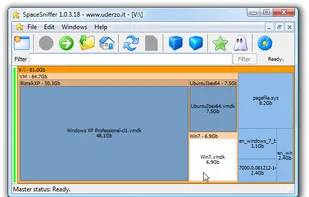
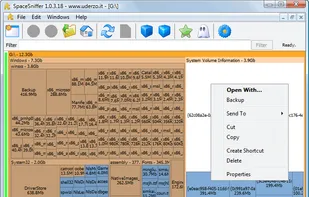
SpaceSniffer is a tool application that gives you an idea of how folders and files are structured on your disks. By using a Treemap visualization layout, you have immediate perception of where big folders and files are situated on your devices.
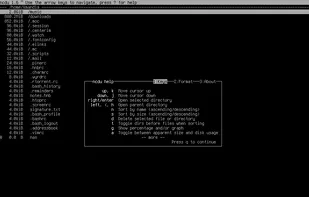
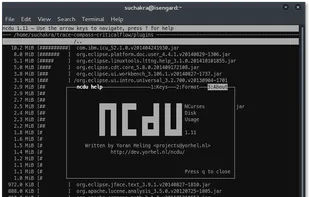
A disk usage analyzer with an ncurses interface, aimed to be run on a remote server where you don't have an entire graphical setup, but have to do with a simple SSH connection. ncdu aims to be fast, simple and easy to use, and should be able to run in any minimal POSIX-like...
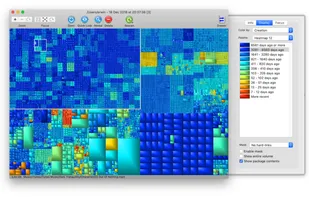
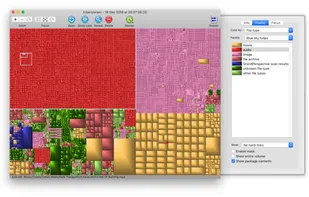
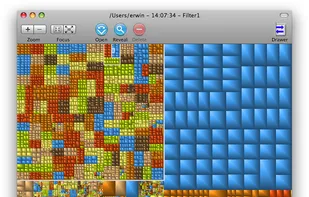
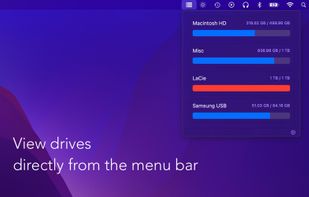
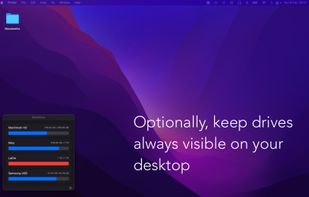
GrandPerspective is a small utility application for Mac that graphically shows the disk usage within a file system. It can help you to manage your disk, as you can easily spot which files and folders take up the most space.
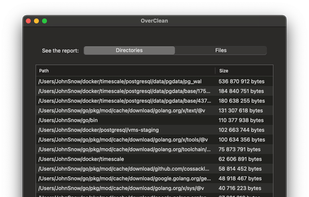
Cross-platform disk cleaner with privacy-first, no tracking, zero cloud, no ads or subscriptions, and fast, local cleaning for Mac, Windows, and Linux.
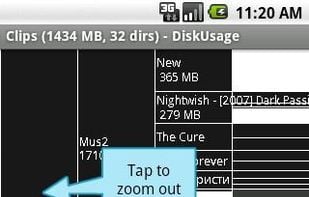
DiskUsage provides a way to find out which files and directories on the SD card of your Android phone are consuming the most space. It displays diagram with directories/subdirectories proportional to their size. Users are allowed to zoom in to look at specific directory content.
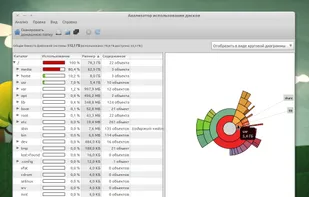
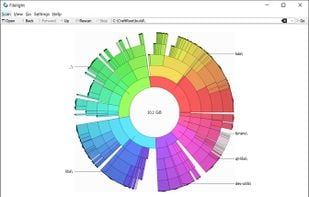
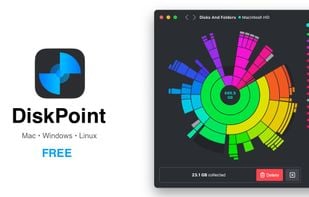
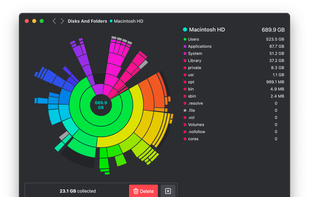
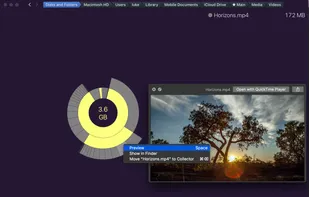
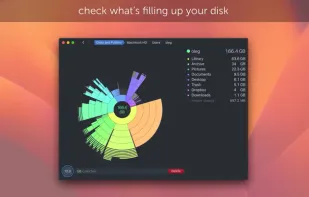
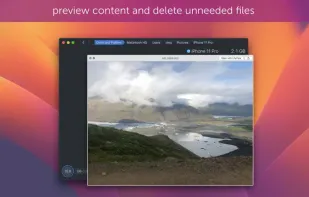
Visually analyzes disk space with an interactive sunburst map, identifies and previews large files, and enables efficient removal to reclaim storage space.
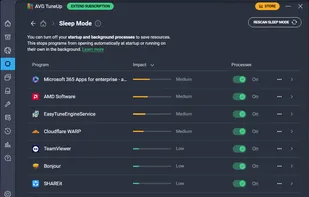
Comprehensive PC optimization suite featuring junk file cleanup, defragmentation, startup management, and over 20 utilities to enhance speed and performance.
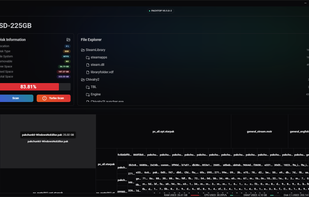
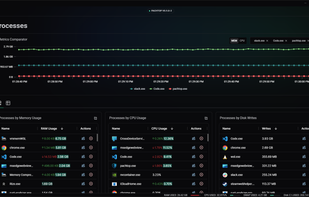
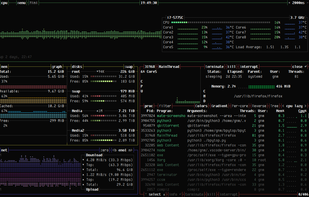
Pachtop is a lightweight, performant, and opensource system monitor that provides real-time monitoring of your system's performance, application monitoring, and detailed system information. Built with Rust and Tauri
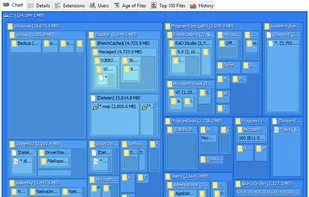
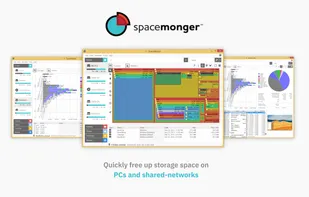
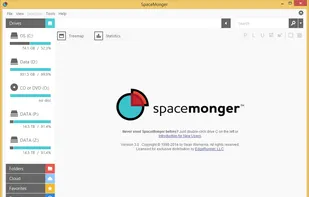
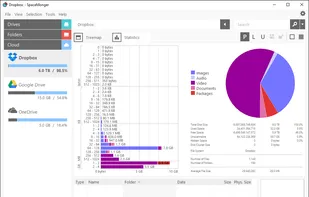
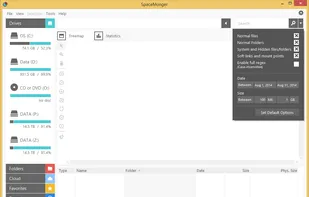
SpaceMonger is a treemapping tool for hard disks and file systems. It scans, maps, and manages PC, network, and cloud storage. It can copy, move, and delete files to free up storage space. It helps locate large files and folders quickly with Treemap visuals and finds files by...
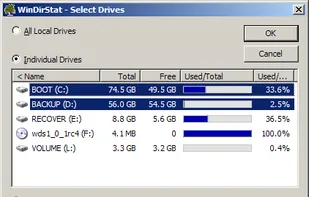
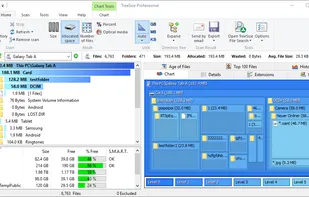
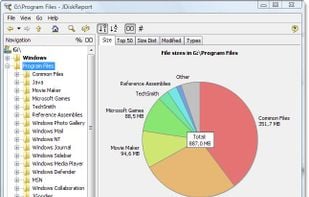
JDiskReport enables you to understand how much space the files and directories consume on your disk drives, and it helps you find obsolete files and folders.
Yamicsoft Windows managers are powerful software tools to tweak, optimize, maintain and tune up Windows XP,Vista, 7 and 8. They include over thirty different utilities to help your system to be stable, fast, secure and personal!


 United States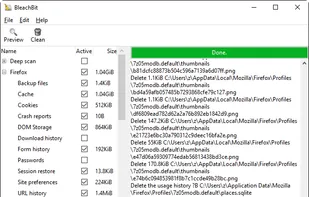


 Germany
 EU
EU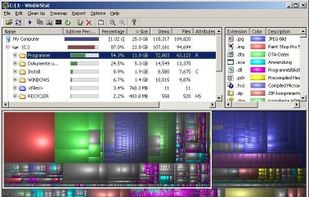


 Australia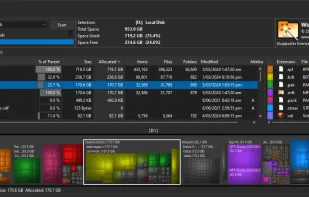


 China
China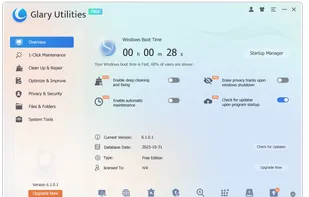








 Italy
Italy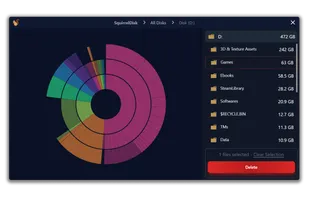








 Netherlands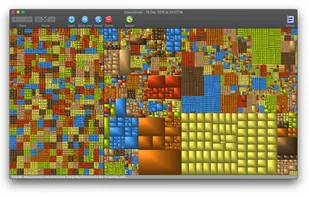








 Ukraine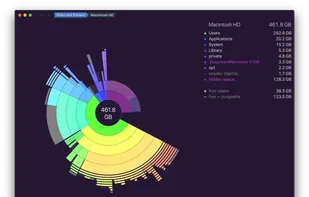




 Czechia


 Philippines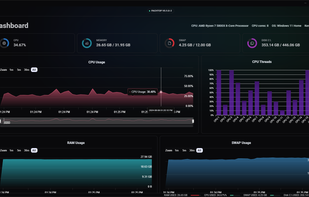










 Spain
Spain