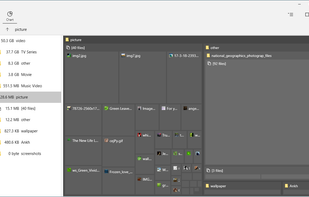
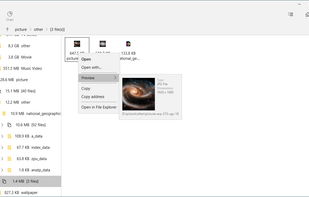
UtilStudio Disk Space Finder is a simple tool that you can use to find the files that occupy the most space on your computer. The application can scan any folder and display the file size, while also enabling you to preview the selected files.
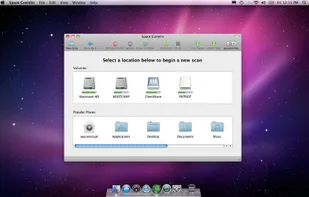
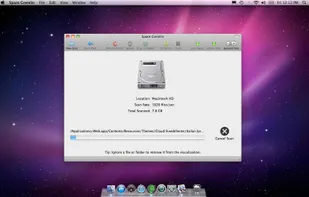
Following a simple scan, Space Gremlin provides you with an easy to navigate and readable view of your file system. You can quickly determine which files or folders are eating up the most space and target them for deletion.
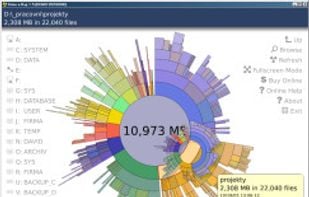
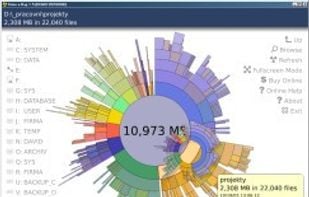
"TDP x-Ray is a visual tool intended for disk space administration. Displaying a clear graph showing the disk occupation, in which it is apparent immediately which files and folders occupy the most space.
DiskView shows you a graphical map of your disk, allowing you to determine where a file is located or, by clicking on a cluster, seeing which file occupies it.
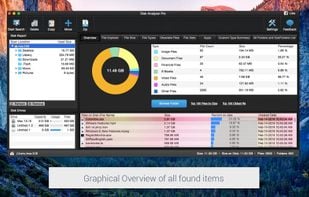
Disk analyzer pro is the best disk space management software and storage analyzer which helps in managing and handling hard disk space and running your PC with the highest speed.
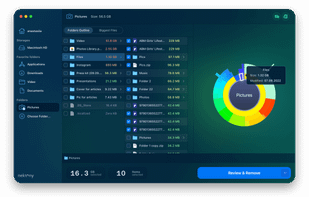
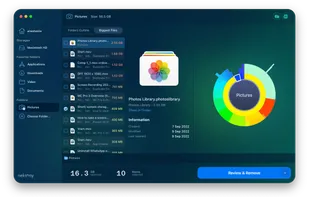
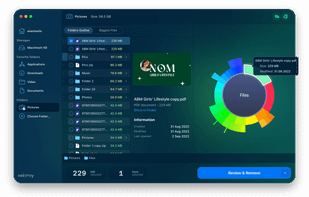
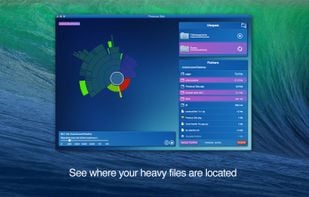
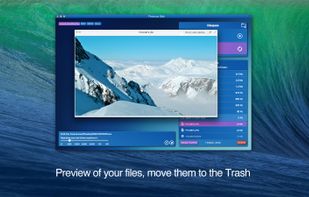
Disk Space Analyzer allows you to easily find and remove the bulkiest content for your Mac or external storage. You can see your Mac disk usage, find folders that take up the most space, and manage hard drive space by moving or removing files.
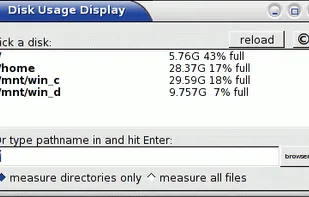
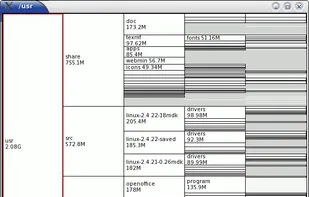
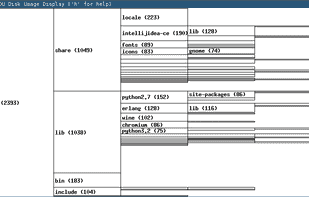
xdiskusage is a user-friendly program to show you what is using up all your disk space. It is based on the design of xhttp://alternativeto.net/software/xdu/ written by Phillip C. Dykstra <dykstra at ieee dot org & gt.
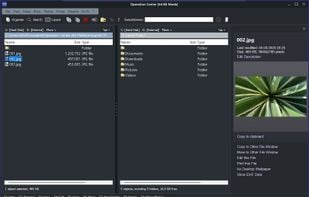
File manager with two file windows, file preview, FTP and ZIP support, an editor, photo management and many wizards. Very fast file operations due to 64 bit architecture.
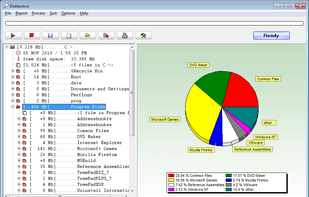
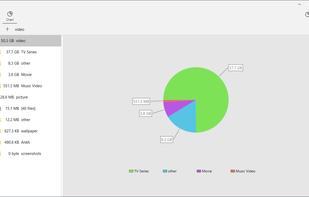
Program to help recover disk space. Gives pie-chart view of disk usage, including unused space, with the ability to drill down into folders. Shows actual or nominal space occupied. Knows about the effects of cluster sizes.
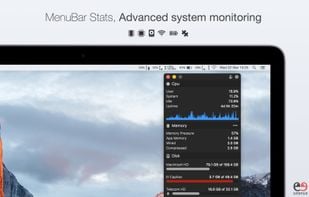
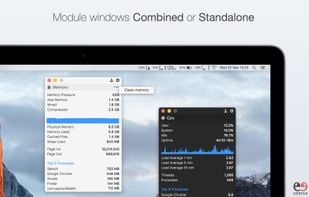
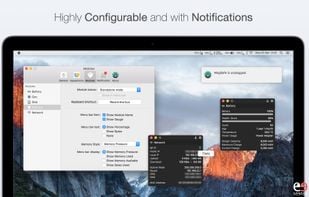
MenuBar Stats 2 has been reinvented. Completely re-written from the ground up. MenuBar Stats 2 is composed of modules (CPU, Disk, Network,...). Each module can be seen in your menu bar. Each module can be combined in 1 window, or in a separated window.
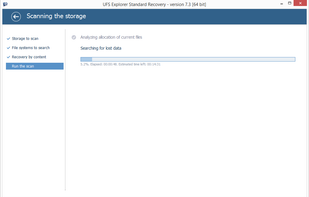
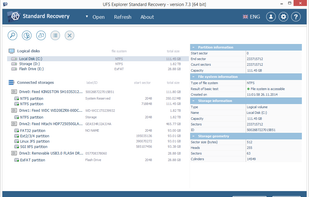
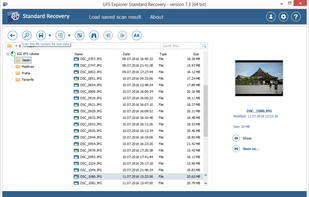
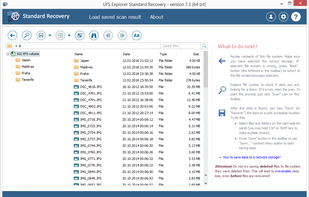
UFS Explorer Standard Recovery is a universal solution for various data loss cases. Advanced software mechanisms allow working effectively with diverse storage systems while an easy-to-use interface makes complicated data recovery a simple procedure.
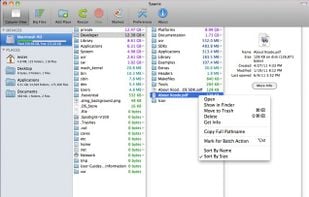
Take back your hard disk space with Spacie. Spacie scans files and folders on your hard disk and display them in column view, with size information shown up-front. It can help you quickly locate large files that are occupying the precious space on your hard disk.
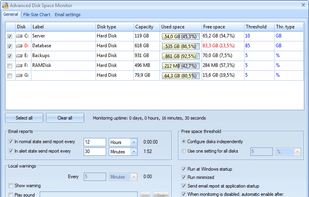
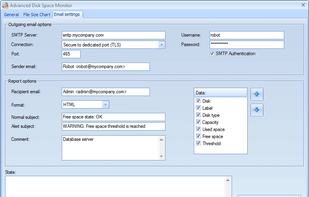
Advanced Disk Space Monitor is a remote monitoring software. The program will allow administrators to monitor disk space usage on a remote server or workstation via email alerts and reports. It can monitor each disk independently, with separate threshold value for each disk.
TDP x-Ray is a visual tool designed for managing disk space. It is designed for easy work with high-capacity data storage containing millions of files.
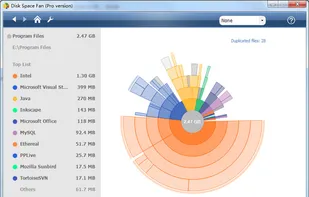
Disk Space Fan Pro is a is not only a duplicate file finder, but also a powerful disk space analysis tool for Windows. It helps you to free up disk space by quickly finding and deleting big, useless files.
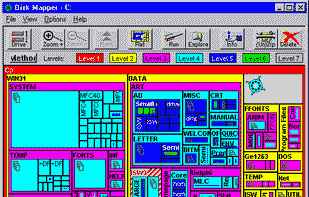
"DiskMapper is a remarkable utility that frees up megabytes and megabytes of hard disk space - quickly and easily by showing you a useful, graphical, color-coded map of your hard disk. DiskMapper lets you quickly delete or compress programs and files you dont need or rarely...


 Slovakia
 EU
EU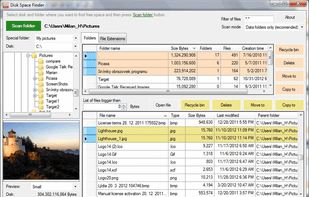
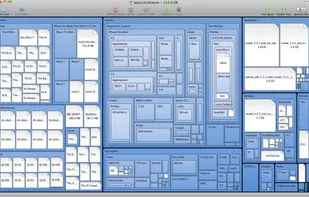
 WinDirStatand








 United States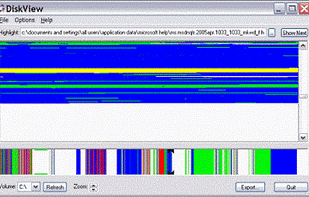





 Ukraine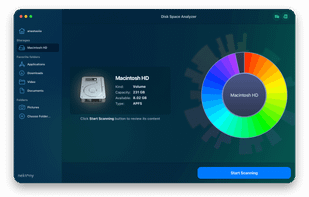




 Germany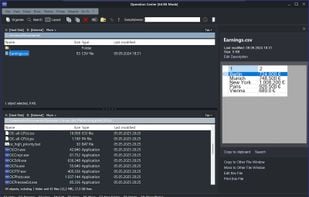








 France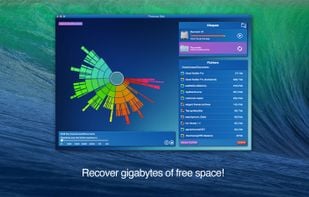









 Russia