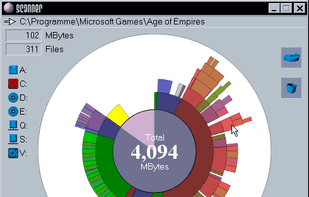
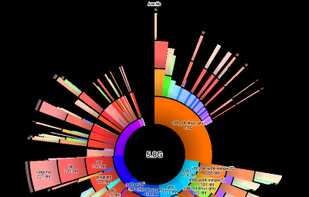
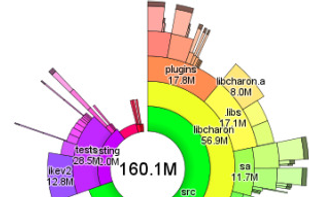
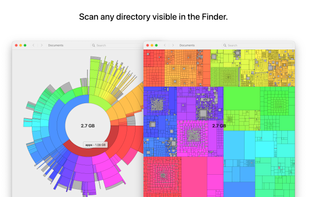
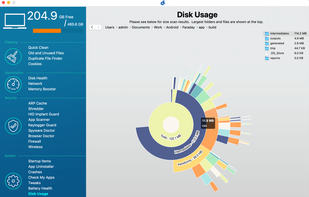
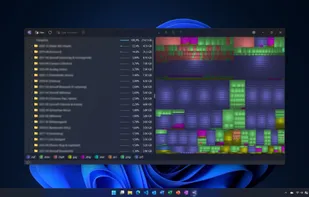
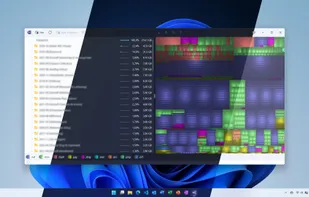
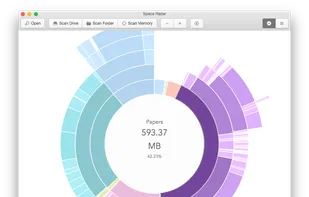
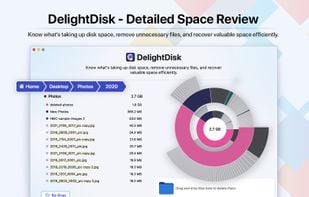
This tool uses a sunburst chart to display the usage of your hard disk or other media. The chart shows all major files and folders from all directory levels at once.
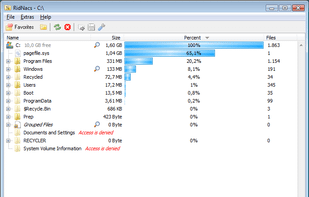
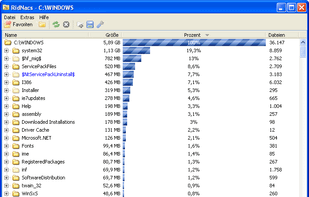
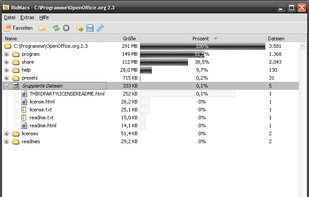
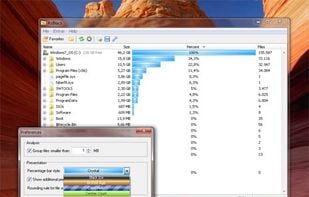
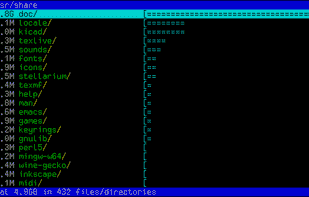
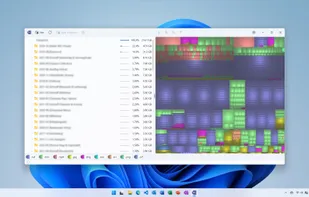
RidNacs is a very fast disk space usage analyzer for Microsoft Windows. It scans your local drives, network drives or single directories and produces a tree view with a percentage bar chart column. This gives the user a quick and easy way to identify the largest directories and...
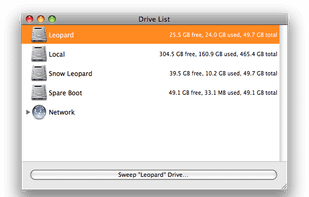
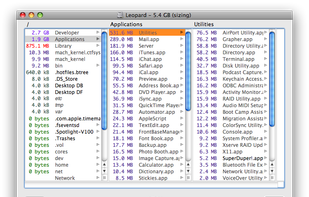
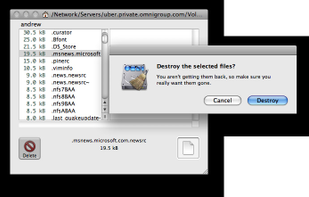
OmniDiskSweeper is a Mac OS X utility for quickly finding and deleting big, useless files and making space on your hard disks. OmniDiskSweeper scans your disks and highlights the biggest files, so you can determine what's using up your disk space.
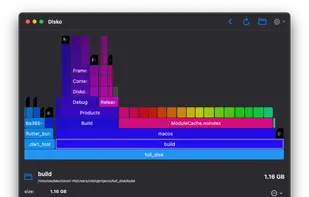
Disko is a small minimalist MacOS application that allows you to see how much disk space individual application are using. It is broadly inspired by the Disk Usage Analyzer application on GNU/Linux.
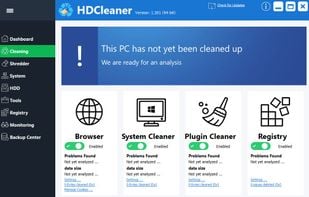
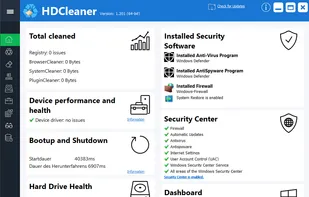
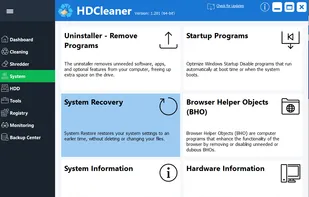
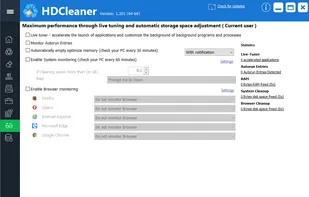
HDCleaner offers a comprehensive toolkit for system maintenance under Windows. Whether you clean the hard disk or the registry, encrypt data, split files, remove traces of use, backup the registry, defragment or search and replace registry keys, values and data with super fast...
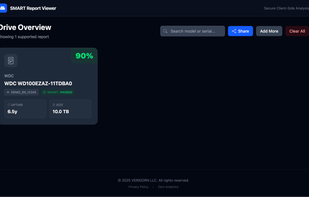
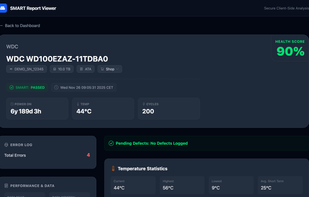
SMART Report Viewer helps visualize the output of smartctl tests, entirely in your browser. Drag and drop txt, log, or zip files (including Unraid diagnostics) to quickly understand the health of your drives.
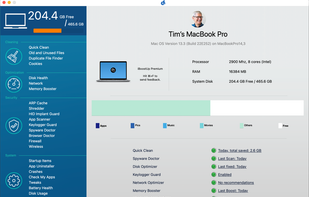
Has your Mac become slow and unresponsive? Has it lost some of the zing it used to have? Are you getting unexpected crashes and error messages? Is your Macbook getting hot and the fan running constantly?
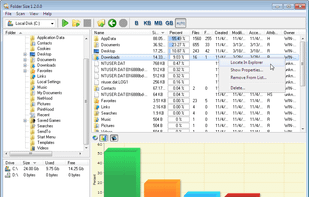
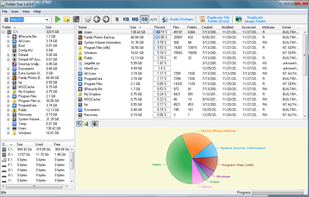
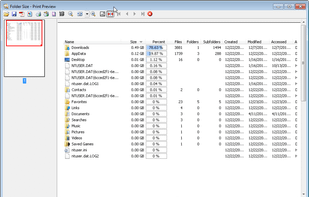
Folder Size analyzes your hard drives and displays file and folder sizes so that you can easily check the distribution of your disk space. The application will display the sizes of the folders and files and also the percentage of the total disk size that they occupy in a bar...
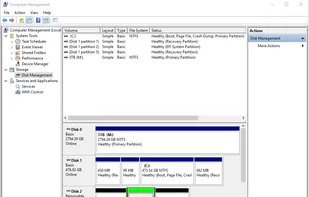
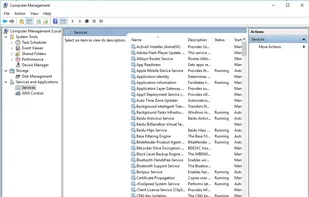
"Windows Computer Management" or just "Computer Management" has various features for Windows like Windows Disk Management, Service control, Device Manager, WMI Control, Performance Monitoring, Event Viewer and...
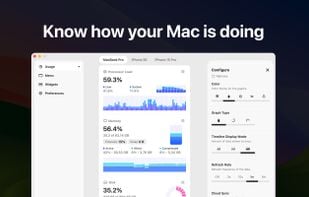
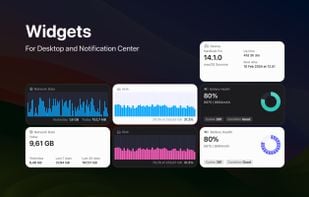
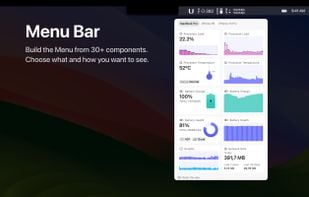
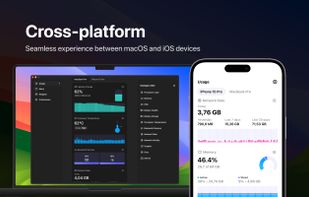
System Activity Monitor for Mac, iPhone, and iPad.
Customizable, precise, and lightweight apps to keep an eye on the activity and performance of your devices.
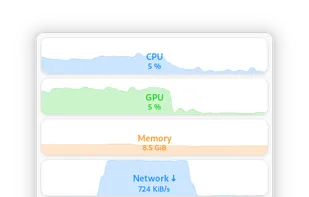
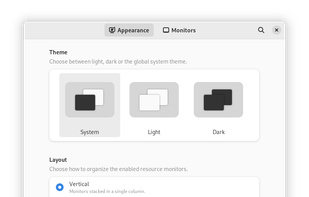
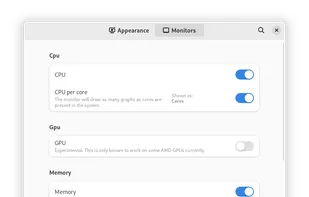
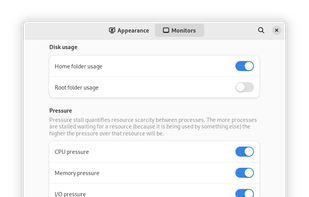
Monitorets is a small utility application offering a simple and quick view at the usage of several of your computer resources. Almost like an applet or a widget for your Linux desktop.
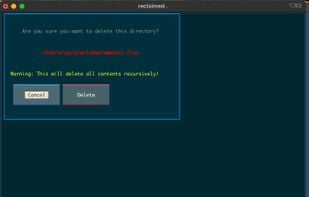
Reclaimed is a cross-platform, ultra-lightweight, and surprisingly powerful command-line tool for analyzing disk usage — with special handling for iCloud storage on macOS.
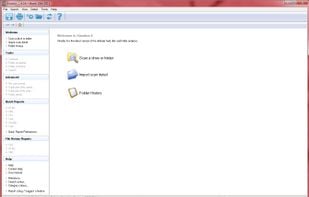
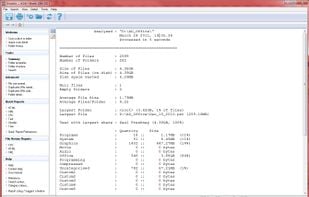
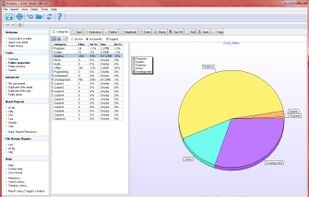
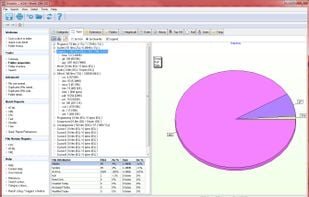
Xinorbis is a completely FREE, powerful Windows-based data storage analyser for single users or network administrators. Provides an instant visual display of the contents of a hard disk, single or multiple directories. Output reports to XML, CSV, HTML or plain ASCII.
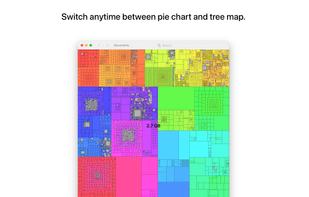
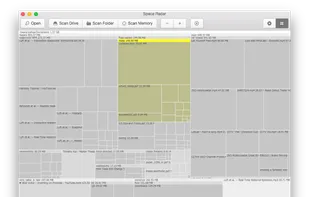
Space Radar is a disk and memory space visualization app built with Electron and D3.js. It currently supports Sunburst, Treemap, and Flamegraph charts and is available for Mac and Windows.
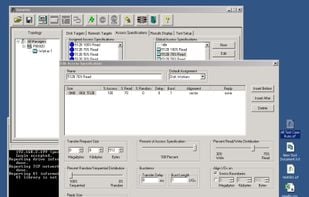
As the Iometer Users Guide says, Iometer is an I/O subsystem measurement and characterization tool for single and clustered systems. It was originally developed by the Intel Corporation and announced at the Intel Developers Forum (IDF) on February 17, 1998 - since then it got...


 Germany
 EU
EU
 WinDirStatand


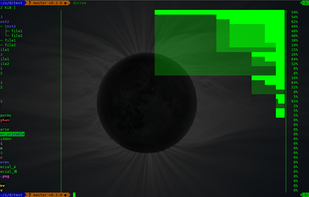




 Baobab Disk Usage Analyzer












 GPartedand















 United States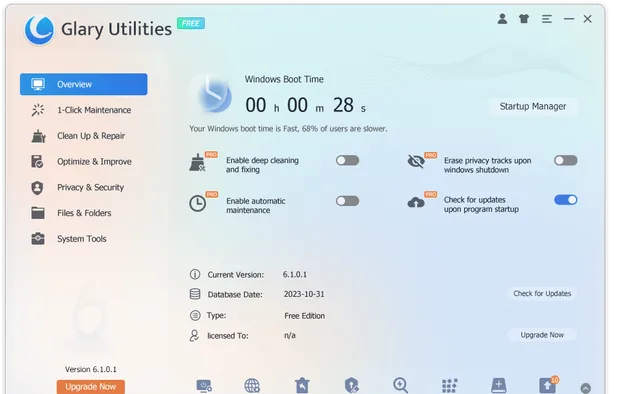


 United Kingdom


