

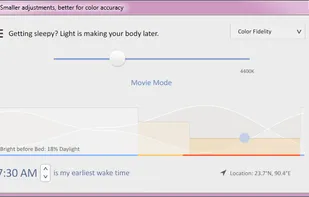
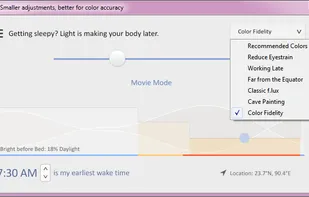
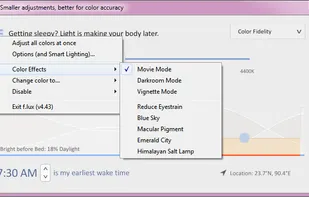
Software that makes the color of your computer's display adapt to the time of day, warm at night and like sunlight during the day.
Cost / License
- Free
- Proprietary
Application types
 United States
Platforms
- Mac
- Windows
- Linux
+5
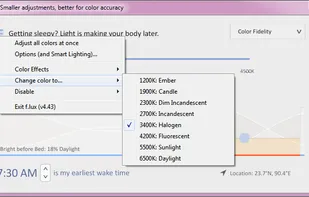


Software that makes the color of your computer's display adapt to the time of day, warm at night and like sunlight during the day.
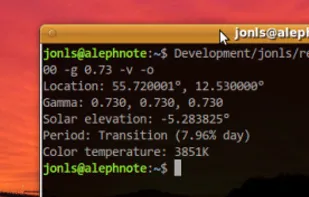
Redshift adjusts the color temperature according to the position of the sun. A different color temperature is set during night and daytime.
Twinkle Tray enables brightness control on external displays in Windows 10 & 11. Even th Windows is capable of adjusting the backlight on most monitors, it doesn't support external monitors natively.
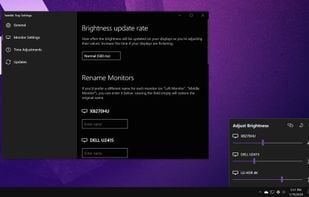
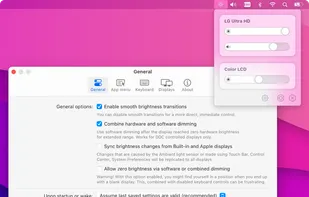
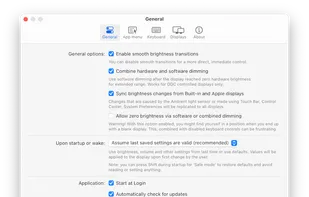
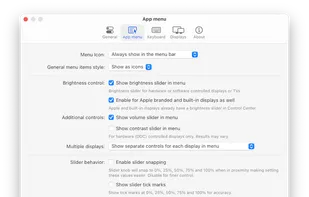
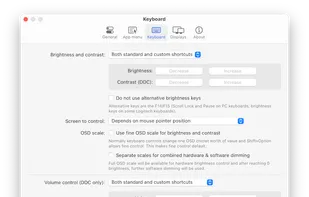
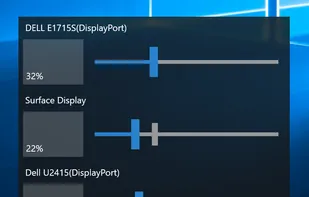
Monitorian is a Windows desktop tool to adjust the brightness of multiple monitors with ease.

NirCmd is a small utility that allows you to do many useful tasks from command-line, without displaying any user interface: change your display settings, turn off your monitor, open the door of your CD-ROM drive, and more...
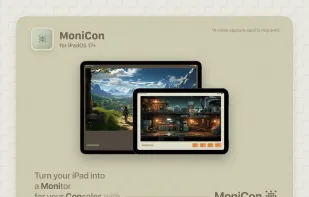
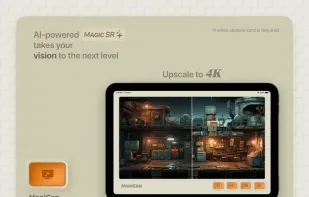
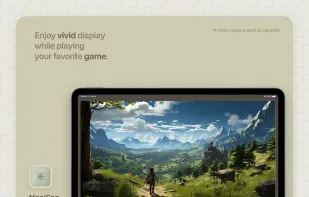
A small, fun app that helps you use your iPad as an external HDMI display for any camera, video game console, or even VHS.
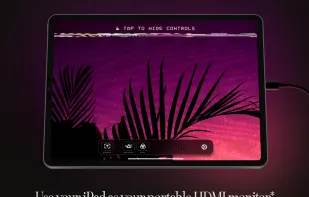
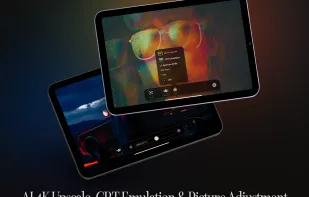
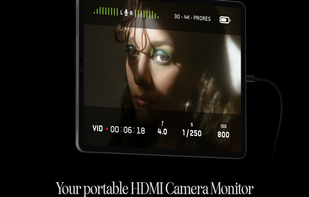
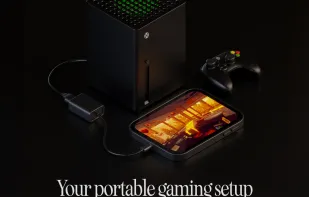

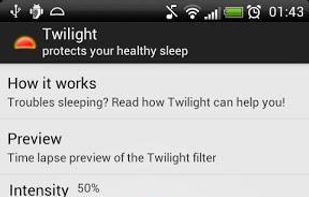
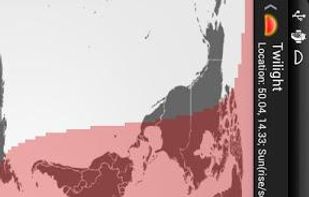
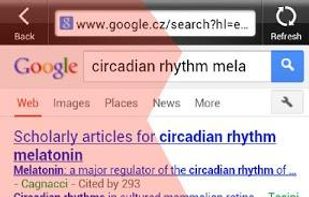
The app filters the blue spectrum on your phone or tablet after sunset and protects your eyes with a red filter. The filter intensity is smoothly adjusted to the sun cycle based on your local sunset and sunrise times.

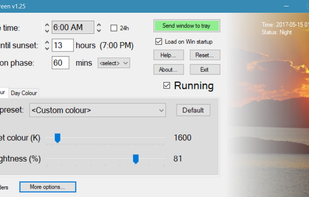
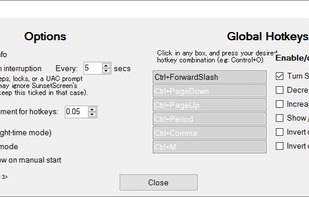
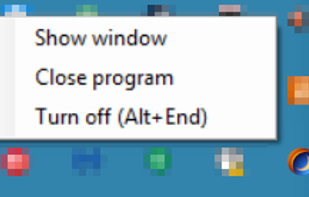
Whether you're a morning lark or night owl, SunsetScreen allows you to set the time of the sunset and sunrise, so you can have full control over your sleep cycle.
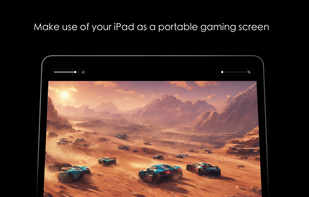
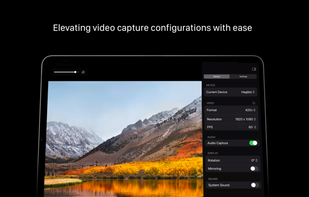
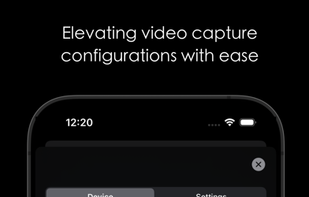
CamX - USB Camera is a multifunctional iOS app that converts your device into a portable video capture tool, capable of recording from various sources, and can also serve as a gaming console display or secondary screen.
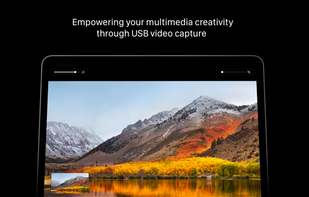
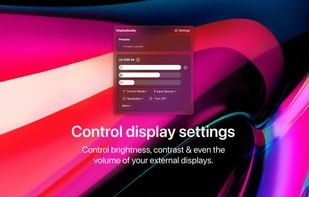
DisplayBuddy lets you control external displays connected to your Mac right from your menu bar! No need to touch your clunky monitor buttons!
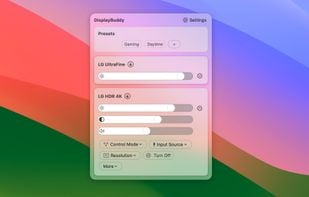
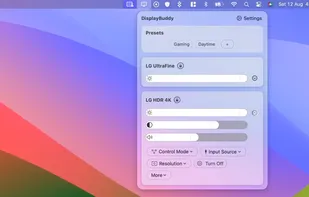
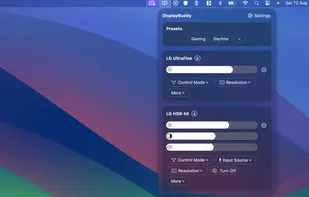

DDCcontrol is software for controlling monitor parameters such as brightness, contrast, and RGB color levels. It includes a command-line tool and a GUI tool.
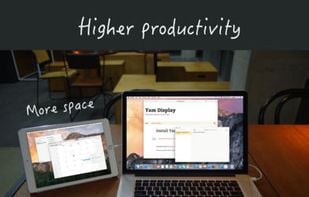
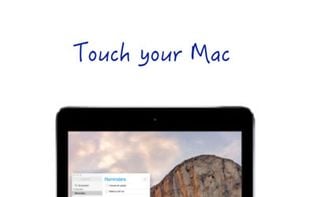
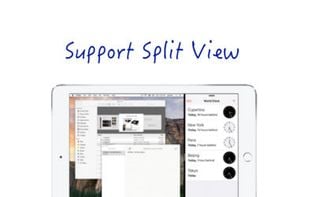
Yam Display turns your iPad/iPhone into an external monitor for your Mac. Wired by USB, browse documents or watch videos without delay. Touch your Mac and pinch to zoom on beautiful retina display. For multitasking enabled iPads, you can utilize every single pixel of your screen...
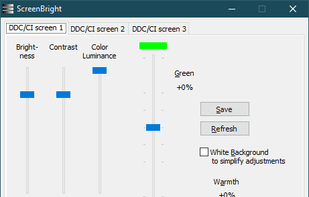
ScreenBright is a well designed software program for Microsoft Windows devices to change the display brightness, contrast, and color luminance. It is portable and lightweight, and does not need to be running all the time.

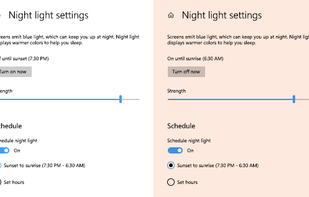
To schedule Night Light so it turns on automatically, select Start > Settings > System > Display > Night light > Night light settings.

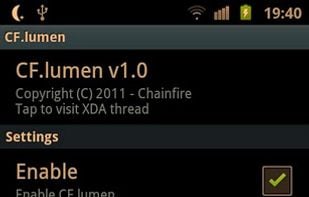
CF.lumen - don't let your phone blind you! CF.lumen changes the colors of your Android device's display based on the position of the sun. With the default settings, your display will get a warmer tint (lower color temperature) when the sun is down, to look more like indoo.
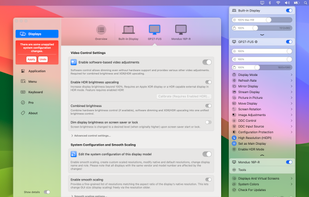
Unlock your displays on your Mac! Smooth scaling, HiDPI unlock, XDR/HDR extra brightness upscale, DDC, brightness and dimming, virtual screens, PIP and lots more!.

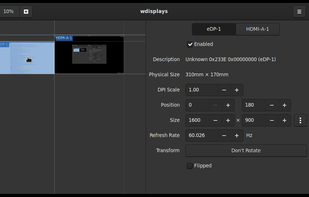
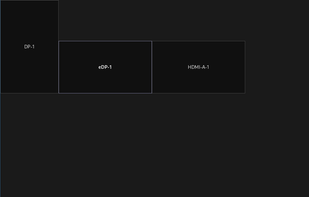
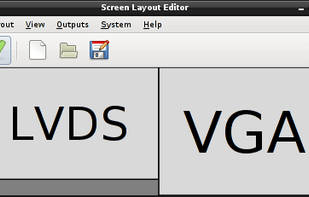
ARandR is designed to provide a simple visual front end for XRandR. Relative monitor positions are shown graphically and can be changed in a drag-and-drop way.
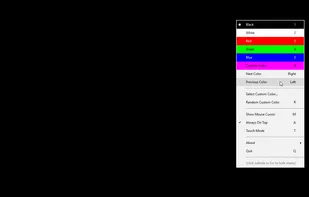
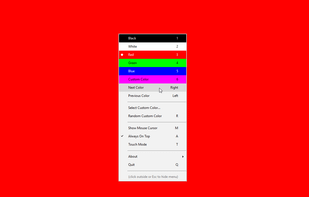
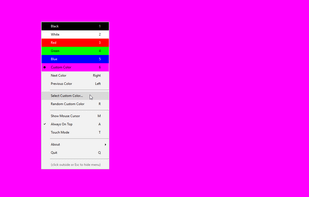
Easily check your PC, laptop, tablet, smartphone, connected screen or TV for dead pixels, scratches or defects. Test in the store, before buying, or during the warranty period, and get a replacement. Tiny, free and open source, no ads or permissions.


 Denmark
 EU
EU


 Japan
Japan
 Israel


 United Kingdom

 Poland

 Romania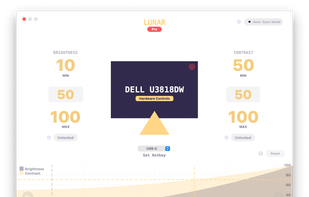


 Germany


 Netherlands
 Finland

