


Twinkle Tray enables brightness control on external displays in Windows 10 & 11. Even th Windows is capable of adjusting the backlight on most monitors, it doesn't support external monitors natively.
 United States


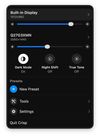
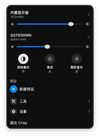
Apps similar to BetterDisplay include Twinkle Tray, which is free and open source. Other options are Solace, MonitorControl, Crisp - Monitor Control and Monitorian. There's no shortage of Screen Dimmers like BetterDisplay, with more than 25 alternatives for Mac, Windows and Linux.
Twinkle Tray enables brightness control on external displays in Windows 10 & 11. Even th Windows is capable of adjusting the backlight on most monitors, it doesn't support external monitors natively.
United States
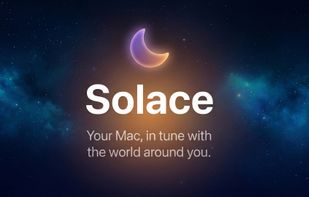
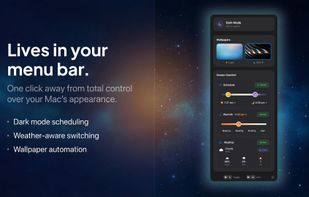
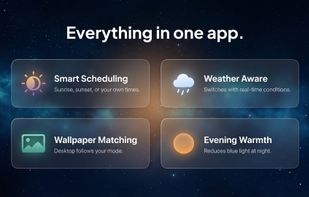
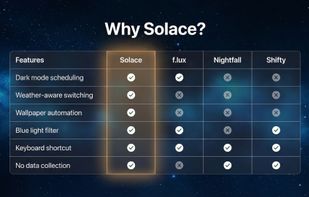
Automatically changes Mac appearance using real-time weather, sunlight, and time data for light and dark modes, dynamic wallpapers, and color temperature, with on-device privacy, menu bar access, no subscriptions, and no analytics for seamless daily comfort.
 United Kingdom


🖥 Control your external monitor brightness & volume on your Mac.
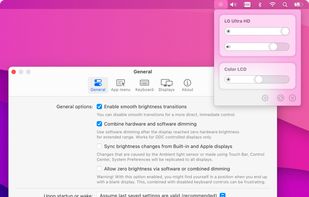
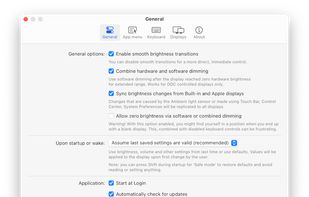
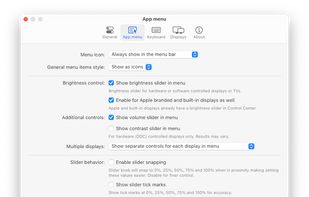
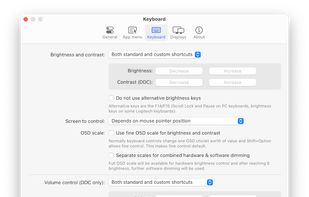


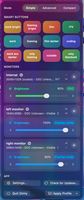
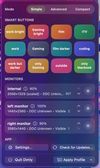
Open-source macOS menu bar app enabling HiDPI scaling on external monitors, DDC brightness with software dimming, icon-based display presets, virtual displays, drag-to-arrange multi-monitor layouts, ICC profile switching, auto-brightness sync, and quick access toggles for display modes.
 Norway


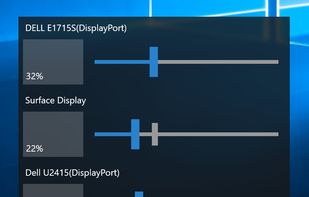
Monitorian is a Windows desktop tool to adjust the brightness of multiple monitors with ease.
 Japan

Open-source macOS menu utility for unified brightness, blackout, and sleep control of external monitors, using hybrid DDC/CI and software overlays, per-display settings, custom profiles, hotkeys, panic shortcut, privacy by design, and secure signed builds.
 Ireland
 EU

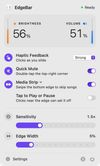
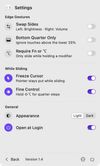
macOS menu bar utility mapping right-edge slides to volume and left-edge slides to display brightness, using the standard on-screen indicators and haptic ticks. Bottom-edge gestures handle track skipping and playback, while corner actions can run shortcuts.
 India


 PortugalEU


DDCcontrol is software for controlling monitor parameters such as brightness, contrast, and RGB color levels. It includes a command-line tool and a GUI tool.


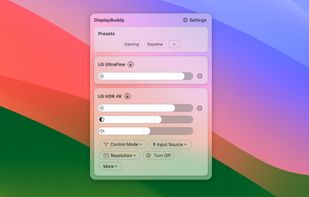
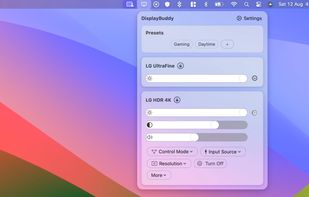
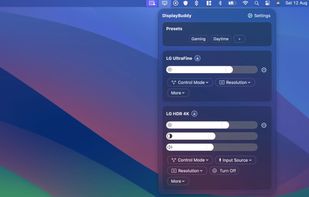
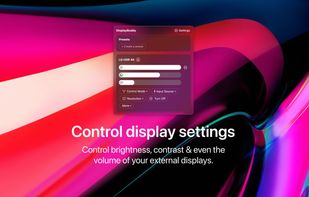
DisplayBuddy lets you control external displays connected to your Mac right from your menu bar! No need to touch your clunky monitor buttons!


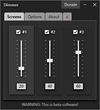
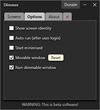
Screen dimming software that allows you to control the brightness of your screens as well as external monitors.
United States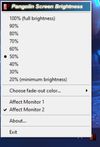


 Romania


