BetterDisplay Alternatives
Apps similar to BetterDisplay include Twinkle Tray, which is free and open source. Other options are Solace, MonitorControl, Monitorian and Crisp - Monitor Control. There's no shortage of Screen Dimmers like BetterDisplay, with more than 25 alternatives for Mac, Windows and Linux.
Alternatives list
XDR brightness boost app for Mac — push your display to 1600 nits using native EDR overlay, with color accuracy preserved and better battery efficiency.
Cost / License
- Paid
- Proprietary
Platforms
- Mac

 +1
+1


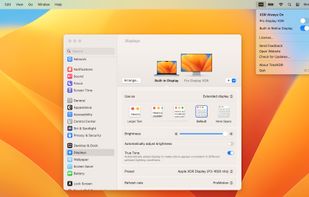
TotalXDR is a macOS menubar app that removes the brightness limit of your MacBook Pro display and keeps XDR/HDR brightness always on.
Cost / License
- Paid
- Proprietary
Platforms
- Mac


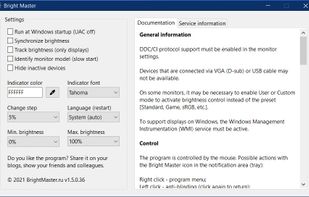
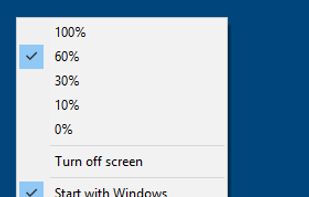
The program is designed to adjust the brightness of monitors, laptop displays and other equipment. Runs on Windows 7+ and does not require installation. Works with all external monitors that have DDC/CI support, as well as with built-in displays of laptops, all-in-ones and...
Cost / License
- Free
- Proprietary
Application type
Platforms
- Windows

 37 Vivid alternatives
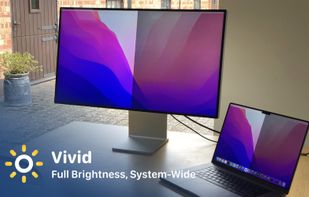
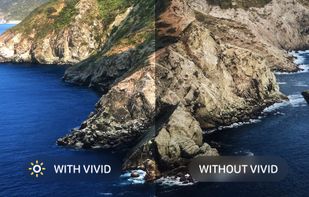
Vivid is a software that enables users to amplify the brightness of their MacBook Pro and Pro Display XDR, system-wide, utilizing standard Apple APIs.
Cost / License
- Paid
- Proprietary
Platforms
- Mac


Cost / License
- Paid
- Proprietary
Application type
Platforms
- Mac
 Romania
 EU
EU
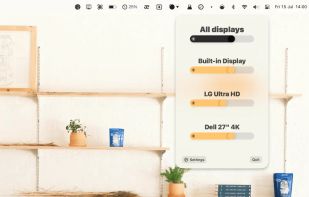


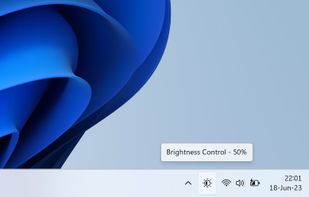
The app lets you control the brightness of all your screens (both laptop and desktop) by a single click on a tray icon. Its look goes nicely with the system icons and it supports both light and dark mode.
Cost / License
- Free
- Open Source (MIT)
Platforms
- Windows
 Czechia
- EU


Cost / License
- Free
- Proprietary
Application type
Platforms
- Mac

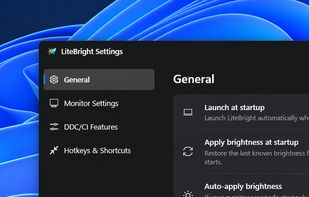
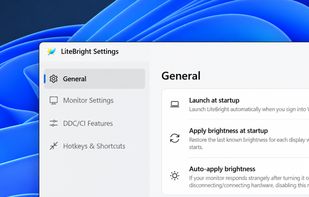
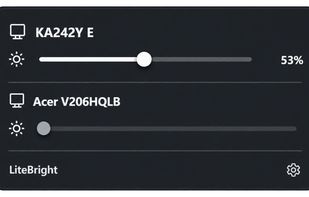
LiteBright is a lightweight native brightness controller for Windows 10 and 11. It lets you control brightness across multiple monitors from the system tray, adjust displays independently or together, and use global keyboard shortcuts for quick changes.
Cost / License
- Free
- Open Source (MIT)
Platforms
- Windows

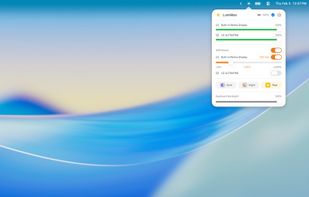
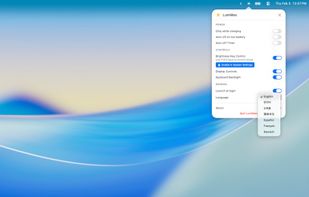
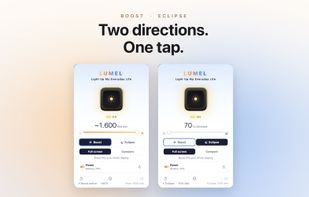
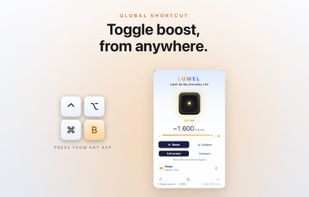
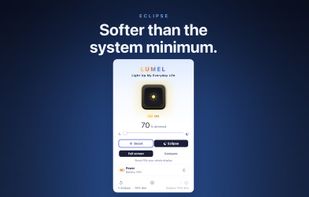
LUMEL is a two-way Mac brightness app: boost a supported XDR display past the macOS cap toward ~1600 nits for sunlight, or dim below the system minimum for dark rooms — all from the menu bar. Public EDR rendering, sandboxed, no data collected. Free tier never expires; $2.99 one-time Pro.
Cost / License
- Freemium
- Proprietary
Application type
Platforms
- Mac
 Germany
- EU
 +7
+7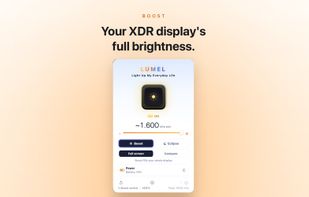

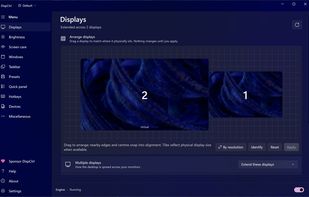
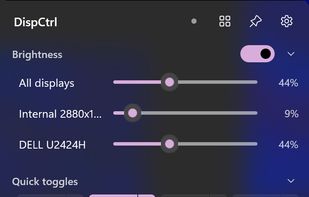
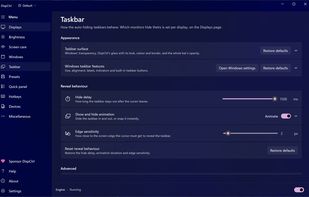
Free, open-source display control for Windows 11: one brightness slider for every monitor (DDC/CI and laptop panels), night light, focus mode, keep awake, per-monitor taskbar hiding and glass, OLED care, your monitor's own settings, hotkeys and a CLI.
Cost / License
- Free
- Open Source (MIT)
Platforms
- Windows
 India
India