


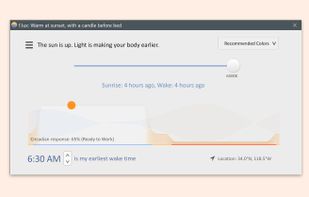
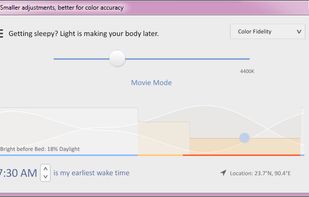
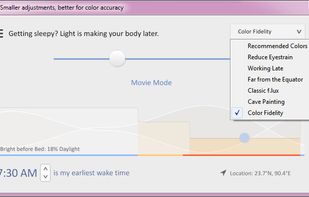
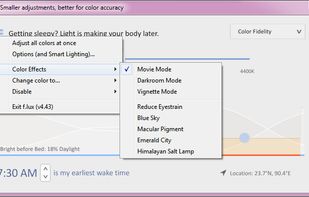
Software that makes the color of your computer's display adapt to the time of day, warm at night and like sunlight during the day.
Cost / License
- Free
- Proprietary
Application typeApplication types
Platforms
- Mac
- Windows
 United States



+6


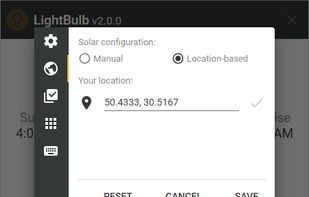
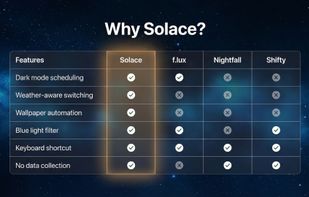
Redshift has been discontinued. Similar apps include f.lux, which is free. Other options are LightBulb, Solace, Red Moon and RedshiftGUI. Color Temperature Tools like Redshift are a crowded field, with more than 50 alternatives for Windows, Mac, Linux, Android and iPhone.
Software that makes the color of your computer's display adapt to the time of day, warm at night and like sunlight during the day.
United States
Background application that adjusts screen gamma, making the colors appear warmer at night, reducing strain on your eyes.
 Ukraine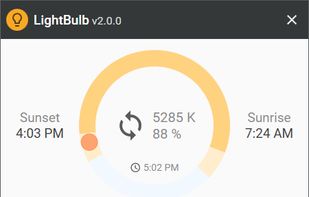

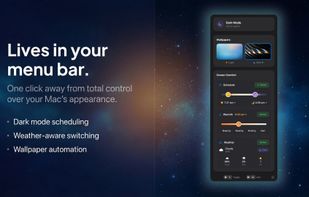
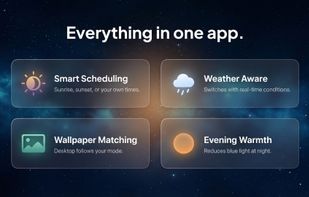
Automatically changes Mac appearance using real-time weather, sunlight, and time data for light and dark modes, dynamic wallpapers, and color temperature, with on-device privacy, menu bar access, no subscriptions, and no analytics for seamless daily comfort.
 United Kingdom


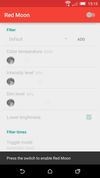
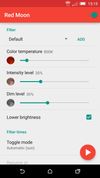
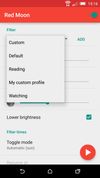
The app is free on F-Droid and on GitHub but you can buy it on the Google Play Store to support the developer.


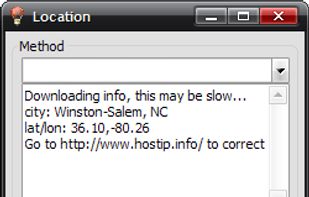
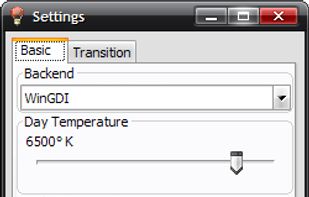
RedshiftGUI changes the color temperature of your monitor to better match that of your surrounding. This means that it sets a cooler color temperature during the daytime (due to natural lighting) and sets a warmer temperature at night (due to indoor lighting). Similar to f.
 China
China


Reduces blue light and flicker for eye comfort, supports auto color temperature adjustment based on time, customizable modes, overlays, color and font options, docking station support, and accessible part-screen filtering for diverse needs.
 Bulgaria
 EU
EU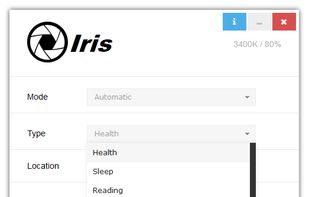


Midnight Lizard web-extension for Google Chrome™ and Mozilla Firefox™ provides custom color schemes for all websites.
 Russia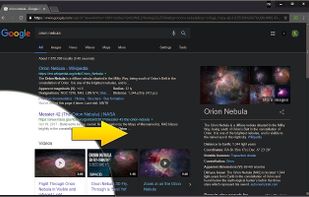
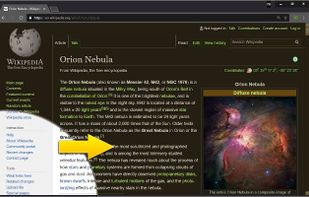
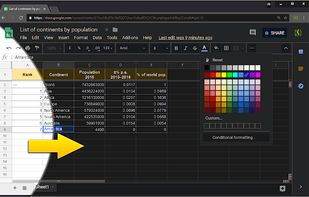
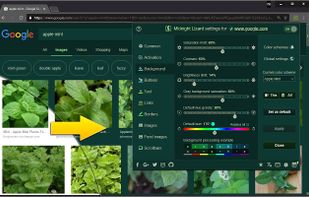


It makes the color of your computer's display adapt to the time of day, warm at night and like sunlight during the day.
 Brazil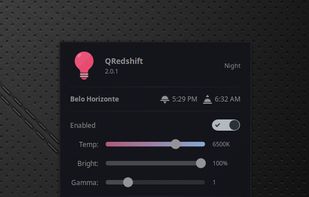


Enjoy free cross-platform blue light reduction and PWM flicker-free brightness control with Iris mini. Minimalistic design, portable, and automatic for no-hassle, eyestrain-relief across all devices. Simply double-click to activate, perfect for every lighting condition.
BulgariaEU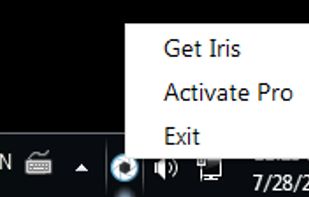
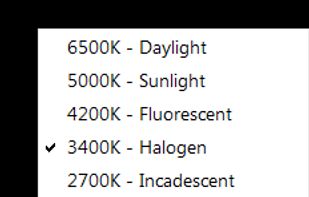


Redshift Tray is a no-frills GUI for the screen temperature adjustment tool Redshift.
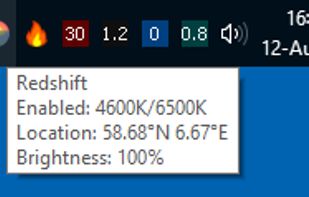
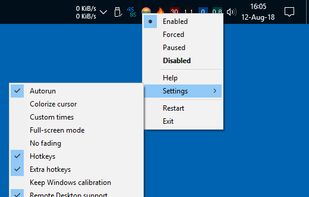

Adjust the color temperature of your screen according to your surroundings. This may help your eyes hurt less if you are working in front of the screen at night.


 Denmark