


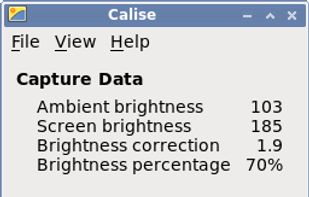
A Python program that calculates ambient brightness and sets screen's correct backlight using a camera.
Cost / License
- Free
- Open Source (GPL-3.0)
Application type
Platforms
- Linux


Redshift has been discontinued. Similar apps include f.lux, which is free. Other options are LightBulb, Solace, Red Moon and RedshiftGUI. Color Temperature Tools like Redshift are a crowded field, with more than 50 alternatives for Windows, Mac, Linux, Android and iPhone.
A Python program that calculates ambient brightness and sets screen's correct backlight using a camera.

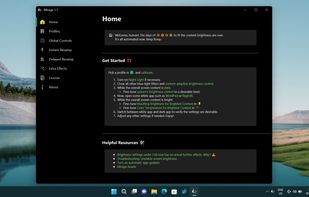
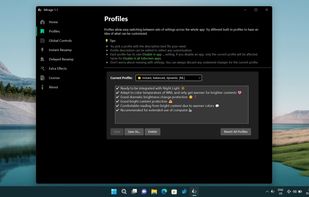
World's first instantaneous content-aware brightness control app that let your screen’s brightness and color temperature adapt instantly and automatically to provide the most optimal viewing experience for your eyes.
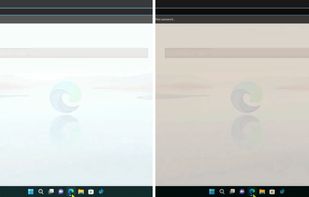


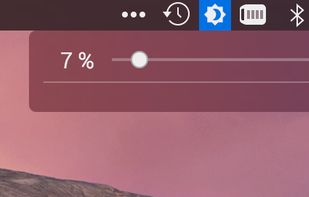


Synchronize your external monitor brightness with built-in display. Application reads current brightness of your built-in display and passes it to external monitors via DDC interface. You can adjust brightness by menu in system status bar.


NightTone makes your screen more comfortable, enjoyable and healthier by shifting the colors of your display to a warmer, eye-friendly palette. It makes you sleep and feel better.
 Romania
 EU
EU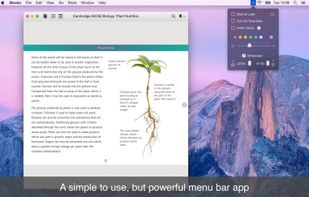


Form 1 Hour Software by skrommel, it can dim the screen by applying a transparent gray layer on top of your opened applications
 United States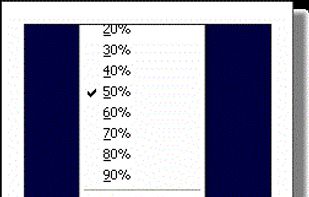


Lumen - magic auto brightness based on screen contents. You control Lumen simply by using your brightness keys - it'll automatically learn your preferences.
United States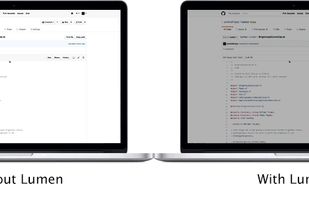


Nocturne is simple app for switching a computer to night vision mode. It has a few tricks up its sleeve: color correction, window shadow toggling, and background removal.
United States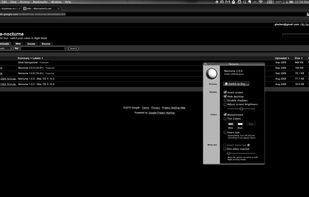


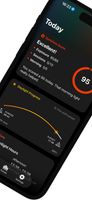
SunshinePal is your daily sunlight companion designed to help you track your exposure, set healthy goals, and reconnect with nature for better sleep and mood.
 Thailand


Shady puts a shade over your screen to help soothe your tired or dazzled eyes. You can use it to reduce your Mac's brightness far below the usual minimum, without any risk of damage to your screen.
 United Kingdom


