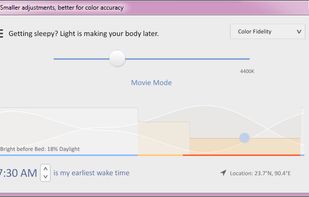
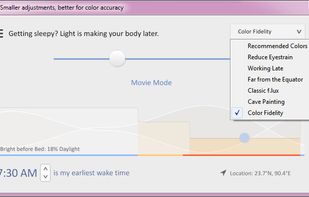
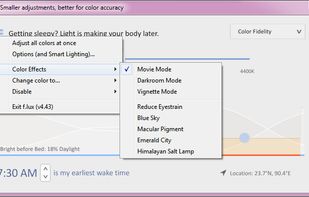
Software that makes the color of your computer's display adapt to the time of day, warm at night and like sunlight during the day.
Cost / License
- Free
- Proprietary
Application typeApplication types
Platforms
- Mac
- Windows
 United States



+6


Software that makes the color of your computer's display adapt to the time of day, warm at night and like sunlight during the day.
United States
Redshift adjusts the color temperature according to the position of the sun. A different color temperature is set during night and daytime.
 Denmark
 EU
EU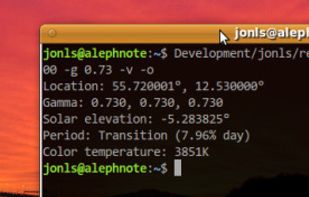


Background application that adjusts screen gamma, making the colors appear warmer at night, reducing strain on your eyes.
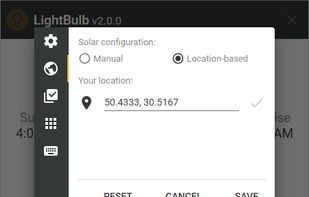
 Ukraine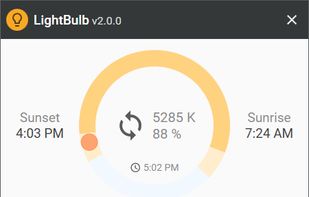

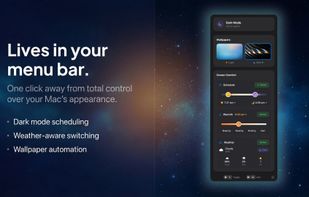
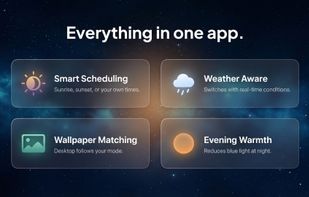
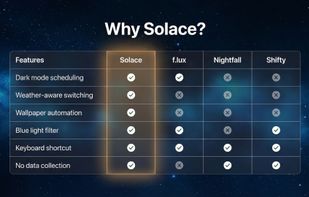
Automatically changes Mac appearance using real-time weather, sunlight, and time data for light and dark modes, dynamic wallpapers, and color temperature, with on-device privacy, menu bar access, no subscriptions, and no analytics for seamless daily comfort.
 United Kingdom


The app is free on F-Droid and on GitHub but you can buy it on the Google Play Store to support the developer.
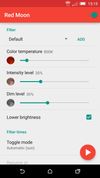
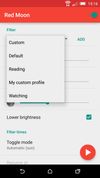


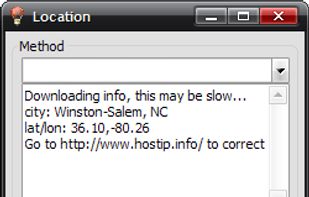
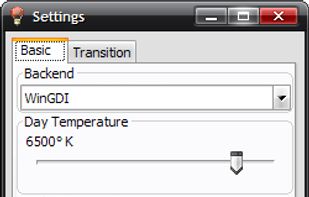
RedshiftGUI changes the color temperature of your monitor to better match that of your surrounding. This means that it sets a cooler color temperature during the daytime (due to natural lighting) and sets a warmer temperature at night (due to indoor lighting). Similar to f.
 China
China


Reduces blue light and flicker for eye comfort, supports auto color temperature adjustment based on time, customizable modes, overlays, color and font options, docking station support, and accessible part-screen filtering for diverse needs.
 BulgariaEU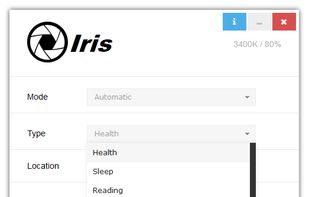


Adjust the color temperature of your screen according to your surroundings. This may help your eyes hurt less if you are working in front of the screen at night.

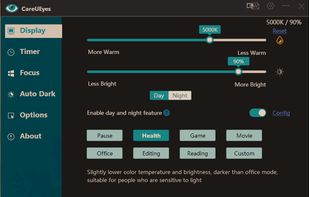
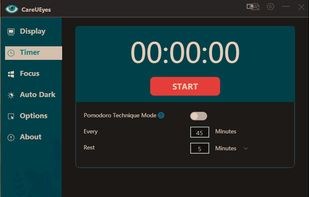
CareUEyes is a very simple but useful program when it is about your eye care. The program comes with a very simple and clean interface and needs to technical knowledge. Even a novice computer user can download and use it easily.


Enjoy free cross-platform blue light reduction and PWM flicker-free brightness control with Iris mini. Minimalistic design, portable, and automatic for no-hassle, eyestrain-relief across all devices. Simply double-click to activate, perfect for every lighting condition.
BulgariaEU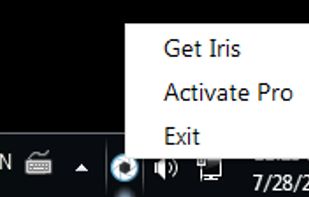
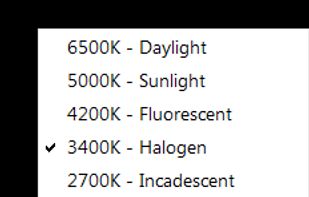


CF.lumen - don't let your phone blind you! CF.lumen changes the colors of your Android device's display based on the position of the sun. With the default settings, your display will get a warmer tint (lower color temperature) when the sun is down, to look more like indoo.
 NetherlandsEU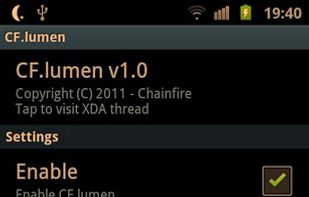


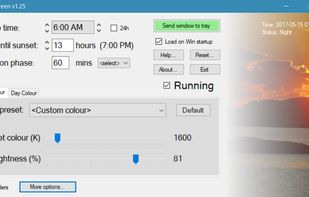
Whether you're a morning lark or night owl, SunsetScreen allows you to set the time of the sunset and sunrise, so you can have full control over your sleep cycle.
United Kingdom